
How to add classes?
Classes are meant to be used when you have to book more than one client for a session. To add a class to your account:
- Go to service setup.

- Select Classes.

- Once you select classes. You will see a screen that says no class.

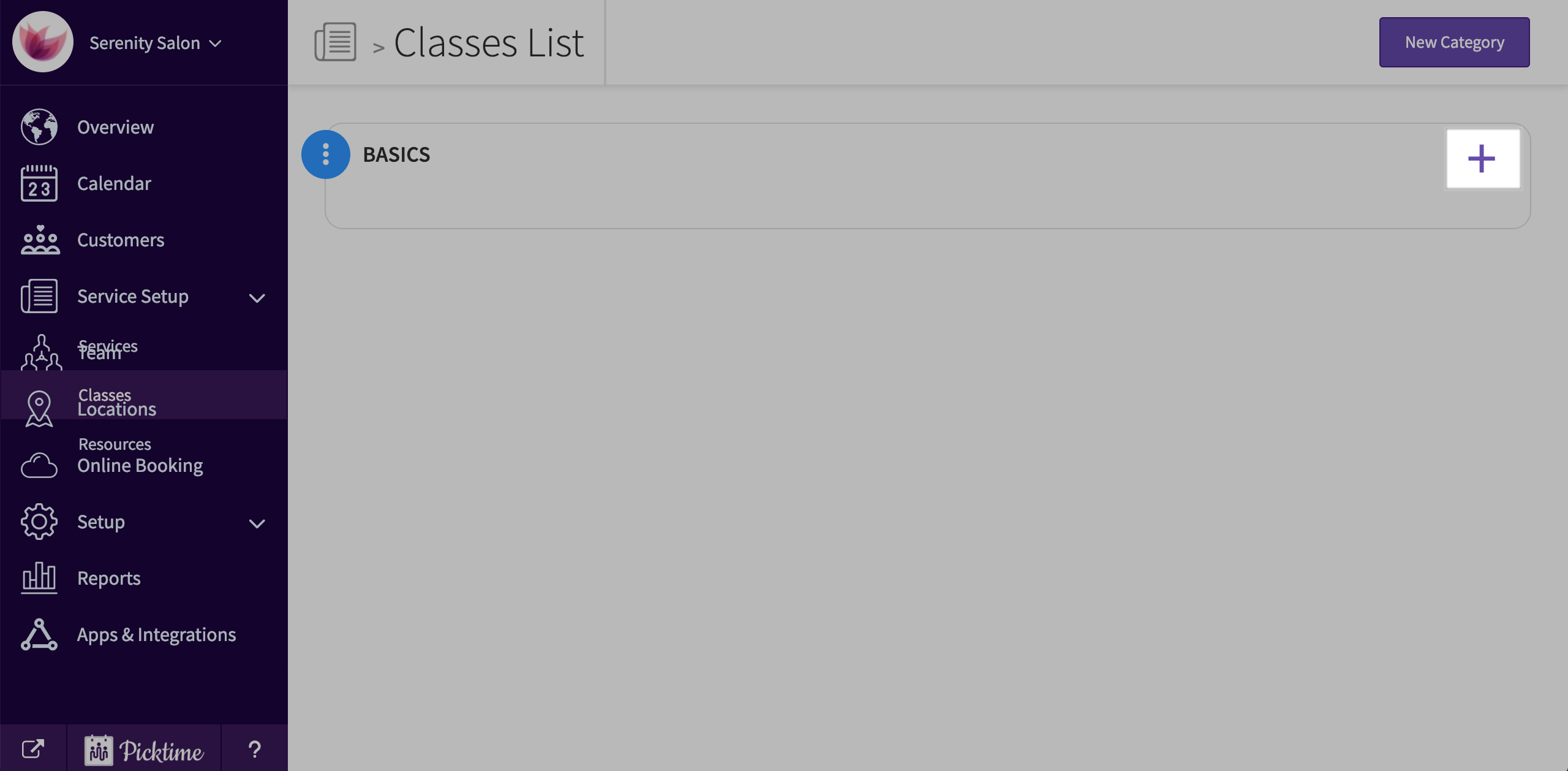
- Click on the ‘New Category’ button and add a category (for eg: If you teach music, you can name your categories as Beginner, Advanced etc.). Choose a color and save.

- You will see a category created. Then click on ‘new class’.
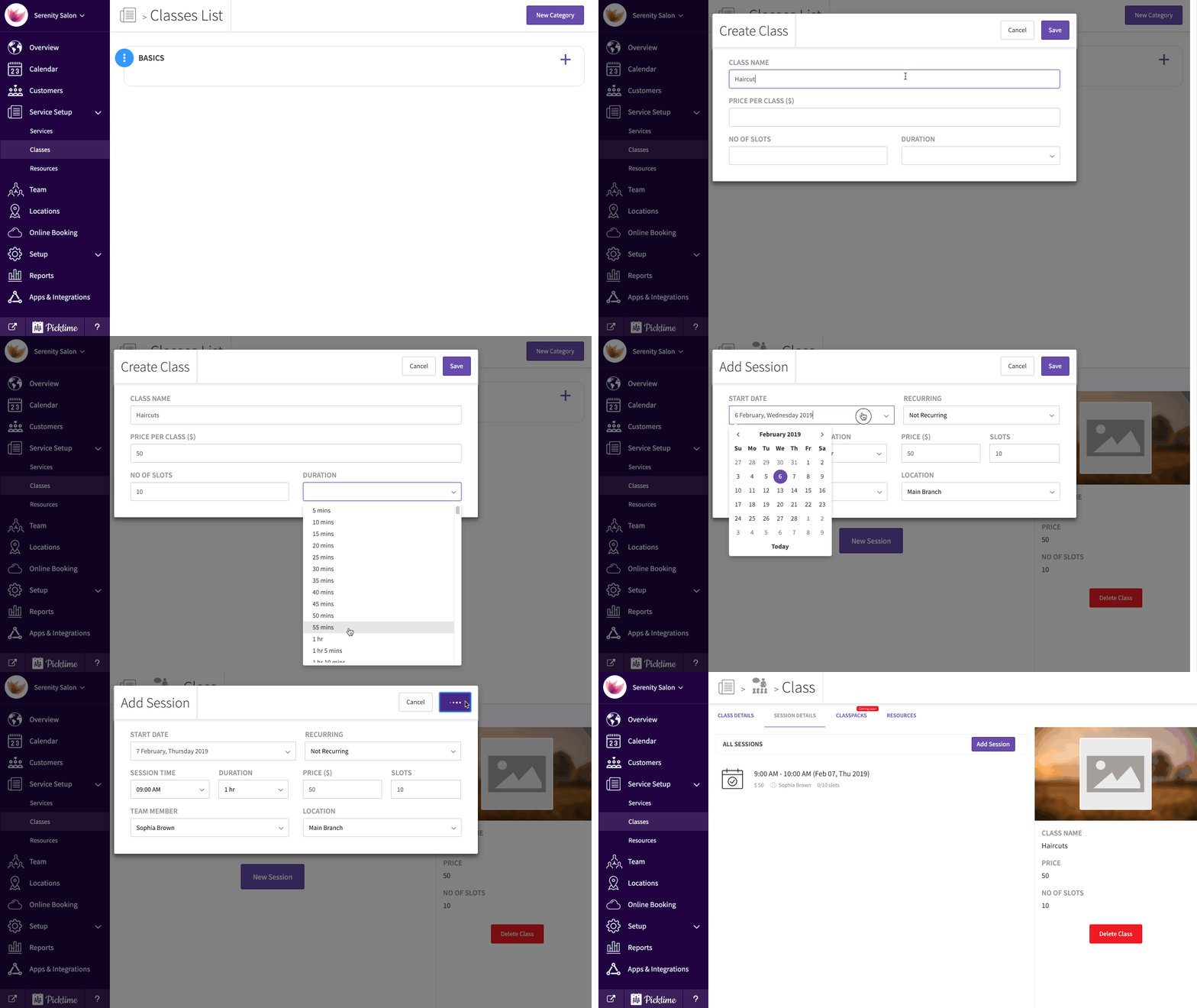
- In the new class pop-up, add in details like class name, Price, number of slots and duration. Click save.
- Once you click save, you will automatically be directed to session details and will see a ‘add session’ pop-up.
- You will then see a new session created.
- You can also create a class session from the calendar by clicking on the ‘new appointment’ pop-up.

Updated on: 04/03/2026
Thank you!