
How to change the Logo Image?
To upload the Logo image
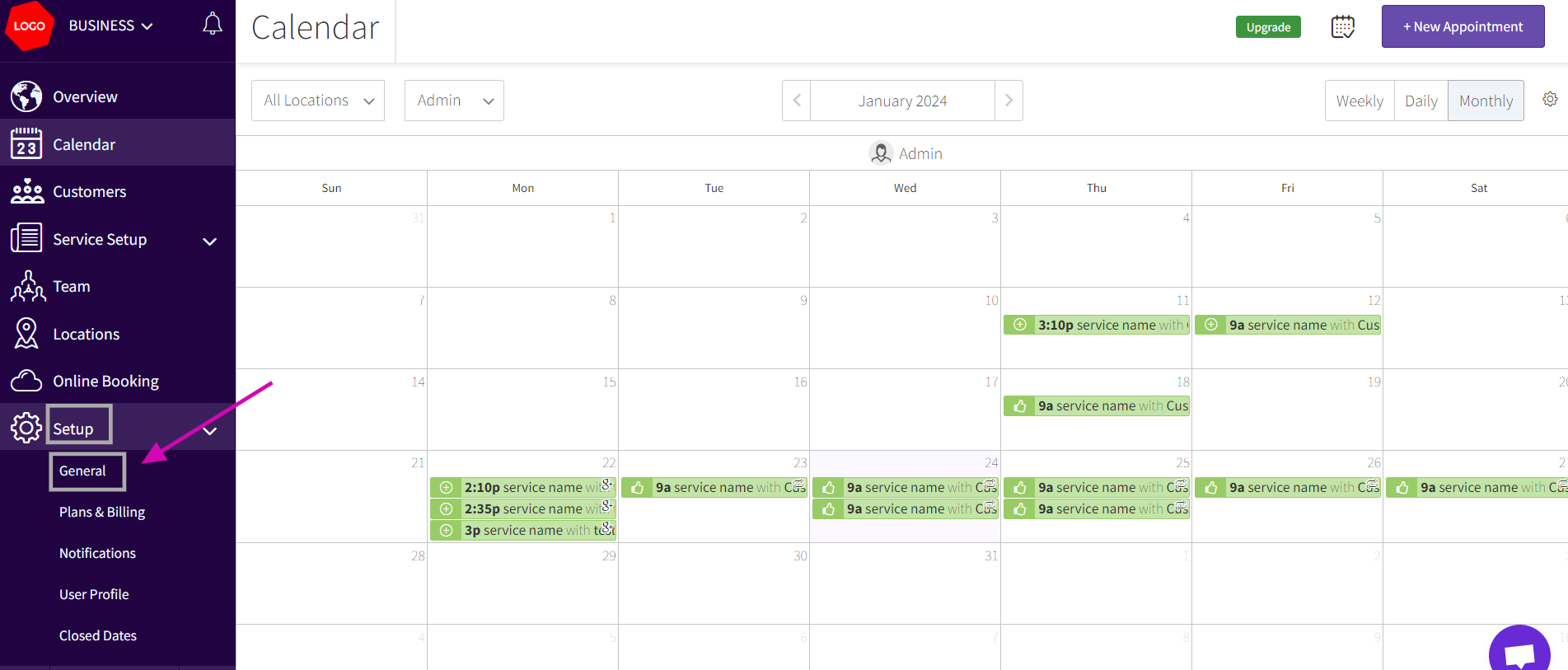
- Go to Setup> General
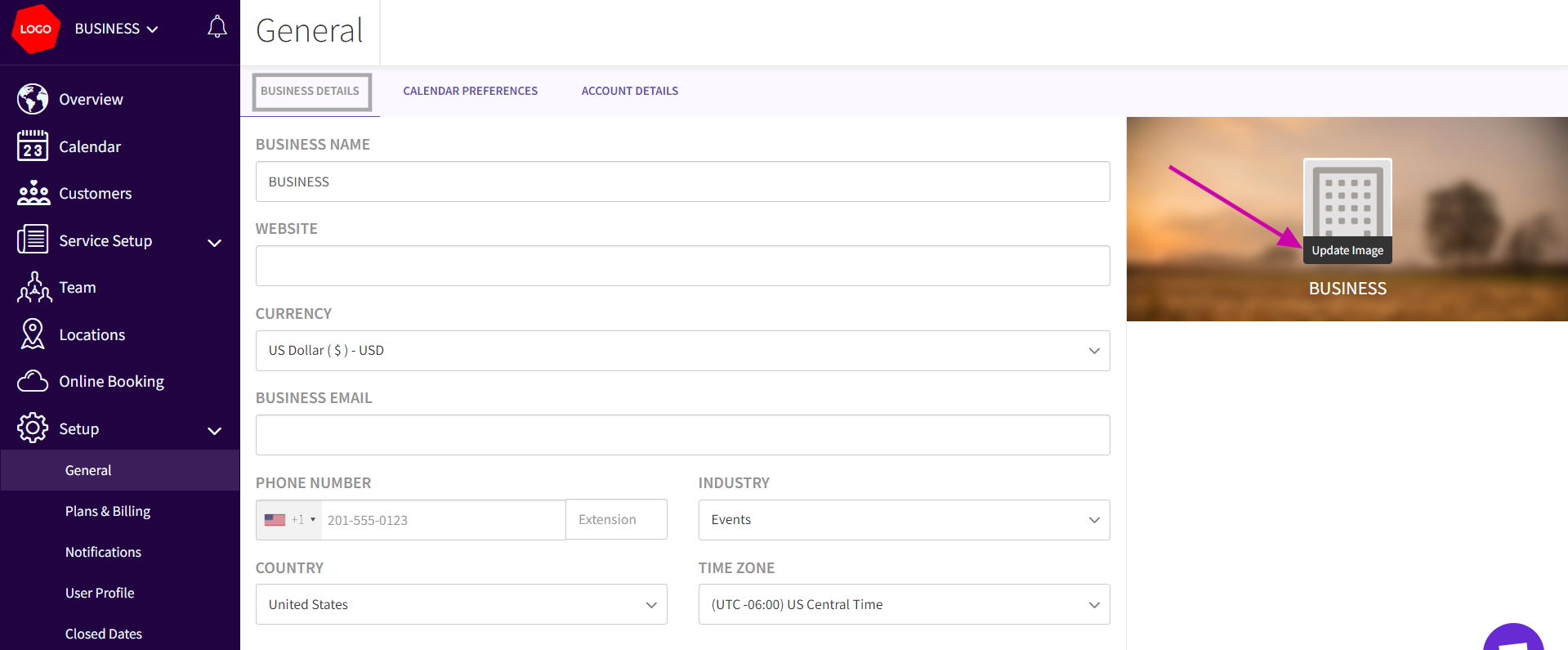
- Under Business details tab on the right side and Hover over it and you will see ‘upload image’
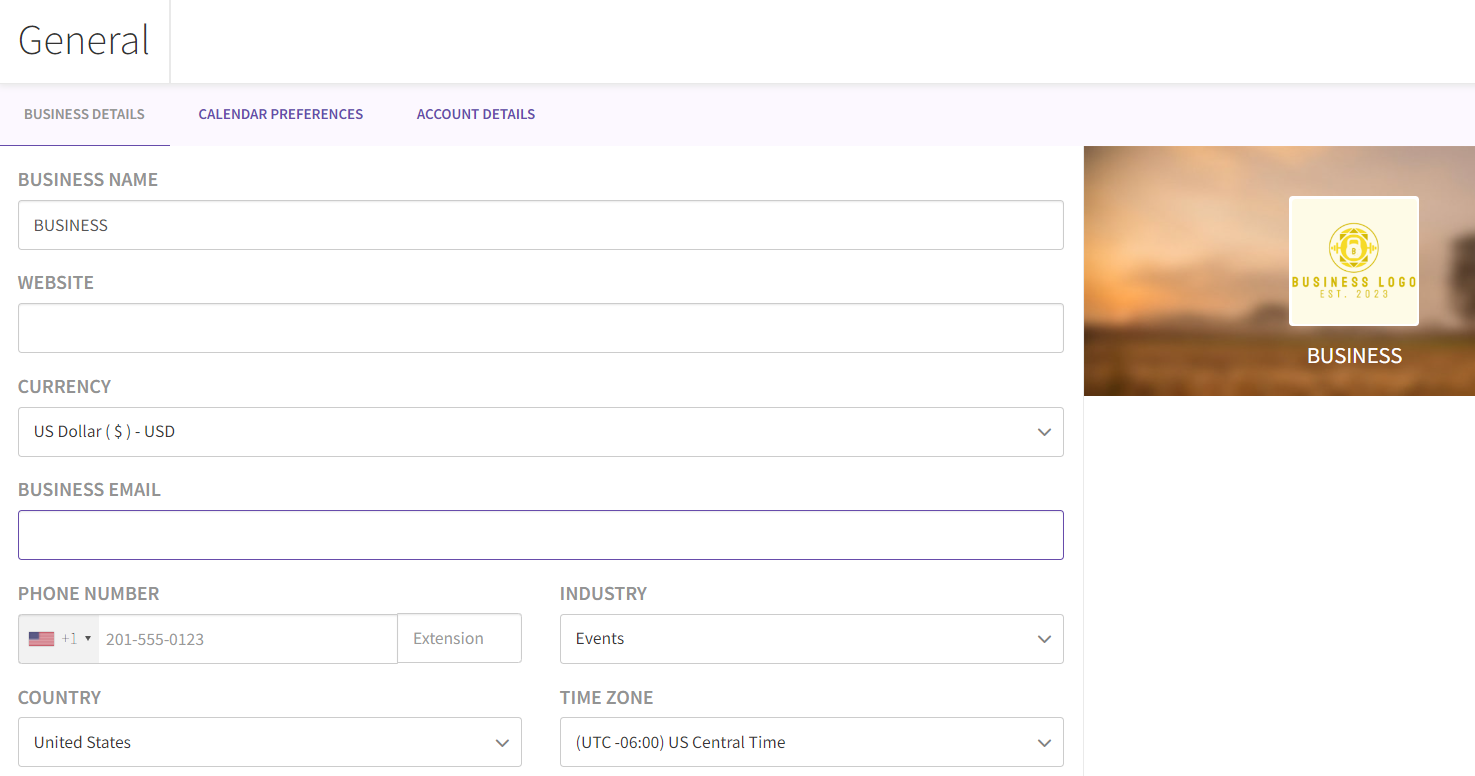
- Select any image you want and upload (please use any image in the ratio of 1:1 and a min of 200x200 pixels).
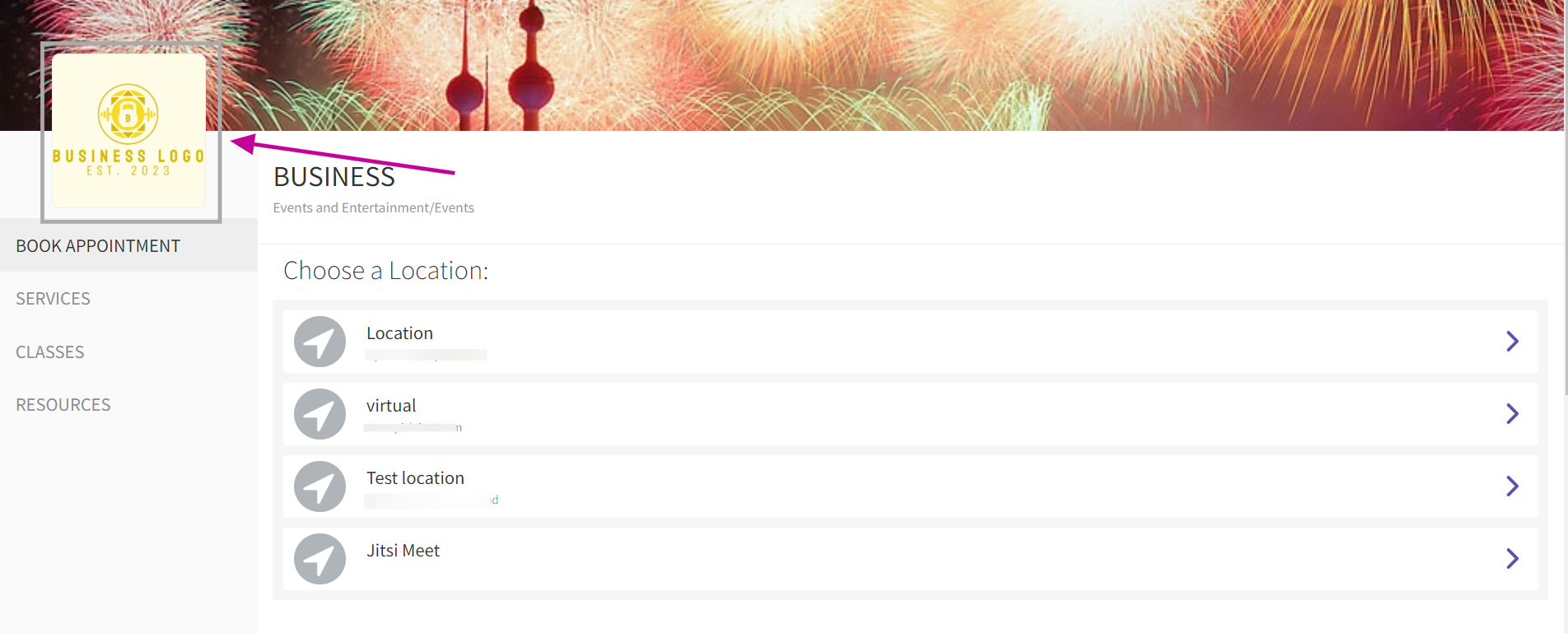
- You will be able to see the changes in the online booking link.
Updated on: 06/03/2026
Thank you!