
How to manage Escape Rooms?
After you finish your initial setup with Picktime, Please follow these steps below to know more about how to manage your Escape Rooms.
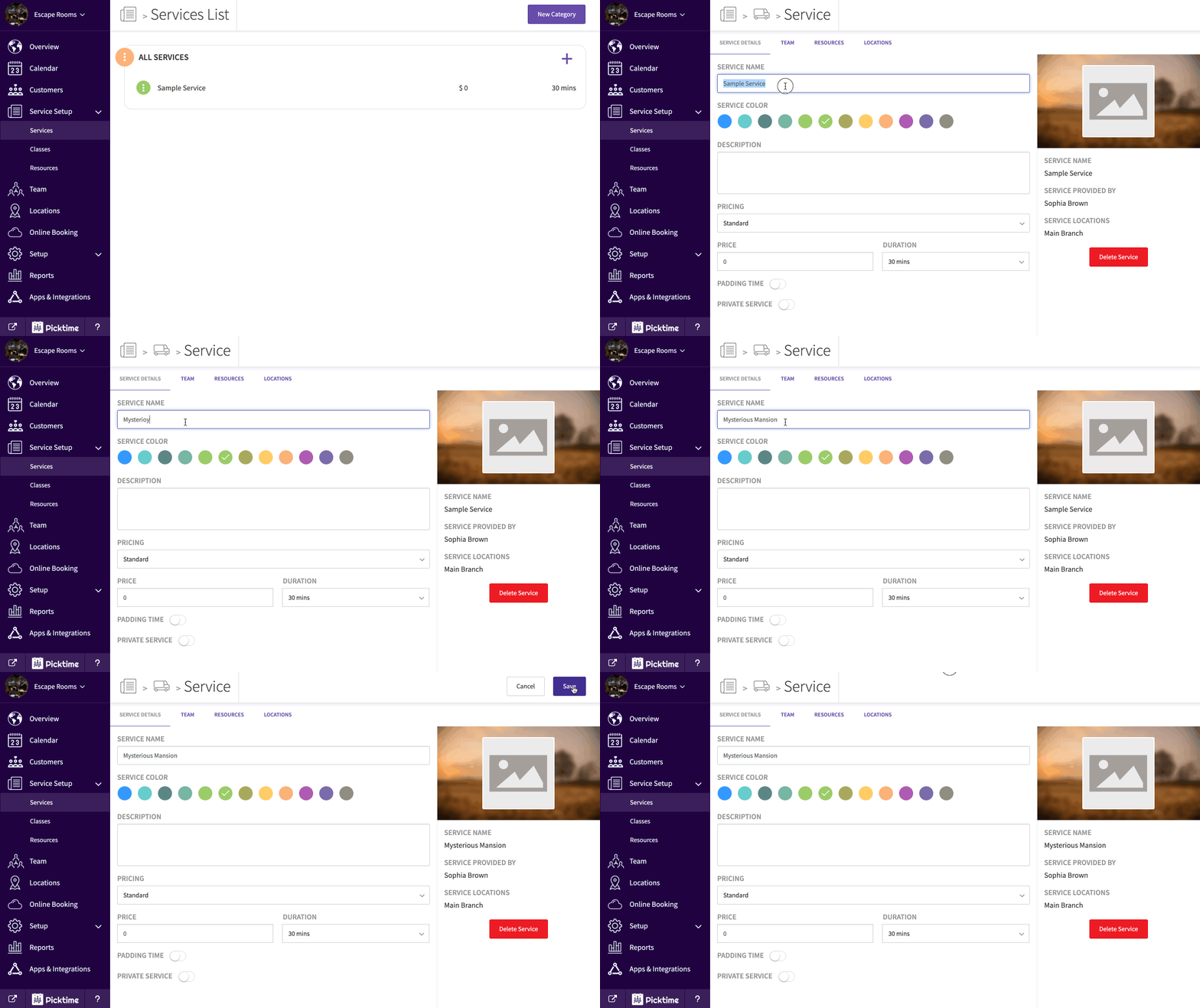
- Create a service with the name of your escape room game. You can also edit the existing one if you want.
- To add in prices, go to pricing.
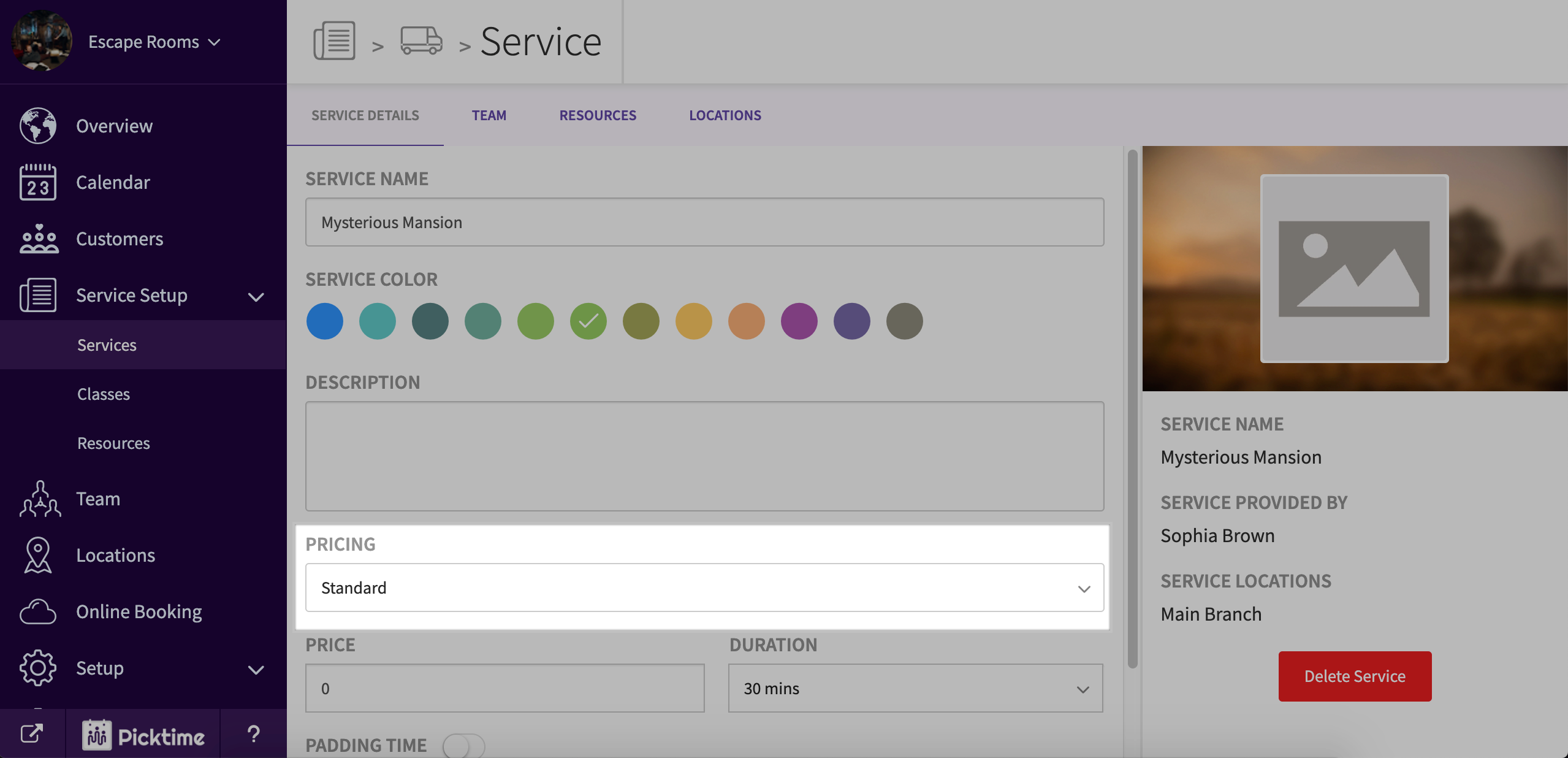
- If you offer the game for only one single price choose pricing type as 'standard'.
- If you offer it for various prices (which vary with the number of people etc) choose pricing type as 'variable'.
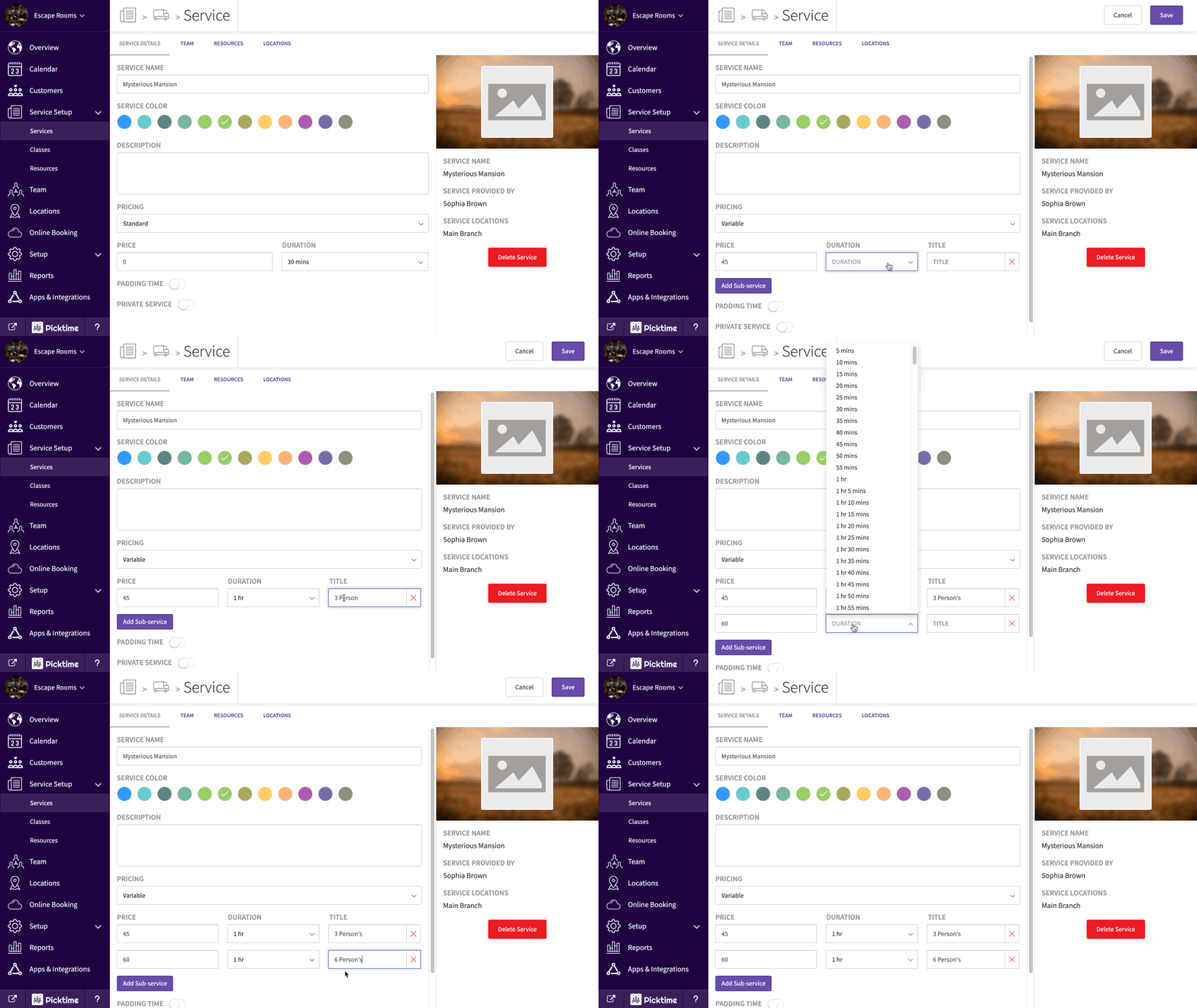
- Make all the changes required and hit save.
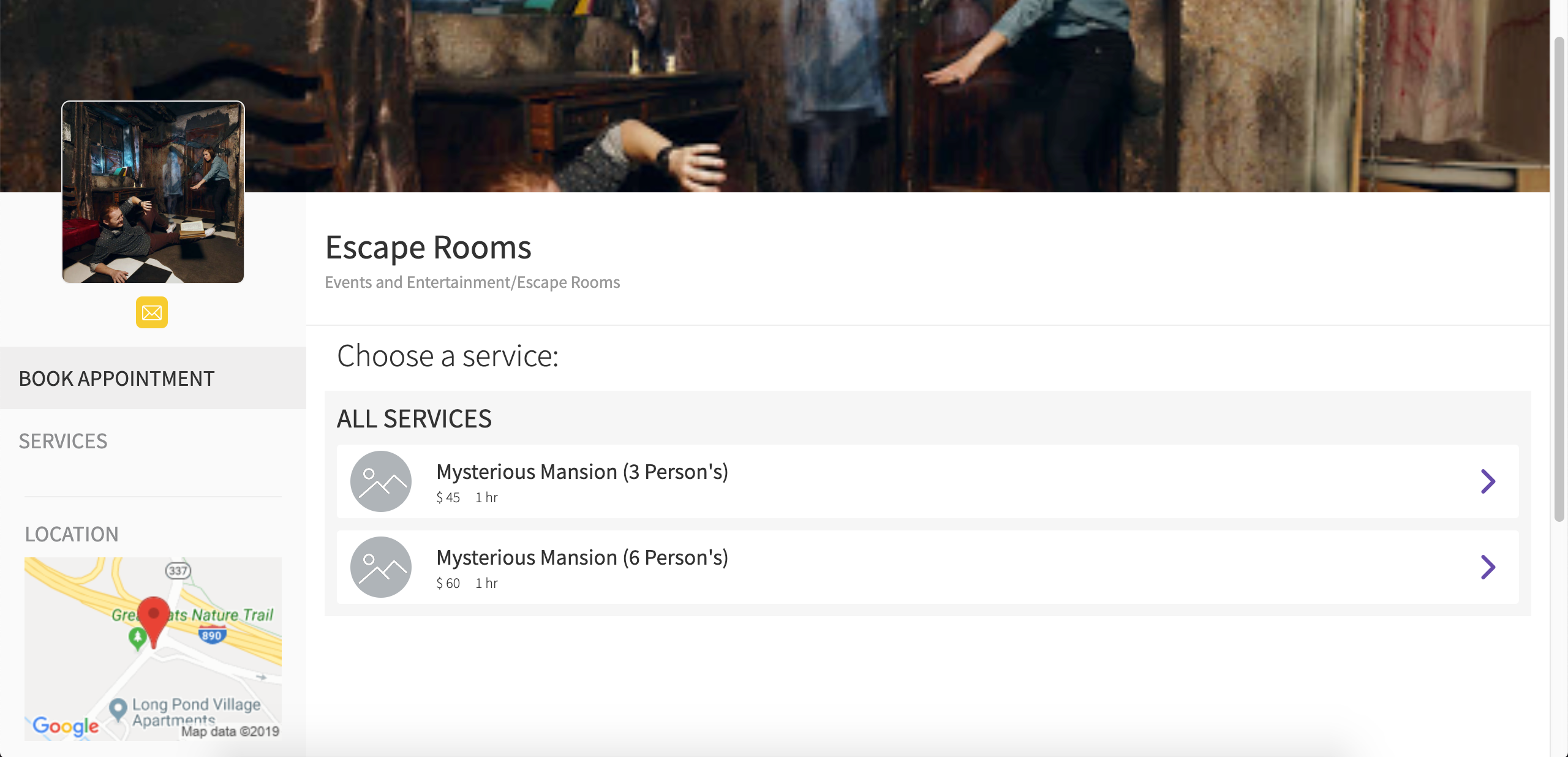
- Here is how your escape room games will appear on the booking page.
Updated on: 06/03/2026
Thank you!