
How to setup a service at client location?
To setup your service at client location, follow the steps below:
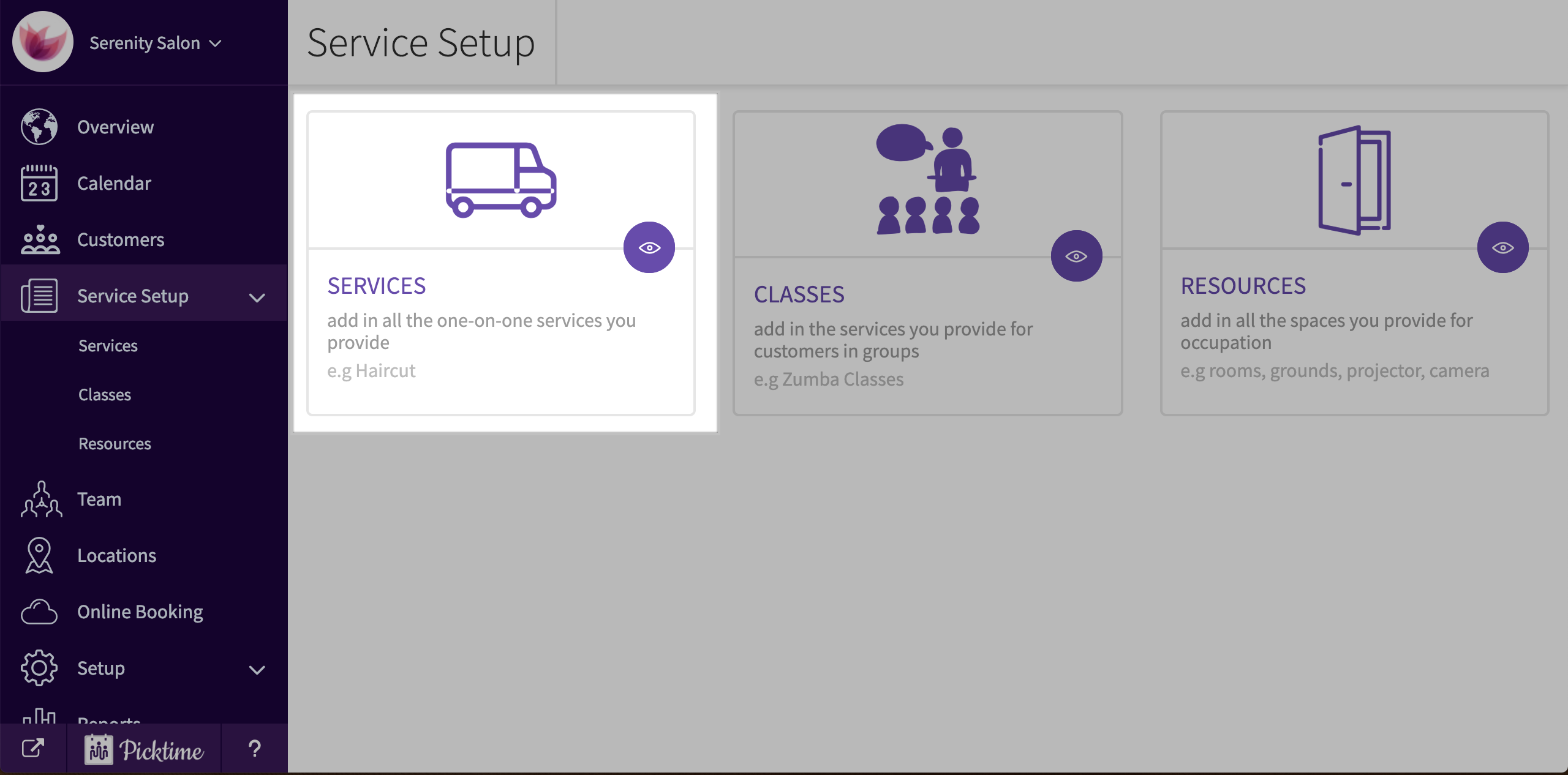
- Go to service setup > services
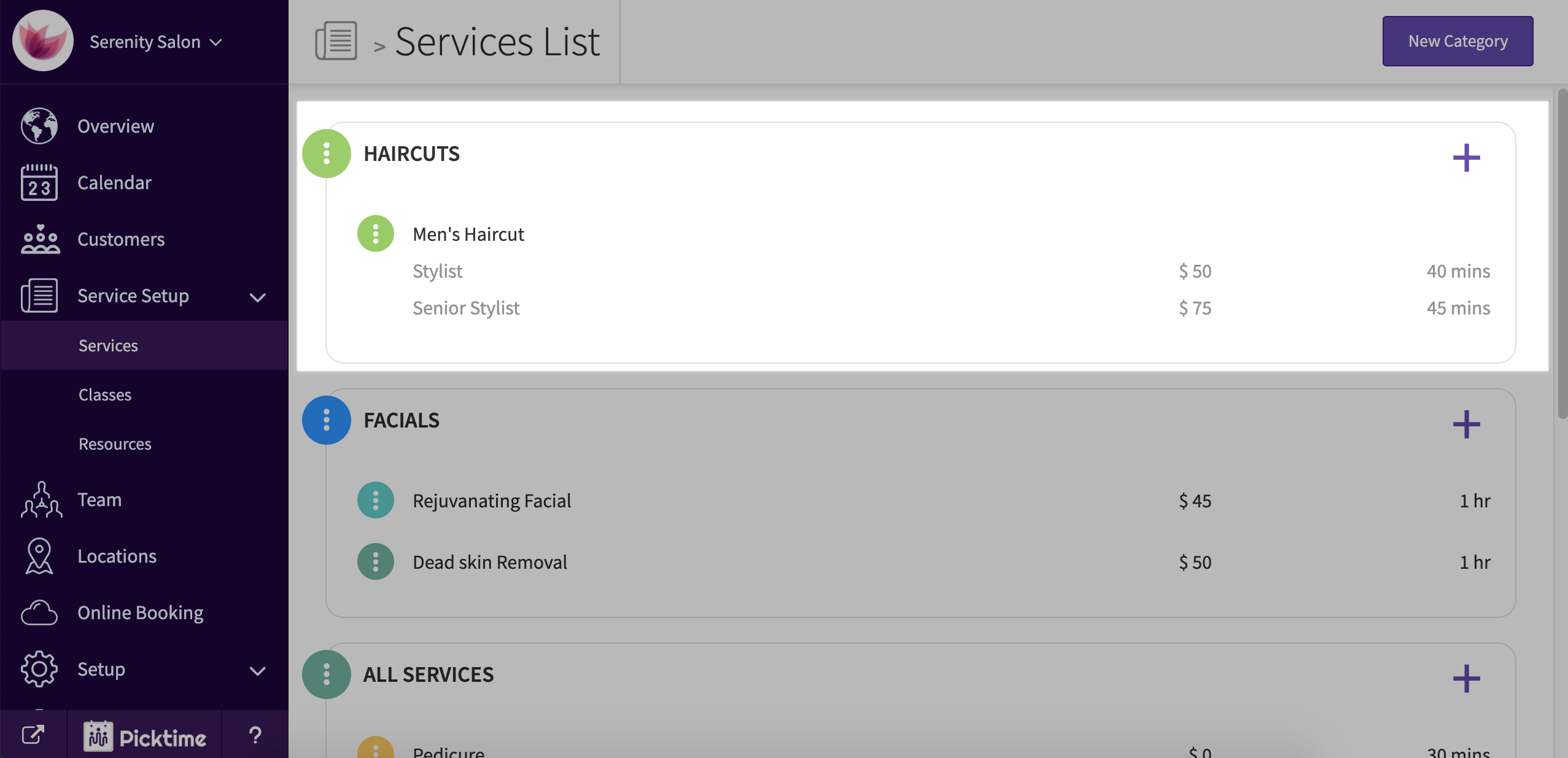
- Select the service you want to assign to client location or create a new service.
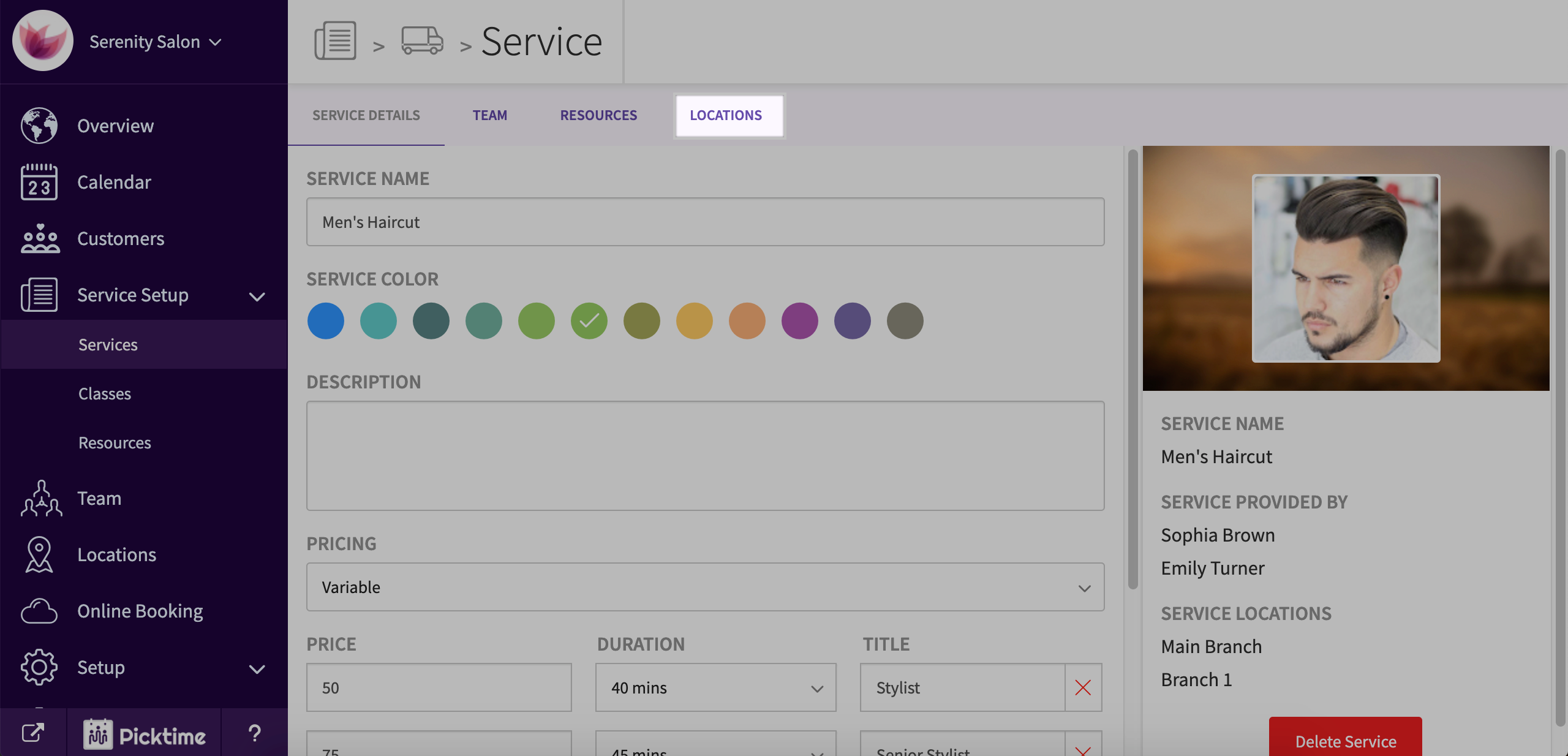
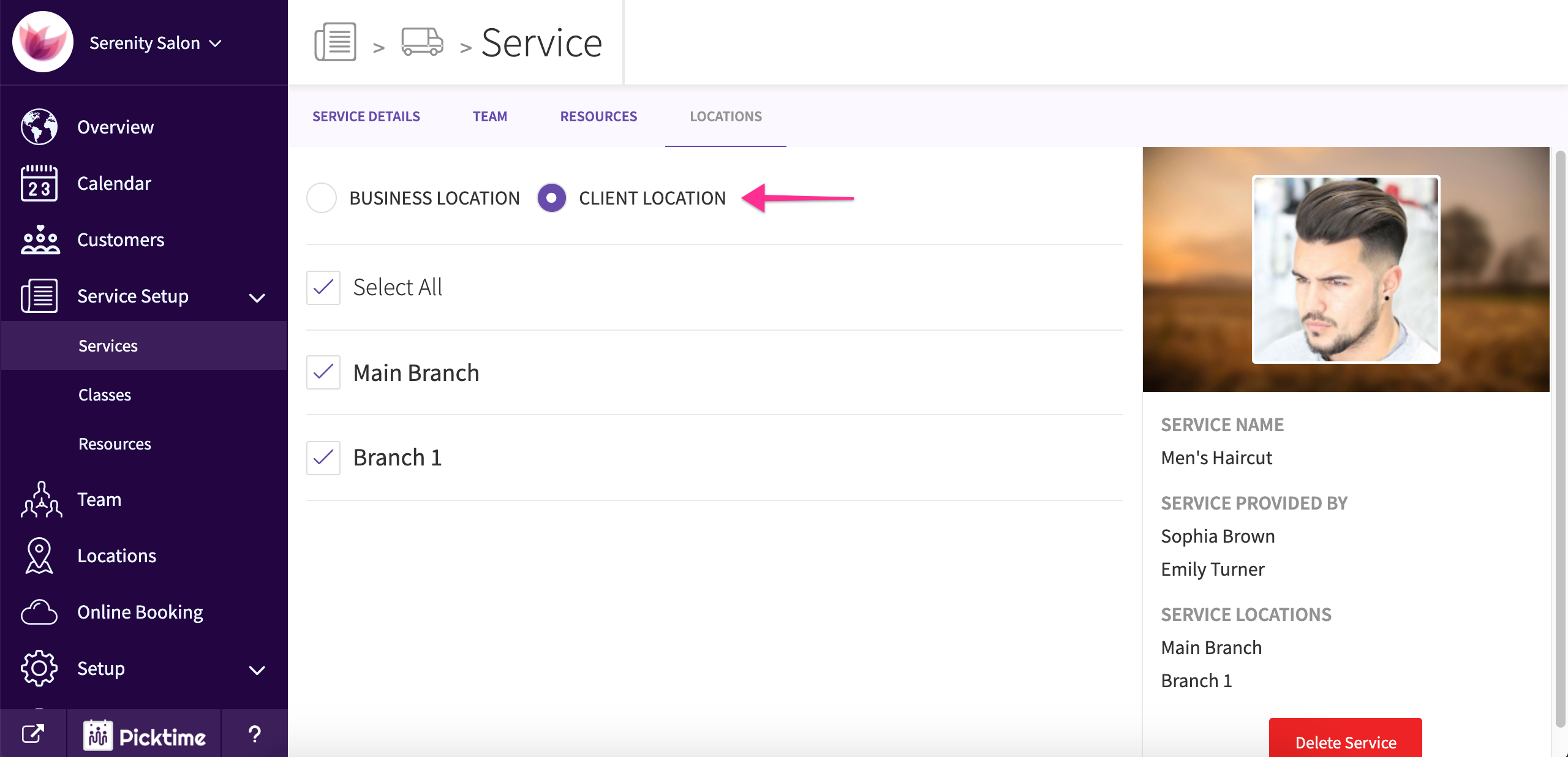
- Go to locations
- You will see that the service is assigned to your business location by default.
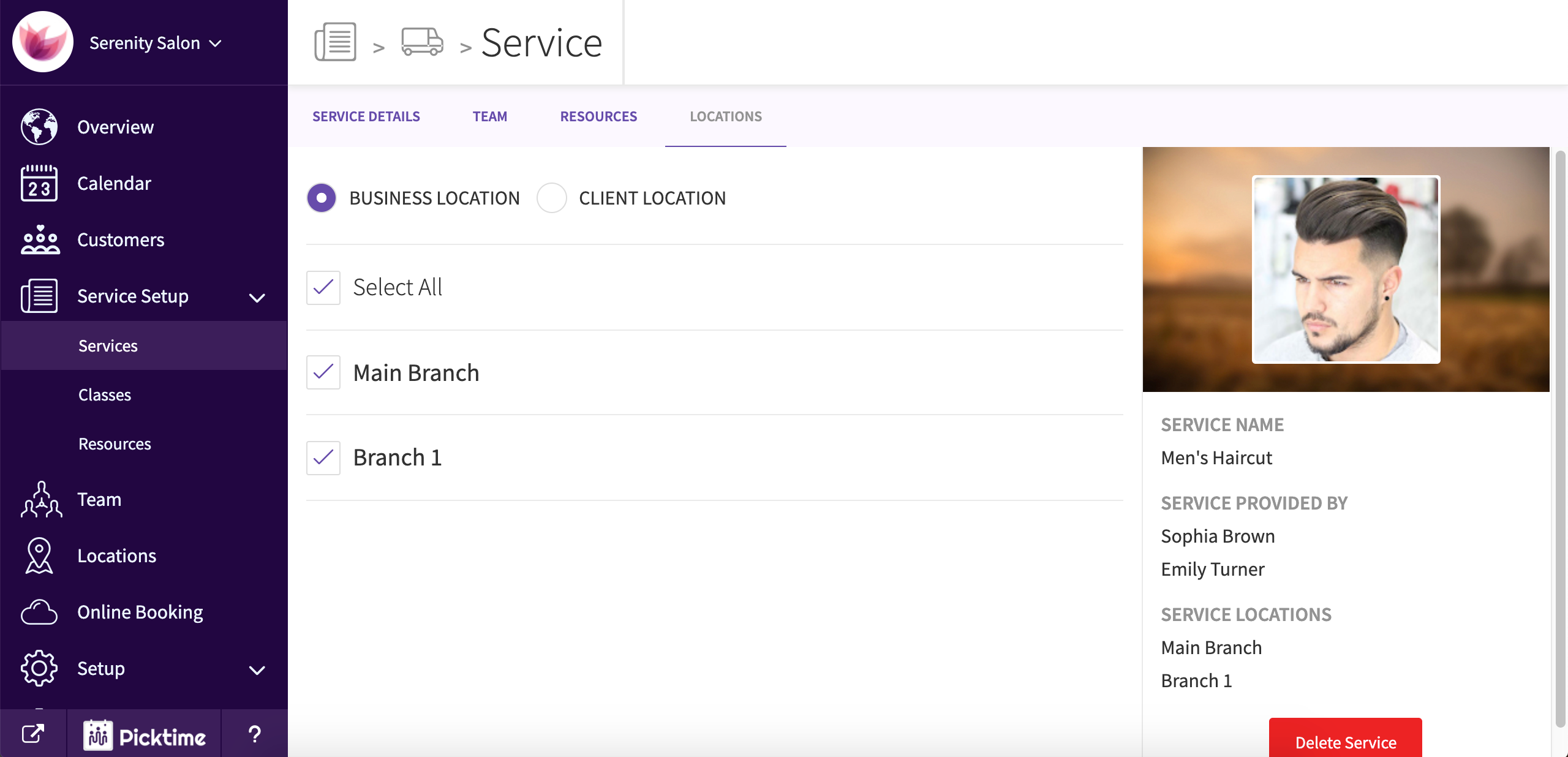
- Choose client location and select the locations where your offer your services at client location
- Hit save
Updated on: 06/03/2026
Thank you!