
How to setup meeting rooms?
To set up your meeting rooms, Please follow these steps:
- Go to Service setup > resources


- Click on the new resource button you see at the centre. If you already have a resource, you will see it at the top right corner.

- Once you click on the button, you will see a 'new resource' popup.

- Add in all the details and hit save.
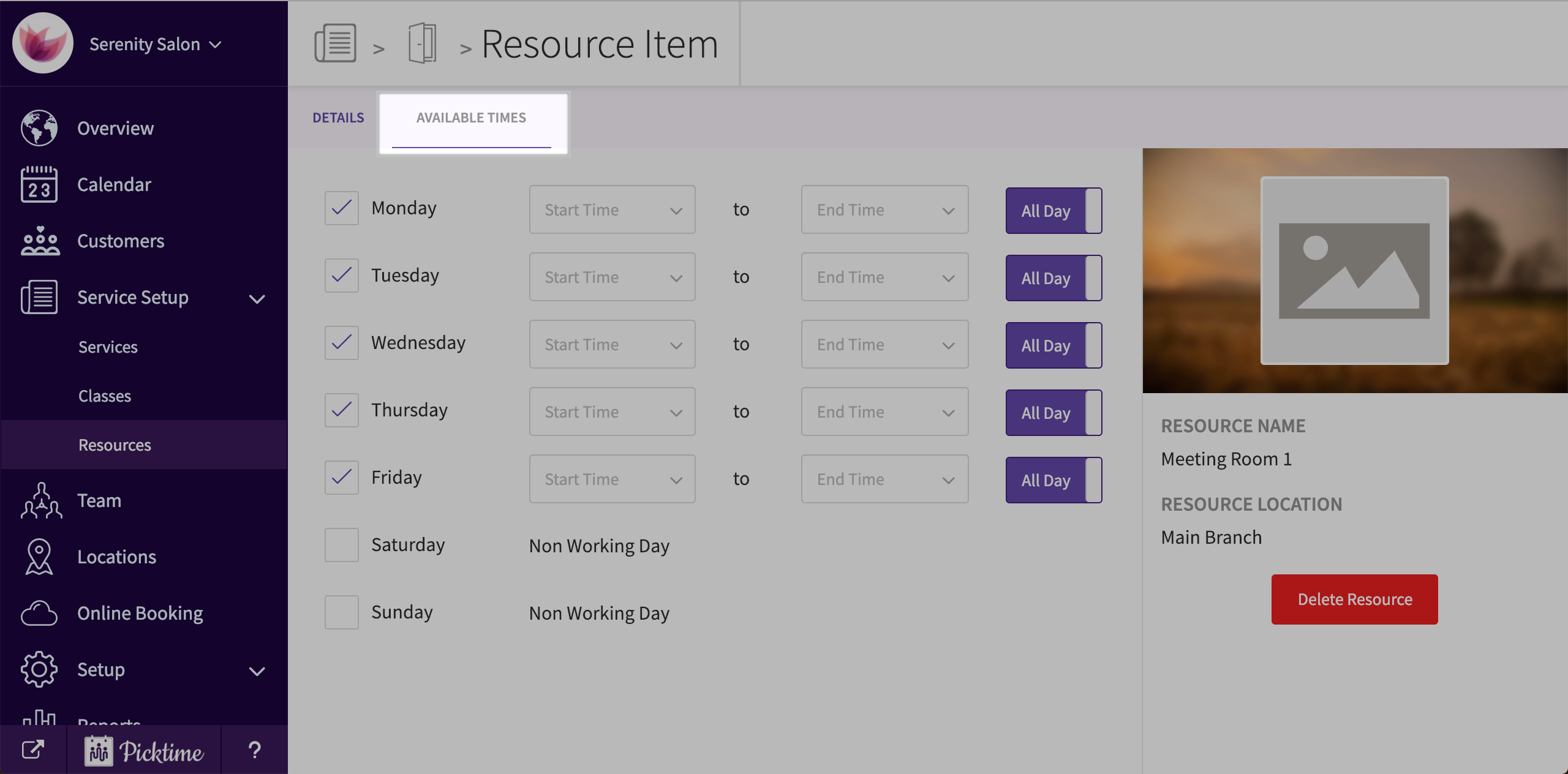
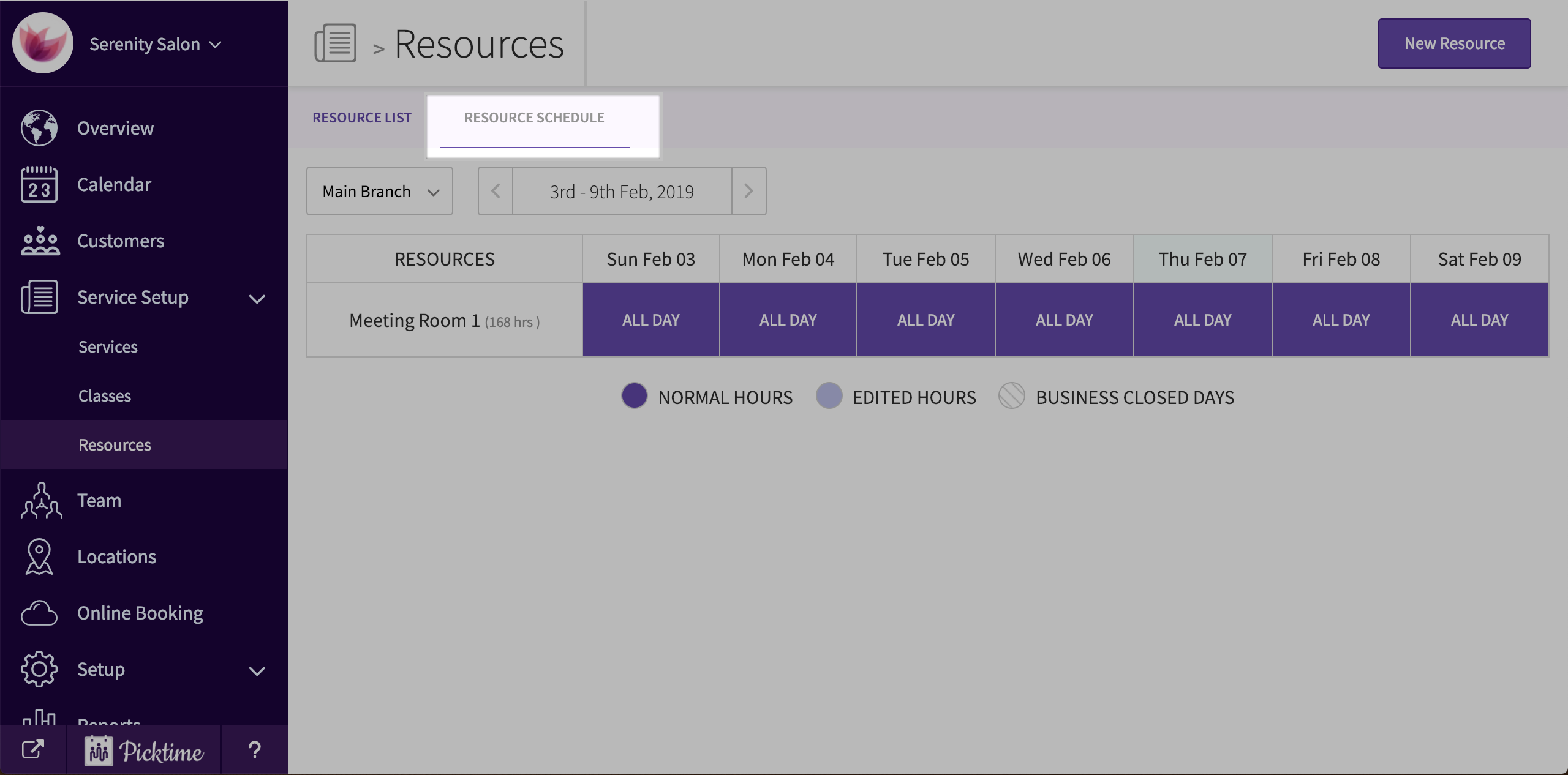
- To edit the available times of your resource, select the resource > available times.
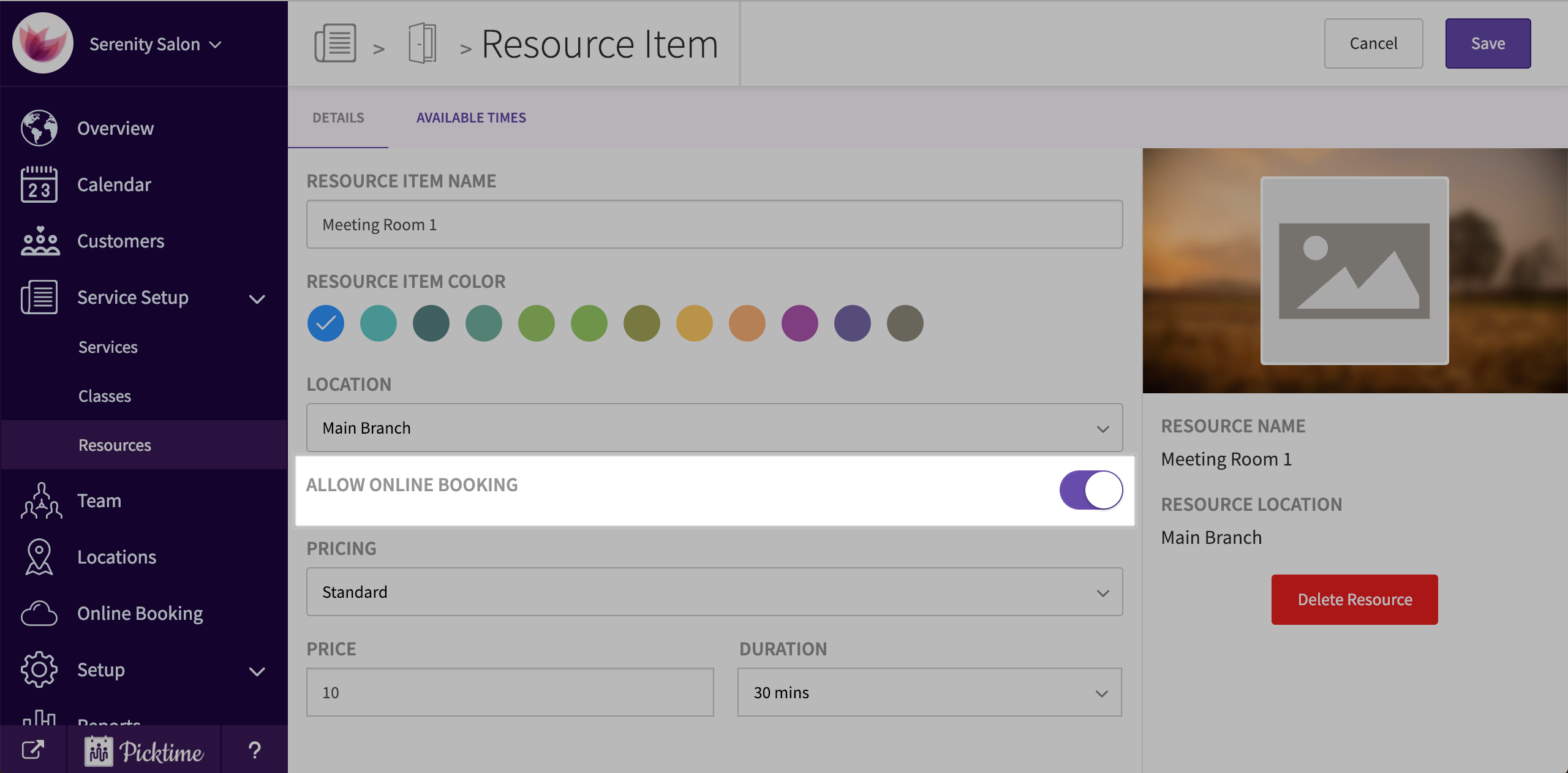
- Turn on 'allow online bookings' to make your room available for public booking.
- You are now ready to share your booking link with your team members or with your clients.
- In the online booking link, they will be able to select a room, choose an available time and then book it.
Updated on: 06/03/2026
Thank you!