
How do I add an image to my service?
To add an image to your service,
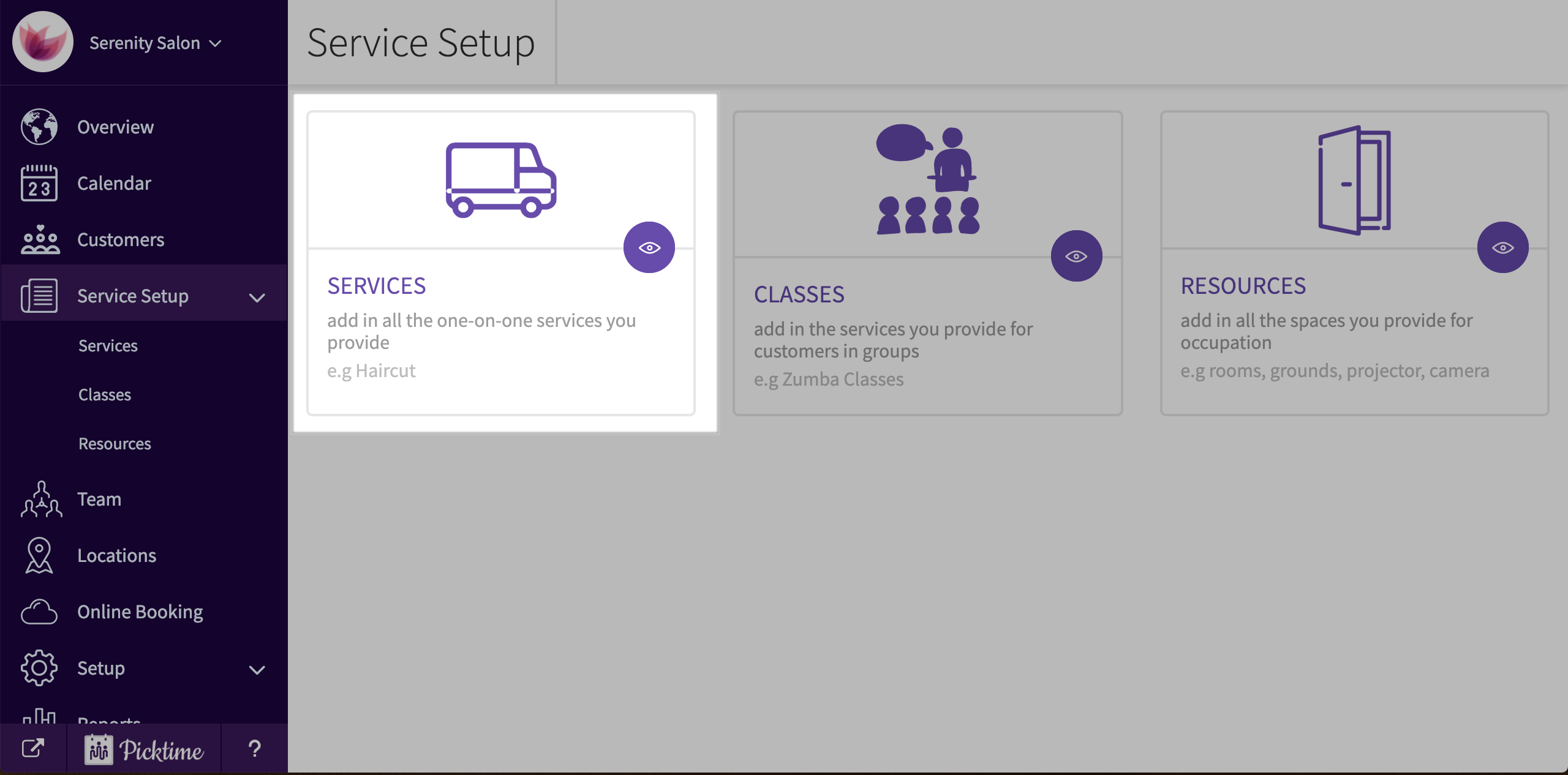
- Go to service setup and choose services.

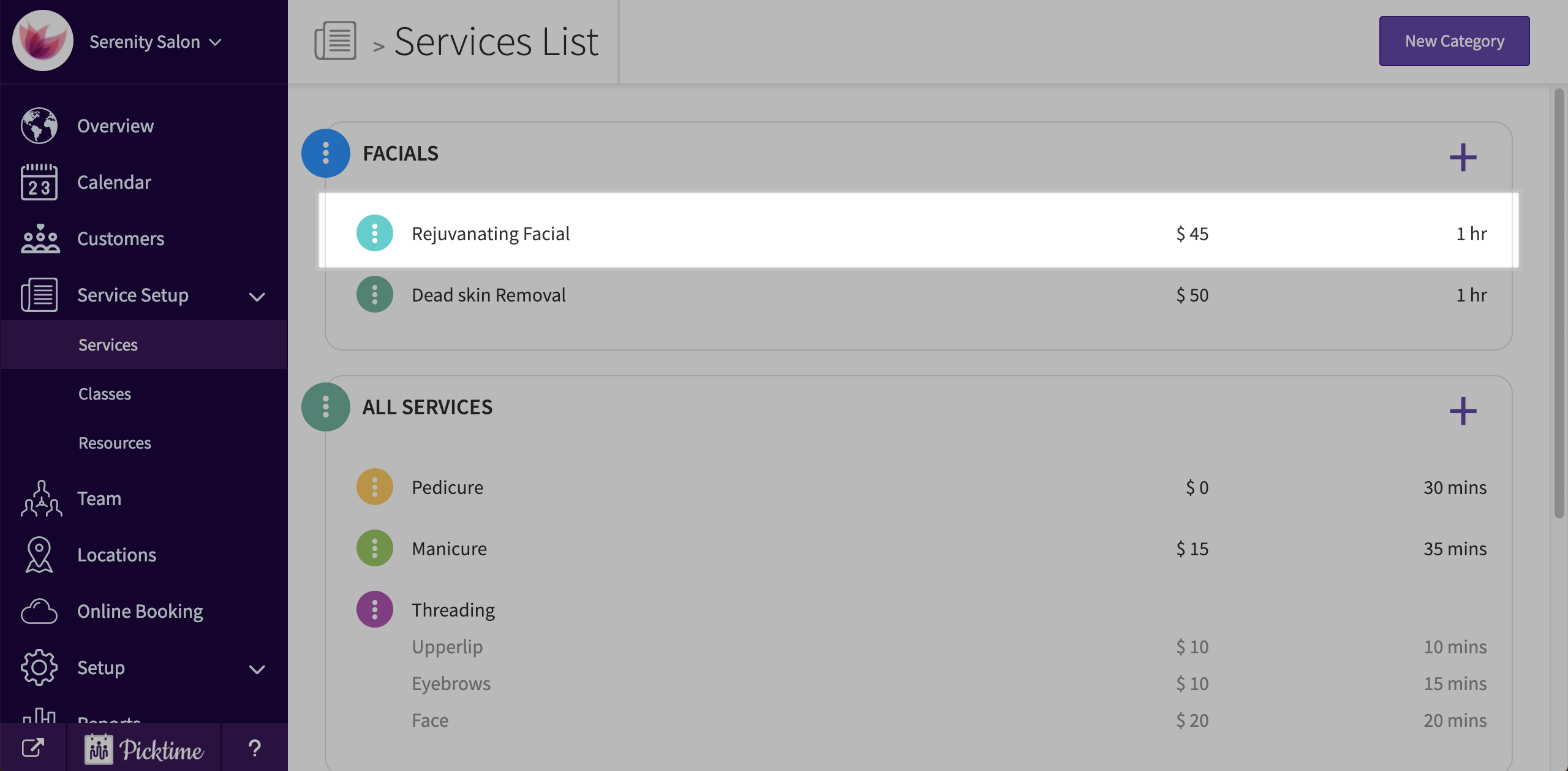
- Choose a service you want to add an image for.
- On the right side, hover on the empty image space.
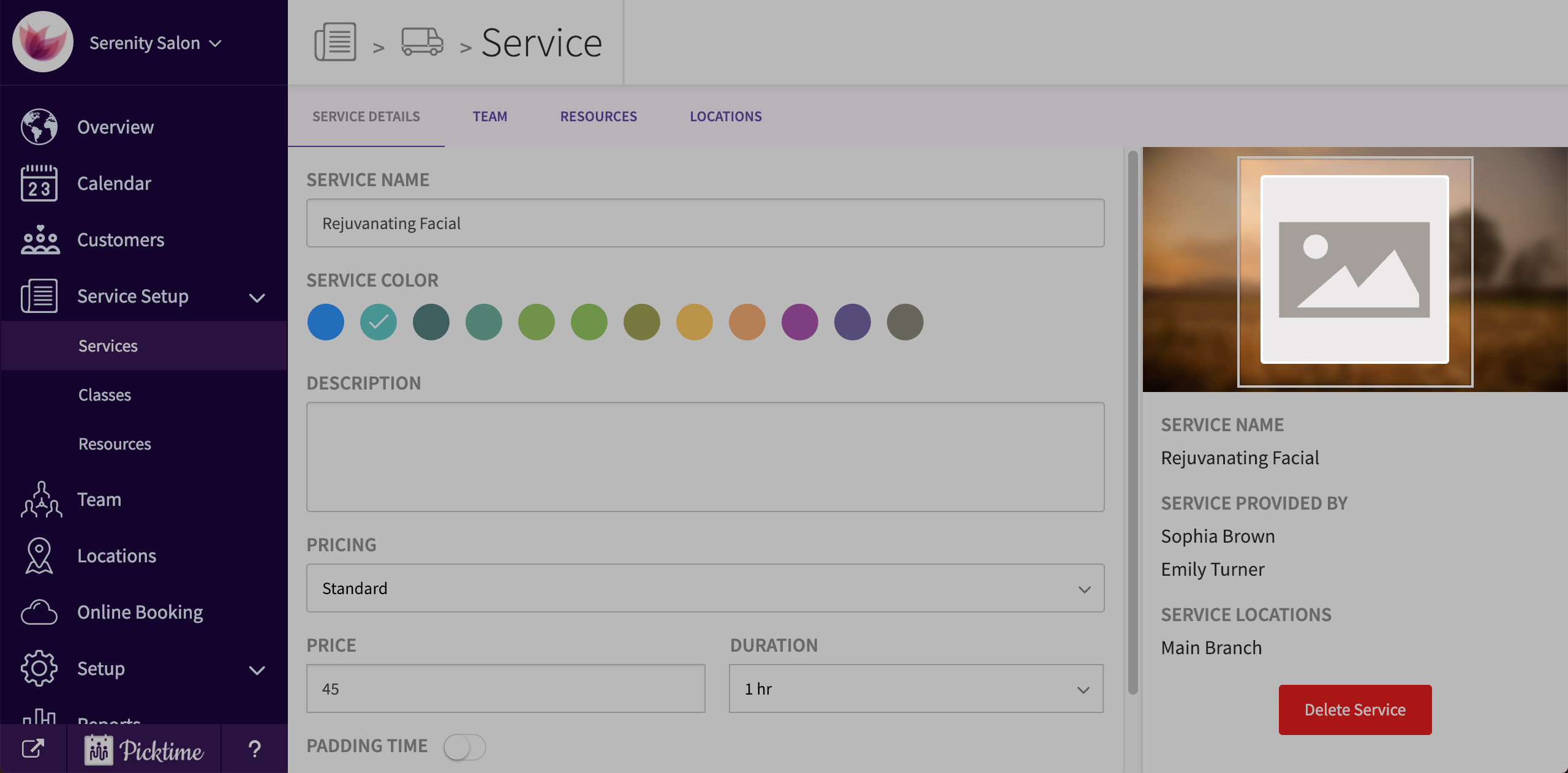
- Click on ‘upload image’ and choose an image from your system.
- Crop your image and click save.
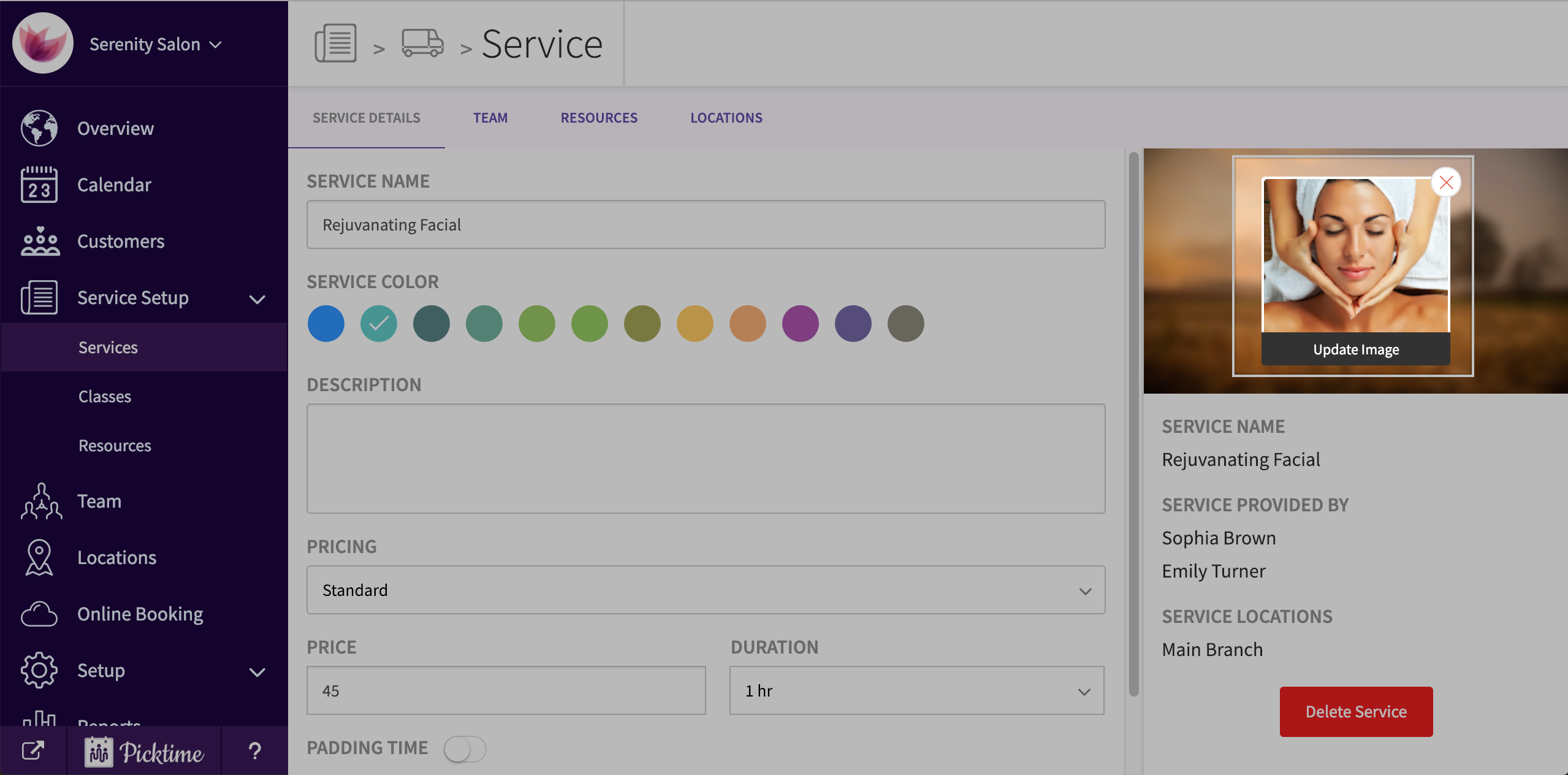
- You can also remove the image by hovering on the image and clicking on cancel icon.
Updated on: 06/03/2026
Thank you!