
How do I add services to my Picktime account?
Adding services is one of the basic steps to schedule appointments online. Picktime lets you create any number of services free of charge. Your account comes with an example service after you sign-up. For example, if you are running a beauty salon, you can add in services like threading, waxing, etc. These services (except private service) will be visible both in your Picktime account and on your online booking page.
Let’s go through the basics of creating a service.
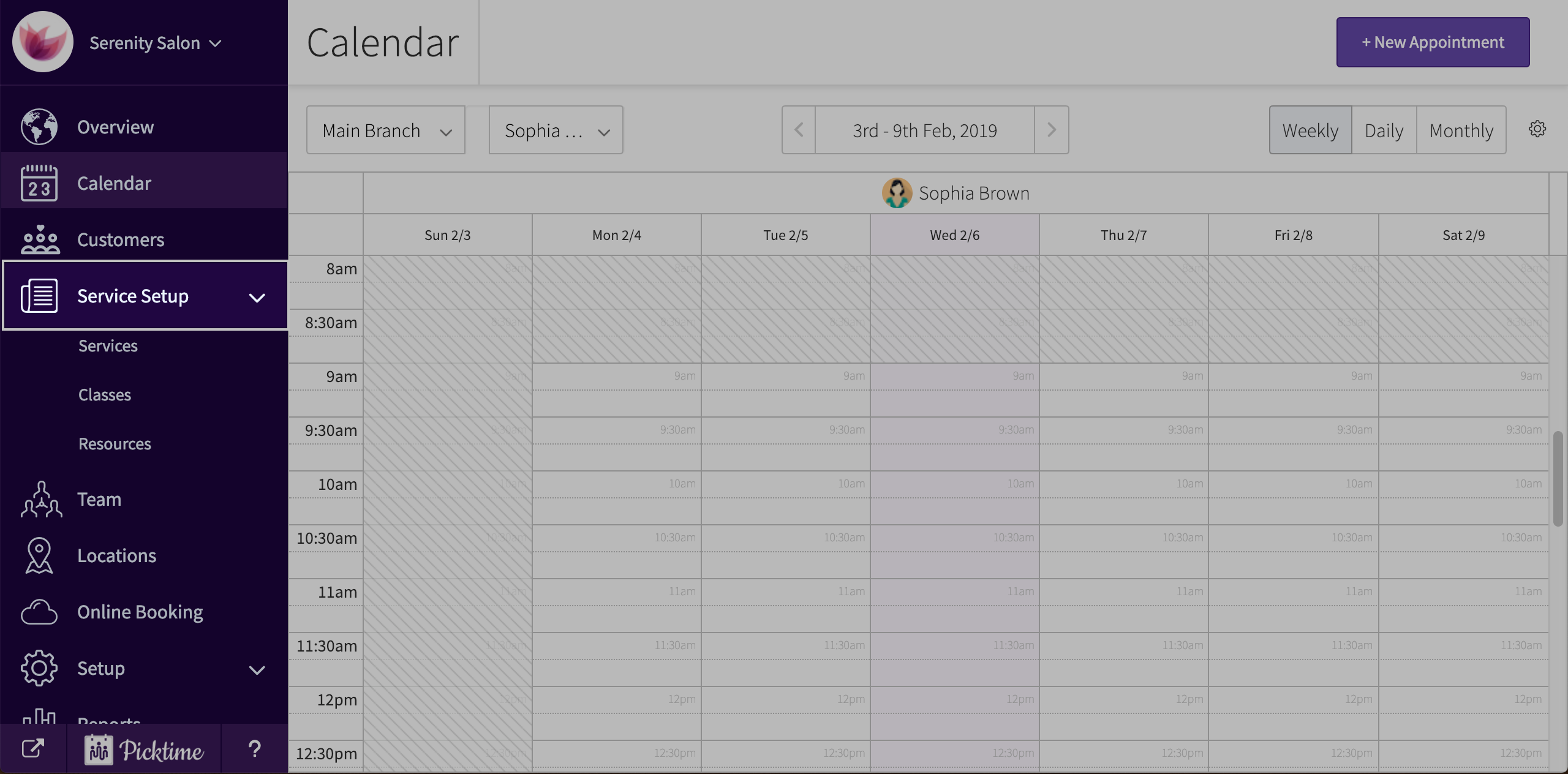
- Click on ‘services setup’ located in the side navigation of the your Picktime account.
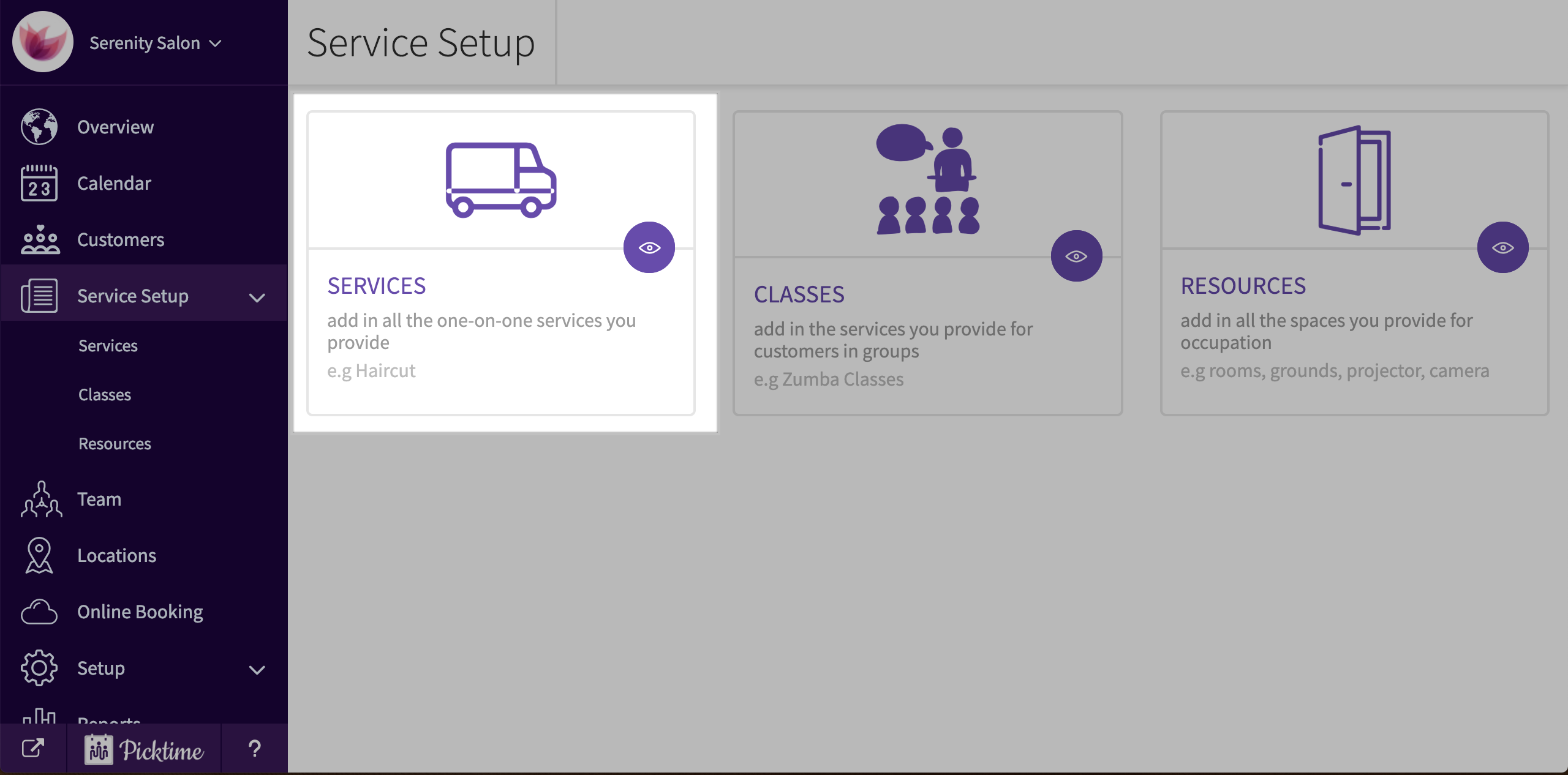
- Choose services.
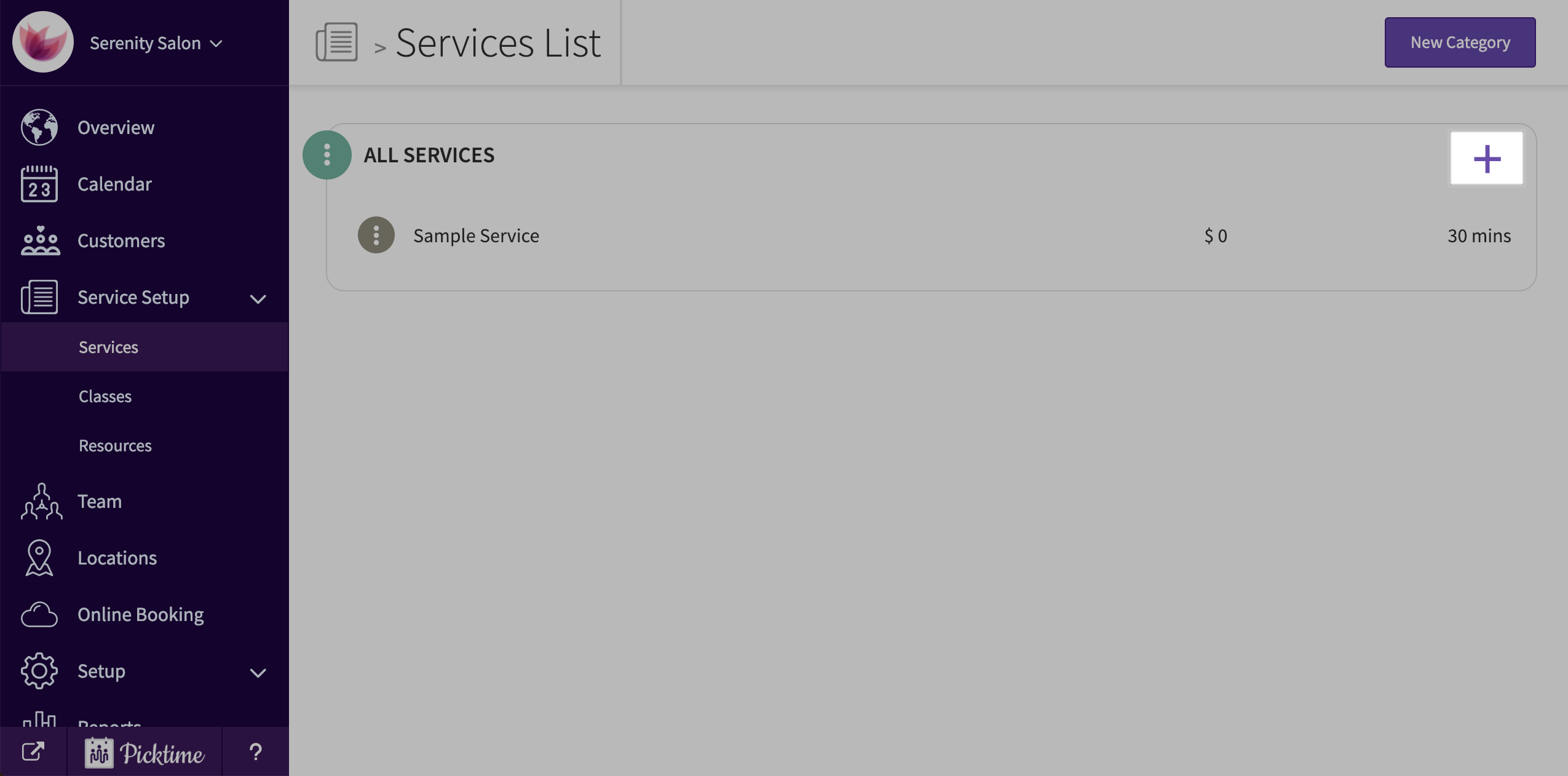
- You will see that there is already a category with a sample service created.

- To add a new service, click on ‘new service’ button.
- You will see a pop-up.
- Add a name, duration, cost, staff and location to your service and click save.

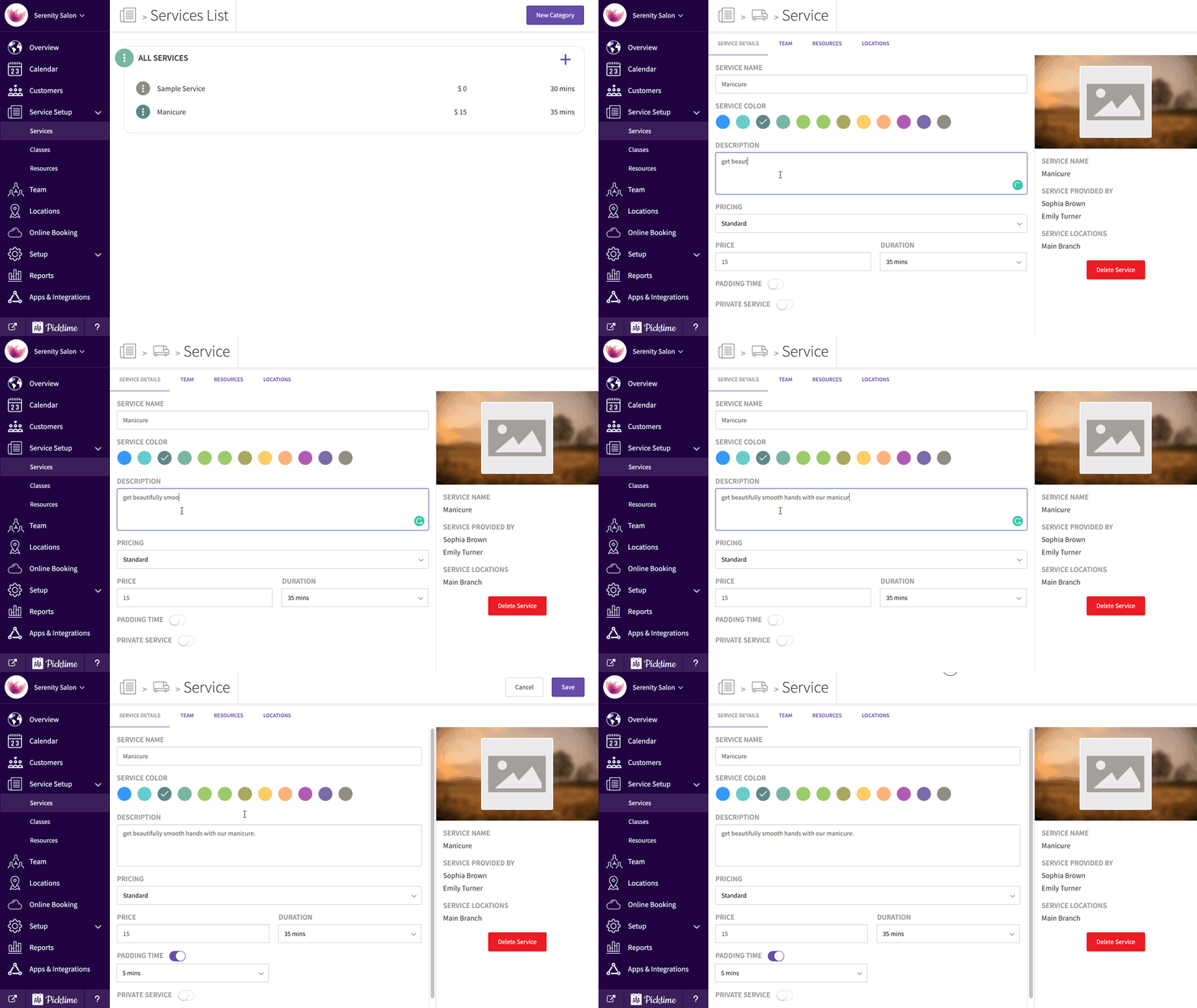
- Select the service to add more details to your service like a description, multiple pricing etc.
Updated on: 04/03/2026
Thank you!