
How to add a booking button to your HTML website?
To add a HTML booking button to your website, please follow the steps below:
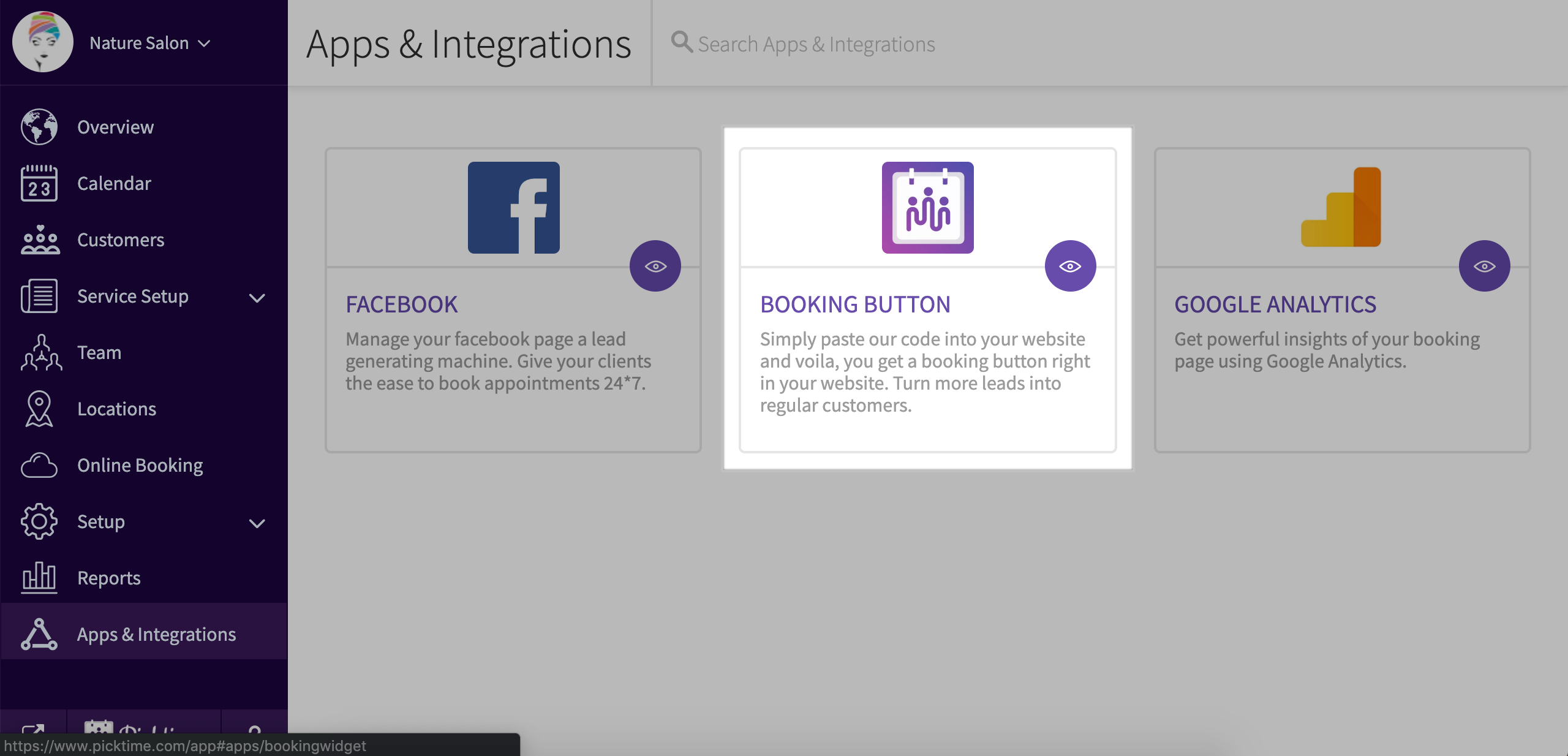
- Go to Apps & Integrations.

- Choose booking button.
- In step 1 choose whatever suits your requirement
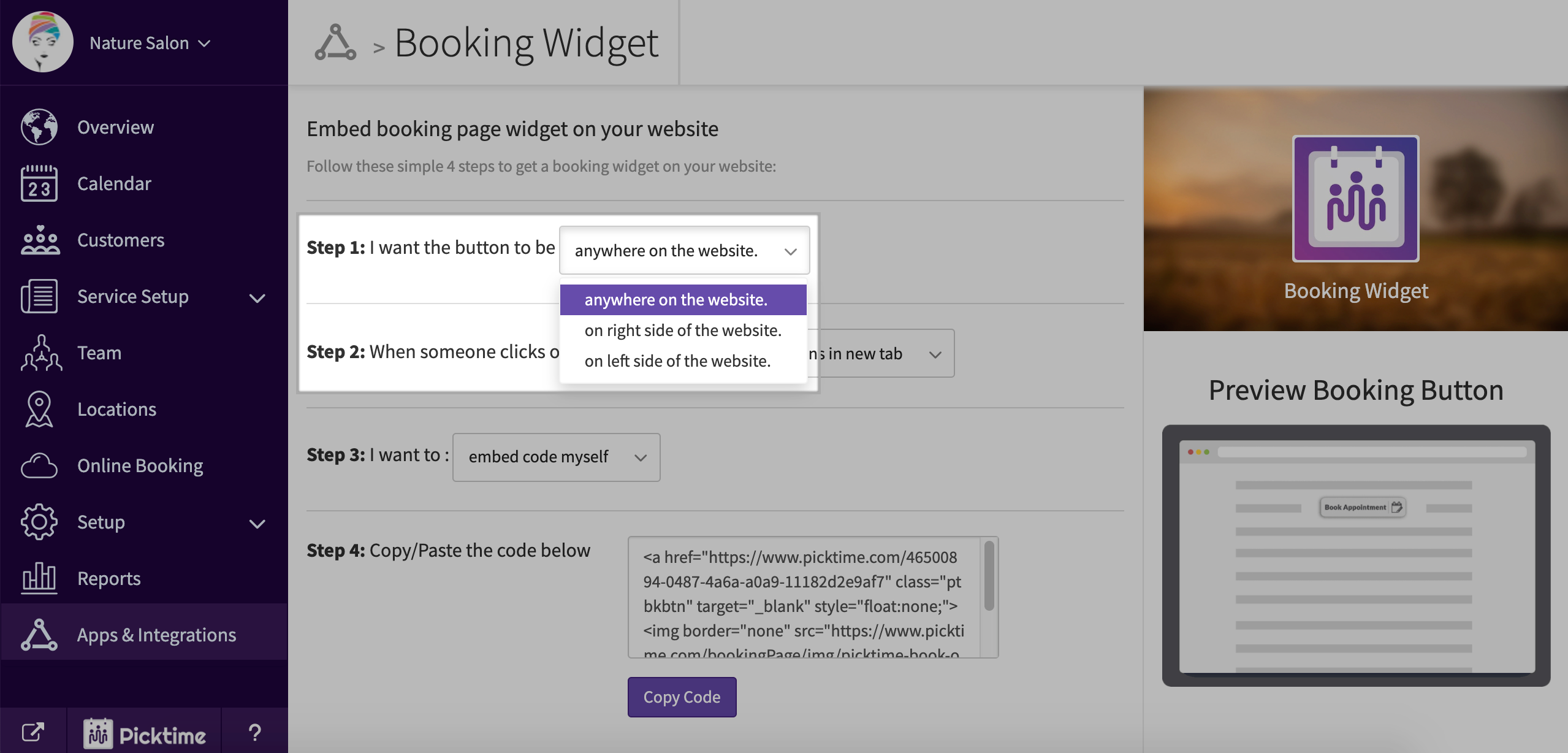
- In step 2 choose 'overlay a booking button on top of my website'

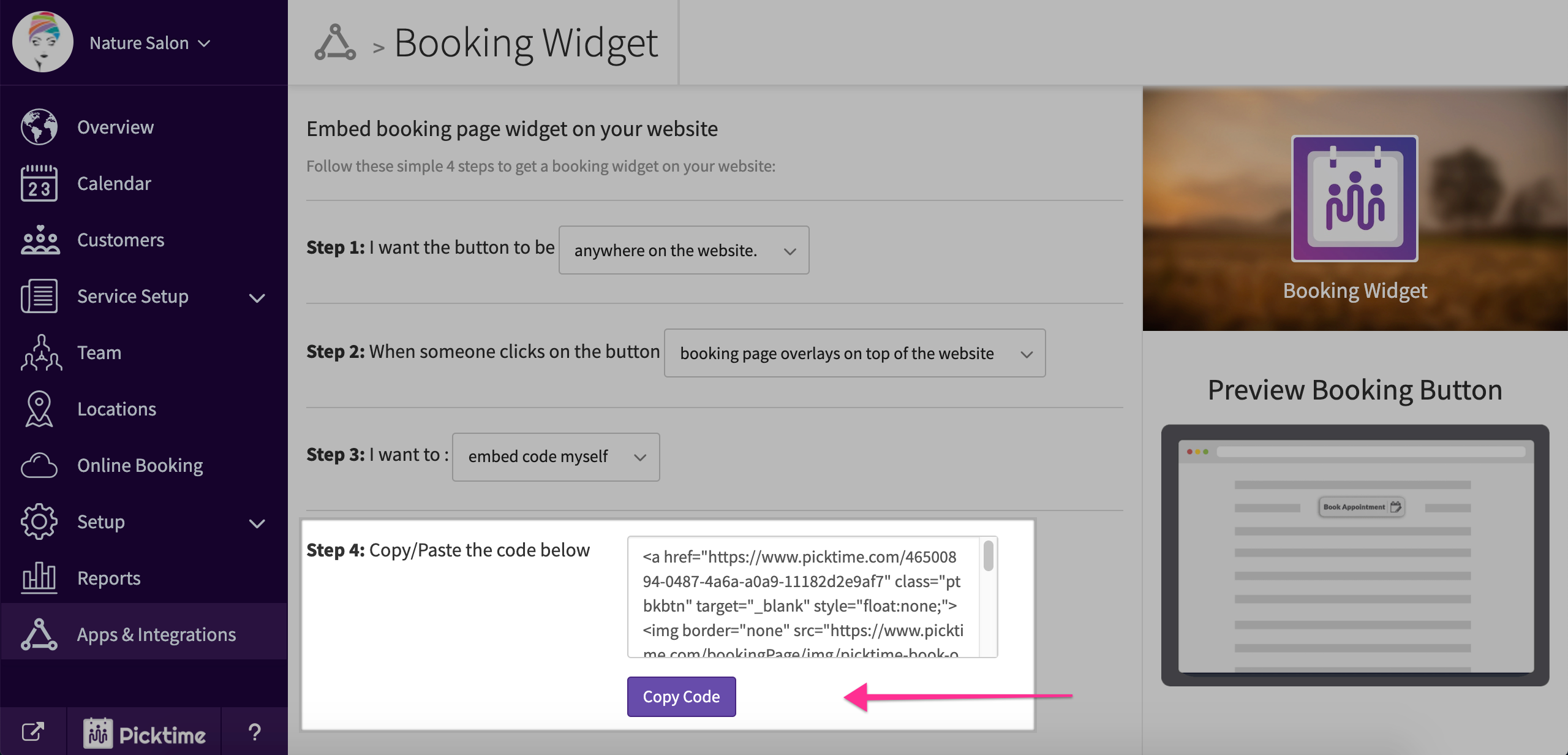
- Copy the code you see in step 4.
- Now go to your HTML website.
- Download the index.html from your hosting cpanel and open it with with notepad or other HTML editors.
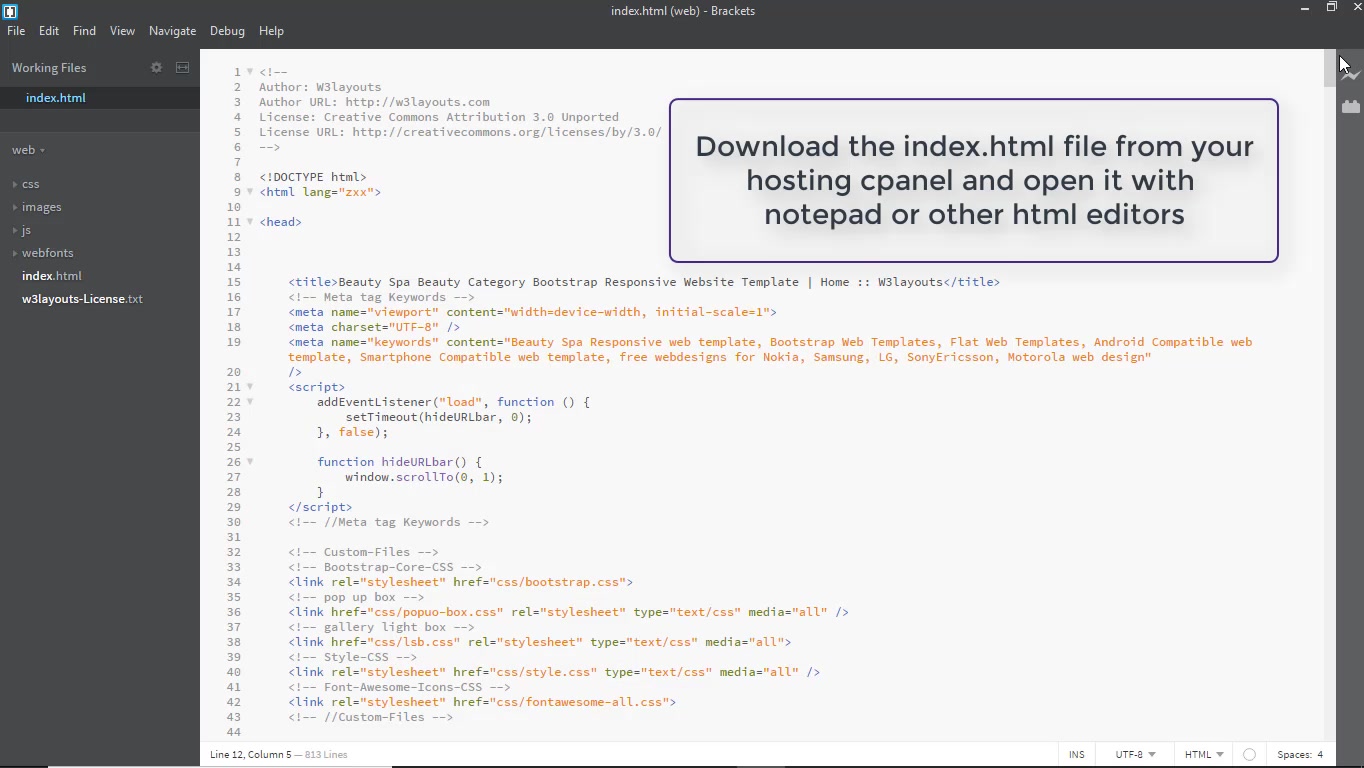
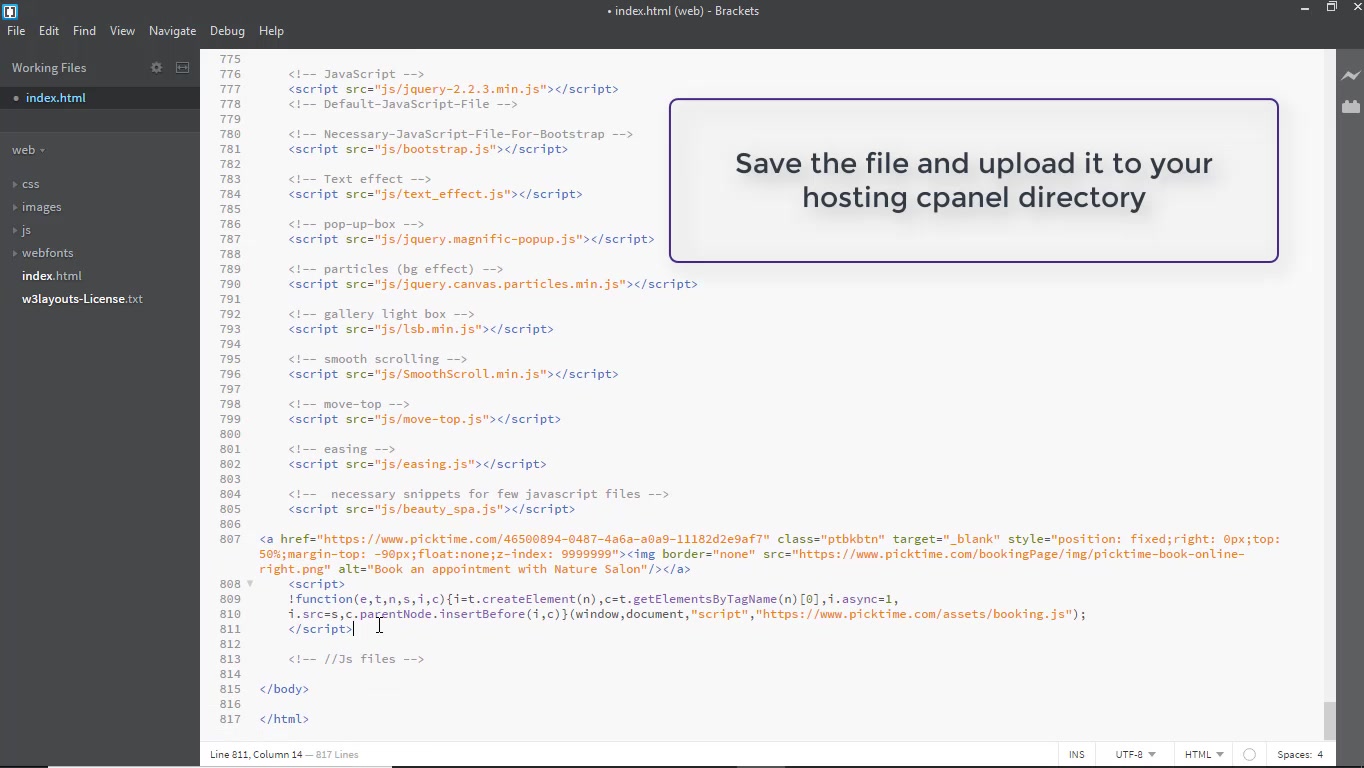
- Paste the code in the body of your code.
- Save the file and upload it to your hosting cpanel directory.
- This is how the embedded button will look like on your website.

Updated on: 06/03/2026
Thank you!