
How to add a recurring class session?
A recurring class session is something which repeats over a period of time. To create a recurring class session:
Create a class session. Before saving the class session follow the steps below:
- In the pop-up, add in details like the class, date, staff etc.
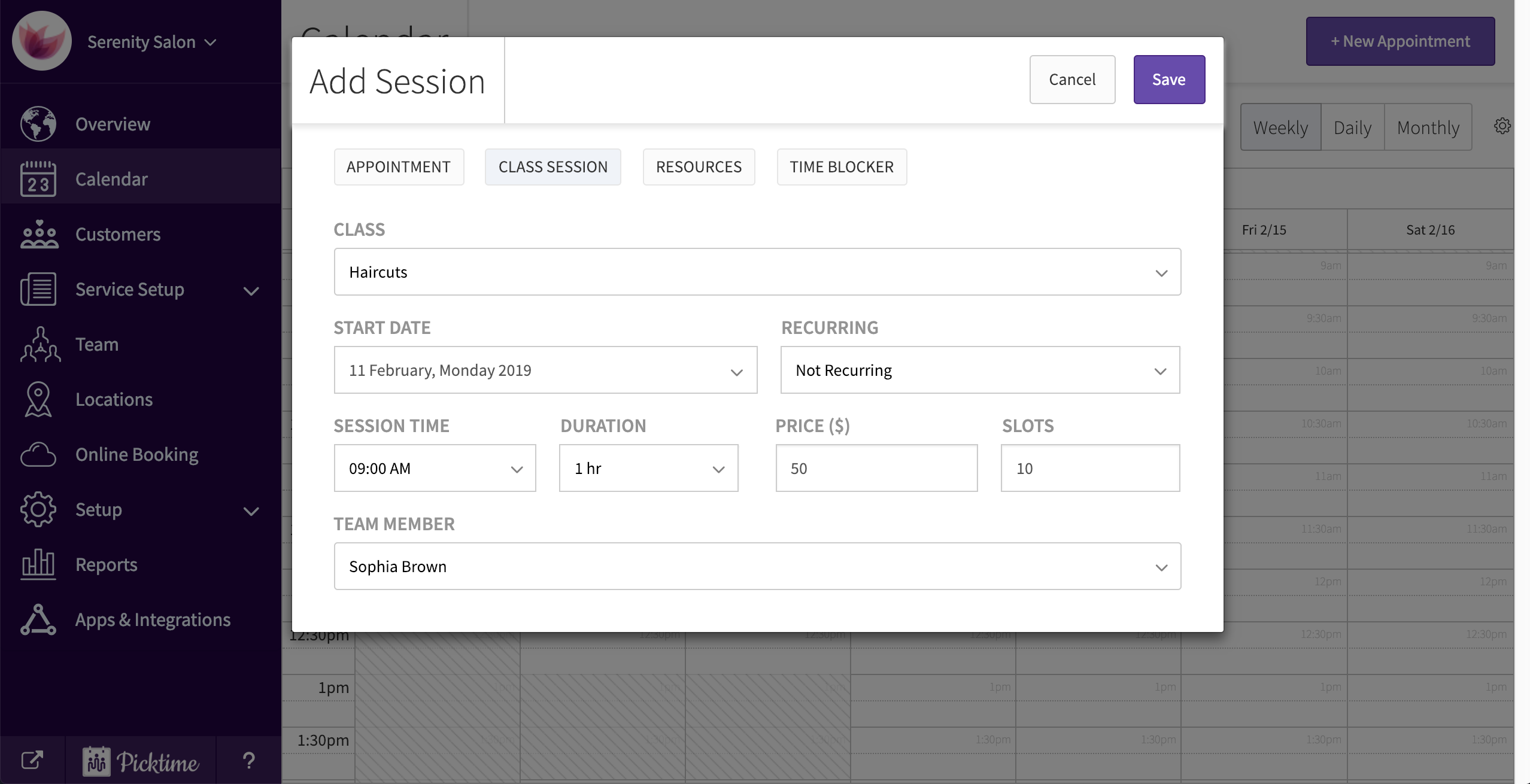
- In the dropdown you will see the appointment set to 'not recurring' by default. Click on the dropdown and set it to 'recurring'.
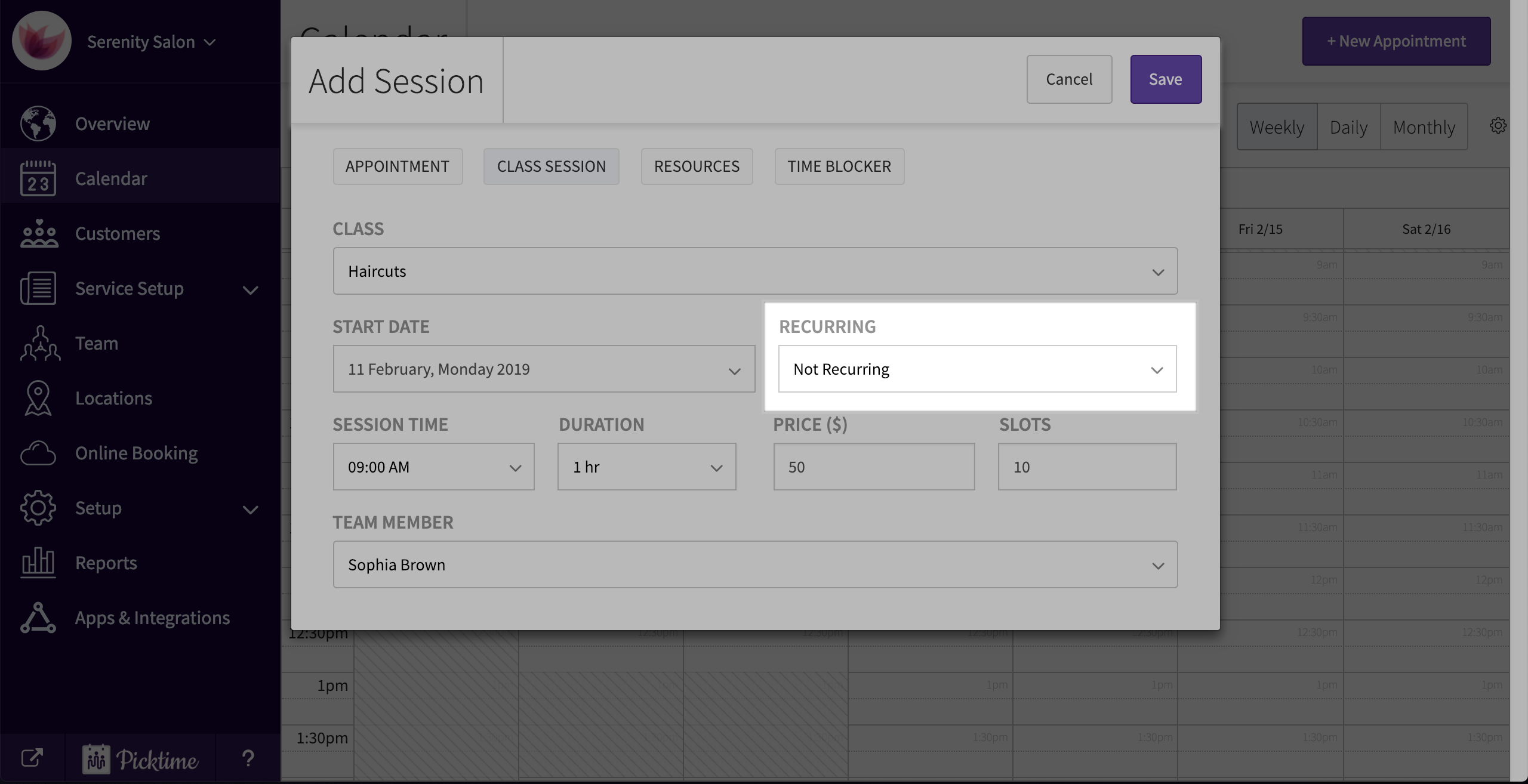
- Choose the frequency of how your appointment should repeat itself.
- You can either choose how many times the class session should repeat itself or choose an end date.
- Click on save.
- Check your calendar to see all your recurring class sessions.

Updated on: 06/03/2026
Thank you!