
How to add a resource?
To add a resource:
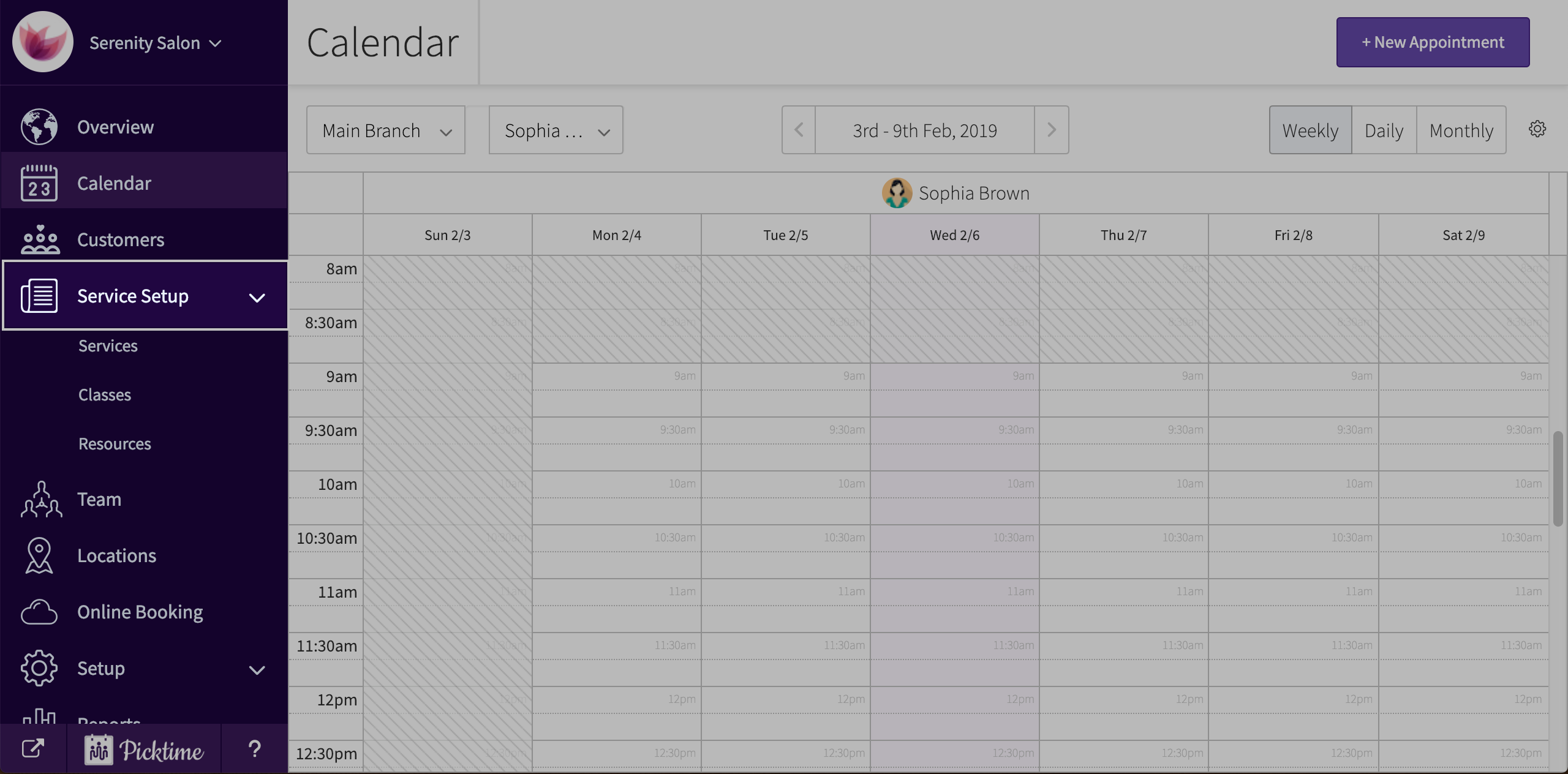
- Go to service setup
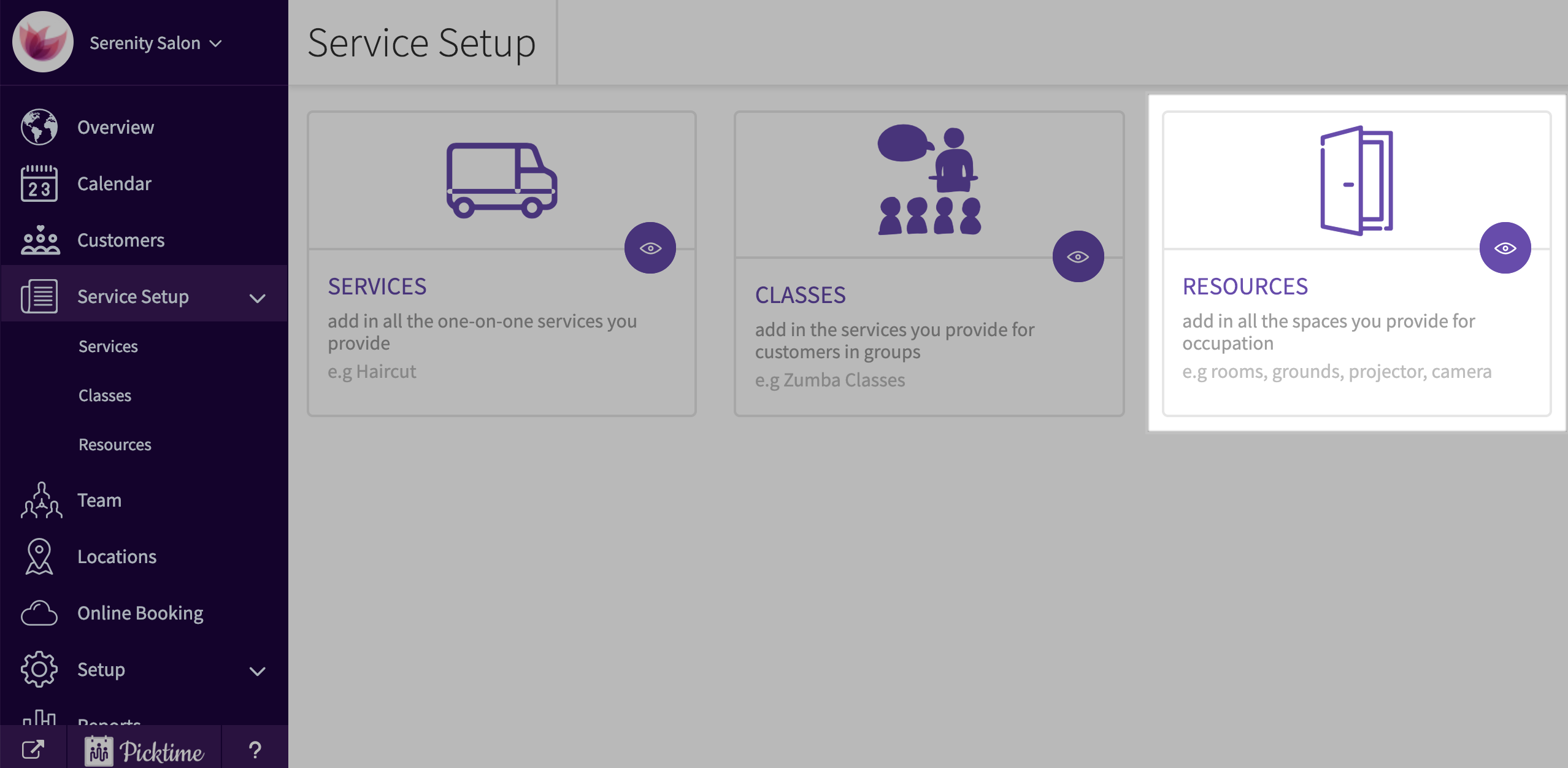
- Choose ‘resources’
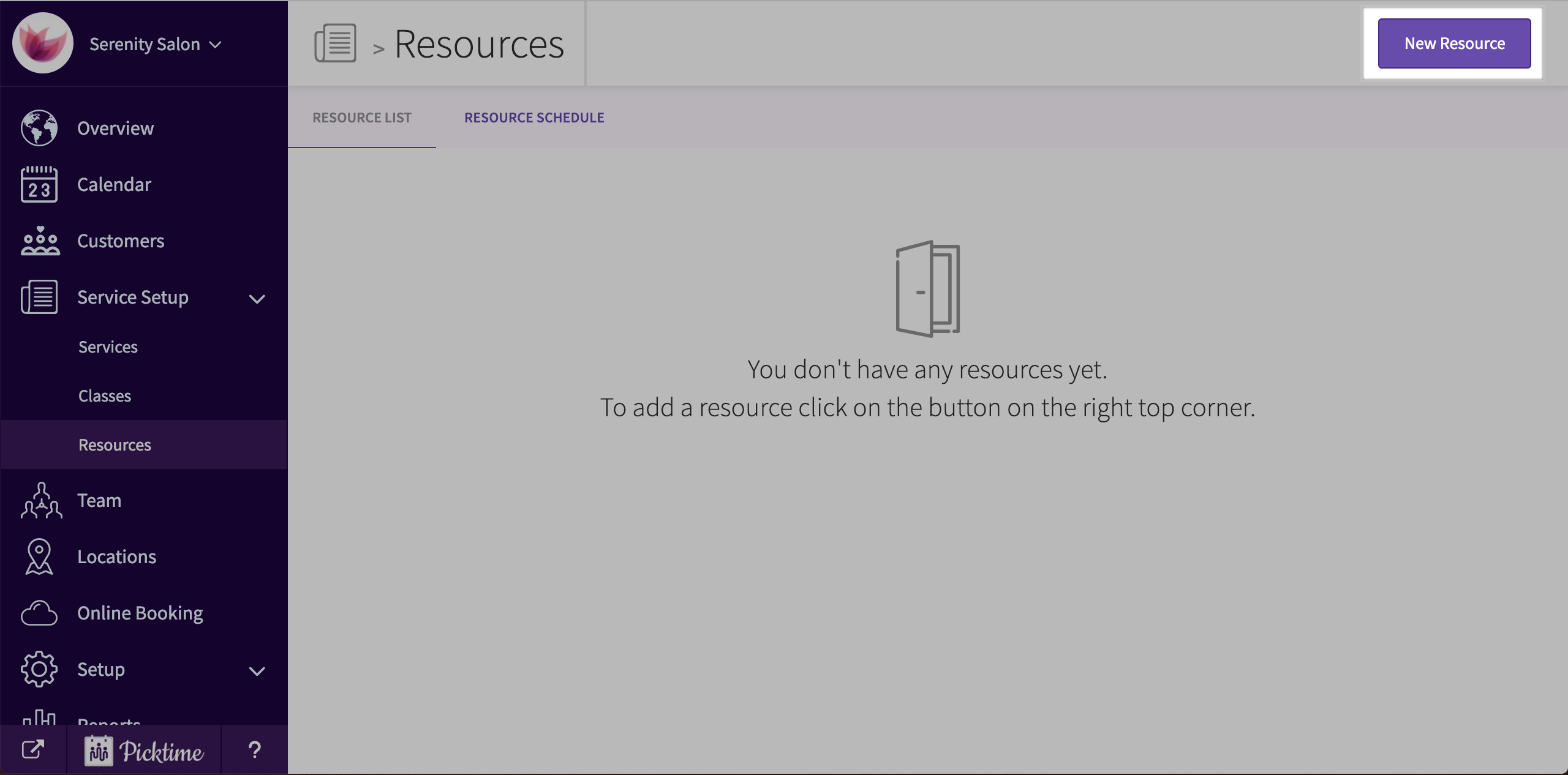
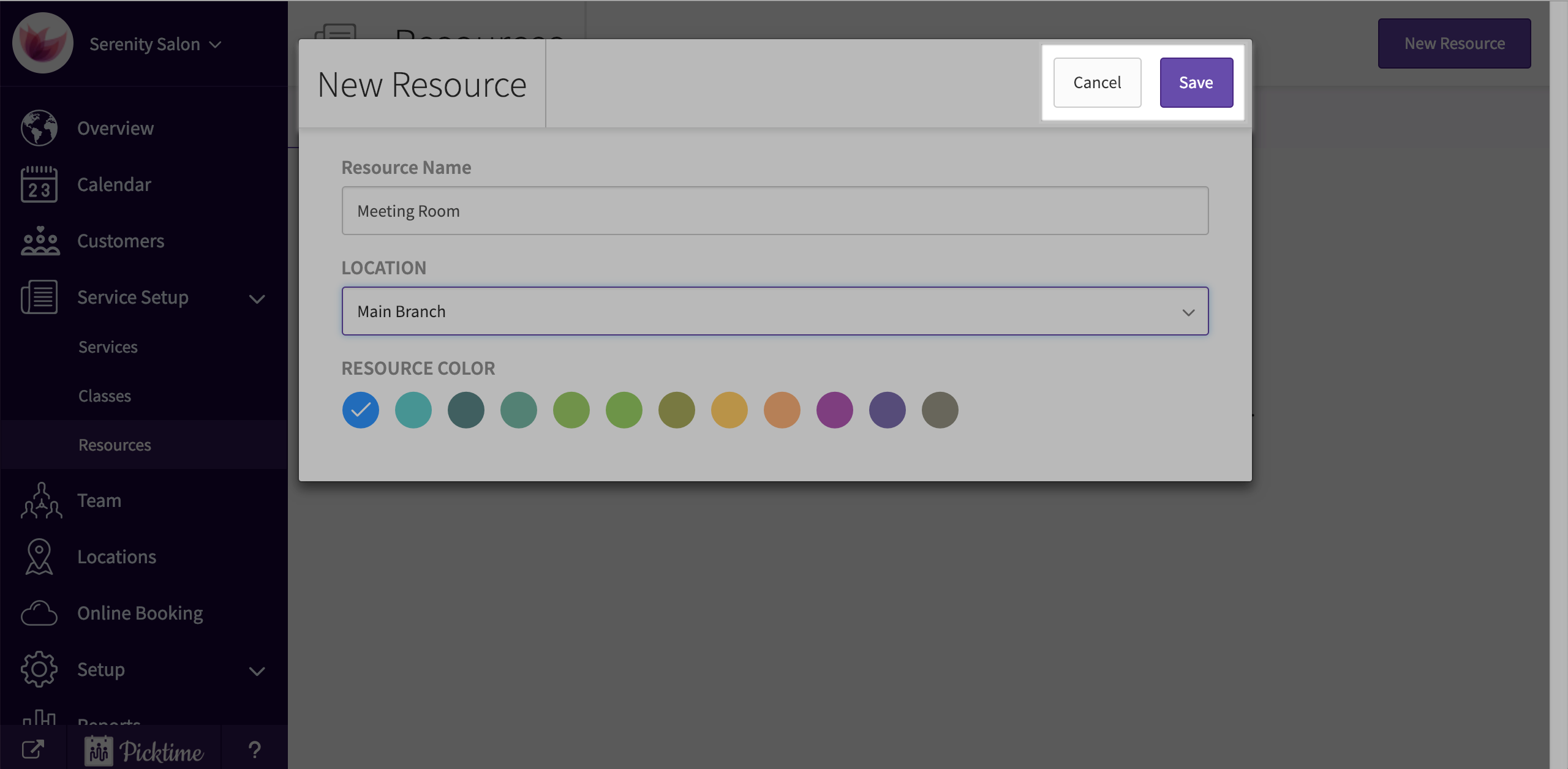
- Click on the ‘new resource’ button you see at the top right corner of the screen.
- Add in a name, location and a colour.
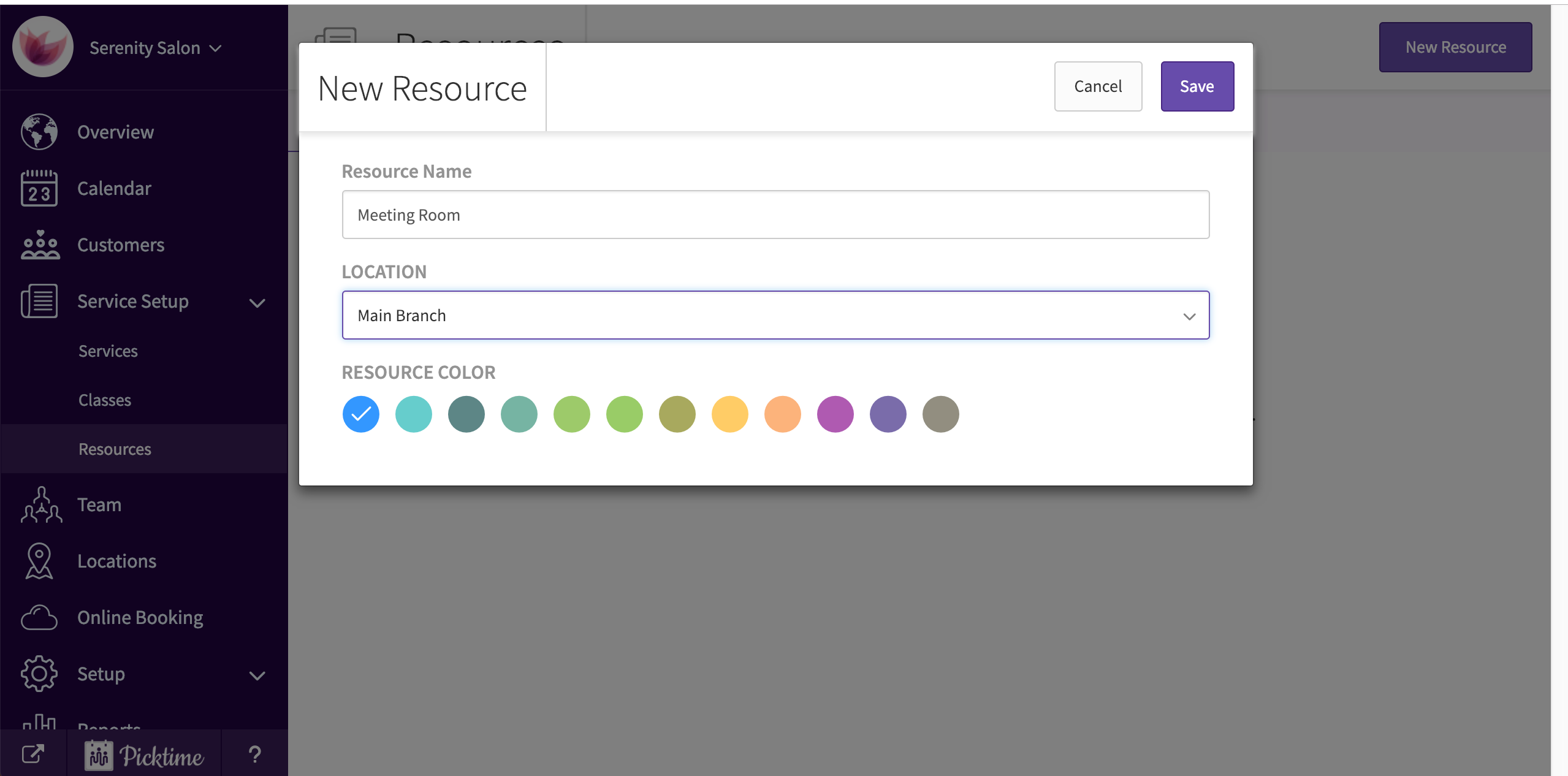
- Click save.
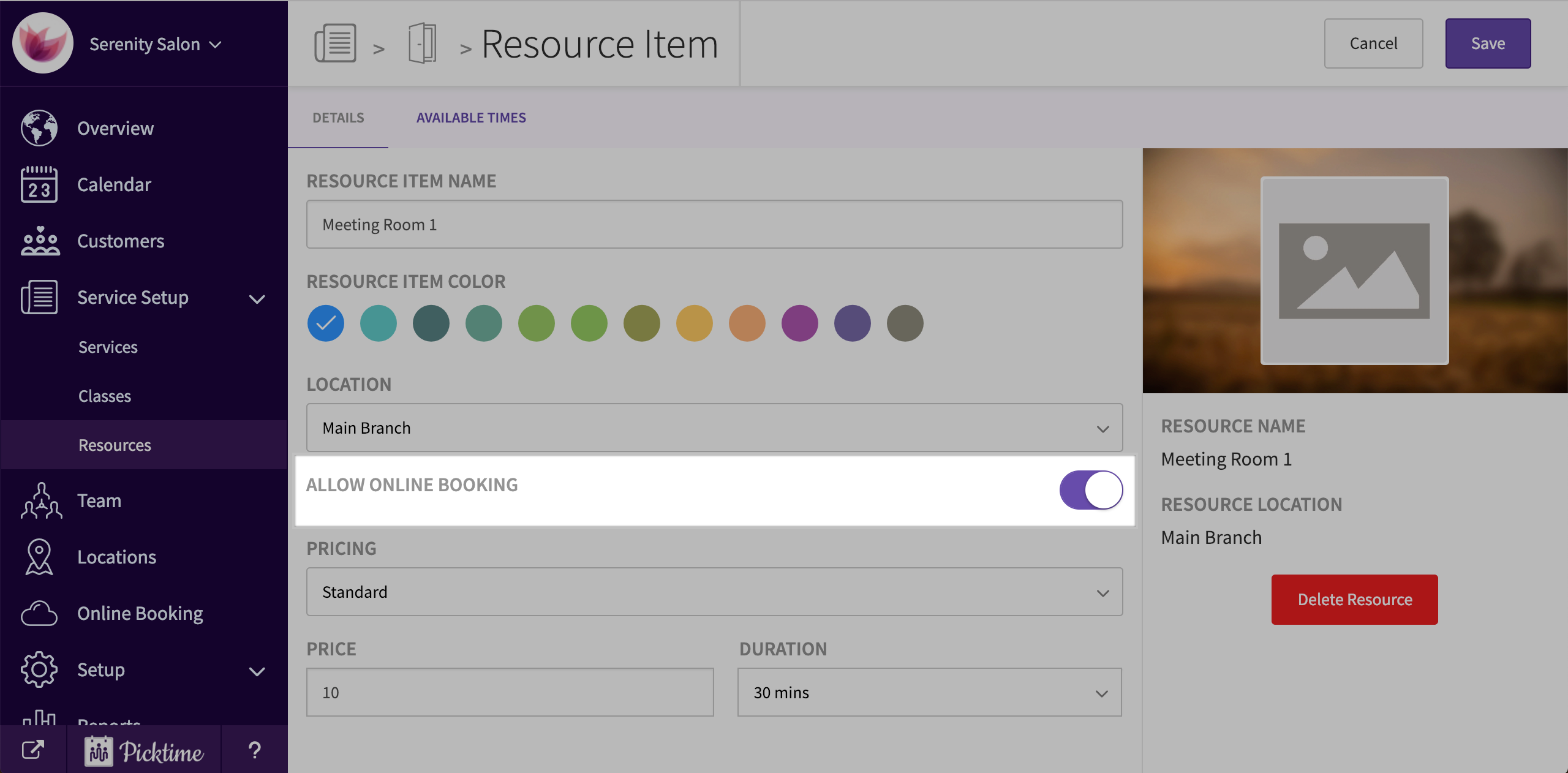
- To make your resource available online, turn on the ‘ enable online bookings’ feature.
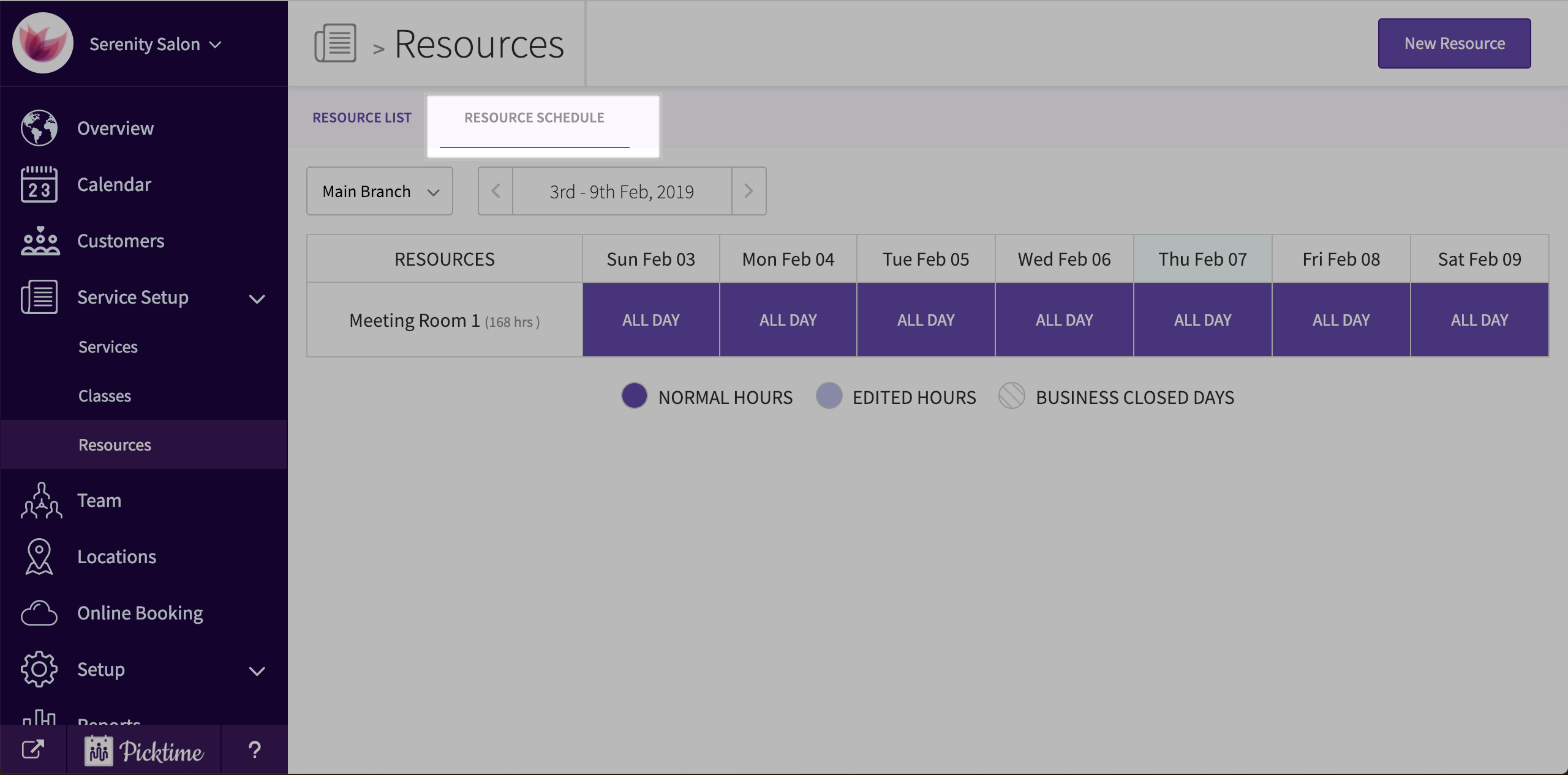
- To manage its available times, you can do it either from the ‘resource schedule’ or ‘available times’ tab.
Updated on: 06/03/2026
Thank you!