
How to add and edit your business details?
With growing business and fame, it is quite a common practice to keep revamping tiny but important details like logos etc etc. Picktime also wants to keep up with every makeover you give your business by letting you add and edit your business details whenever you want.
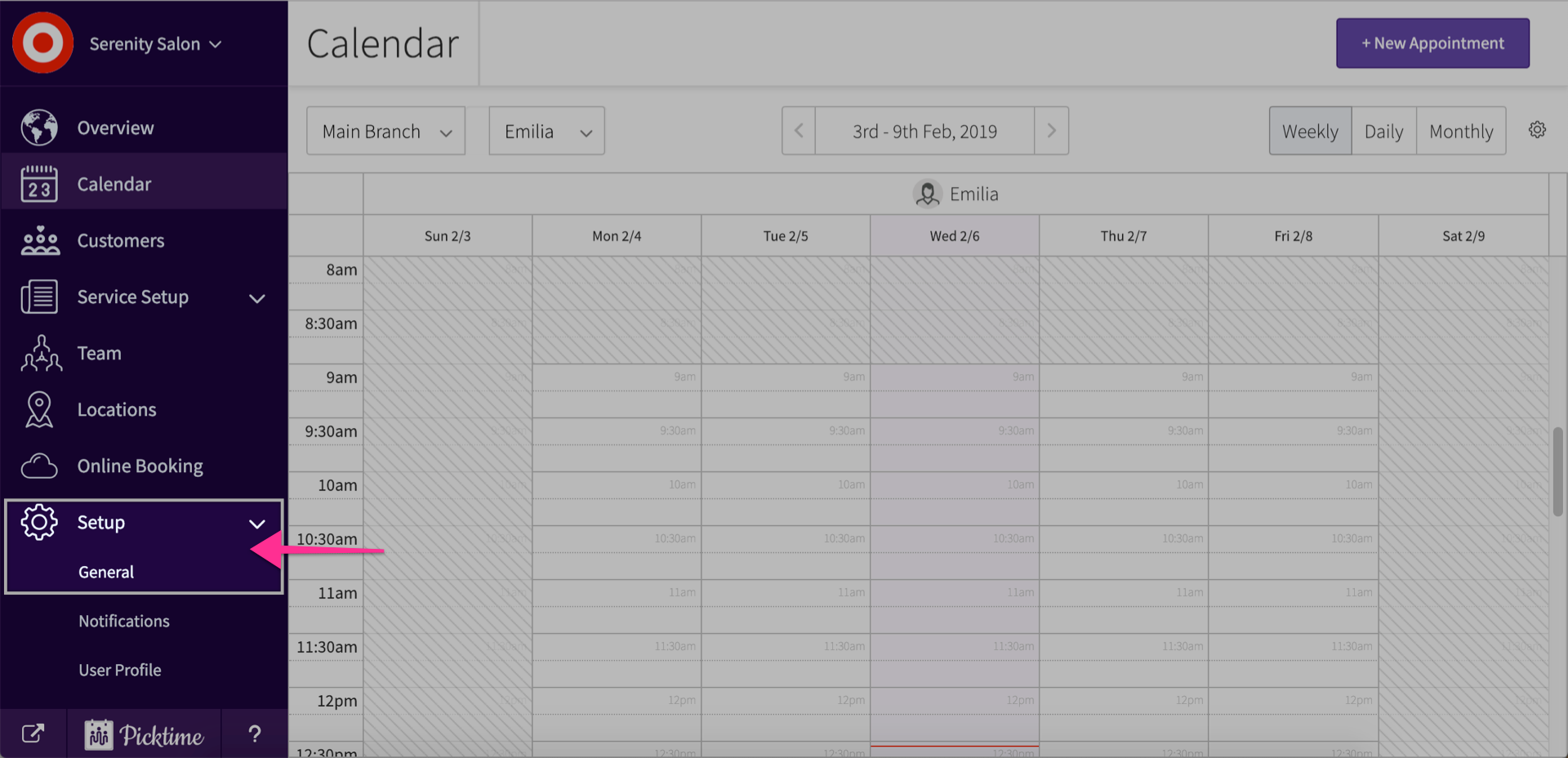
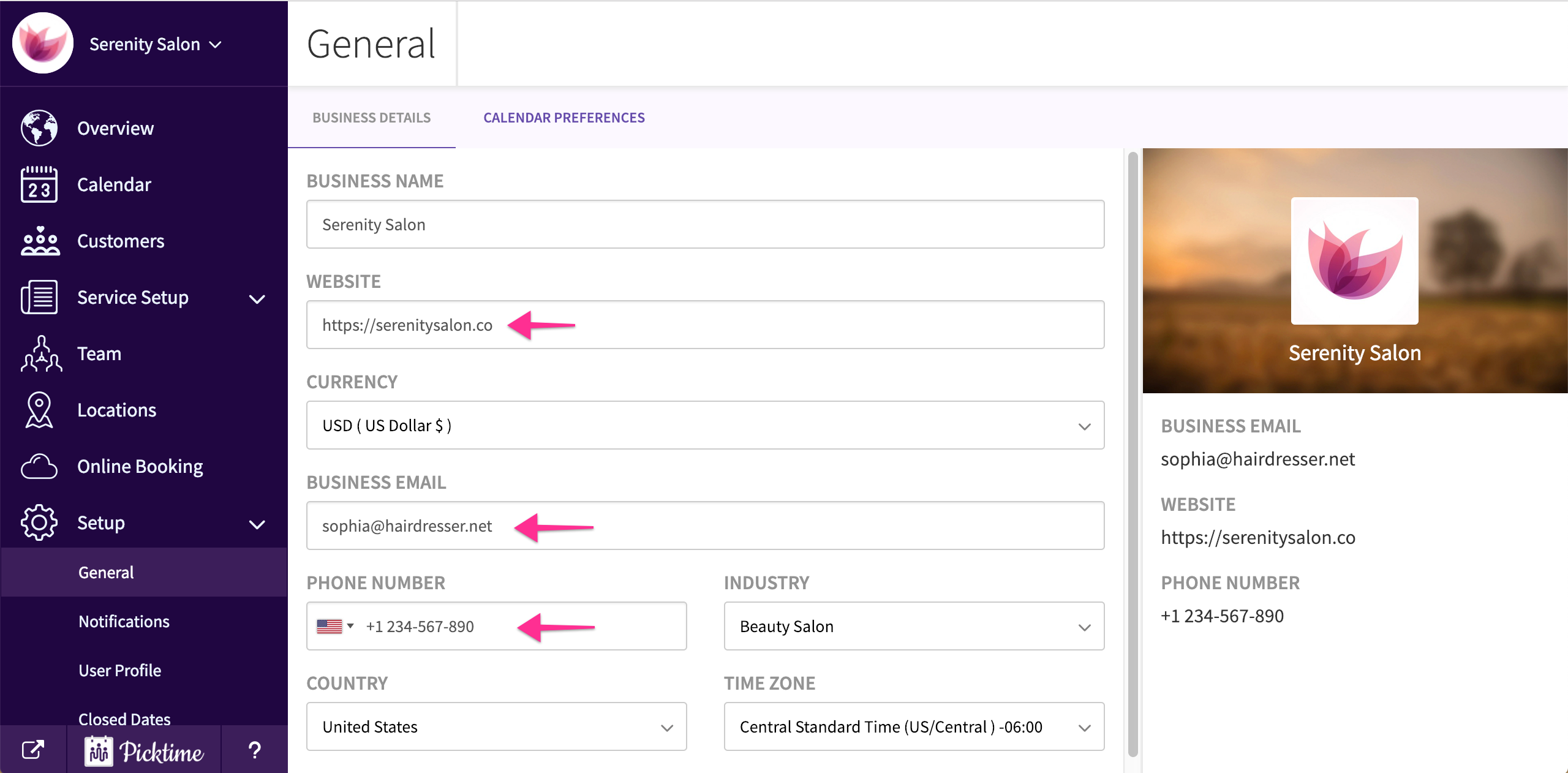
- Go to setup > general.
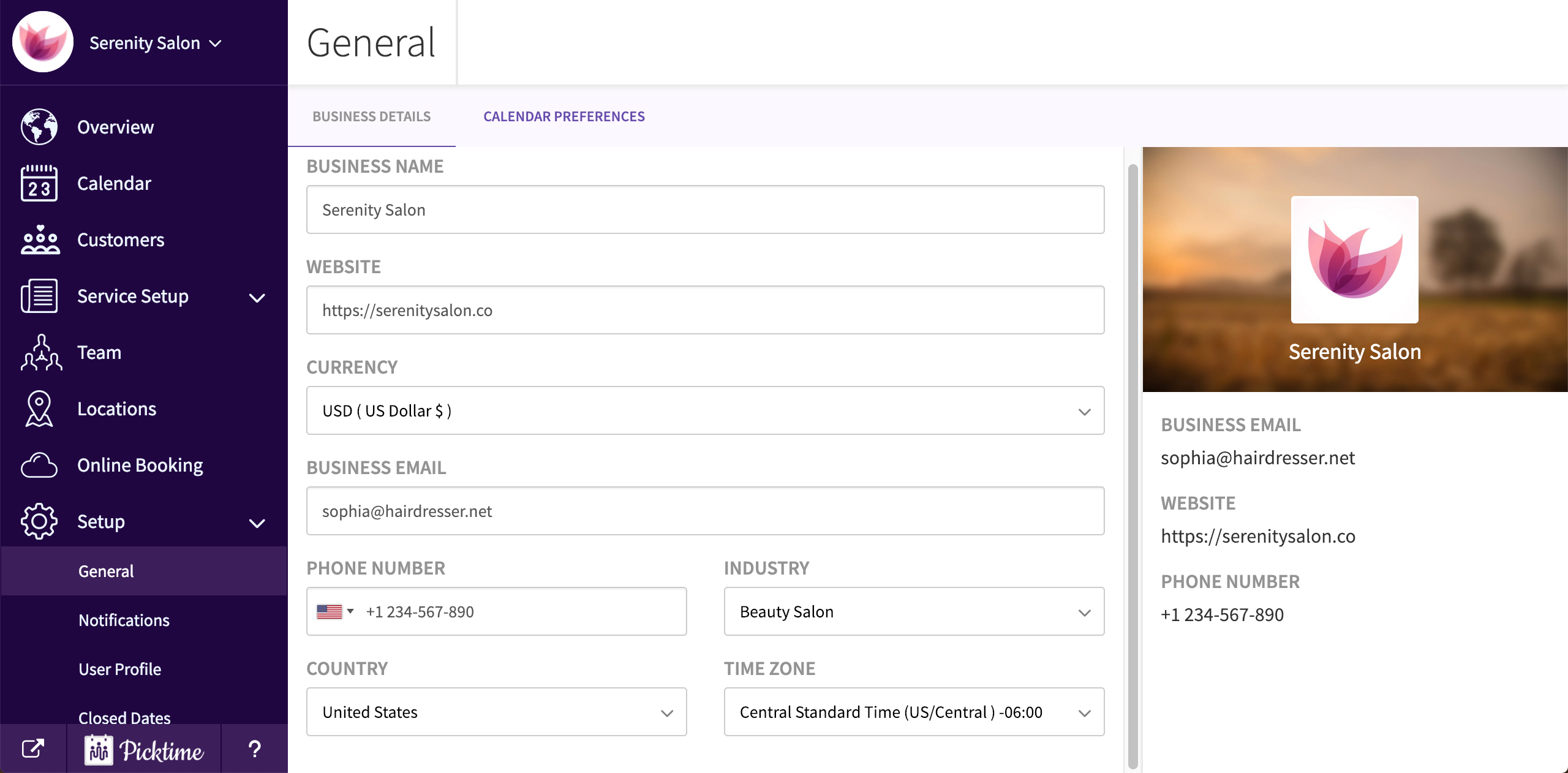
- You will land on the business details page.
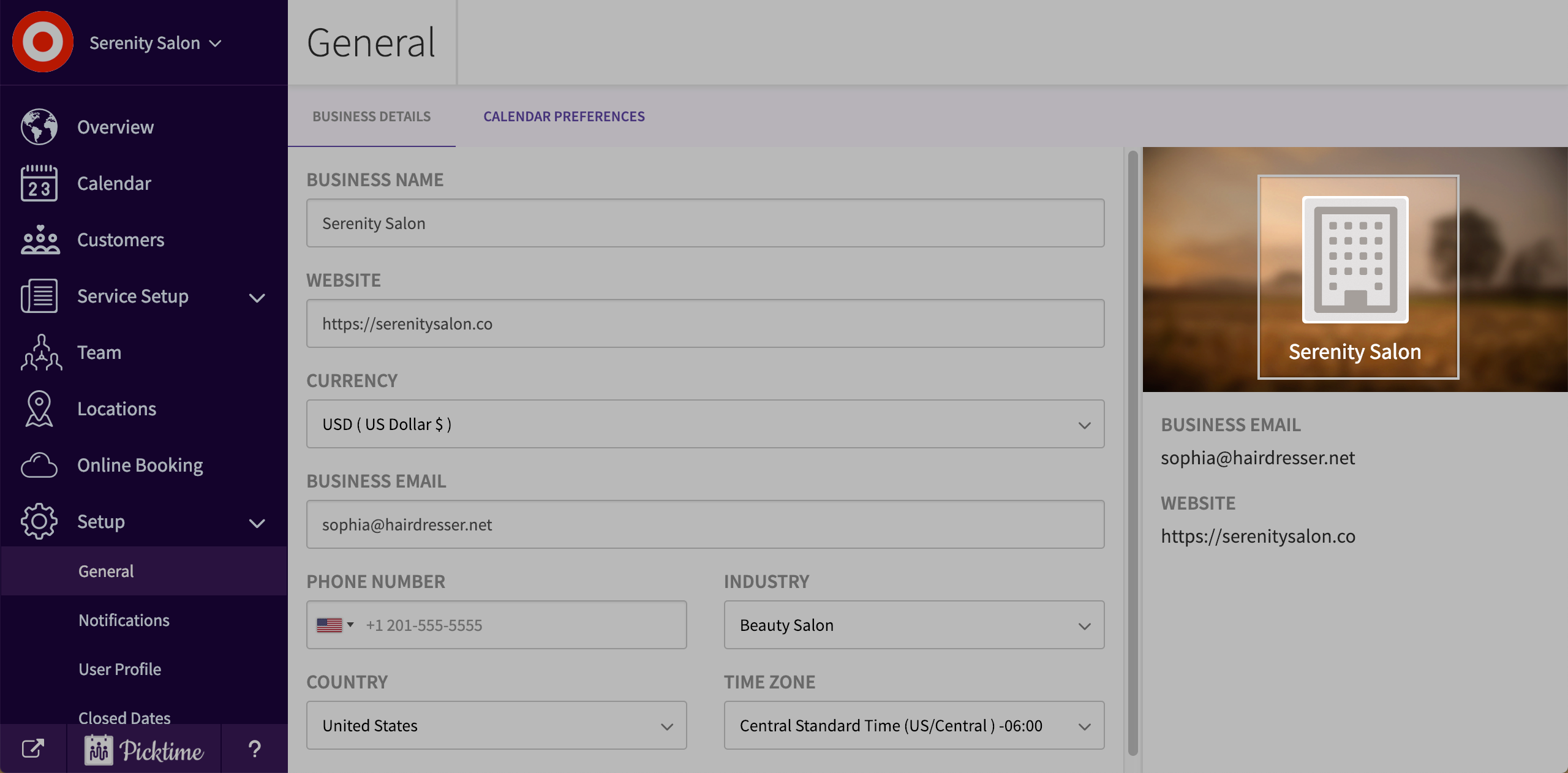
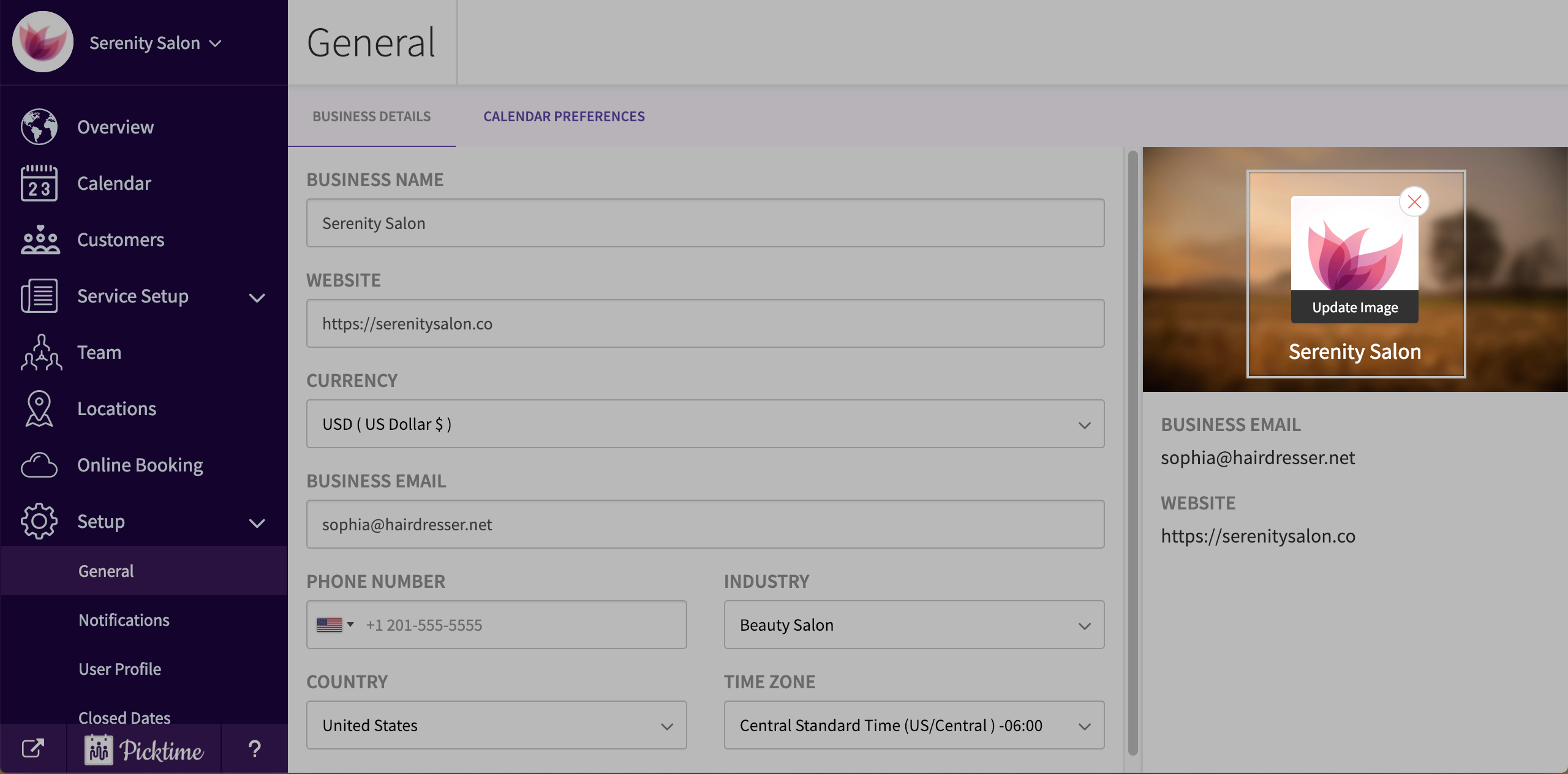
- You can also add details like company logo. You can also remove the company logo by clicking on the cancel icon.
- Add in any details like your website address, business email etc.
Updated on: 06/03/2026
Thank you!