
How to add customers to a class session?
To add customers to a class session:
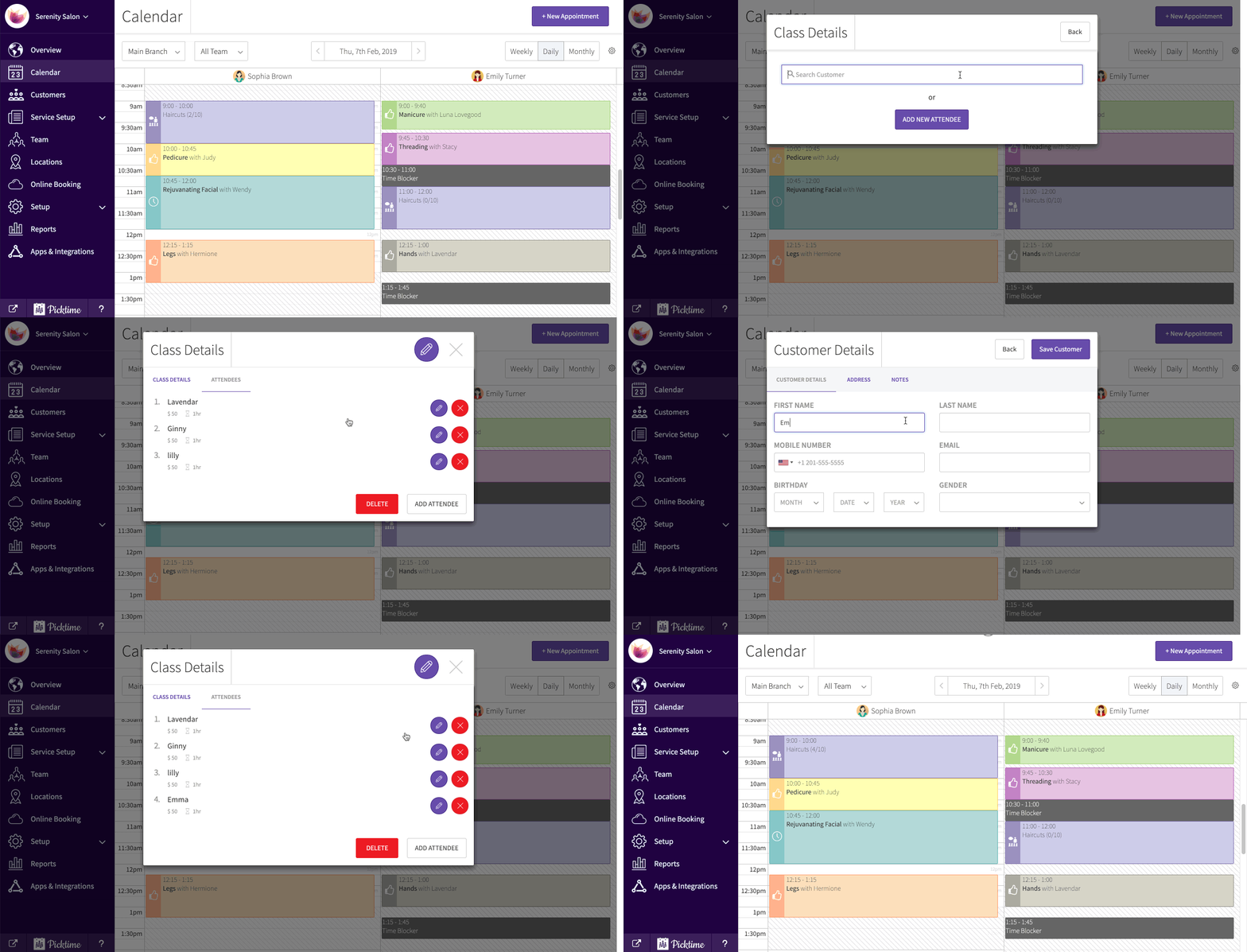
- Go to calendar and Navigate to the date you have created a class session.

- Click on the session. You will see a ‘class details’ pop-up.
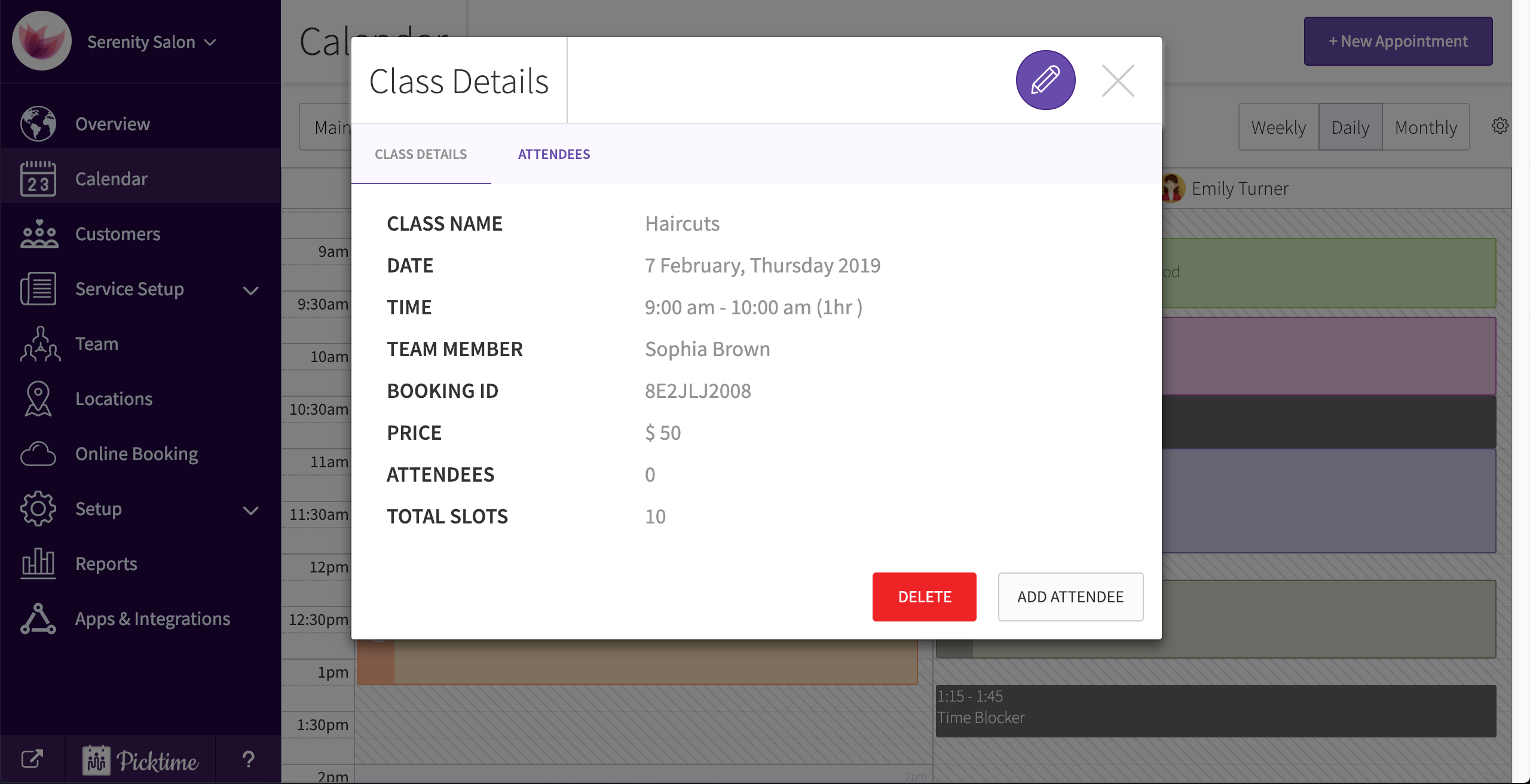
- Click on the attendees tab.

- You will see an add attendees pop-up in the bottom right corner.

- Once you click on it, you can add a client from the existing list or add a new one.
Updated on: 06/03/2026
Thank you!