
How to add in your first appointment?
To have your business functioning in a systematic manner, you need to give out appointments to your clients.
There are two ways in which you can add appointments with Picktime.
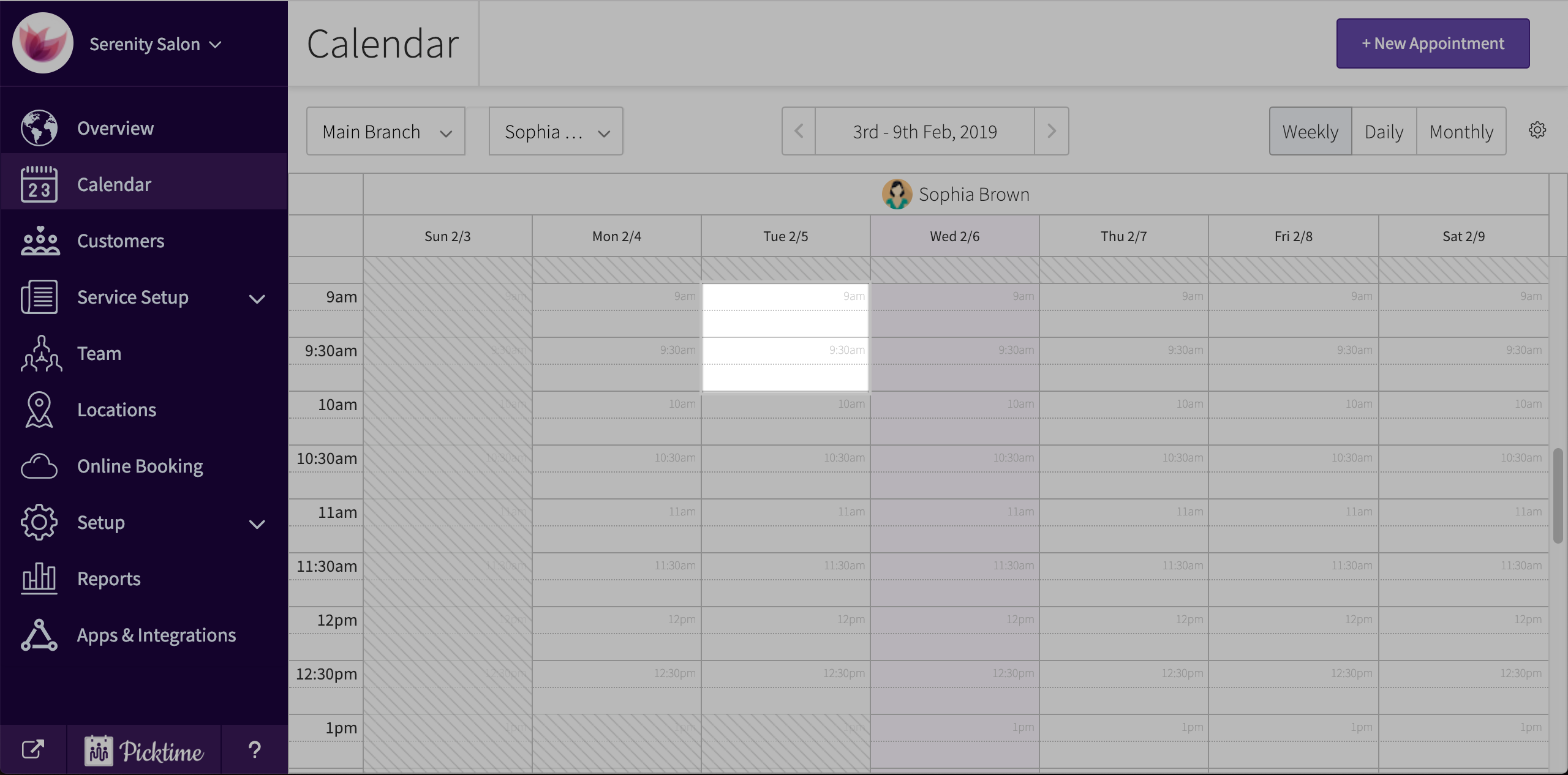
a. By Clicking on an empty calendar slot and adding in an appointment
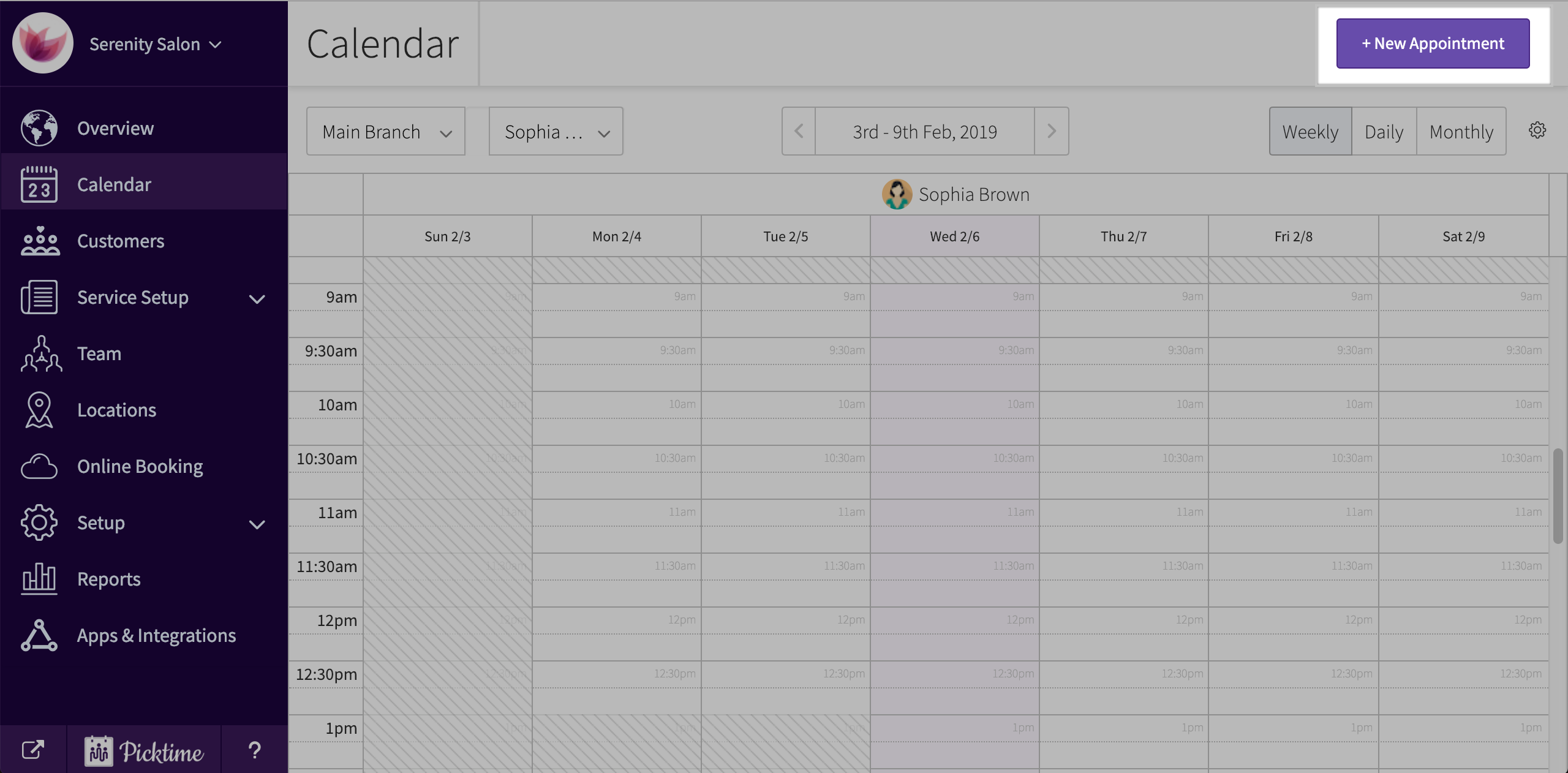
b. By click on the “book appointment” button located at the top right corner of the screen.
Now, Let us go through the process of adding in your first appointment.
- Go to calendar.
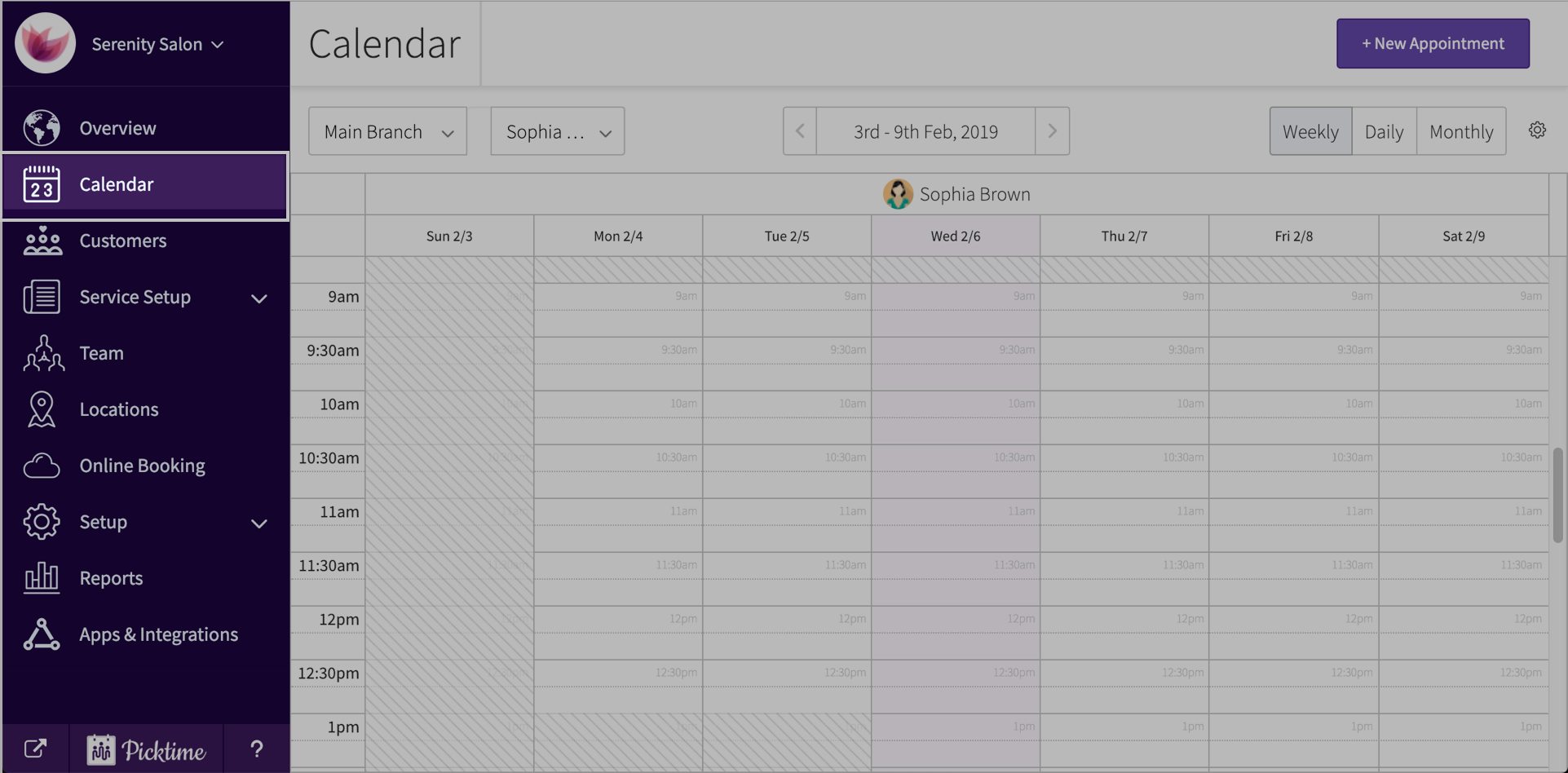
- In the dropdown in the top left make sure you have chosen the right location.

- Follow step a or step b.
- In the ‘add booking’ pop-up, If your client is an existing one, simply search and add or add in a new customer.
- Add in staff, date, staff, service, notes etc.
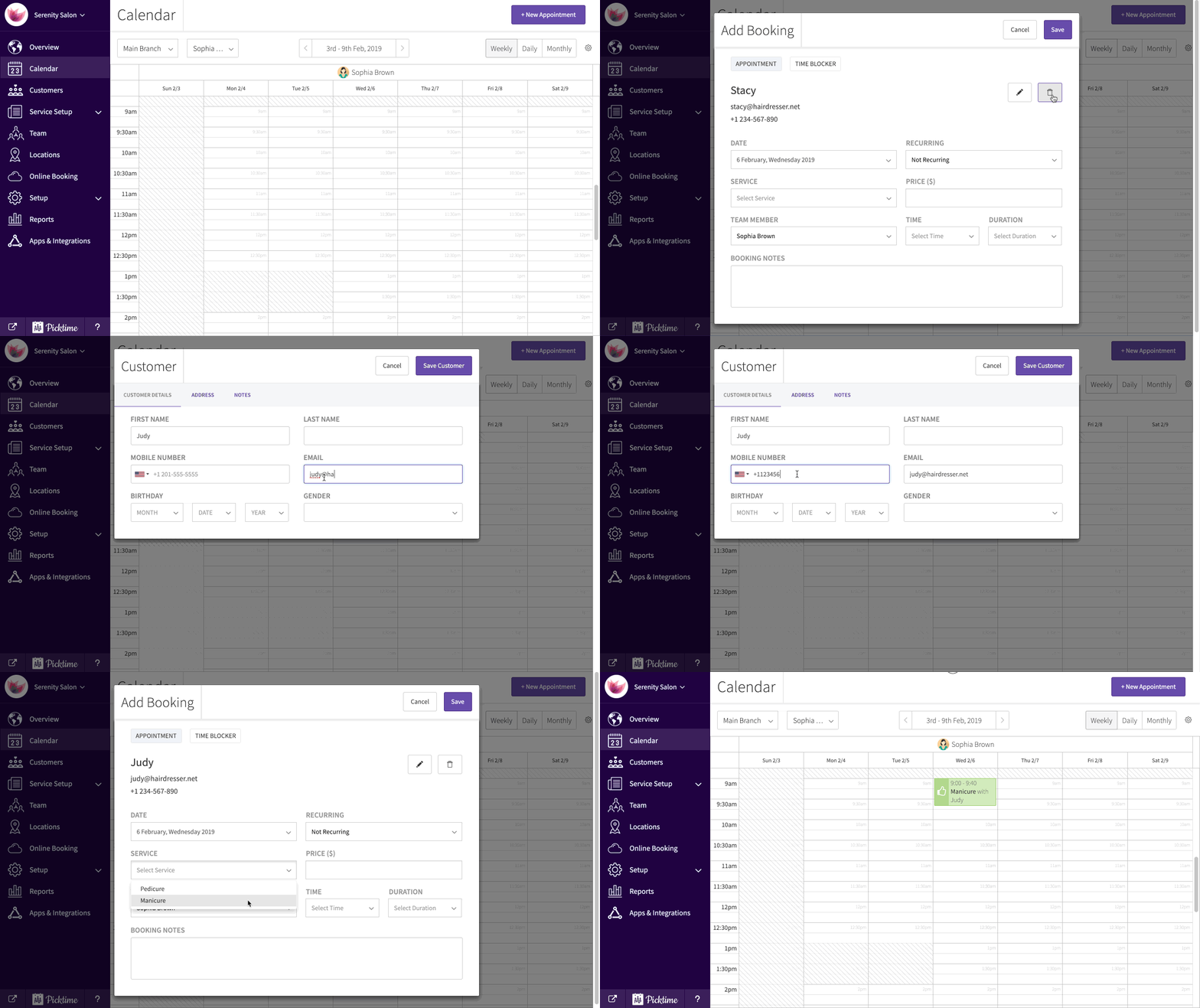
- If your customer comes in at the same time every day or week or month you can create a recurring appointment with the customer. Click save.
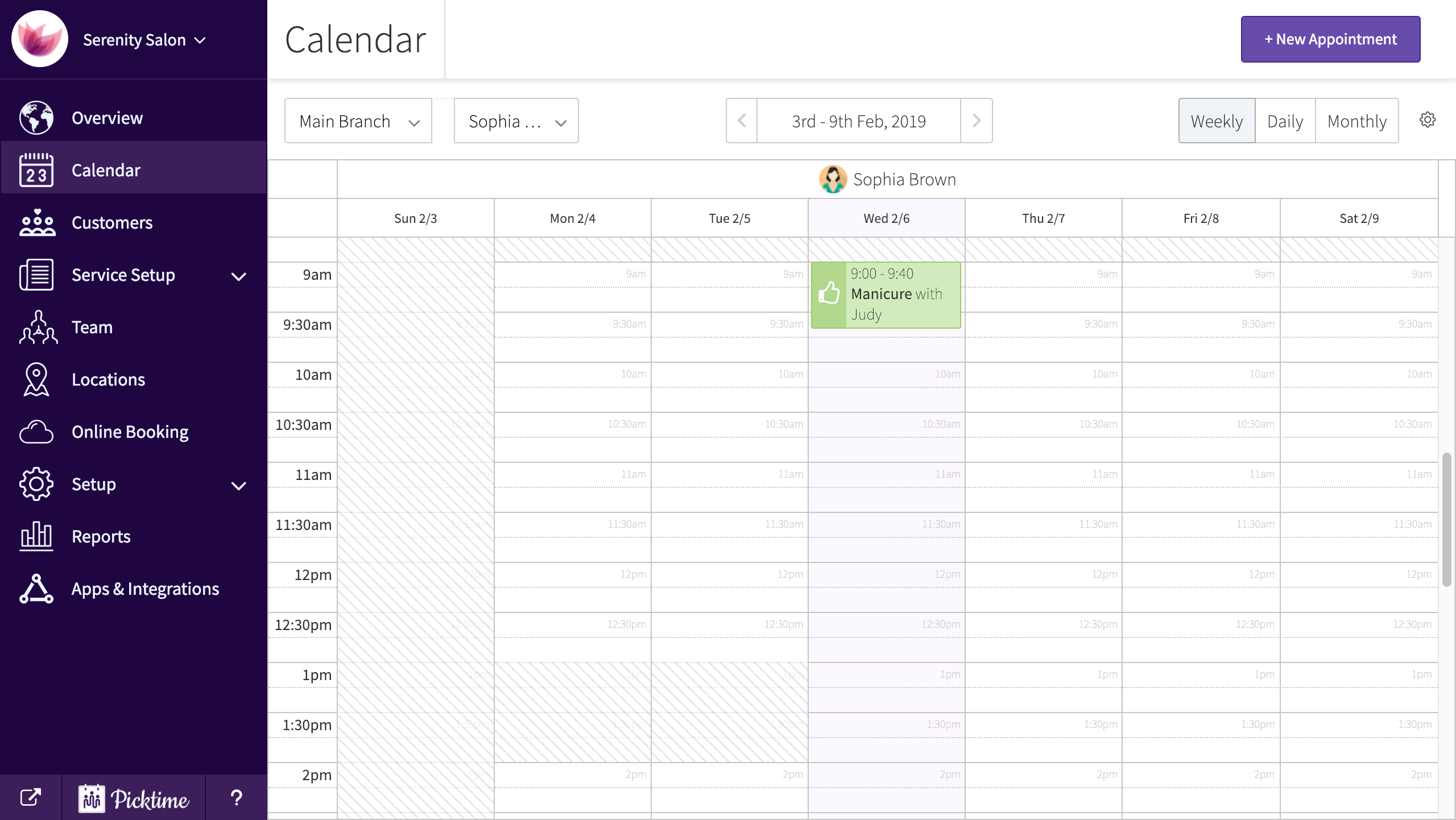
- This is how the appointment will look like in your calendar.
- You can also add status to your appointment.

Updated on: 05/03/2026
Thank you!