
How to add multiple Locations to Picktime?
If you are running a business which has more than one branch in a different location, well we have got your back.
To add in another location to your Picktime account:
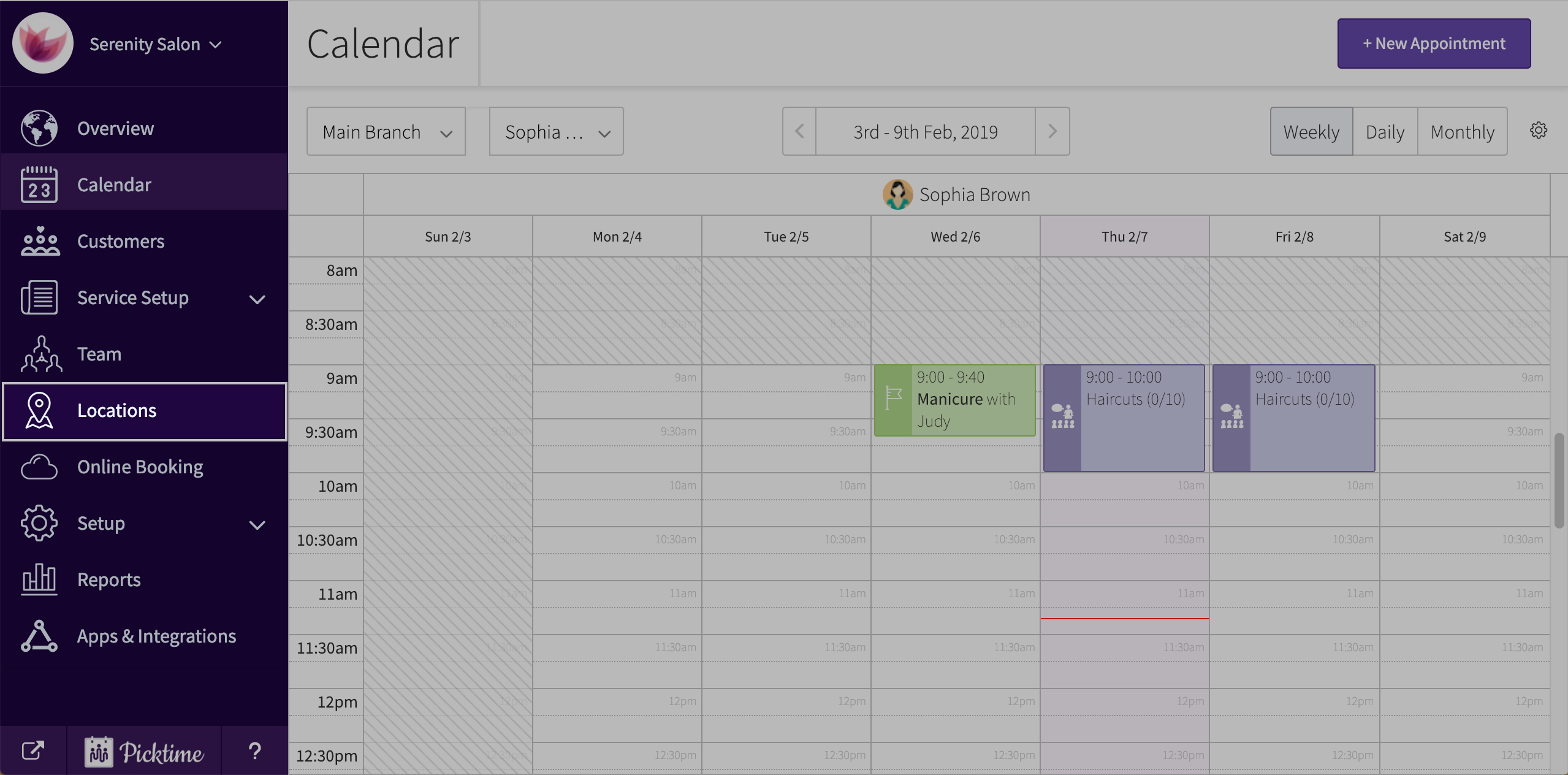
- Go to locations.
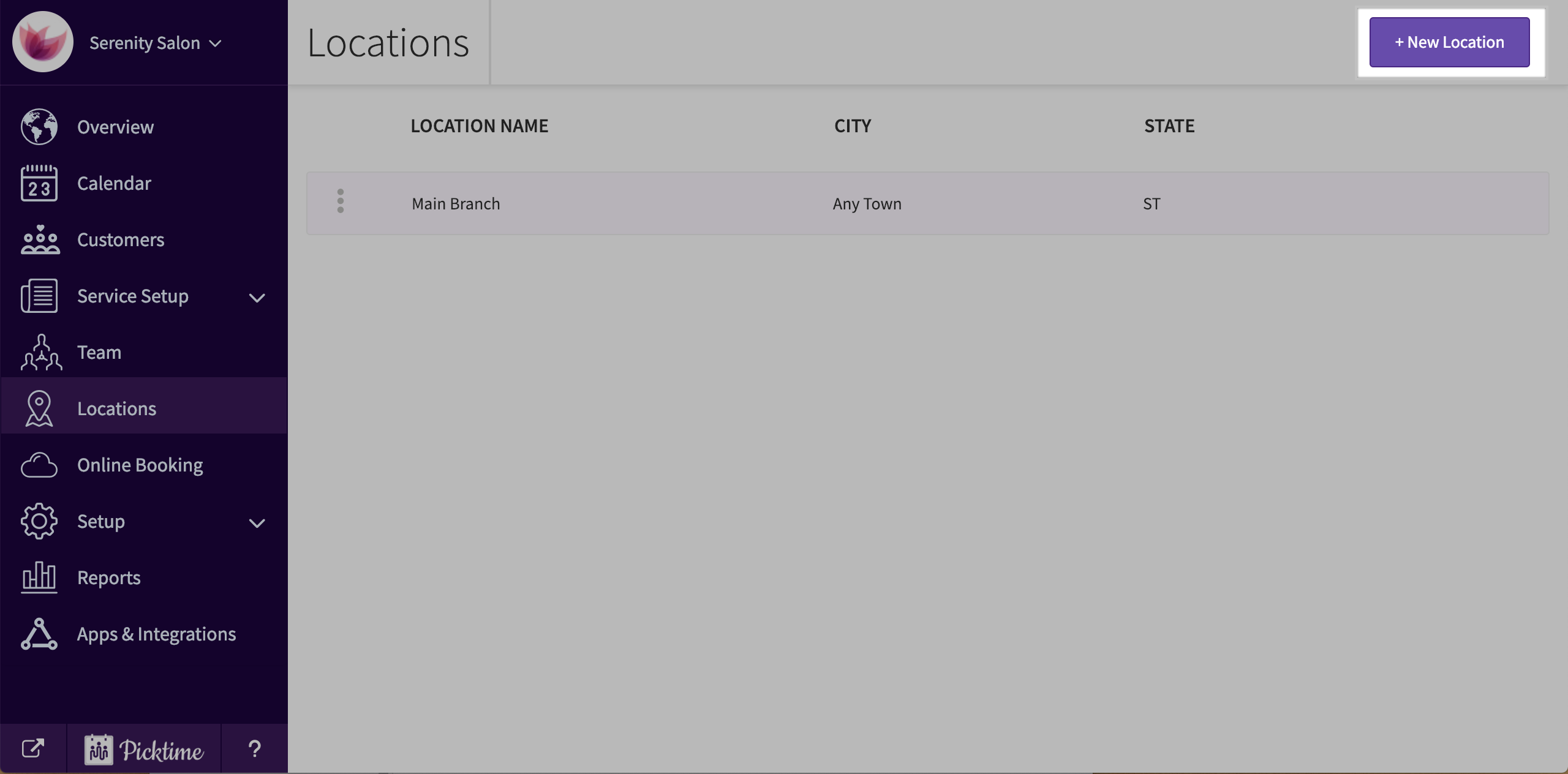
- Click on ‘new location’ button on the located top right corner of the screen.
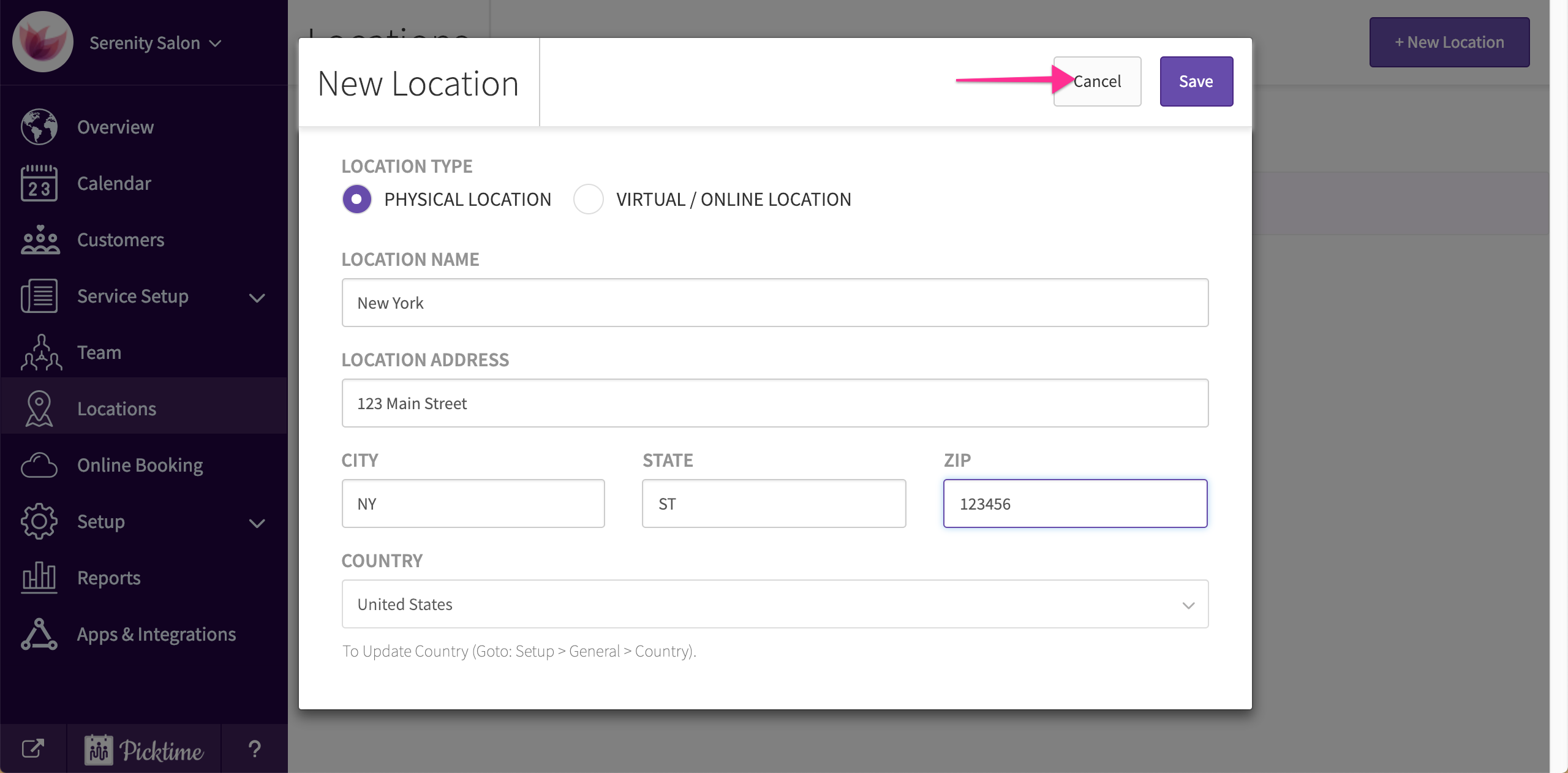
- Choose if its a physical or a virtual location.
- Add in other details and hit save.
Updated on: 06/03/2026
Thank you!