
How to change or edit calendar first Hour?
To change calendar first hour in your Picktime account:
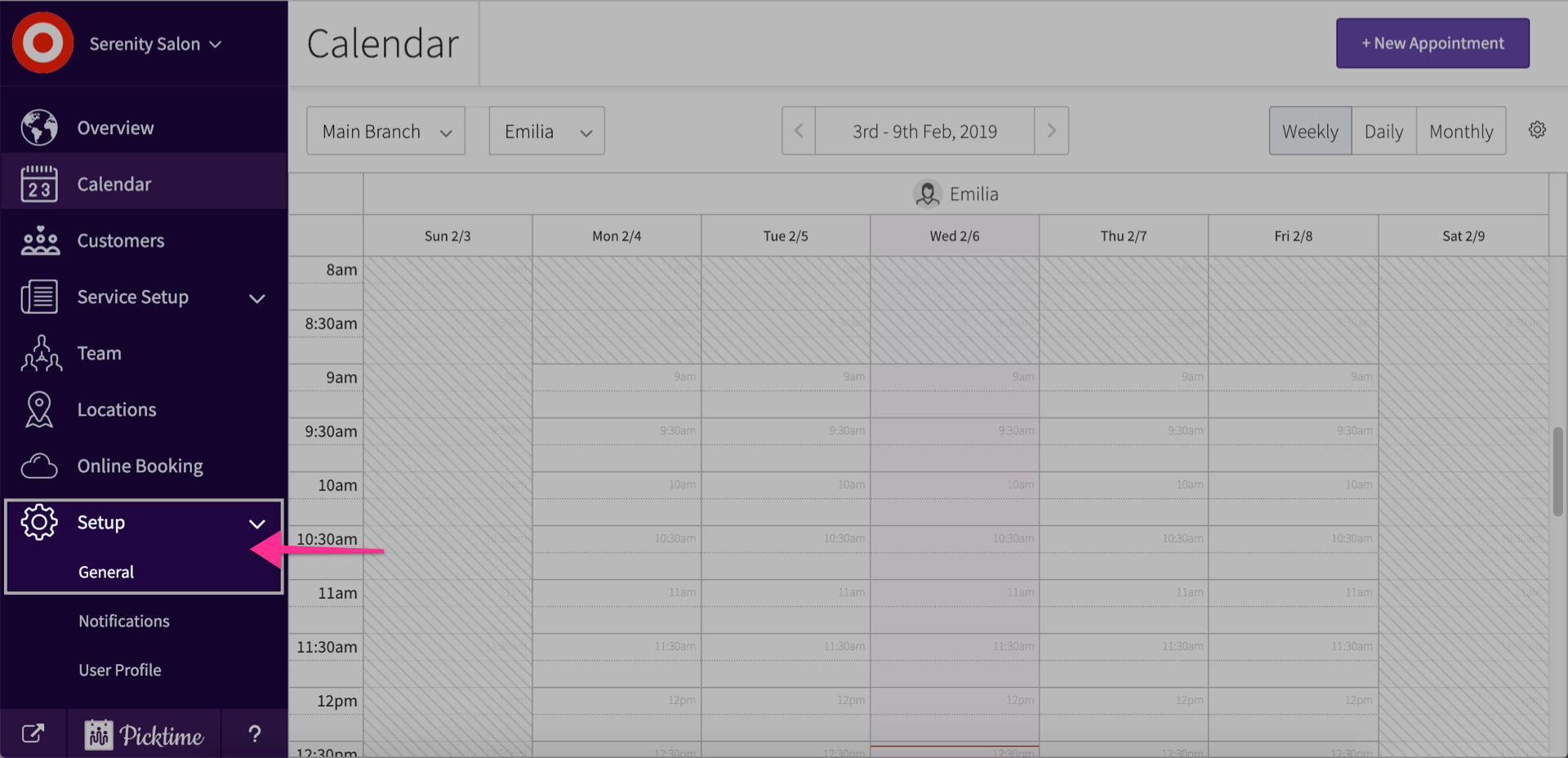
- Go to setup > general.
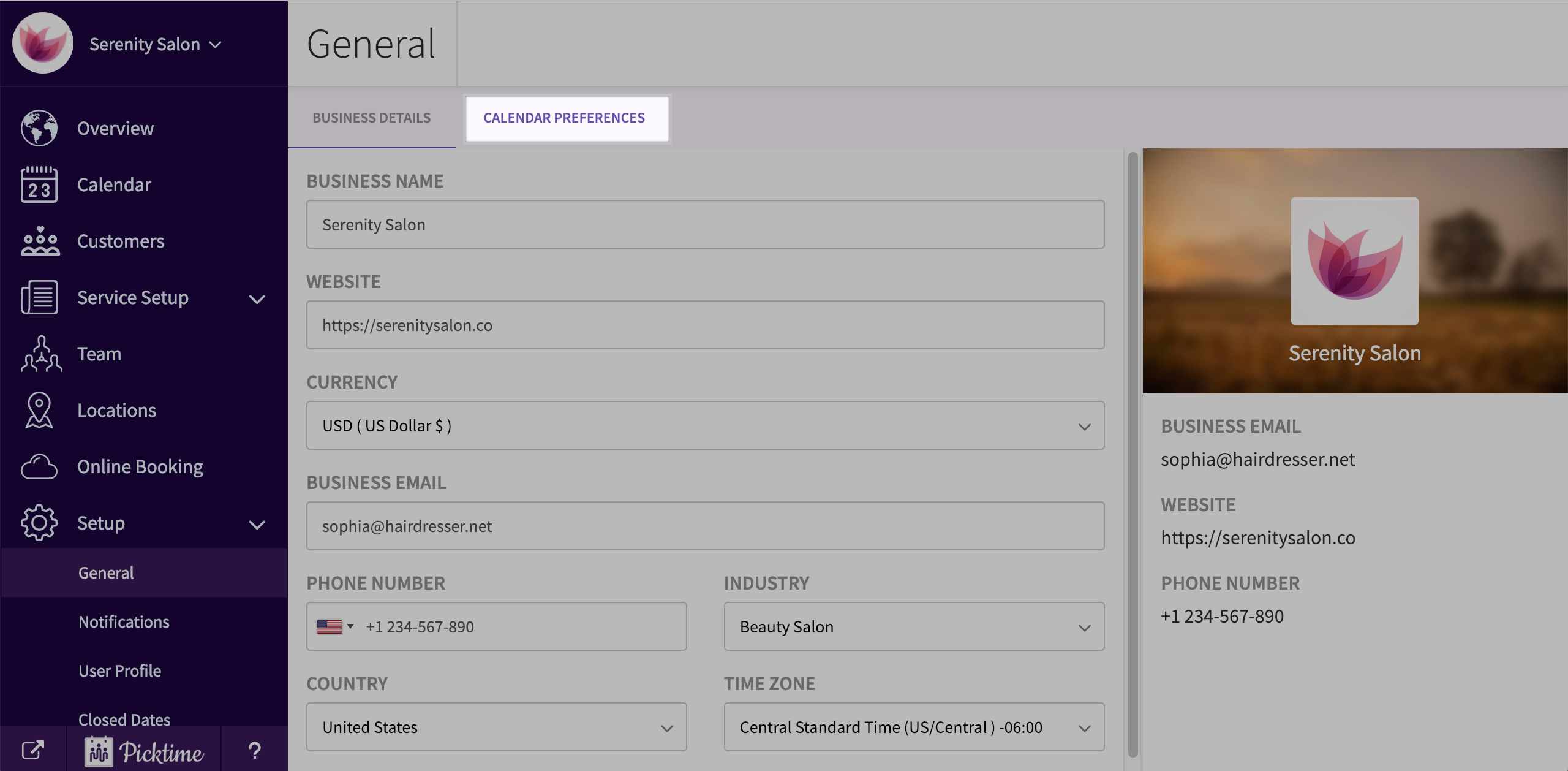
- Click on calendar preferences.
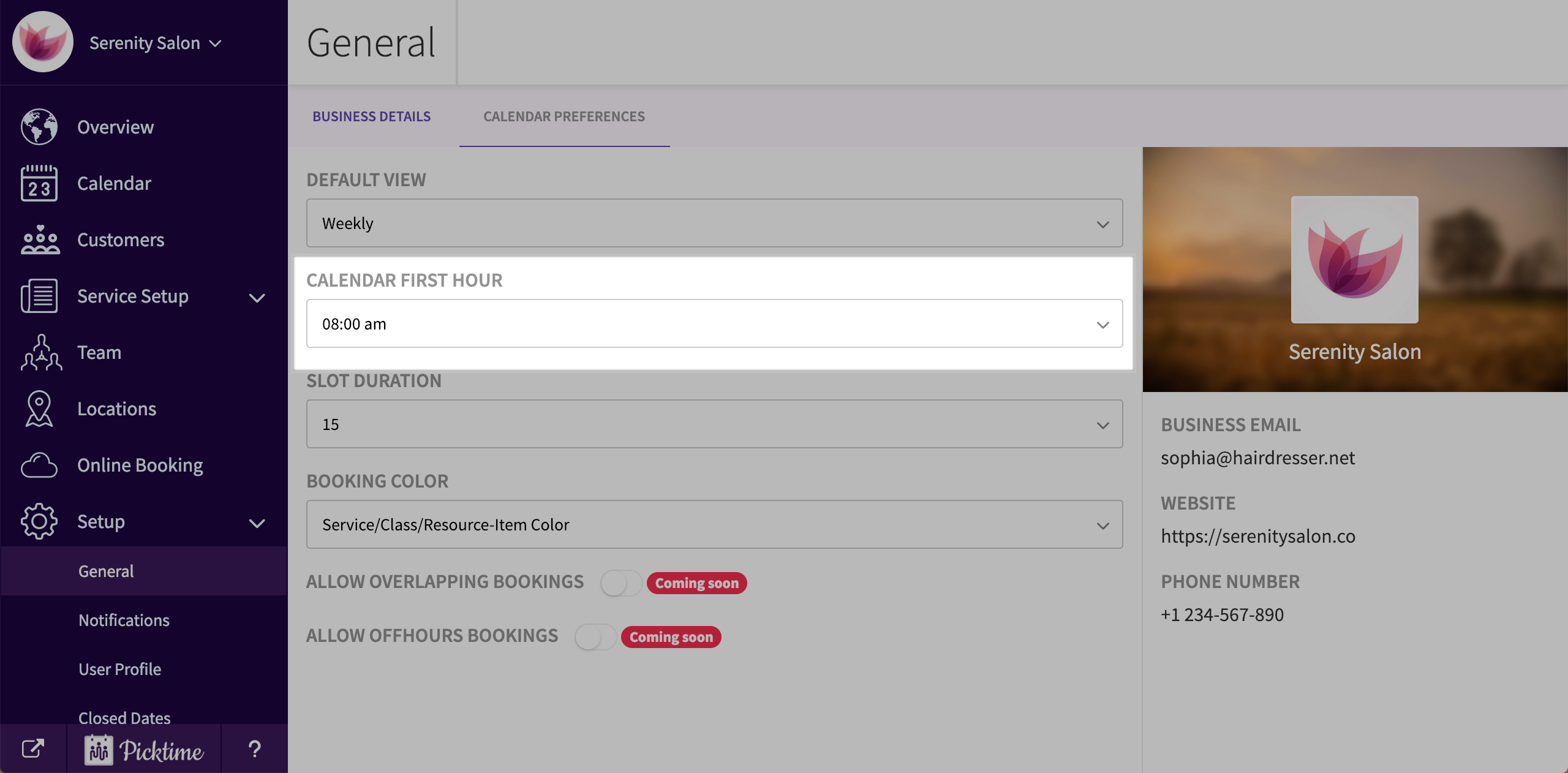
- In calendar first hour, you will see that the time is set to 8:00 am by default.
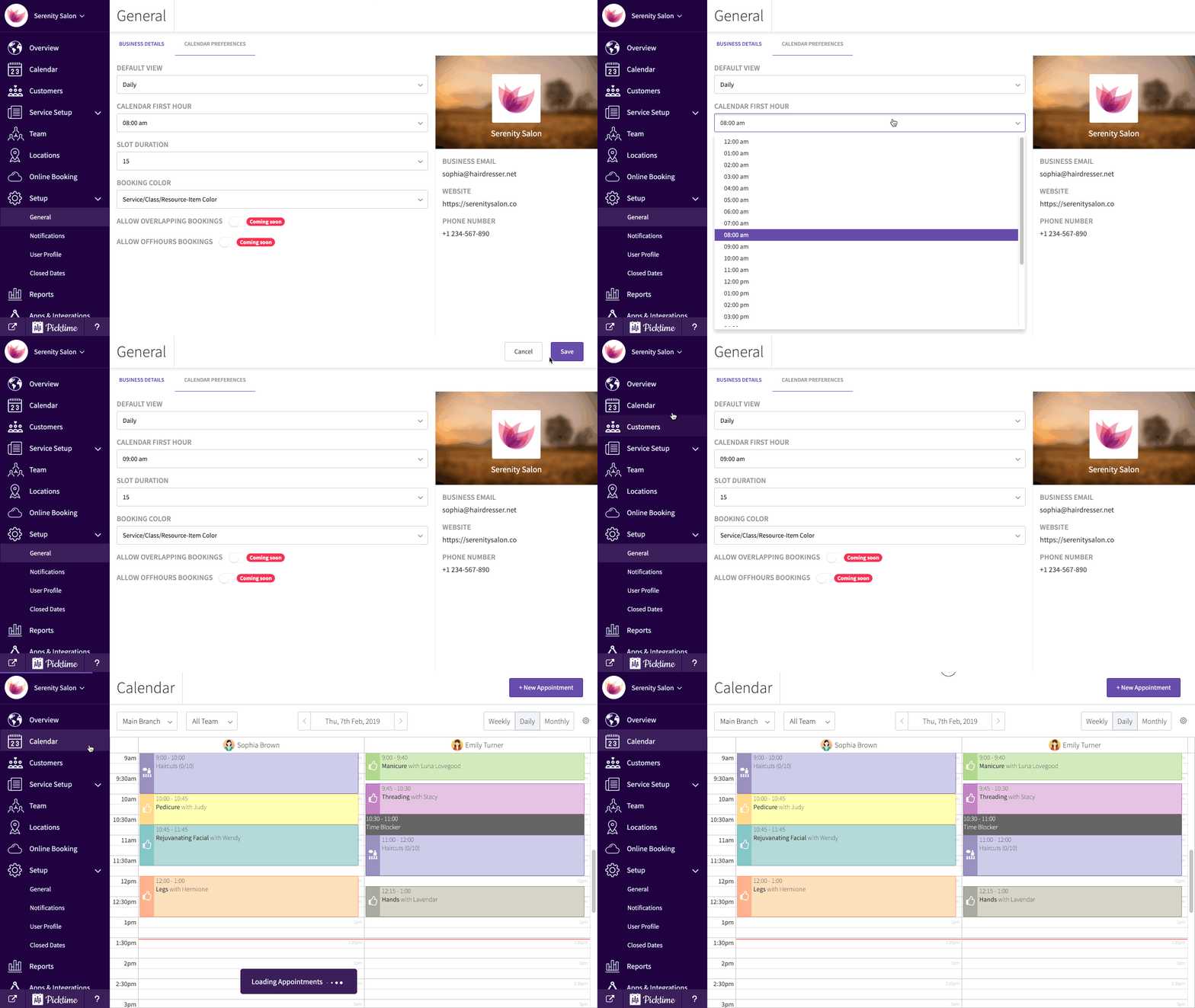
- Change the time according to your preference.
- Click save.
- Go to the calendar to view saved changes.
Updated on: 06/03/2026
Thank you!