
How to complete your initial setup?
After you register with Picktime, You will automatically land on the setup page.
To complete your initial set-up follow these steps:
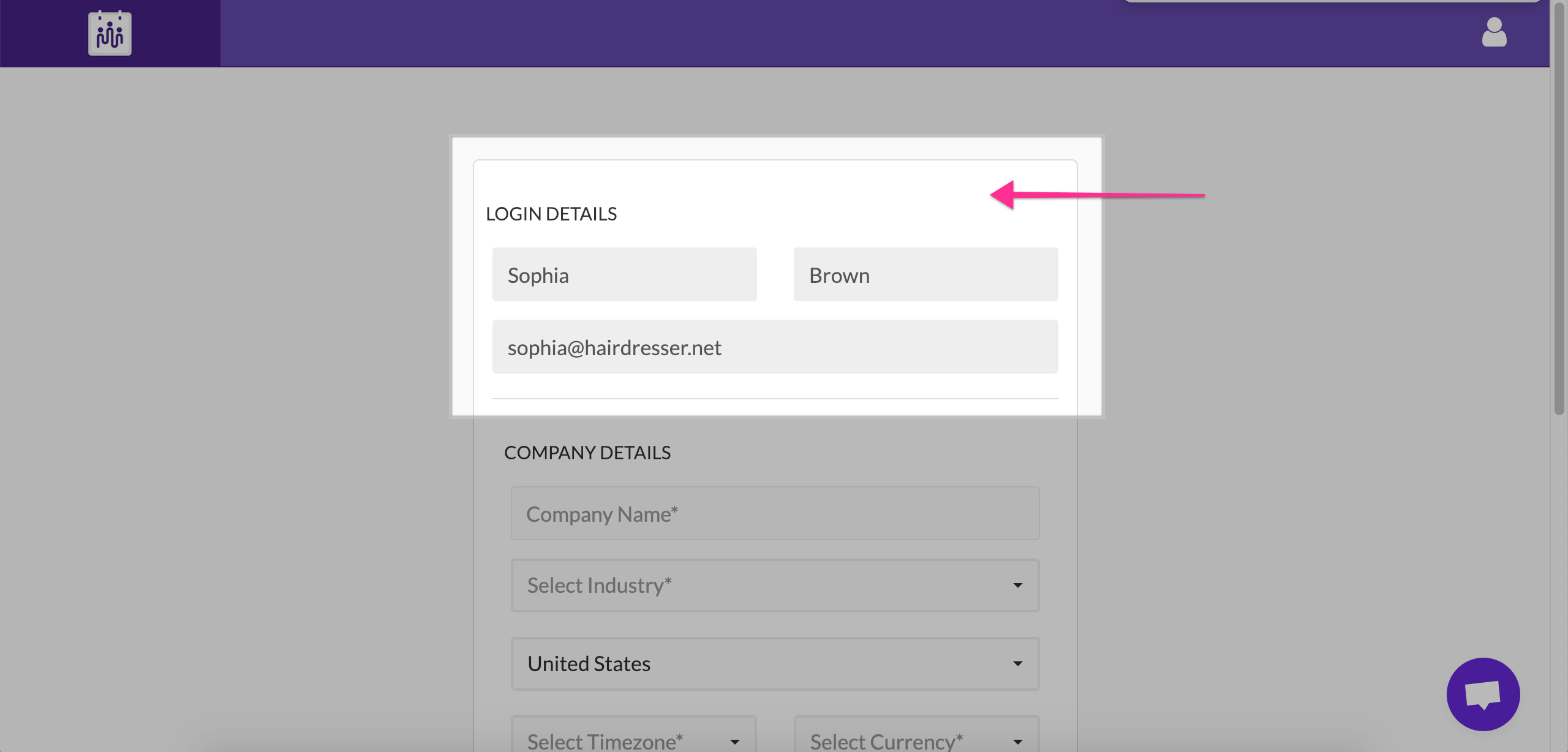
- You will see your Login details filled in already.
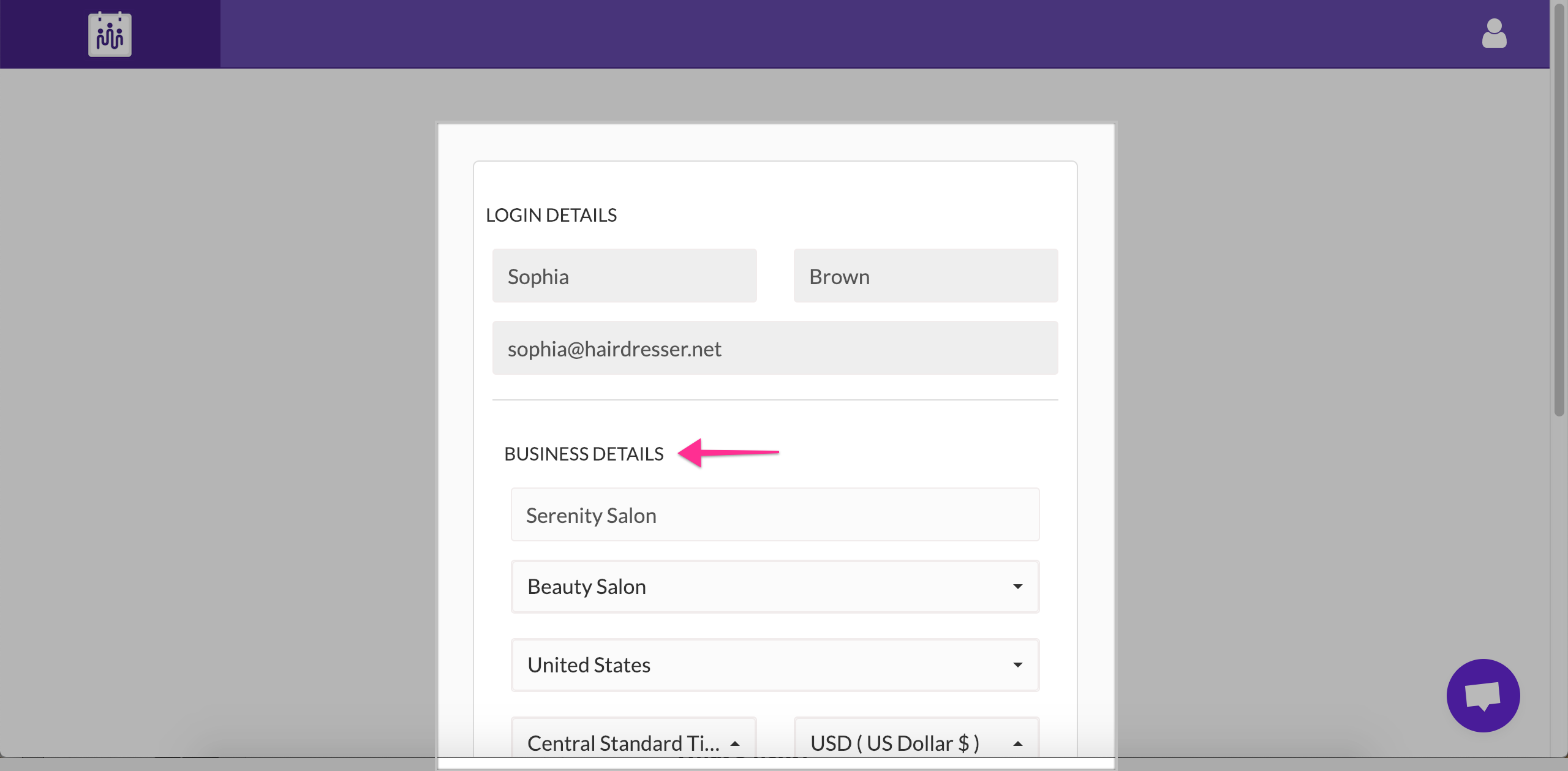
- Fill in the other details of your company like your company’s name, address, timezone, currency etc.
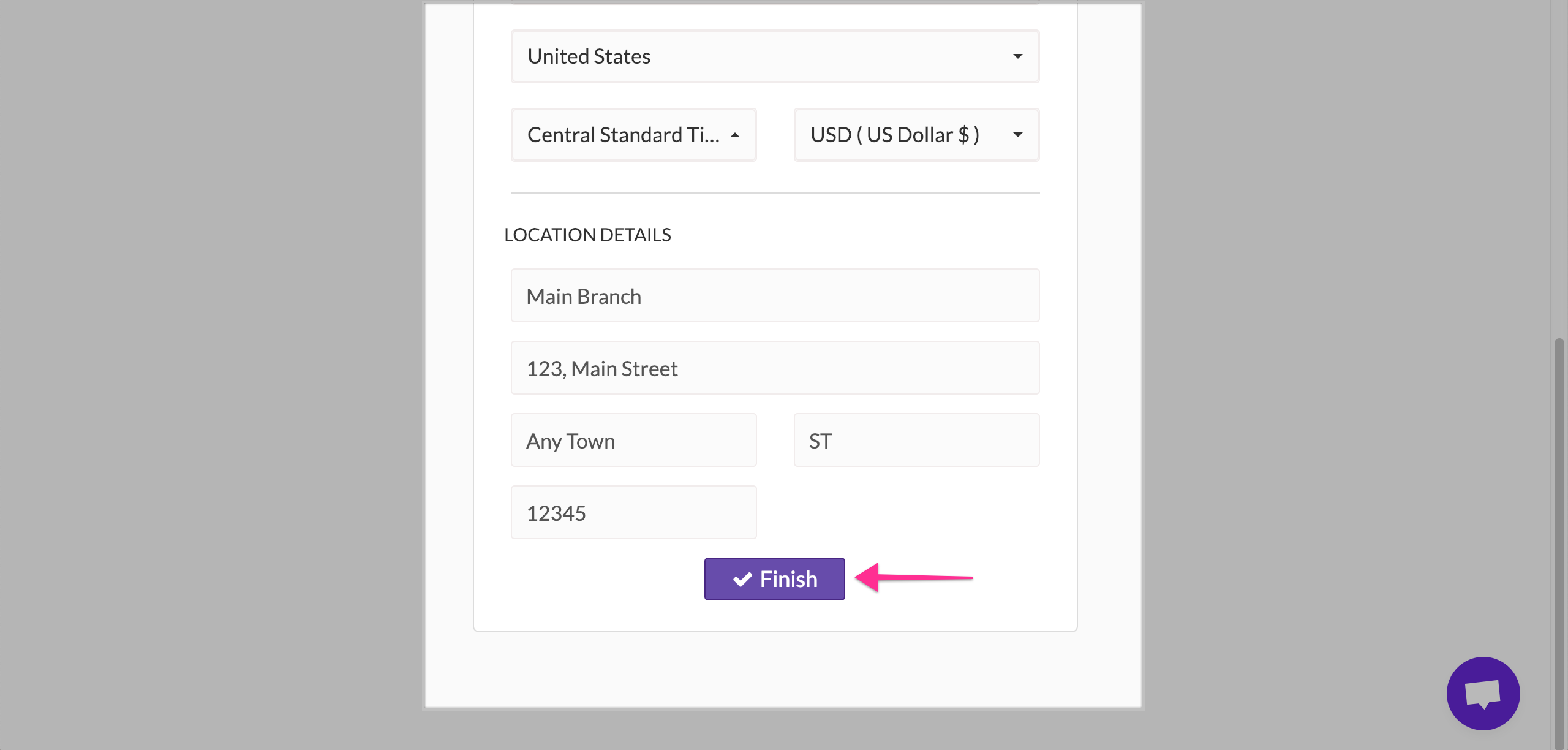
- Click finish.
We suggest you fill in the exact details so that you don’t find scheduling appointments in Picktime a hassle. It is a one time process and you don’t have to go through it again. But if you wish to change the details of your business you can at any point of time.
Updated on: 04/03/2026
Thank you!