
How to create a calendar for a new business from your existing picktime account?
Forget days when you had to create multiple accounts in scheduling software. If you run more than one business. Picktime brings to you a new way of scheduling. Manage appointments of multiple businesses from the same account.
To create a calendar for your new business:
- Login to your existing Picktime account.
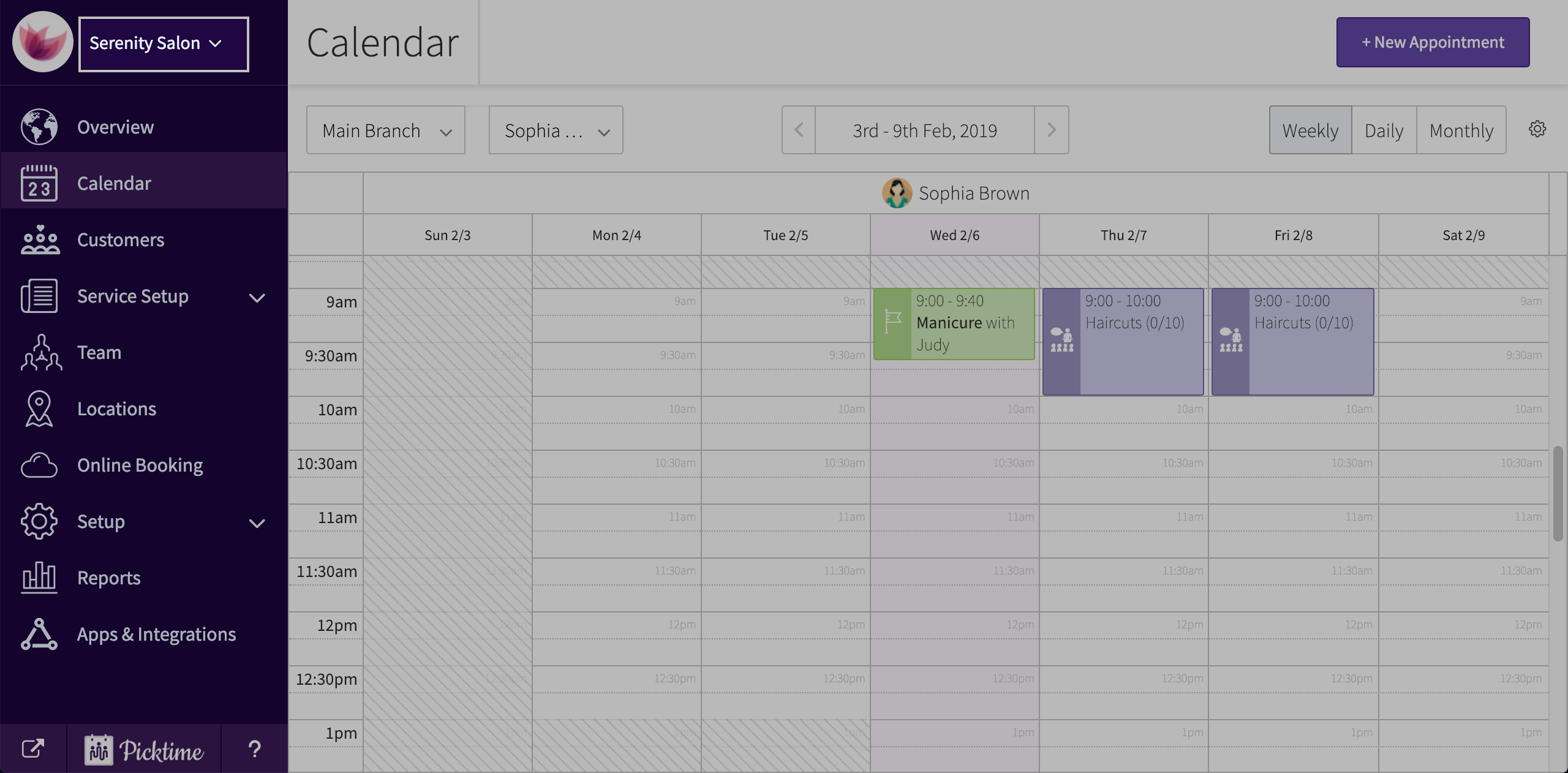
- In the top left corner, you will see a drop-down with the name of your current business.
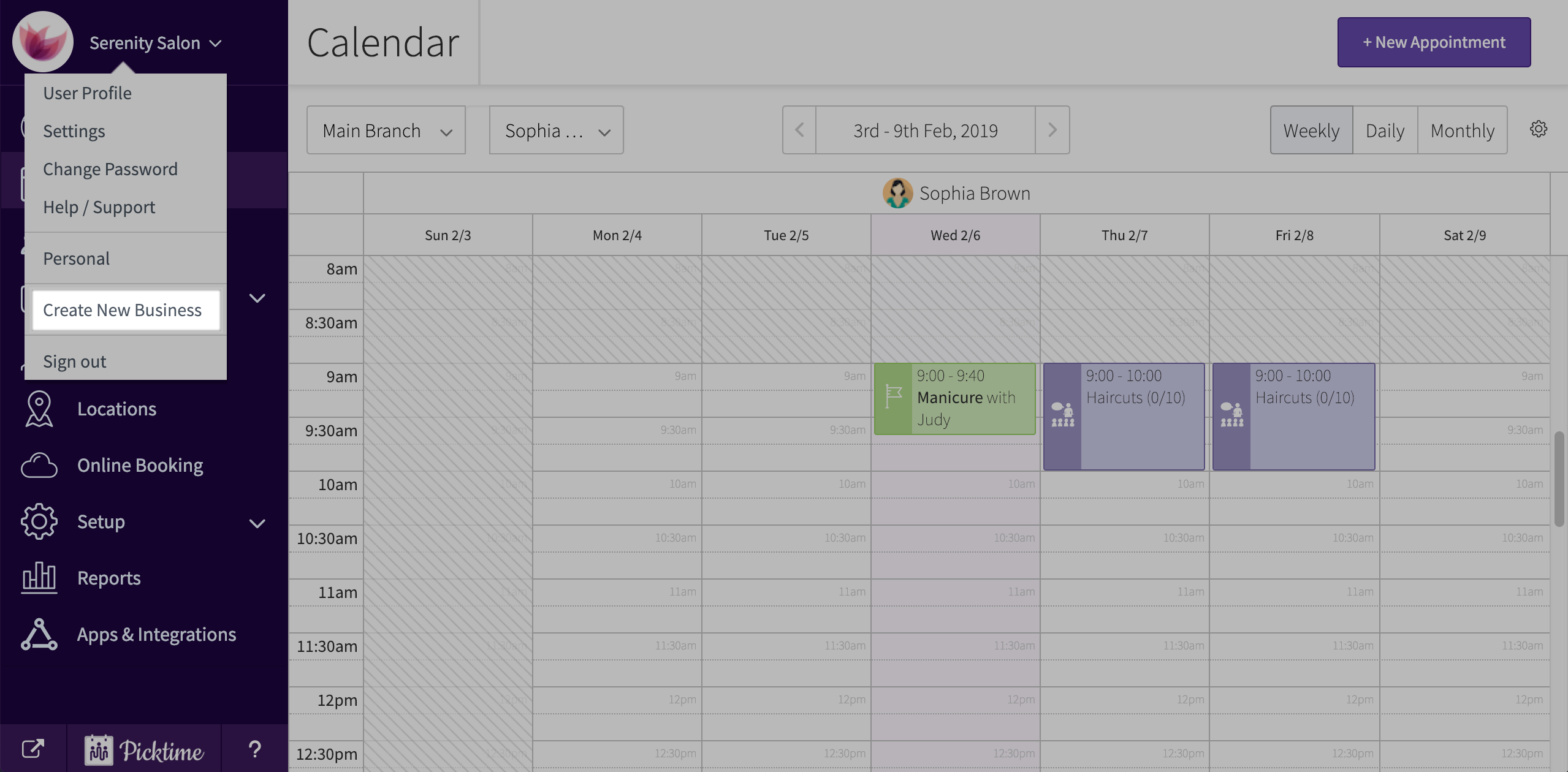
- In the dropdown click on create new business.
- A ‘create business’ pop-up will appear. Add your business name and hit create new business.

- You will automatically be directed to new business setup. After filling in all details hit finish.
Updated on: 04/03/2026
Thank you!