
How to create a service category?
As soon as you create a Picktime account, you will already see an example service and category created. To add more service categories:
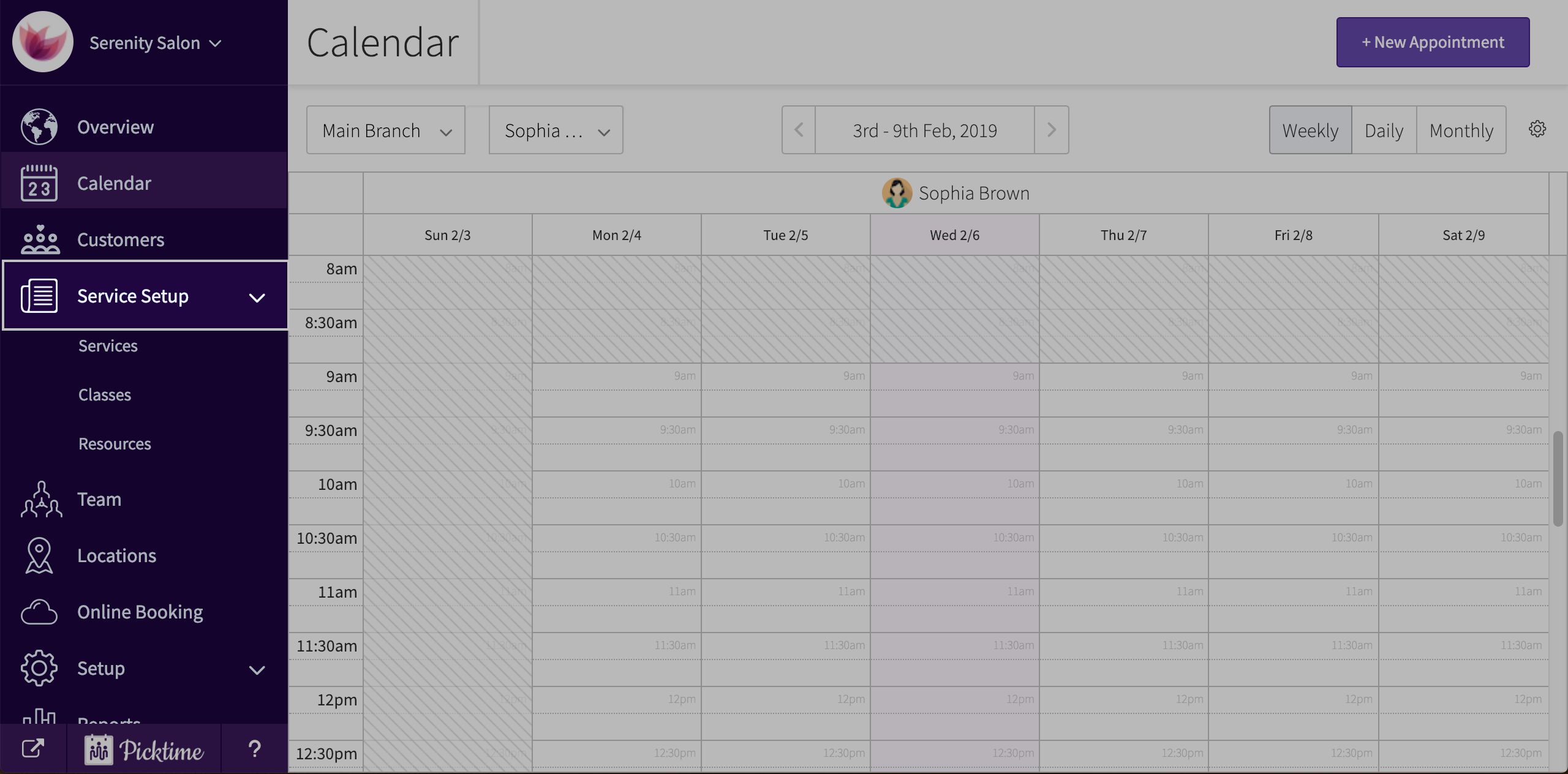
- Go to service setup
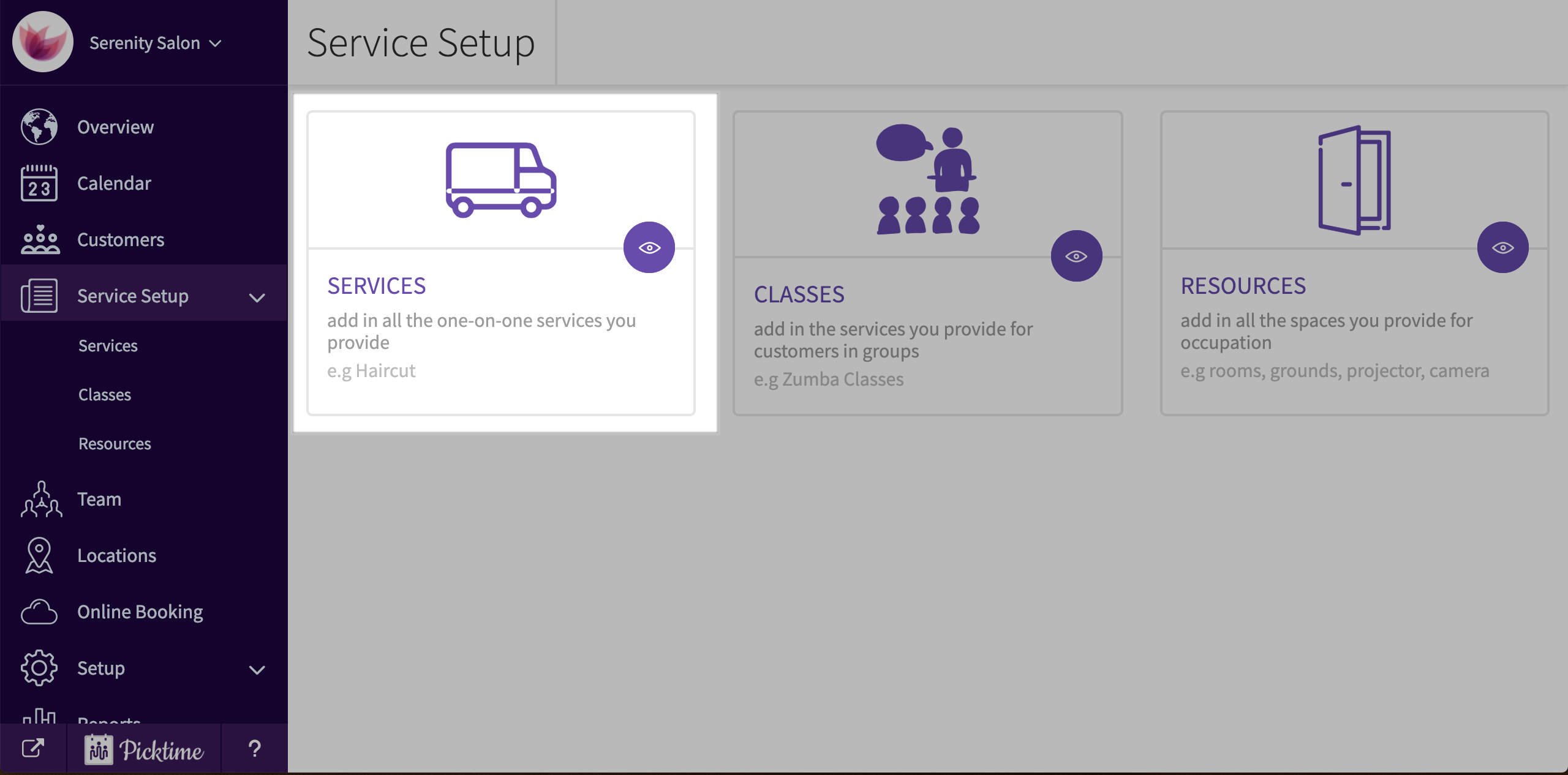
- Choose services.
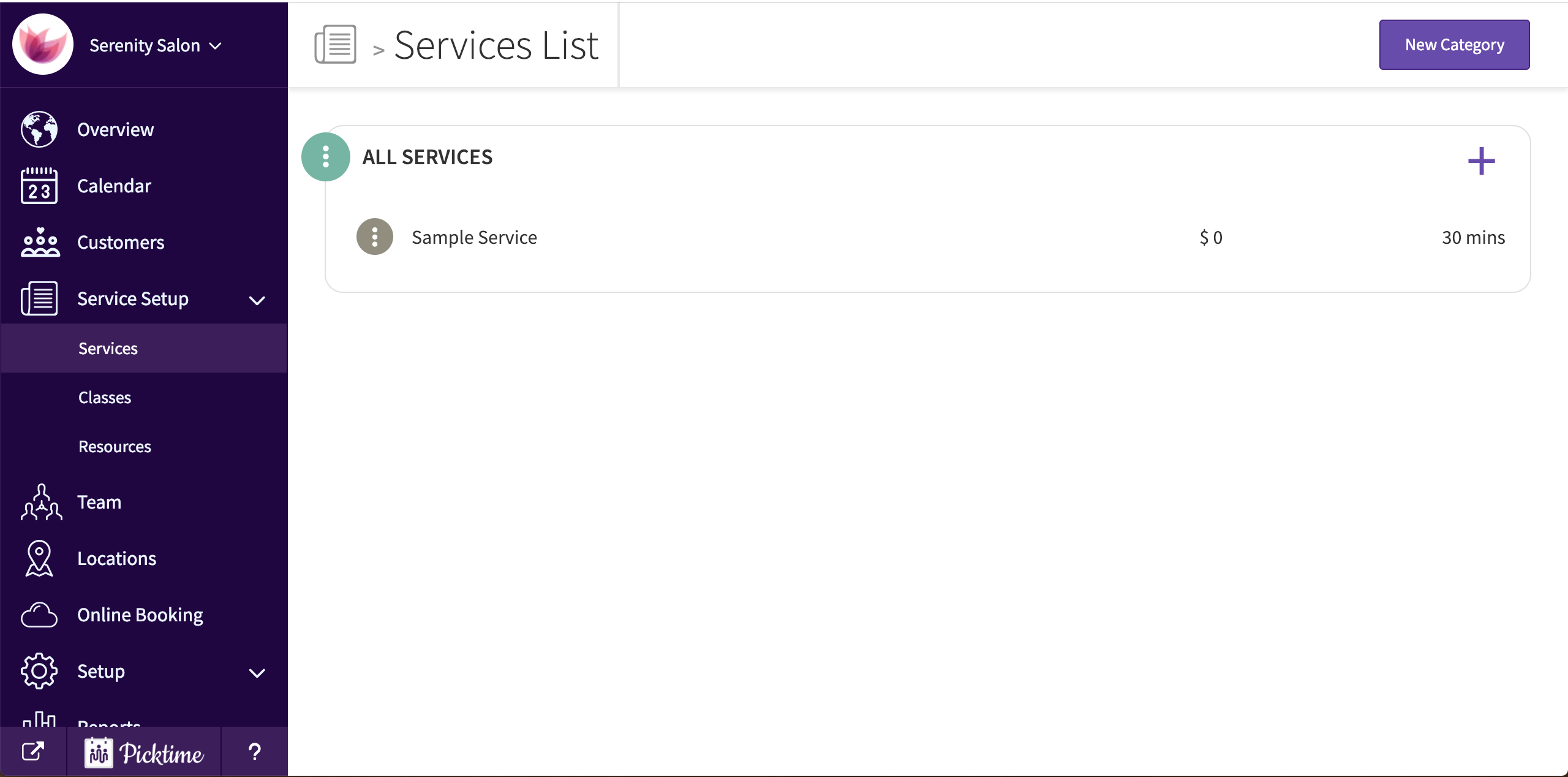
- You will already see a category called ‘All Services’ created.
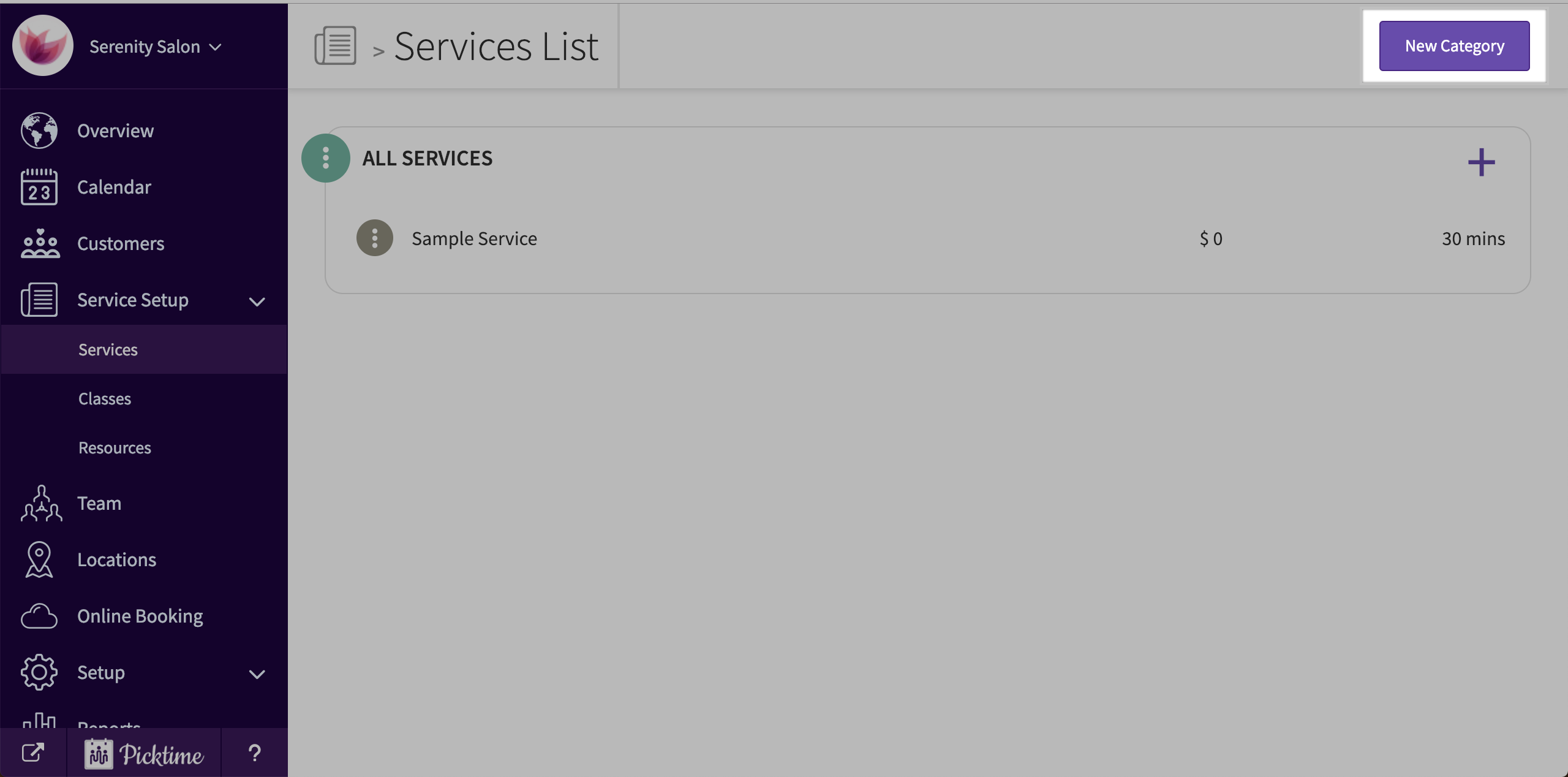
- To create more, click on the ‘new category’ button on the top right corner.
- Add a name, choose a color and click save.
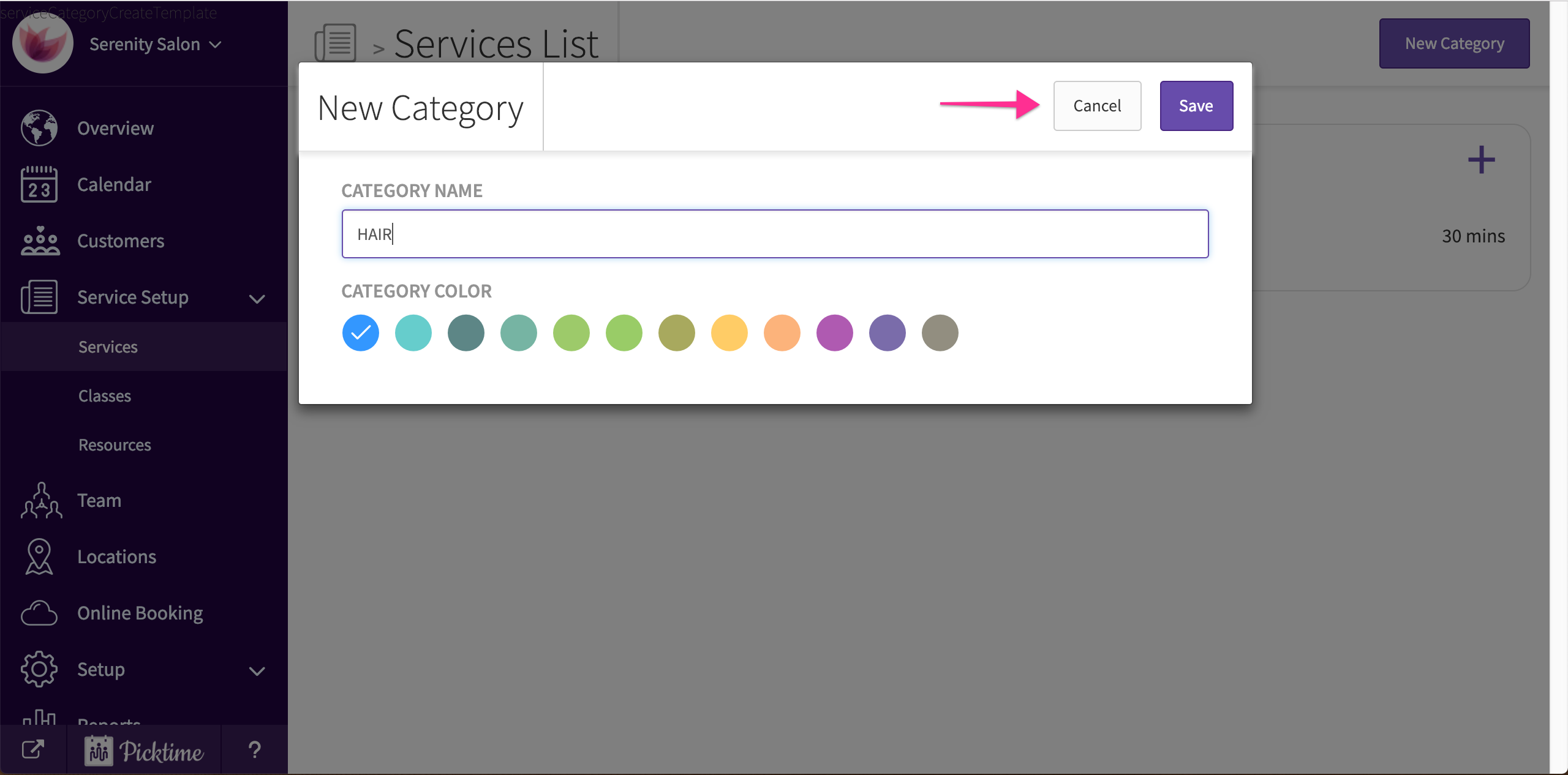
- Follow these steps to add more.
Updated on: 05/03/2026
Thank you!