
How to Integrate with Hubspot?
Streamline your business by linking Picktime with your HubSpot account. Effortlessly export new Picktime customers to your HubSpot CRM, enhancing your email campaigns, contact management, and marketing leads monitoring.
To integrate your Picktime and HubSpot accounts, follow these simple steps:
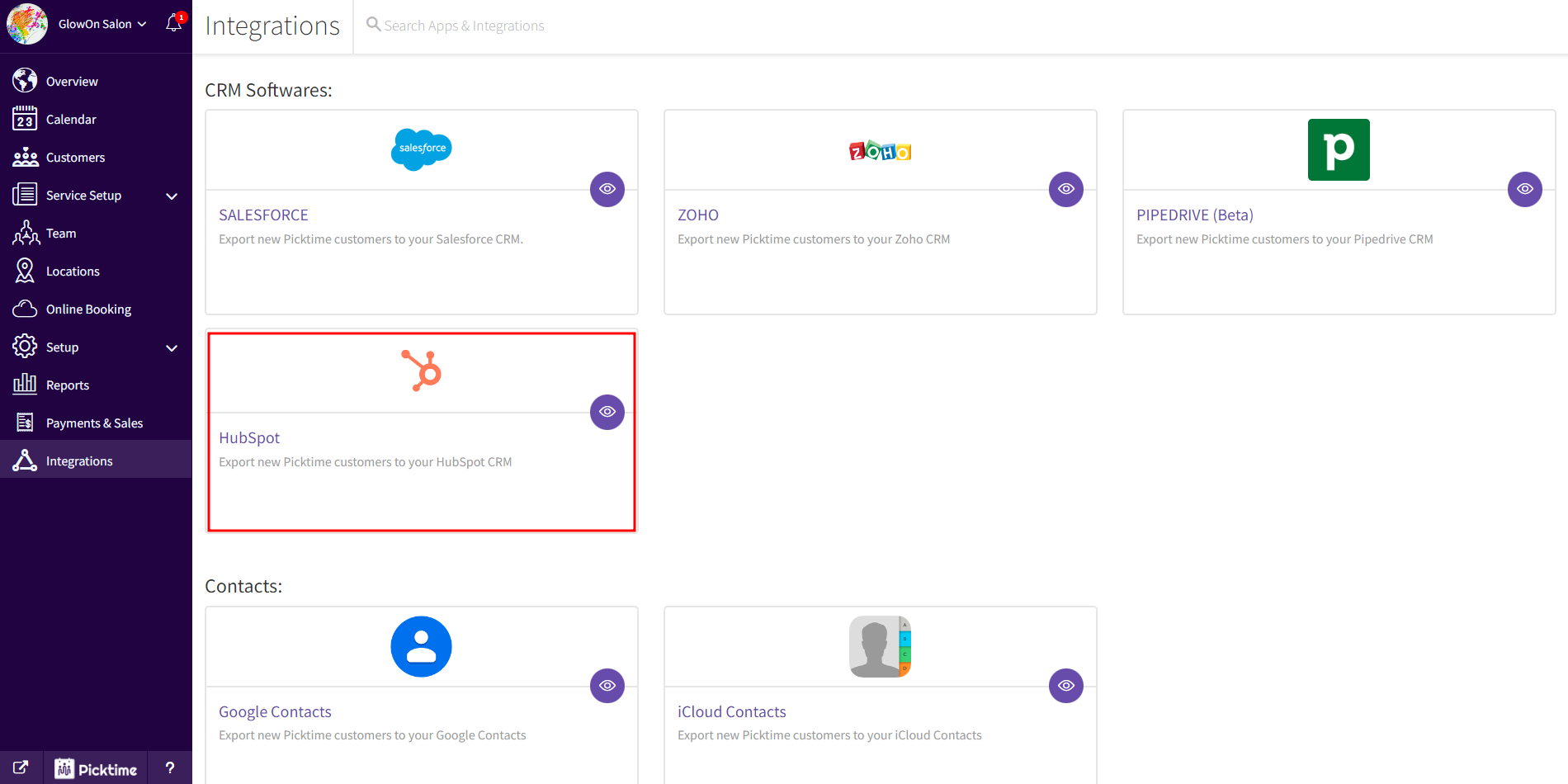
- Log into your Picktime account and navigate to the integration section via the left side menu.
- Under CRM Softwares, select the HubSpot card.
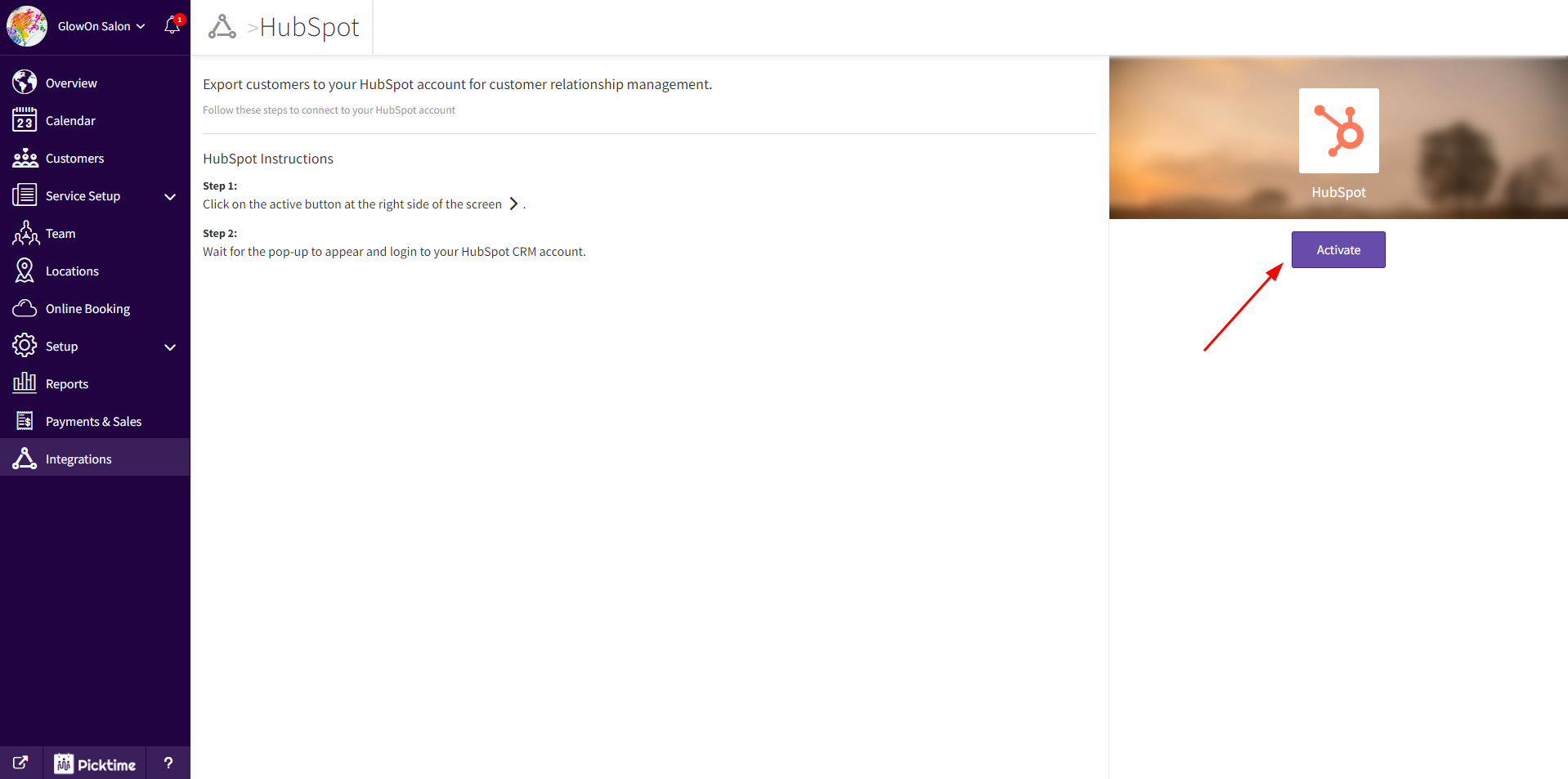
- Click the Activate button located next to the HubSpot logo on the right.
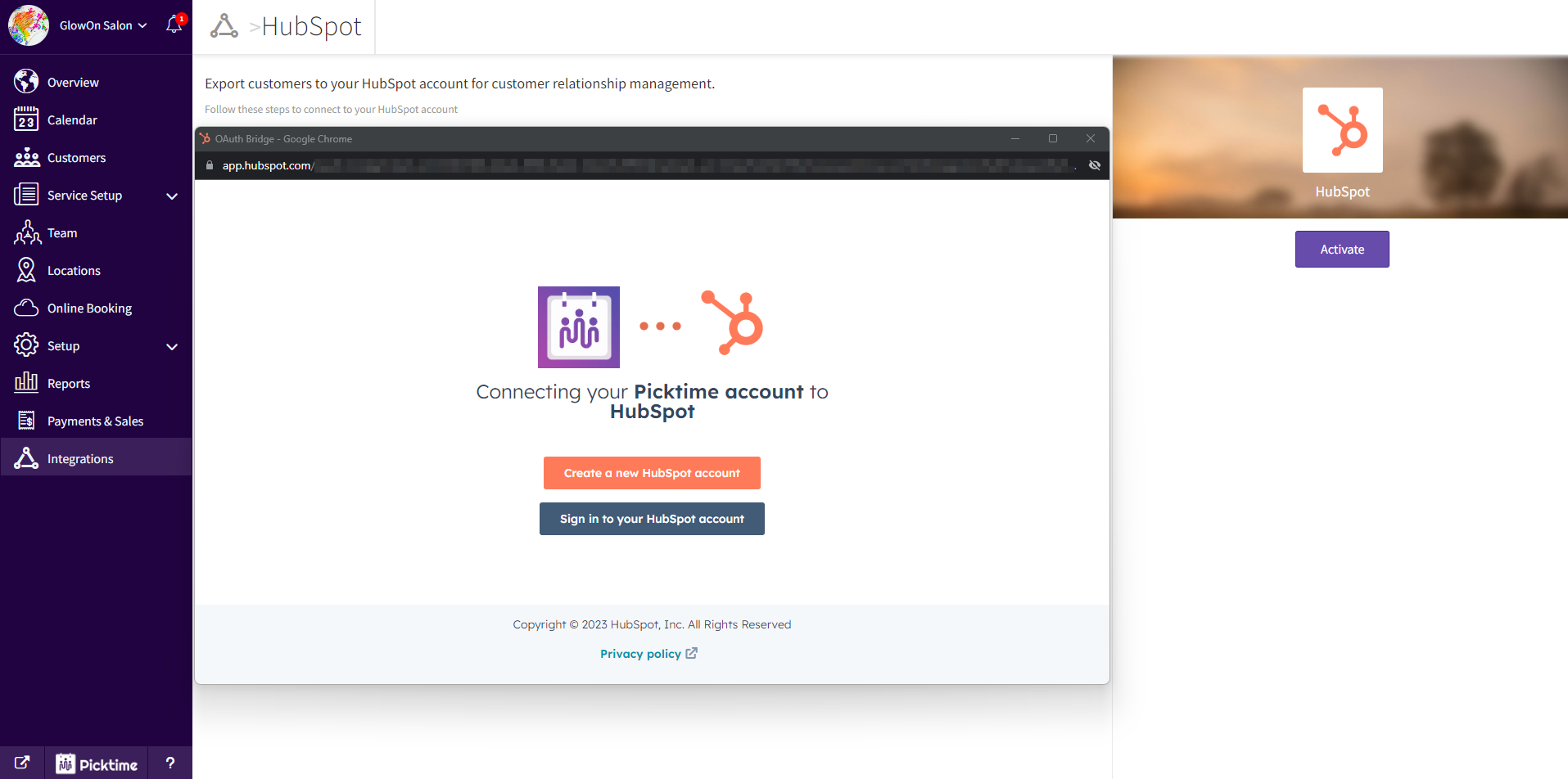
- In the pop-up, log into your HubSpot account and grant authorization.
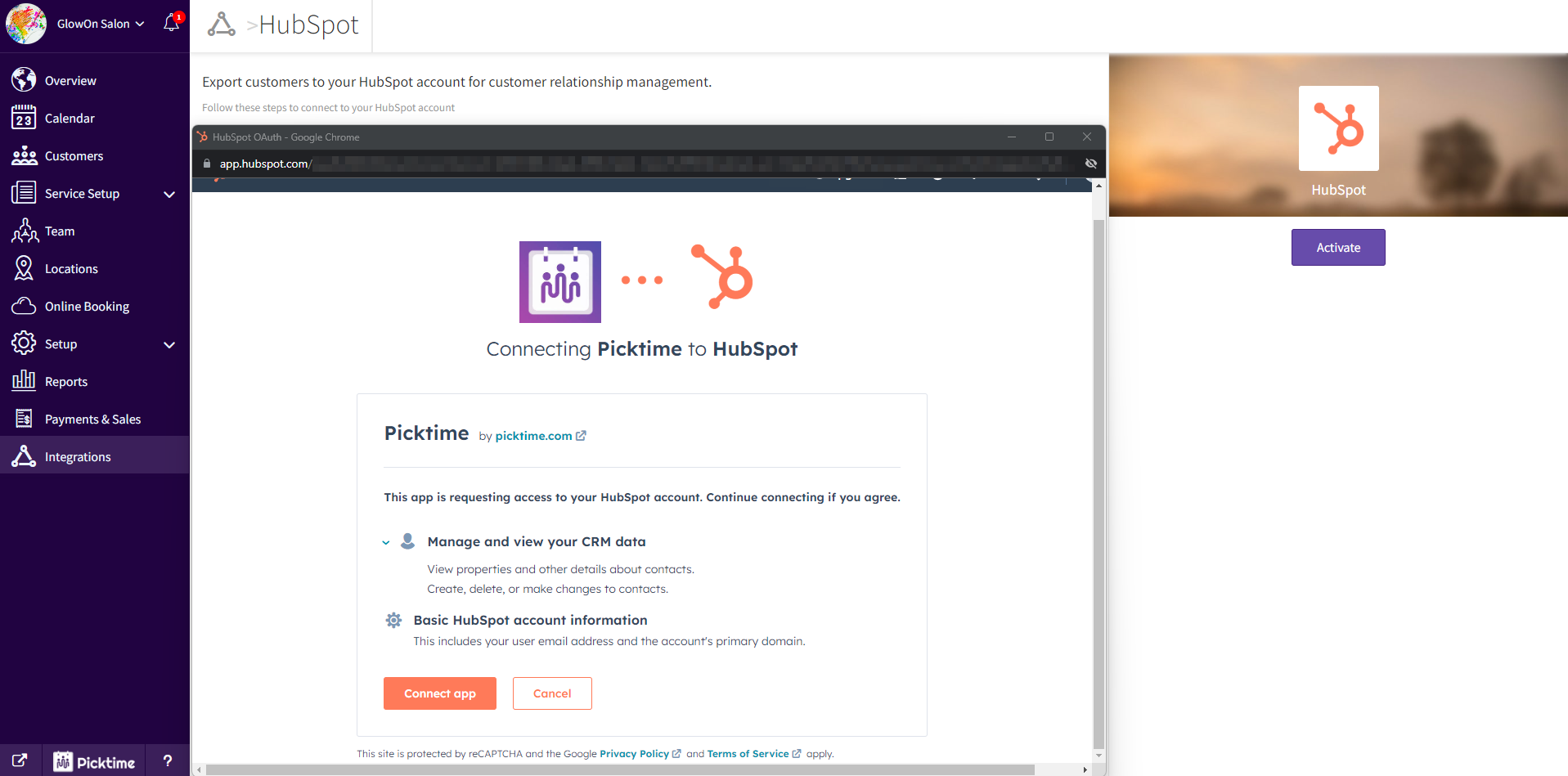
- On the following screen, click Connect app to establish the connection between your Picktime and HubSpot accounts.
- Once the connection is confirmed, the pop-up vanishes and the Activate button becomes Deactivate.
Voilà! Any contacts newly created or added in Picktime will seamlessly export to your HubSpot account, streamlining your workflow and boosting efficiency.
Updated on: 06/03/2026
Thank you!