
How to integrate with Modx?
Here is how you can integrate with Modx:
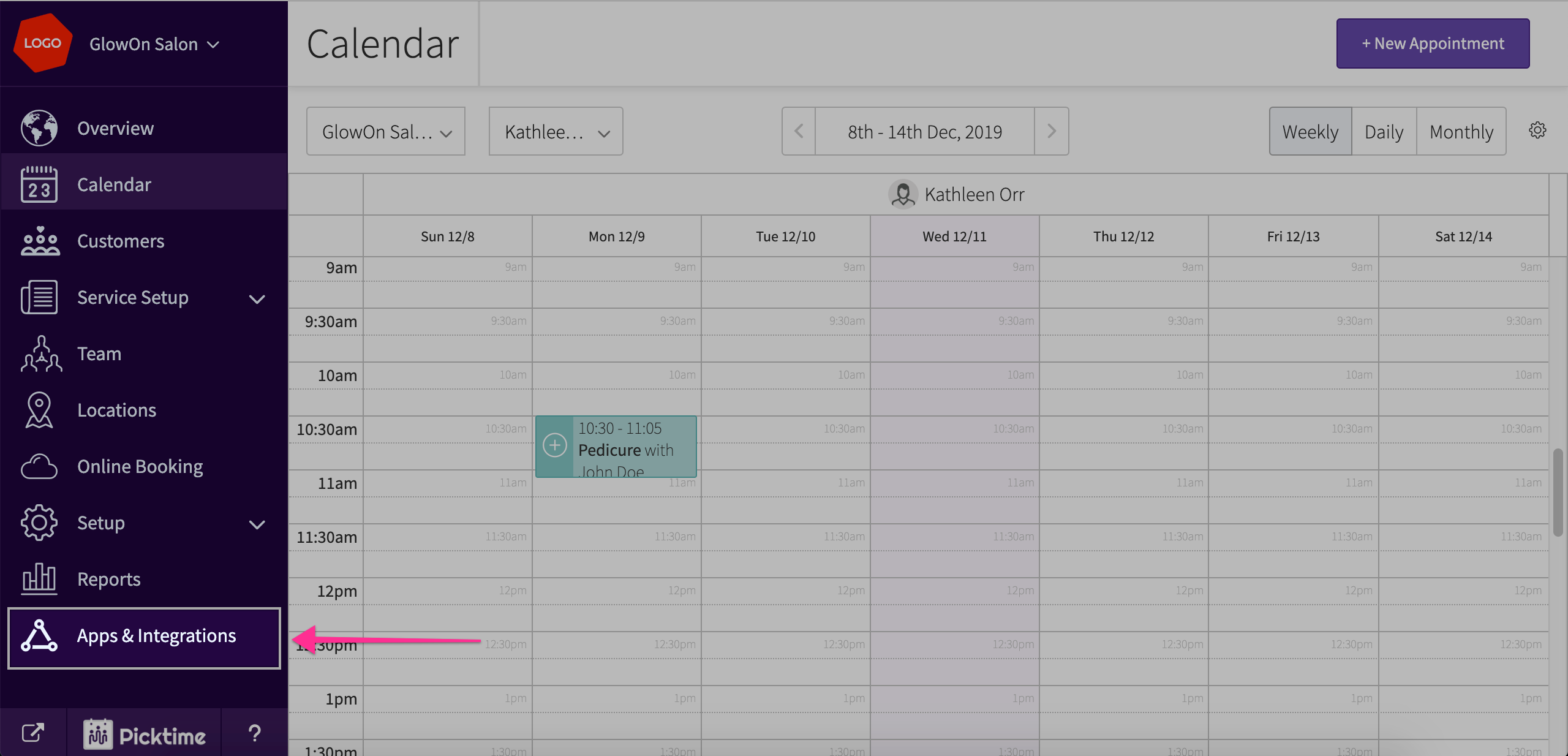
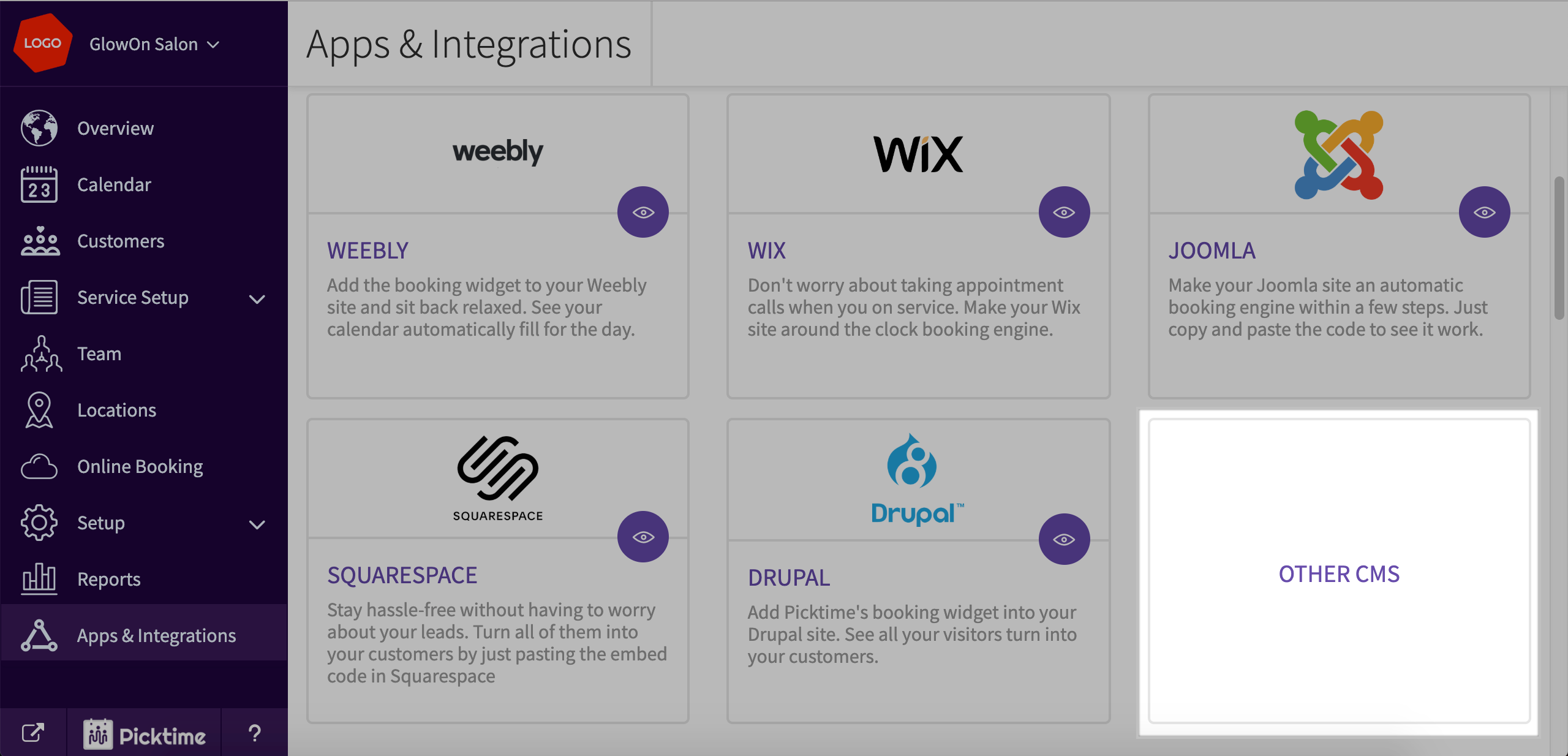
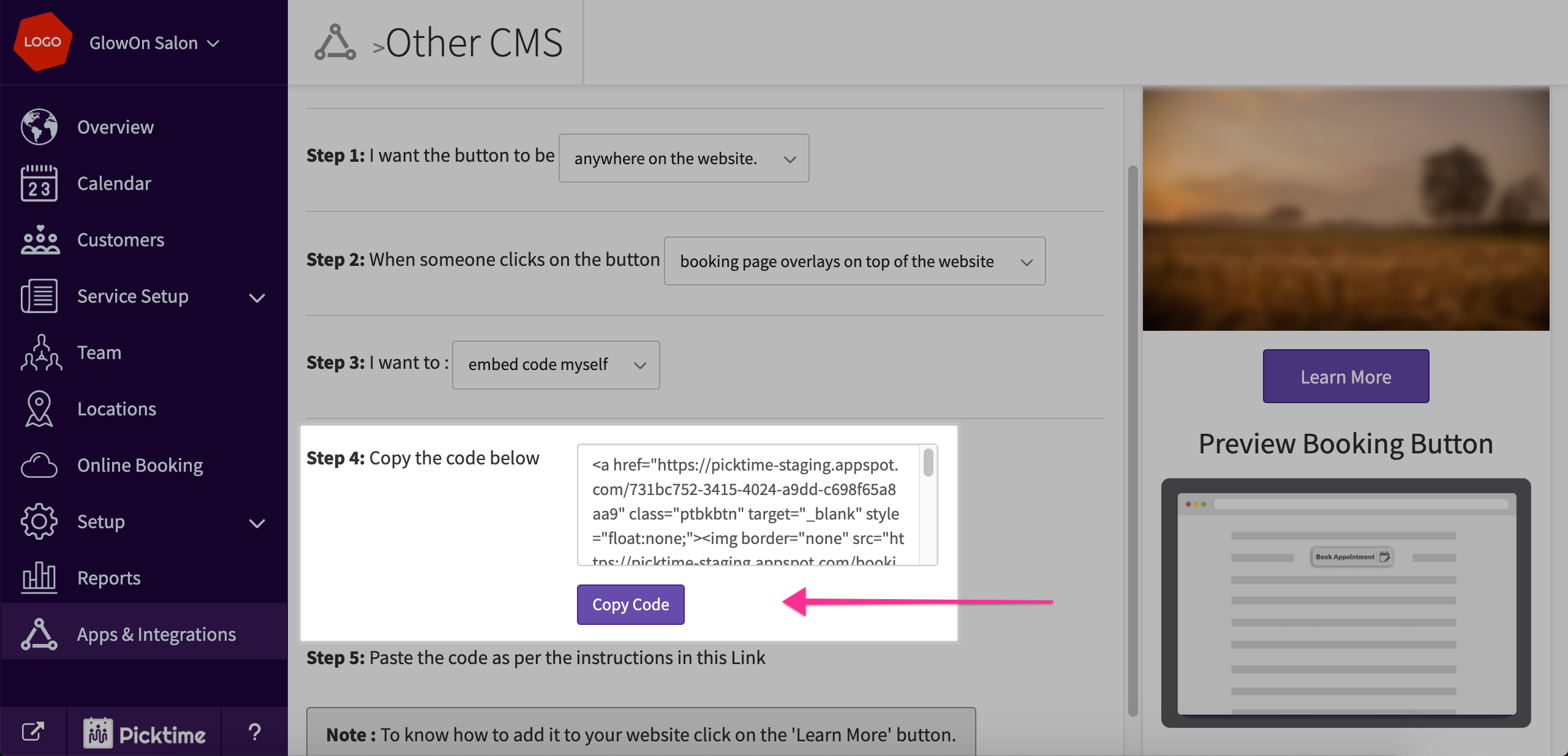
- Go to Apps and Integrations > Other CMS
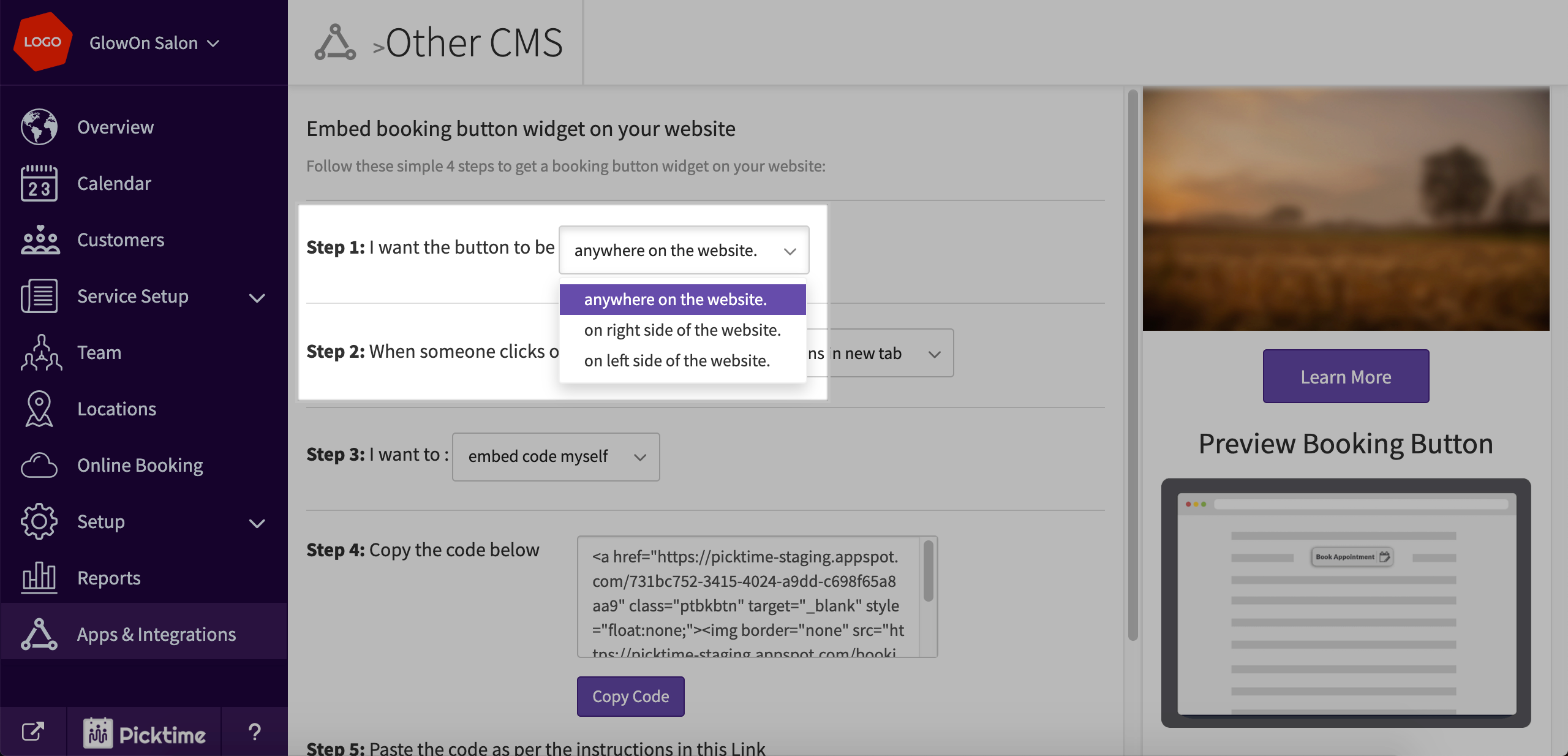
- Choose whatever suits your requirement in step 1
- In step 2, Choose 'overlay booking button'
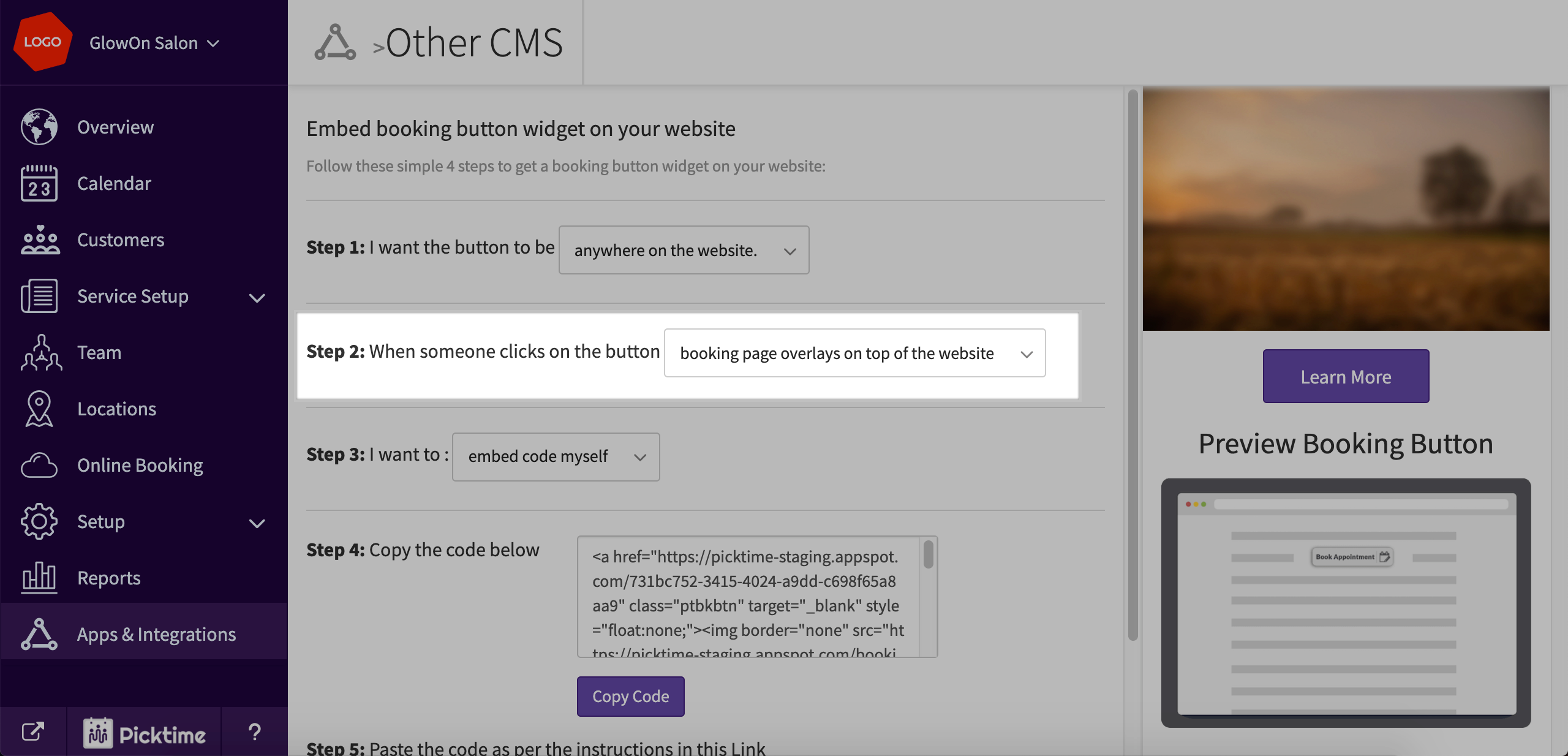
- Copy the code you see in step 4
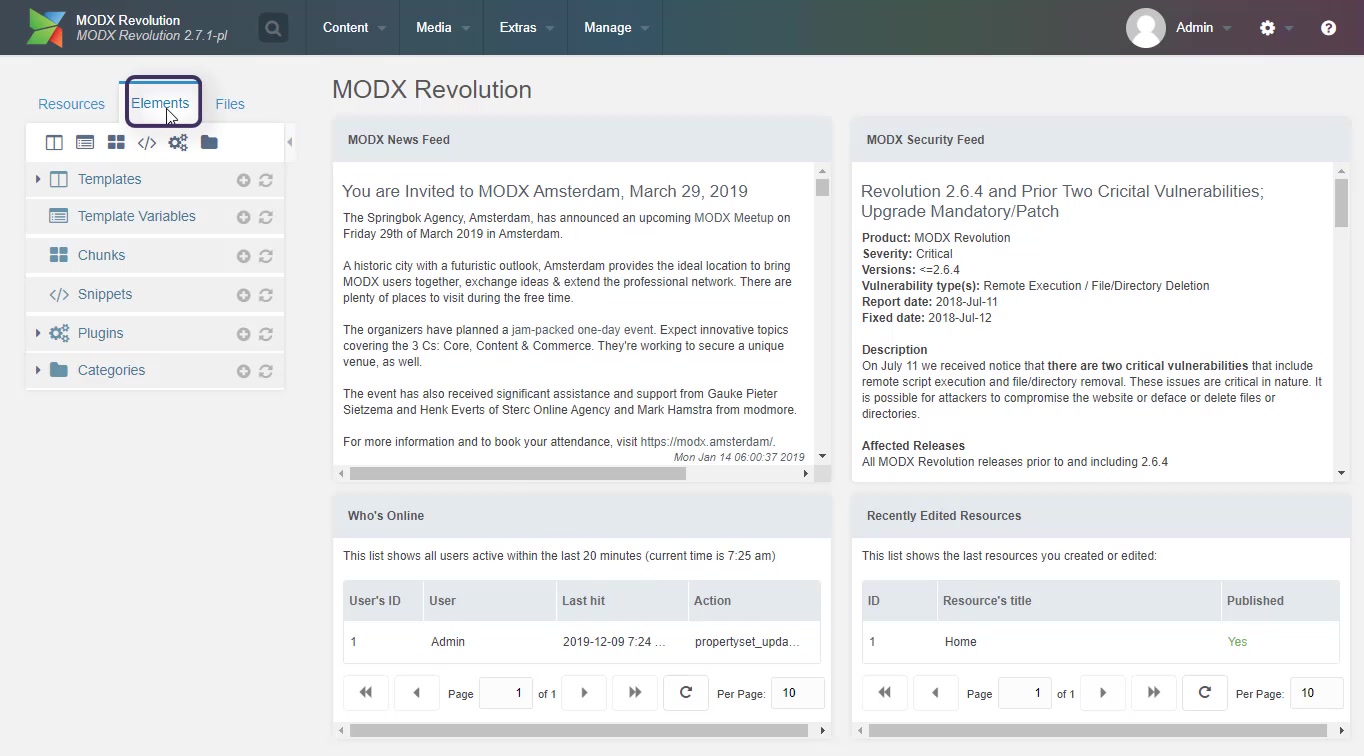
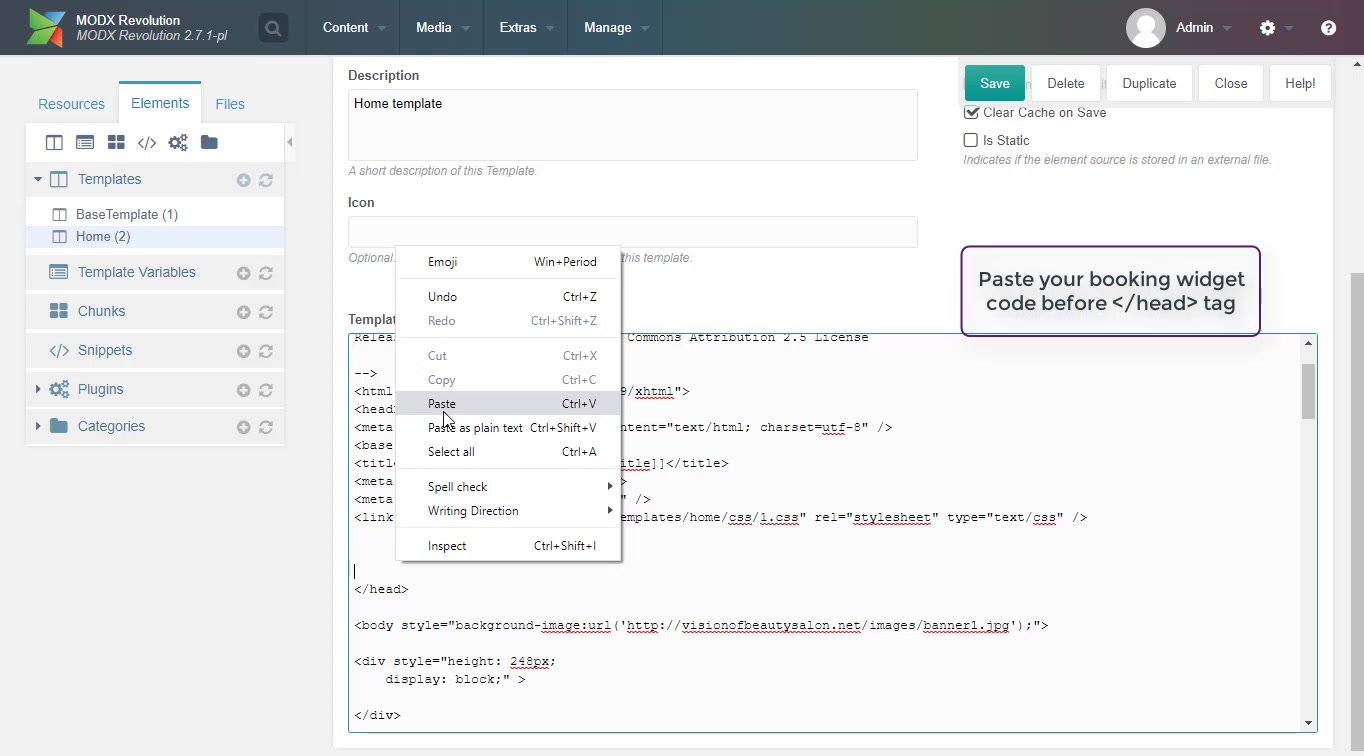
- Now go to your Modx account > elements
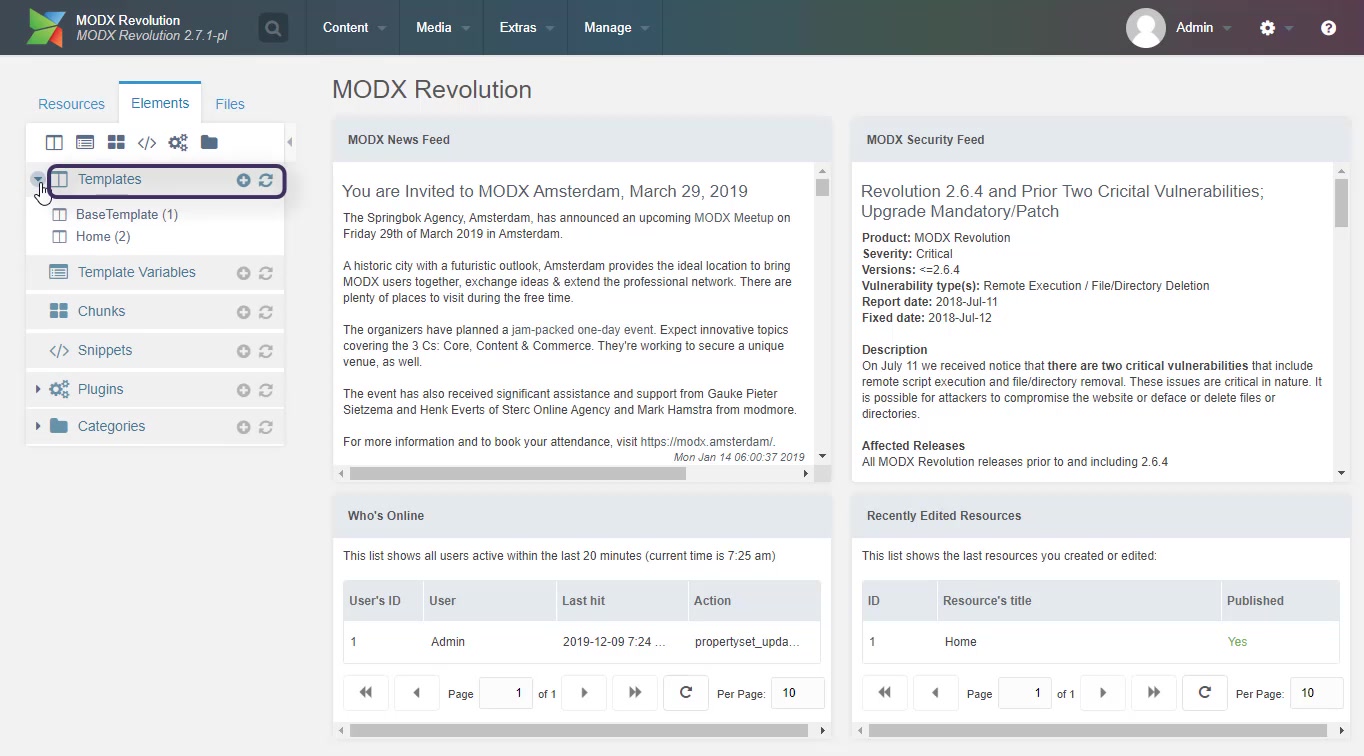
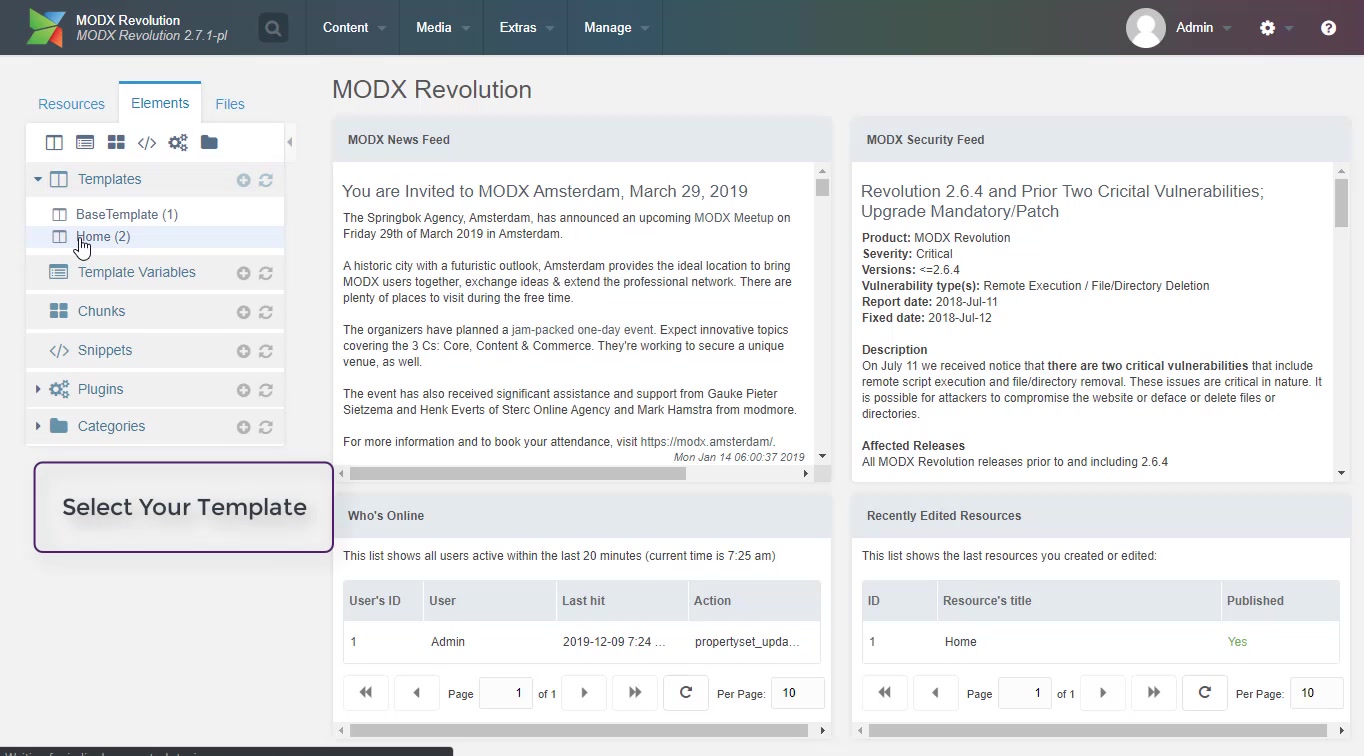
- Go to templates > Select your template
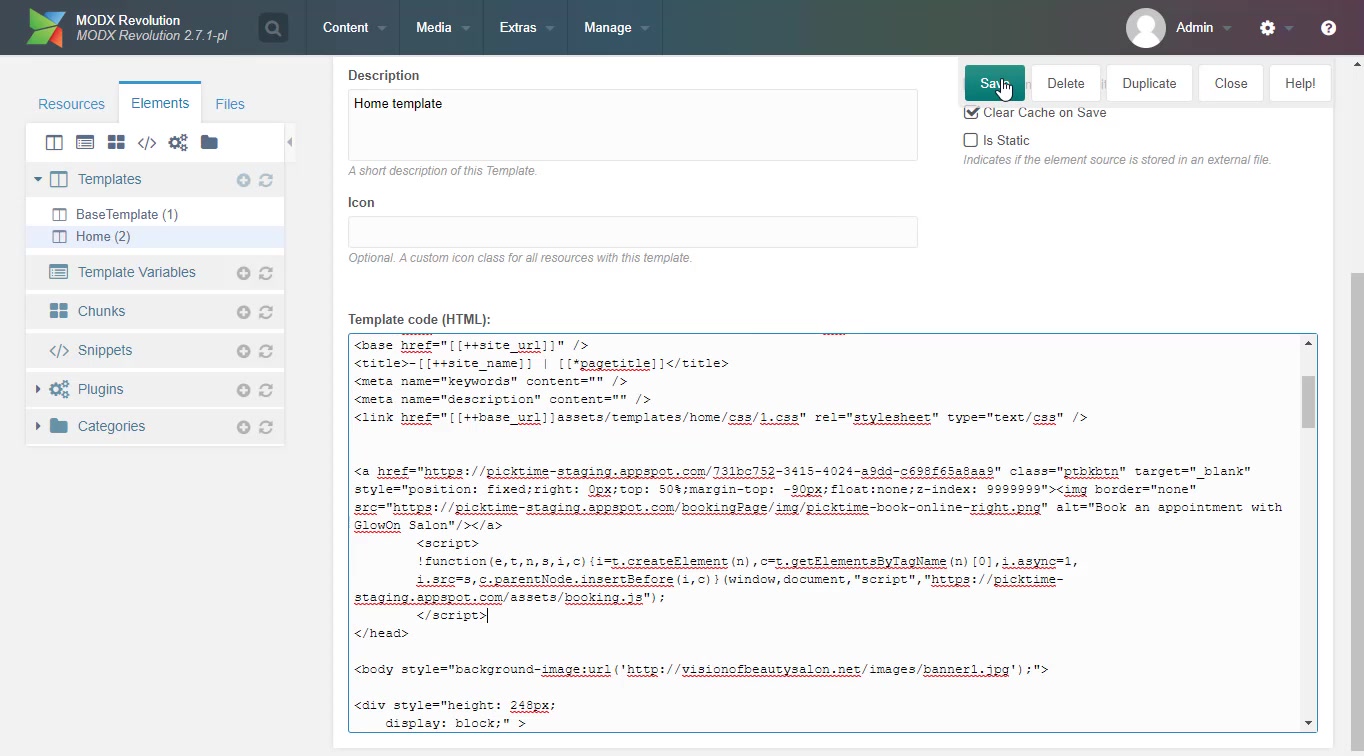
- Paste the copied code before your head tag
- Hit save
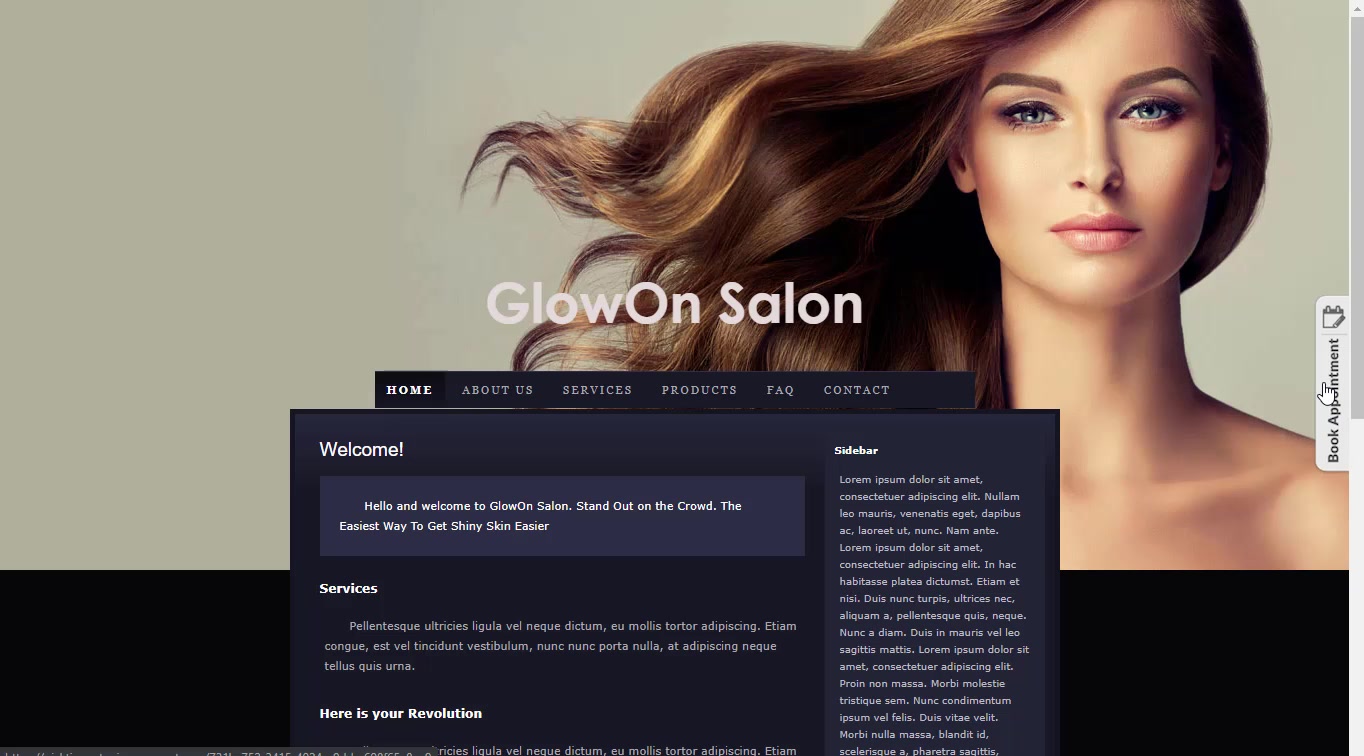
- Refresh the page to see changes.
Updated on: 06/03/2026
Thank you!