
How to integrate with Squarespace?
To add a booking button to your Squarespace website, Please follow the steps below:
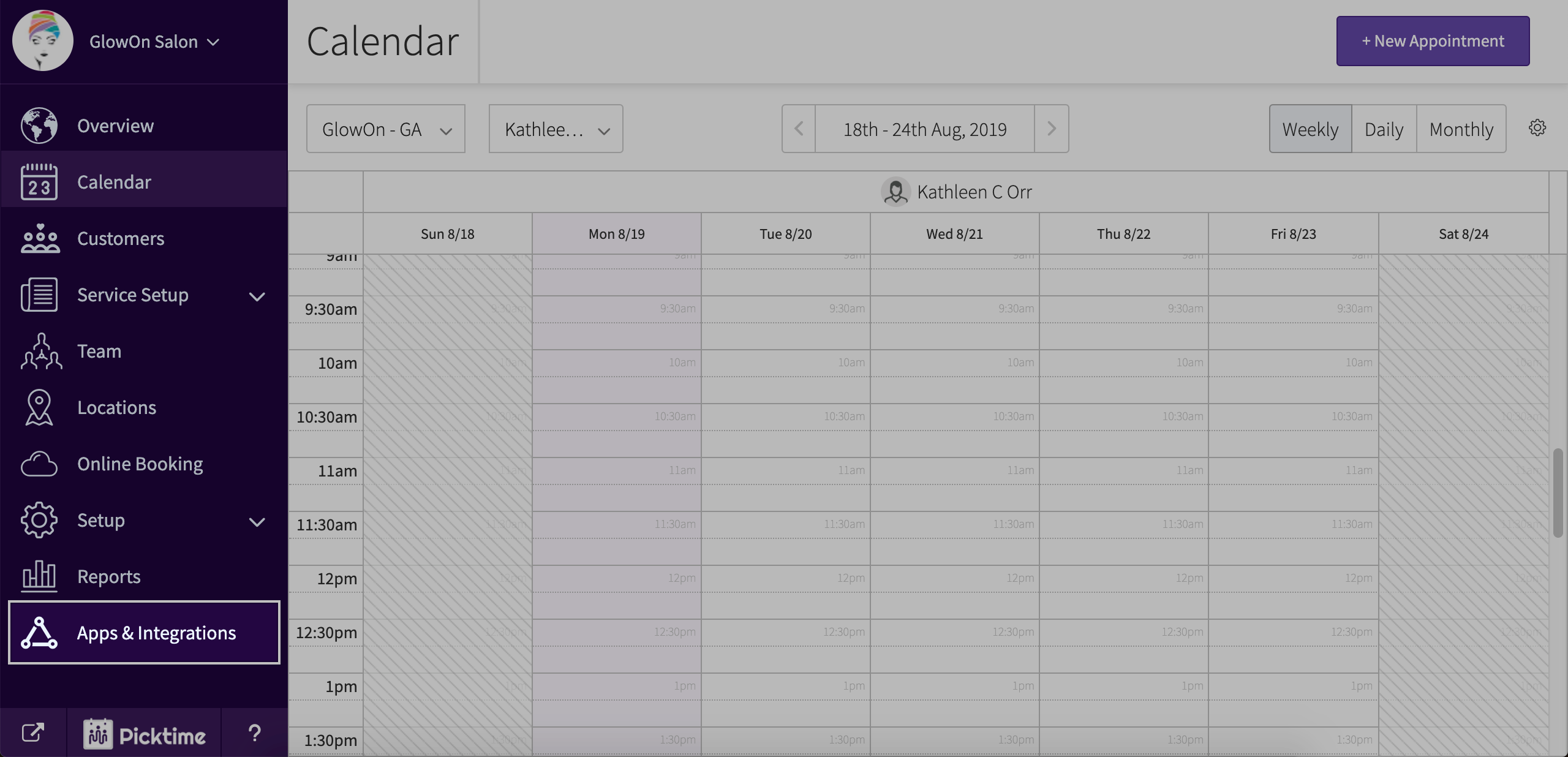
- Go to Apps and Integrations.
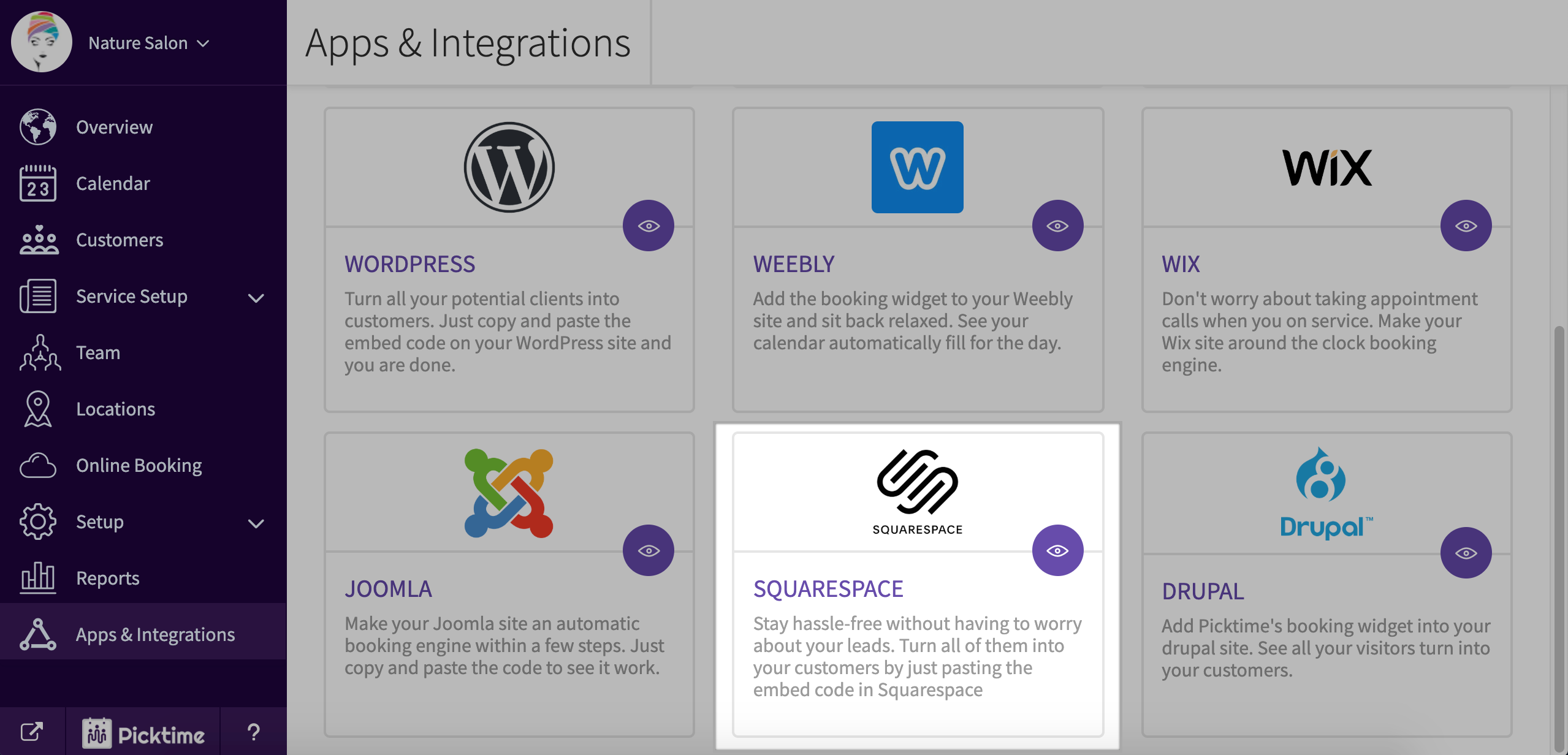
- Choose Squarespace.
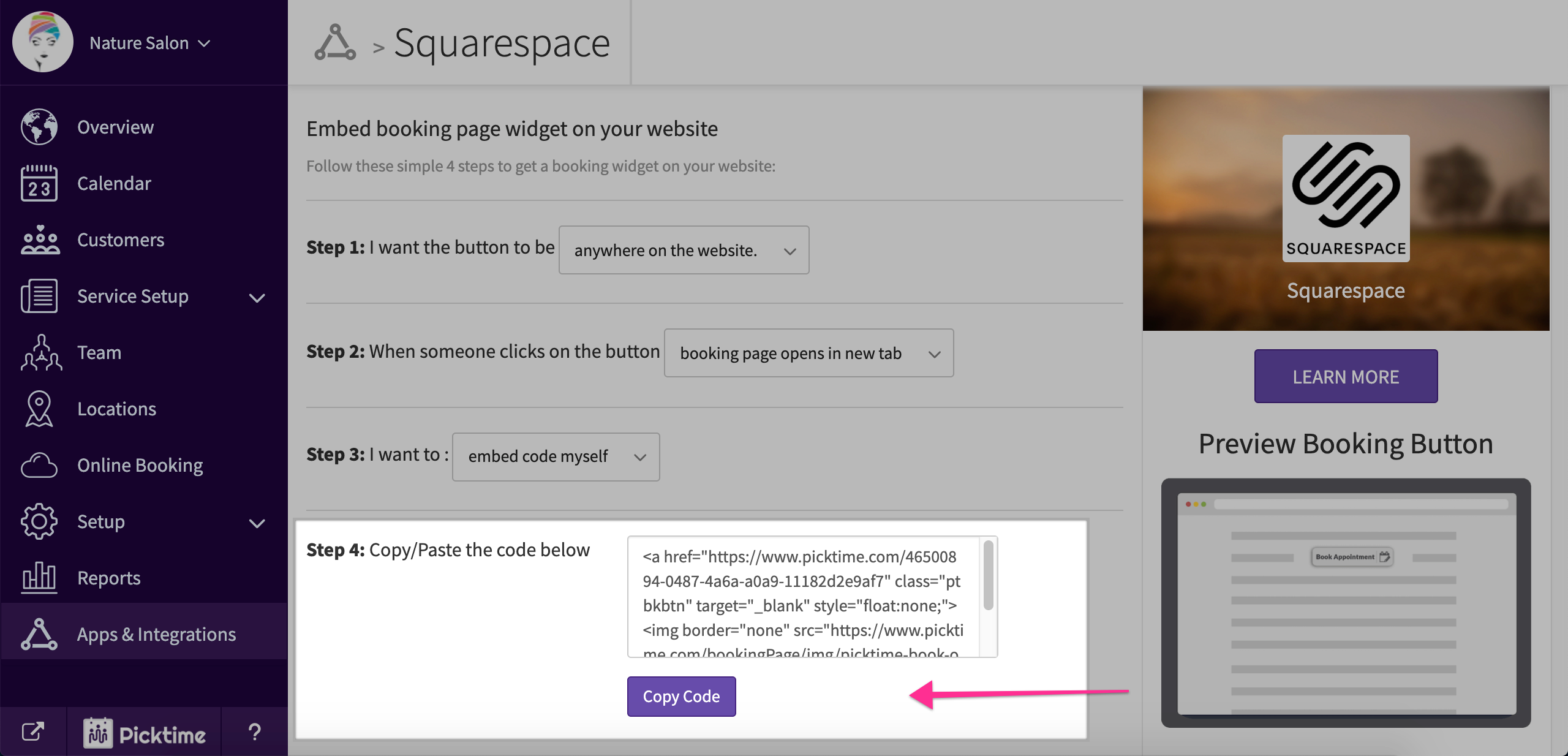
- In step 2 choose 'overlay a booking button on top of my website'.

- Copy the code you see in step 4.
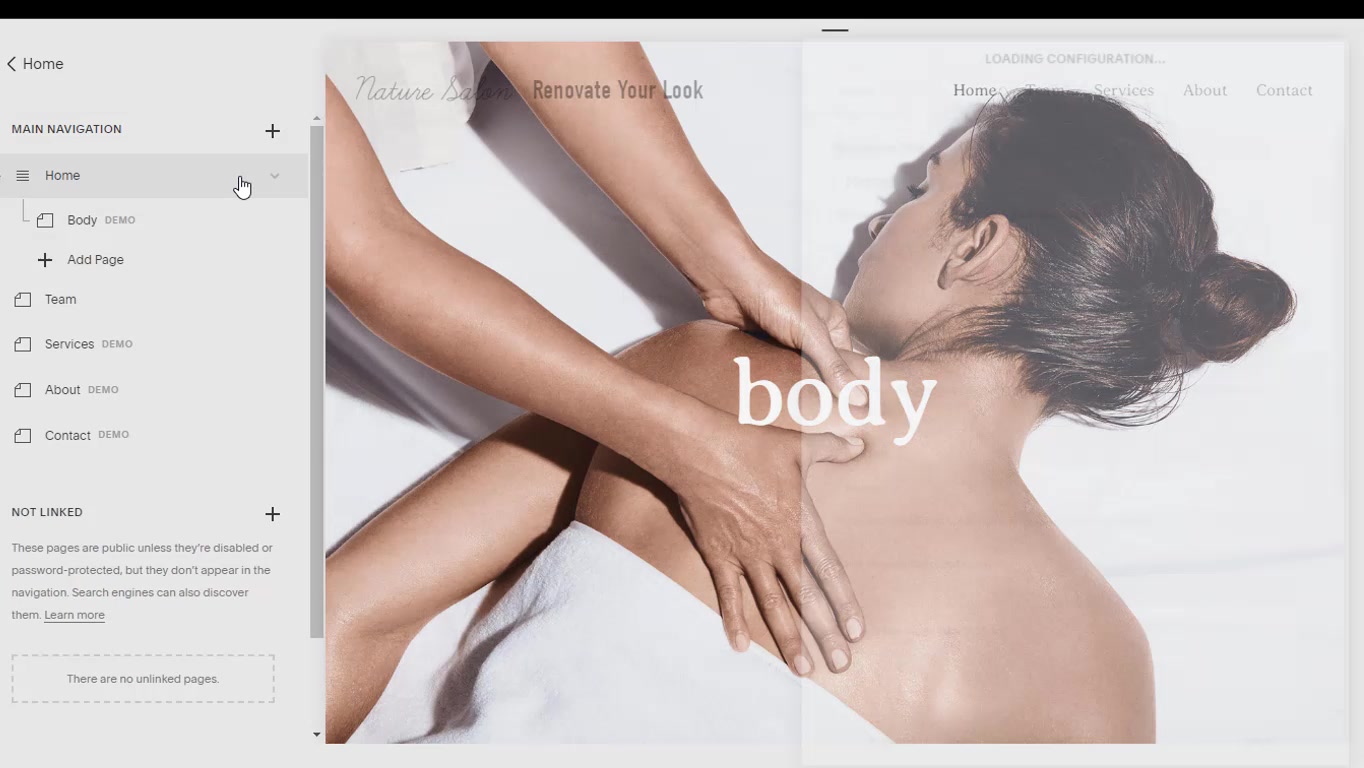
- Now, Login to your Squarespace account.
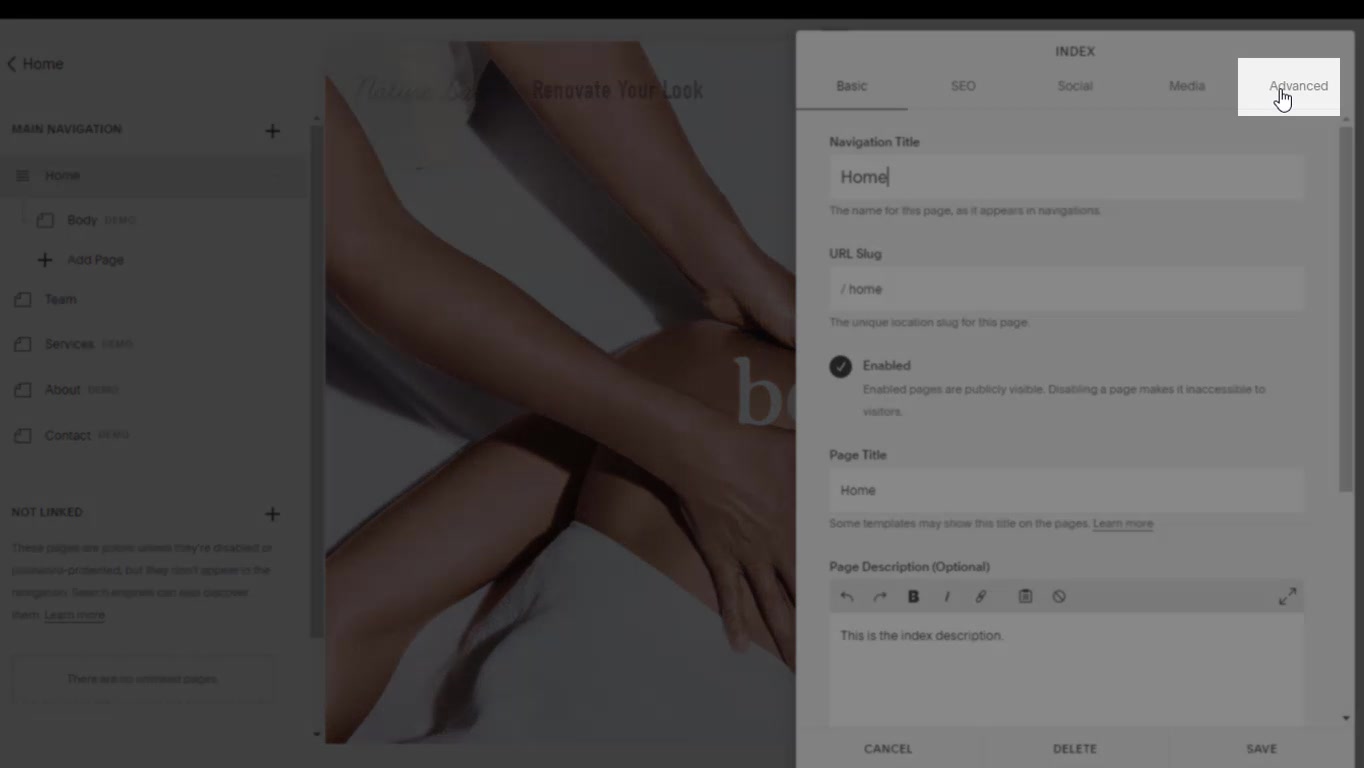
- Go to Pages and hit on settings in the section you want to add the button to.

- Then go to Advanced and paste the copied code.
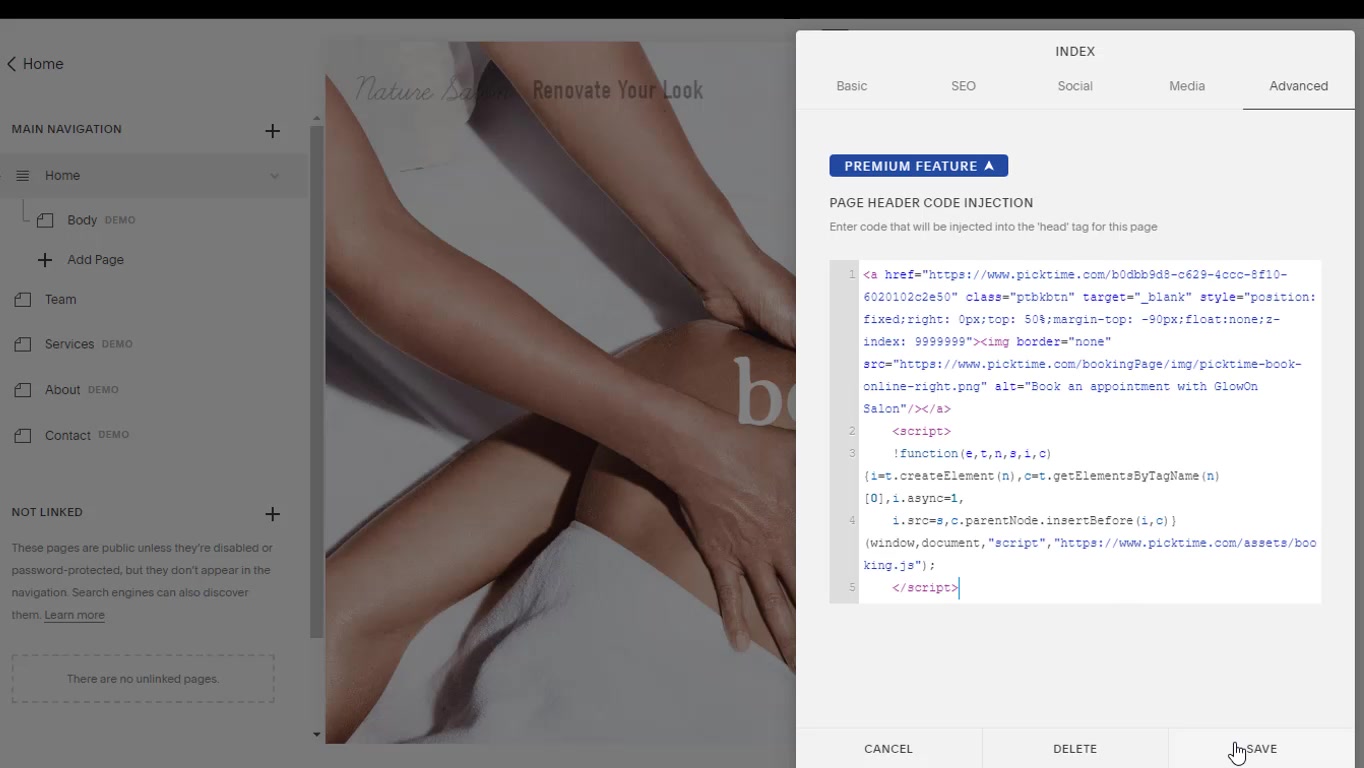
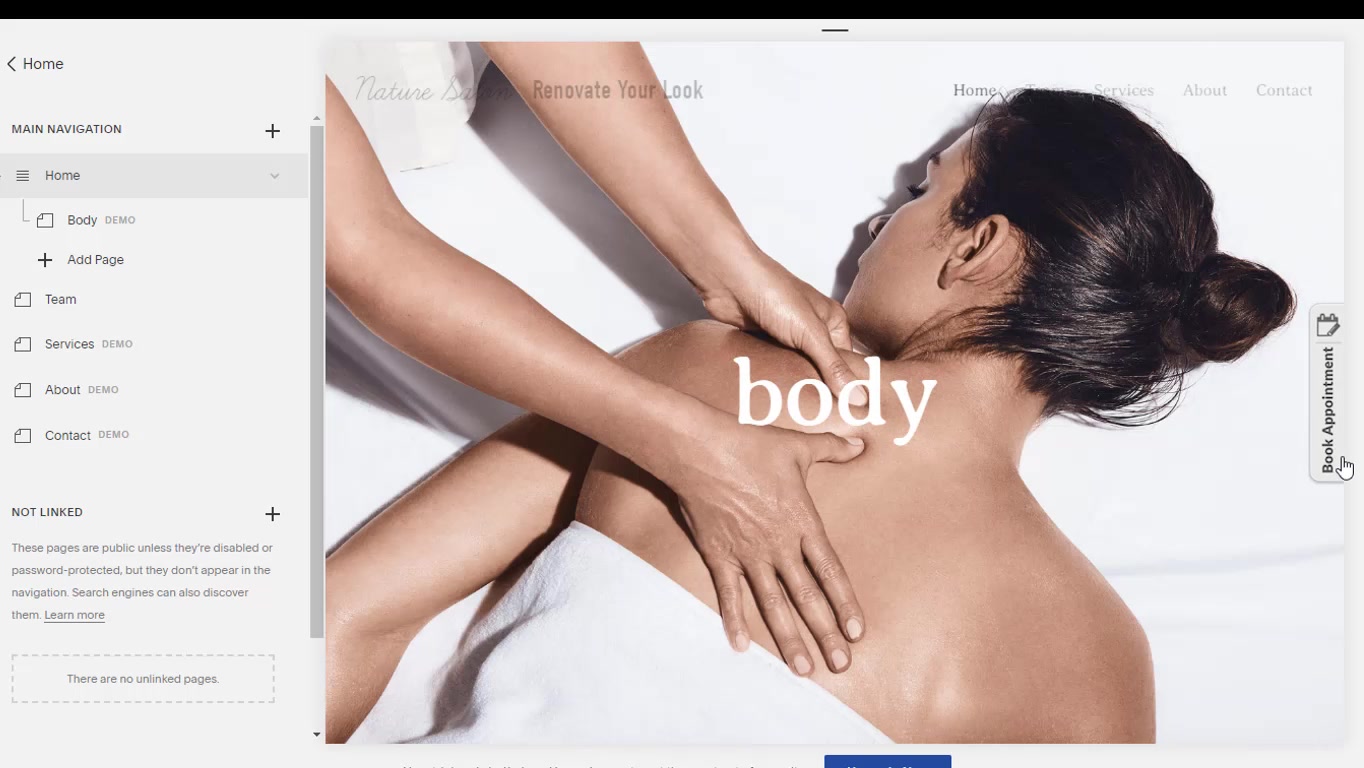
- You will be able to see the booking widget on your website now.
Updated on: 06/03/2026
Thank you!