
How to link services to a resource?
Before you link a service to a resource, make sure you have already created a resource.To link a service to a resource:
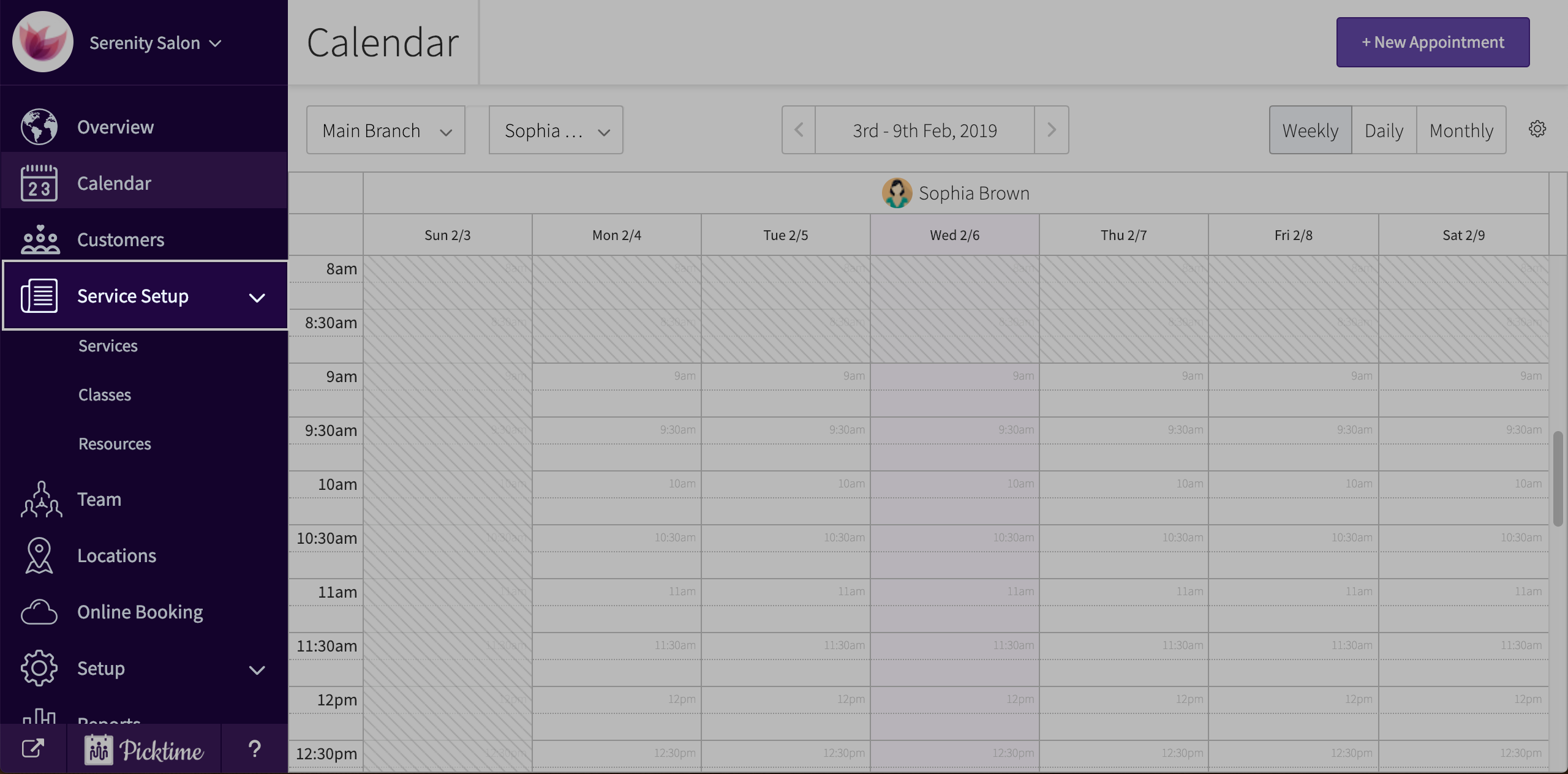
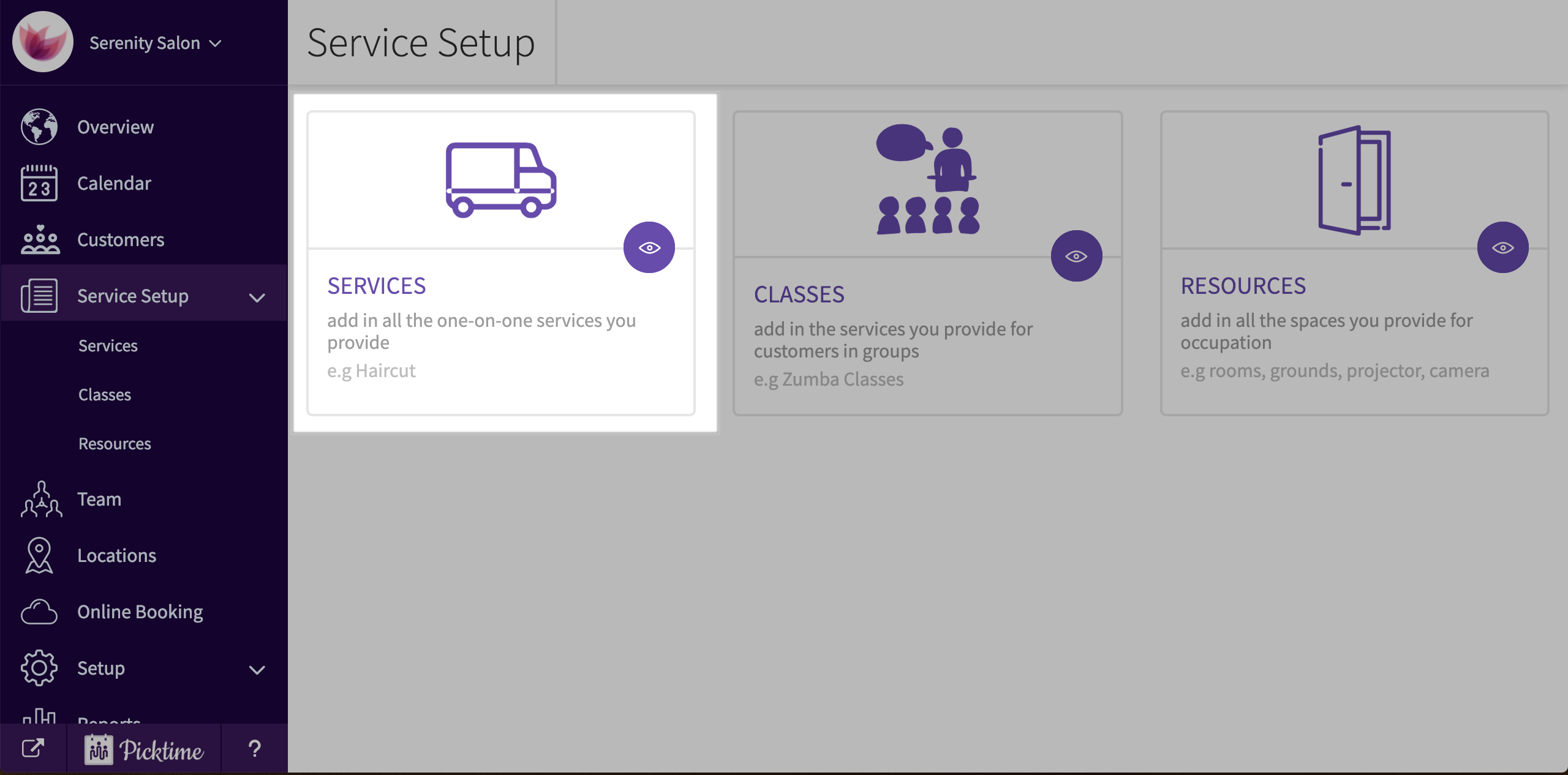
- Go to service setup and choose services.
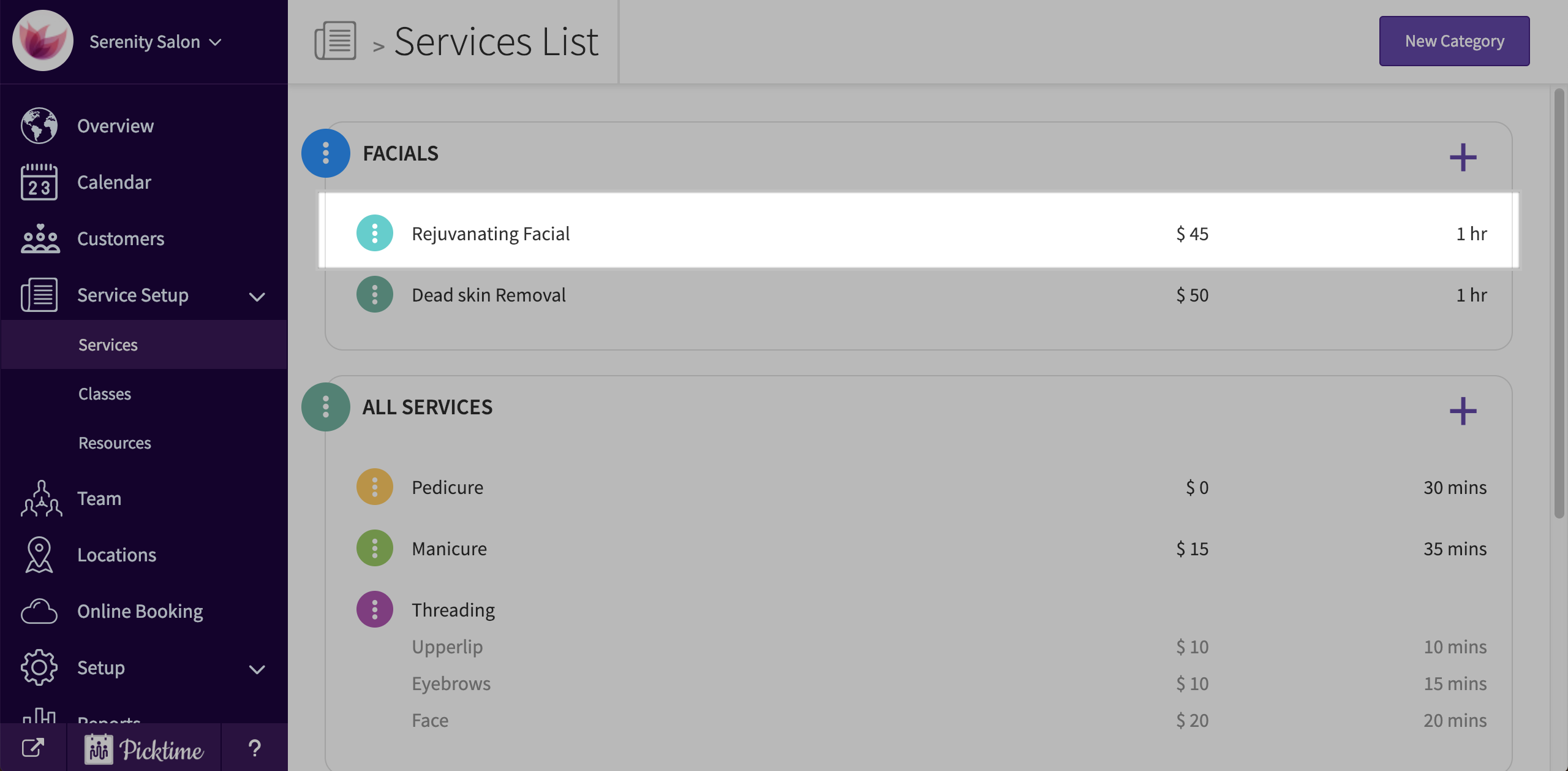
- Choose a service you want to allocate to a resource.
- You will see a tab that says ‘resources’ inside it.
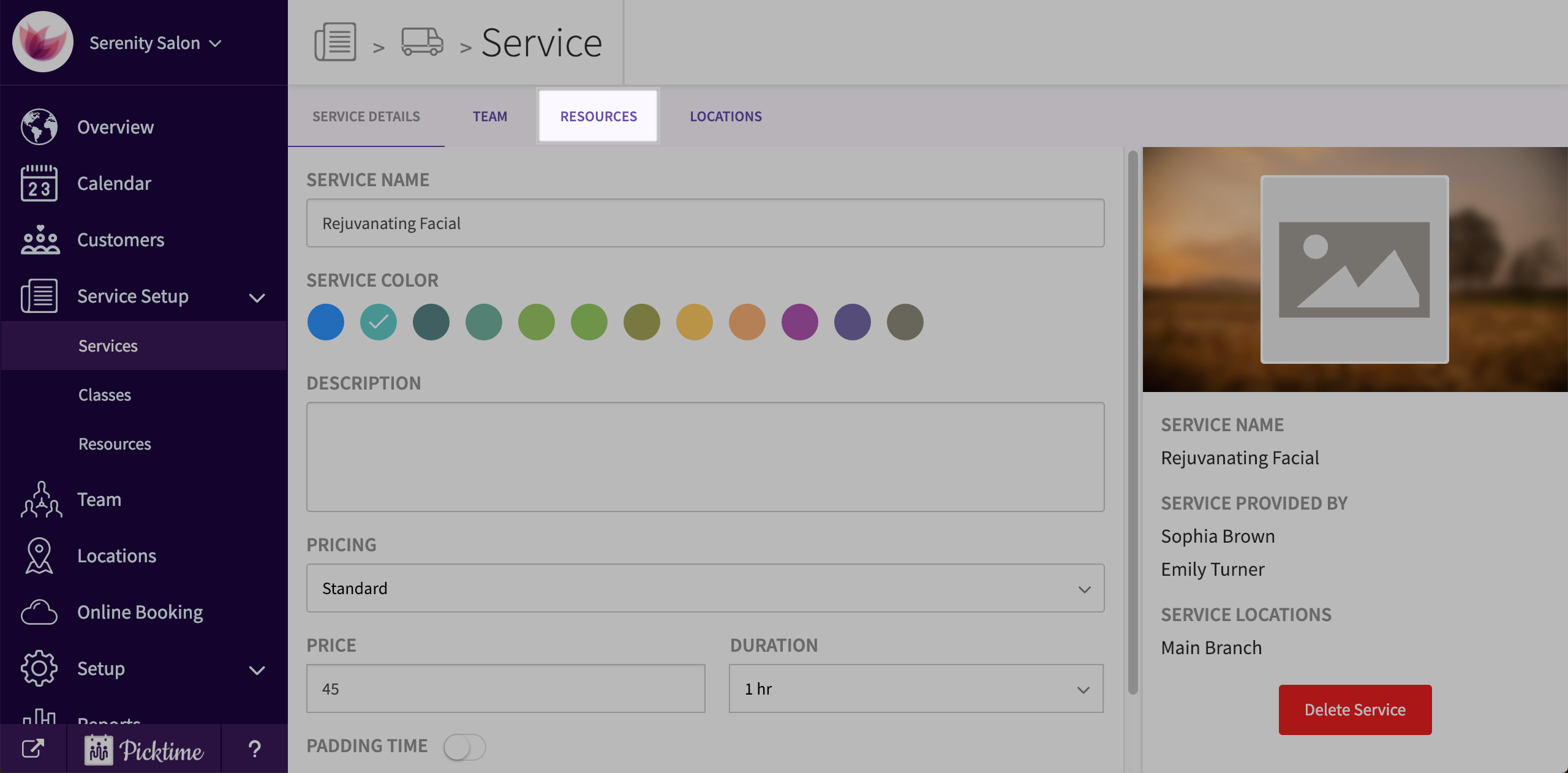
- Click on it and turn on ‘allocate resource’.
- Choose the resources you want to allocate to the service and click save.

Updated on: 06/03/2026
Thank you!