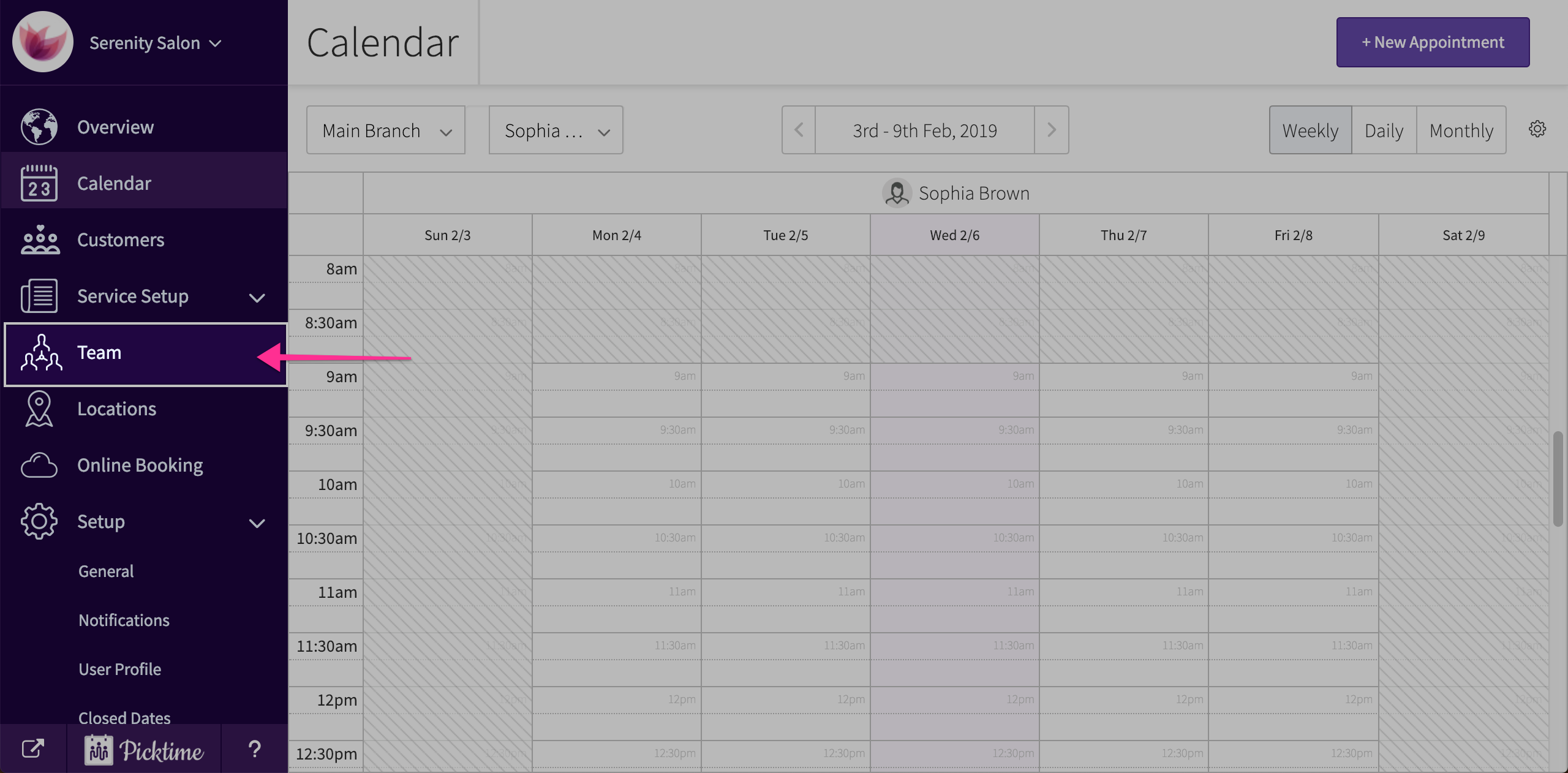
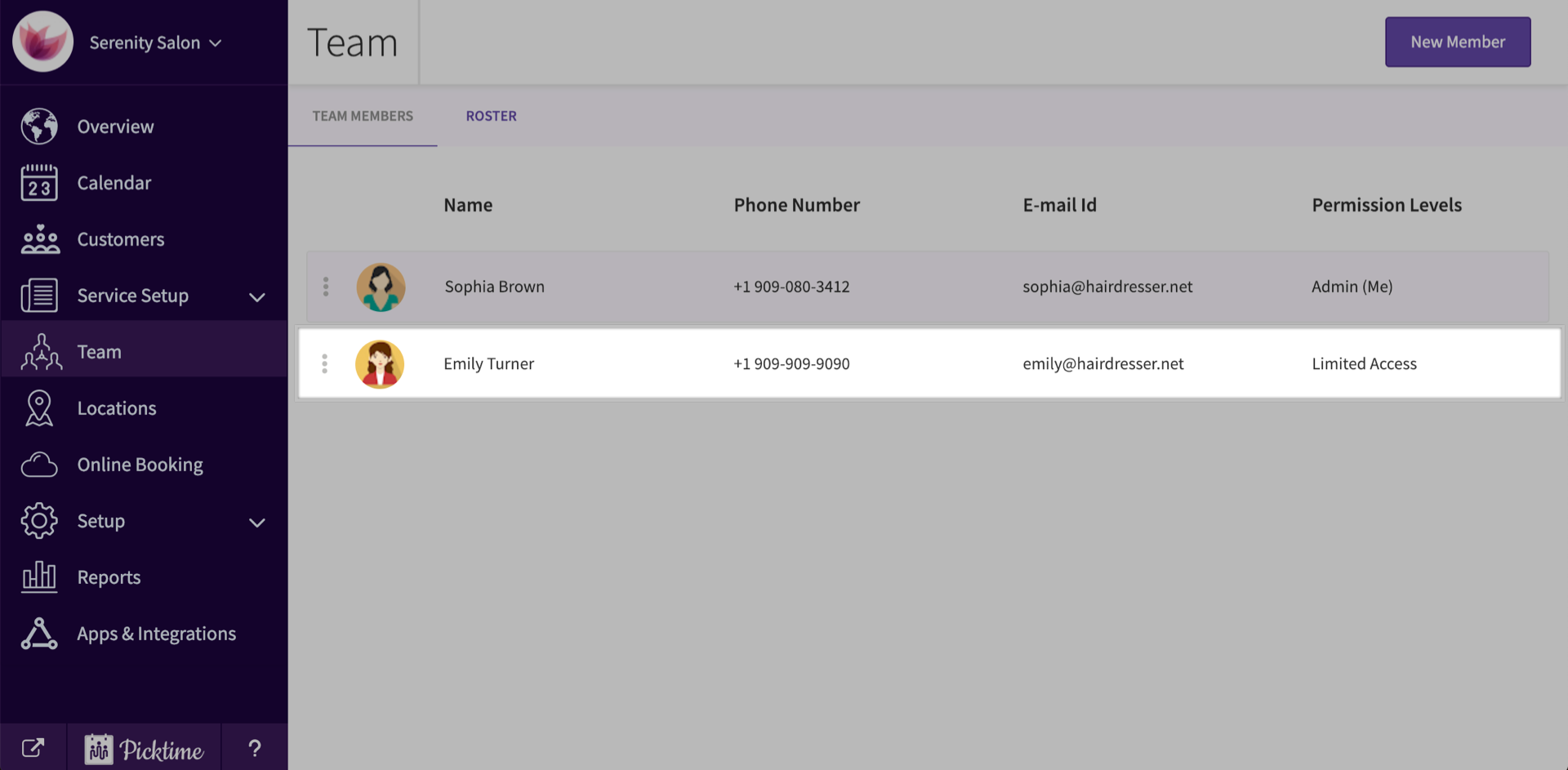
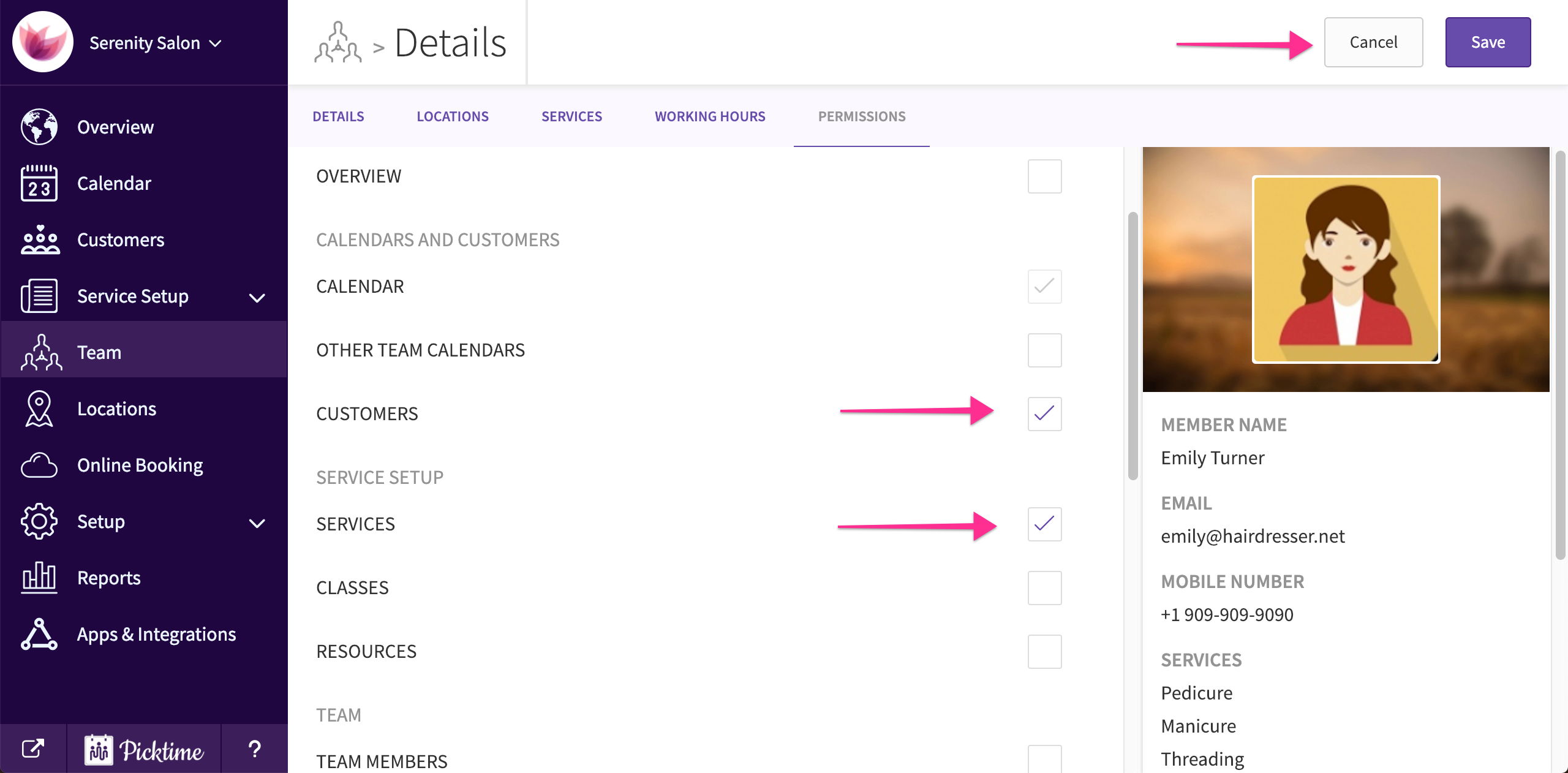
Articles on: GuidesHow to set permission levels for staff?To setup permission levels, follow the steps below:Go to team.Select a staff.Click on ‘permissions’ tab.Check the sections you want the staff to have access to and click save.Updated on: 06/03/2026