
How to set your default calendar view?
When you create your Picktime account, your business calendar is set to weekly view by default. You can change it to either monthly or daily according to your convenience. To change your default calendar view:
- Go to setup > general.

- Click on calendar preferences.
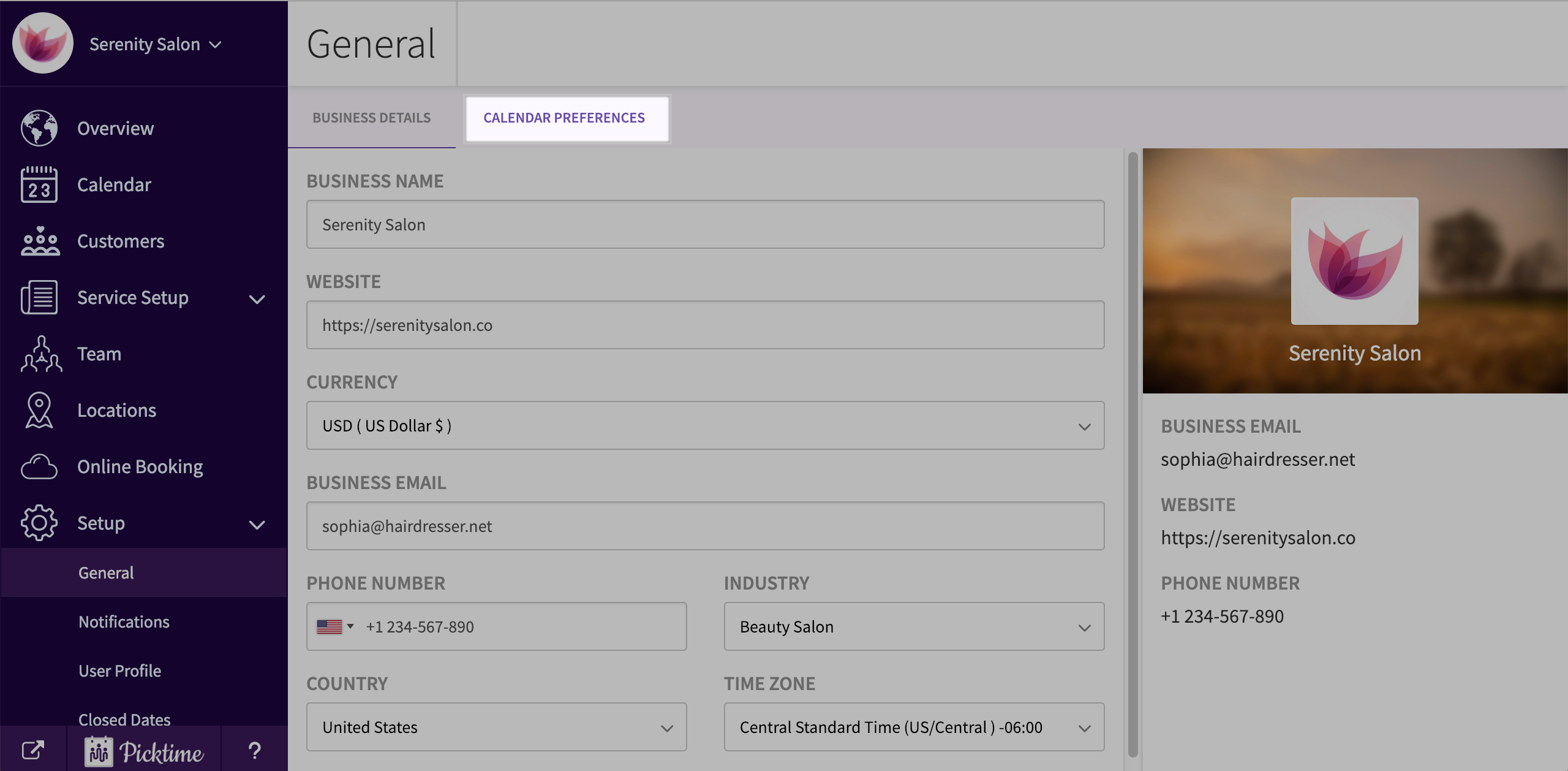
- You will see your preference already set to weekly by default.

- Choose the view you want and click save.
- Go to calendar to view saved changes.
- Your daily view will look like this.

- Your monthly view will look like this.

Updated on: 06/03/2026
Thank you!