
How to setup Parent Teacher meetings?
After signing up with Picktime, setup your account. Once you have setup your business account:
- Go to service setup > services.

- You will already see a service category created with an example service. Rename it to suit your requirements.
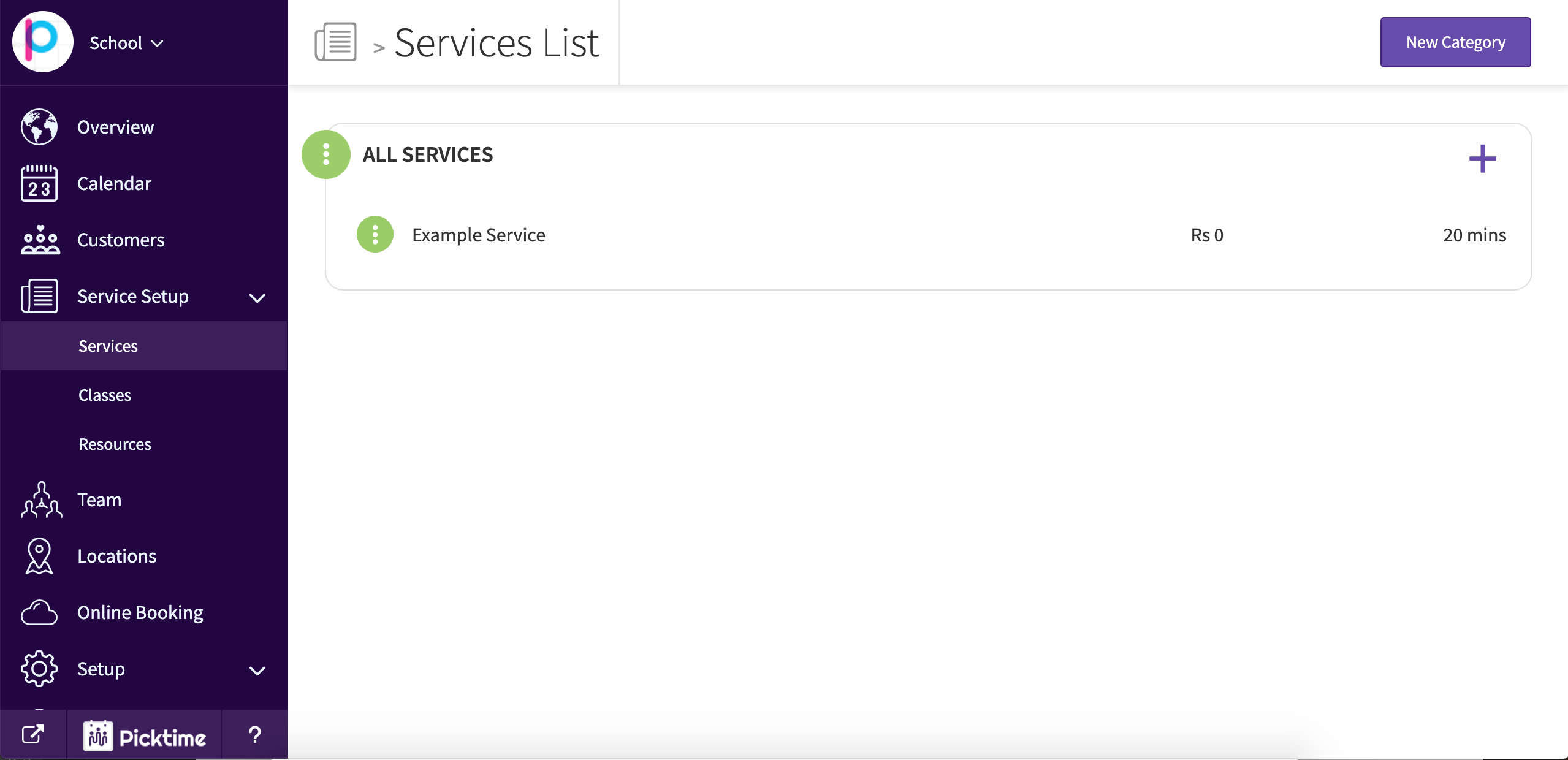
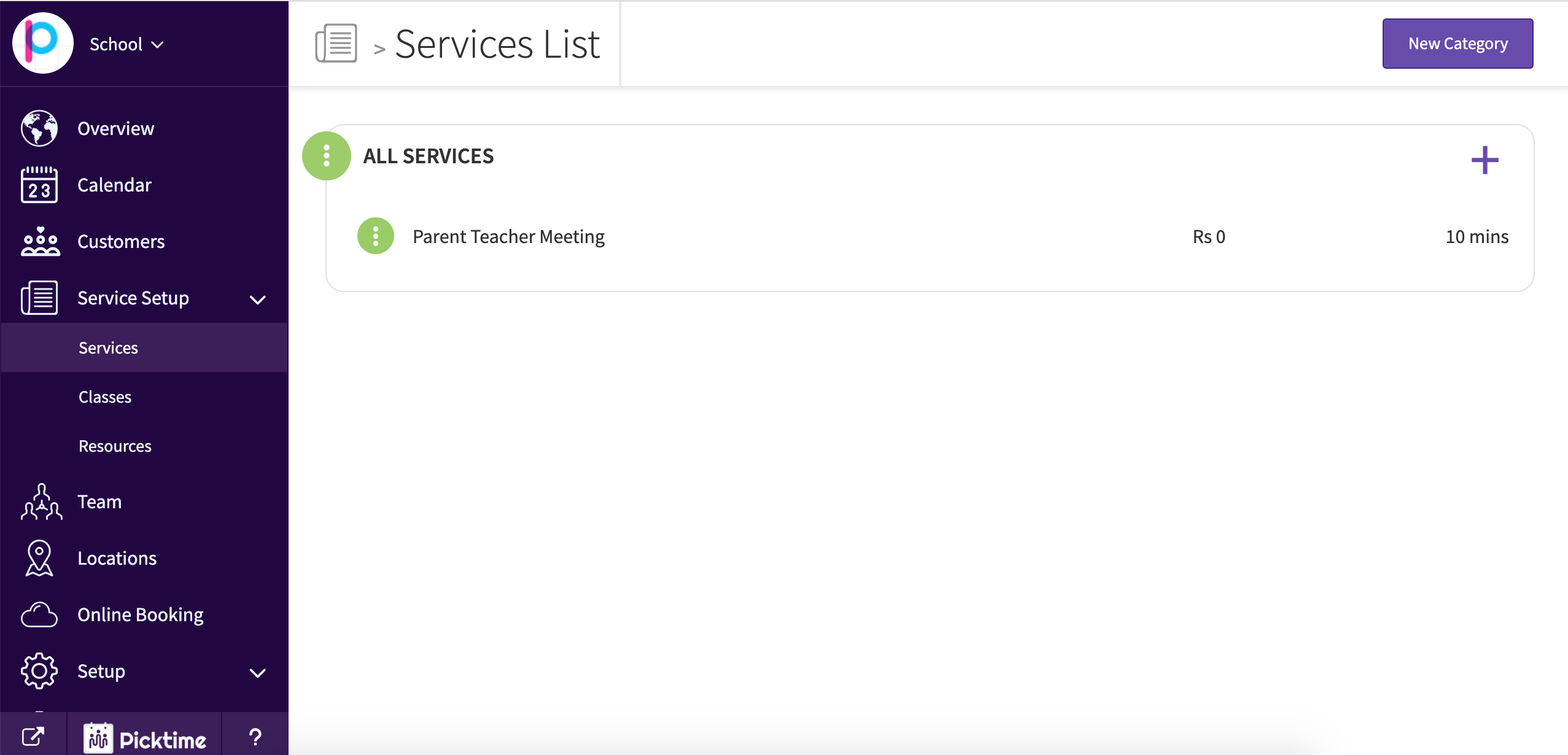
- For example, let’s say the meeting with each parent is for 10 minutes with 5 minutes gap between each one.
- Create a service with duration as 10 minutes and padding time as 5 minutes.
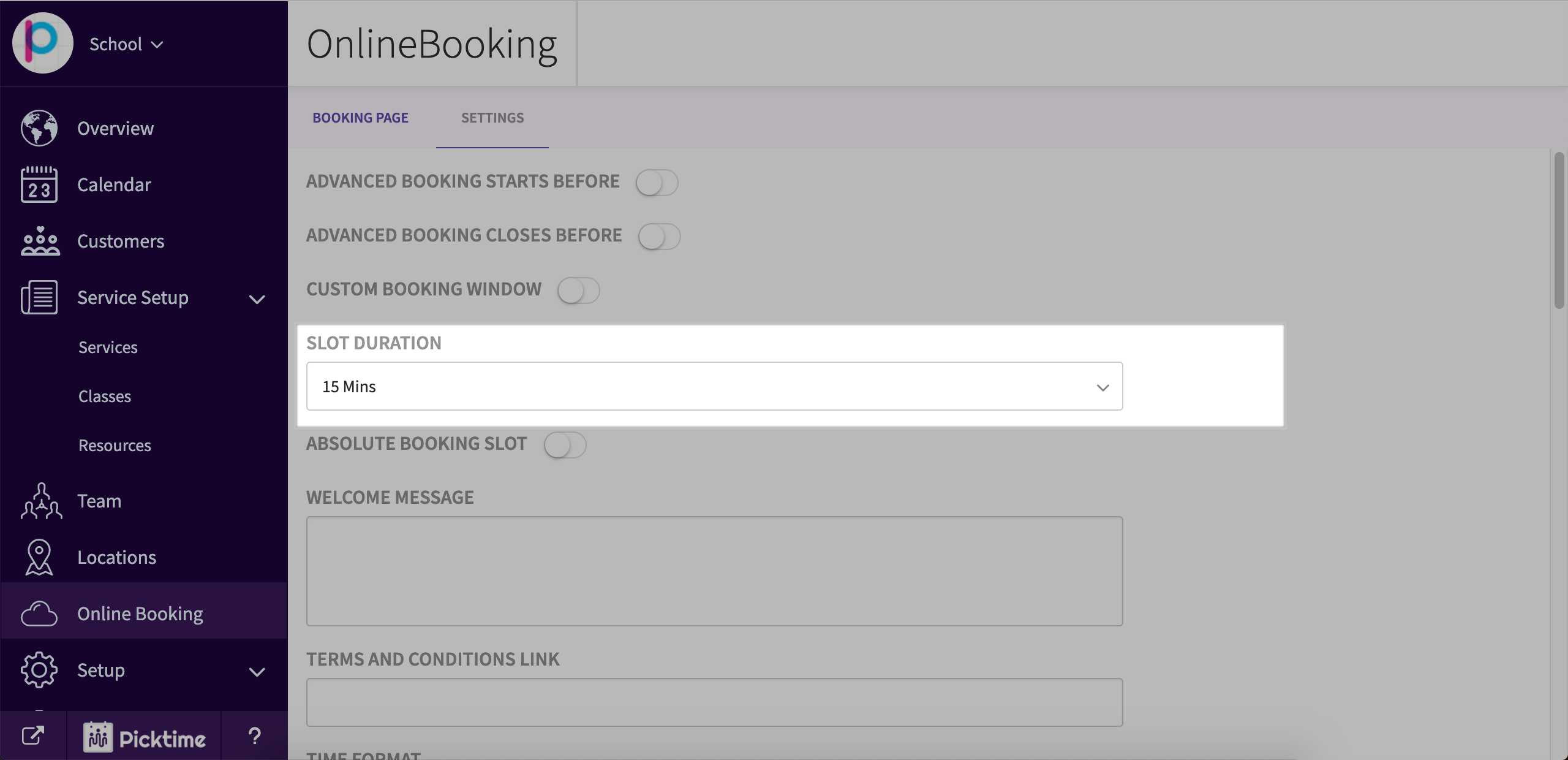
- Then go to online booking > settings and choose slot duration as 15 minutes.
Updated on: 06/03/2026
Thank you!