
How to setup Picktime for Salons?
Once you have signed-up, follow these steps to setup the Picktime account for your Salon:
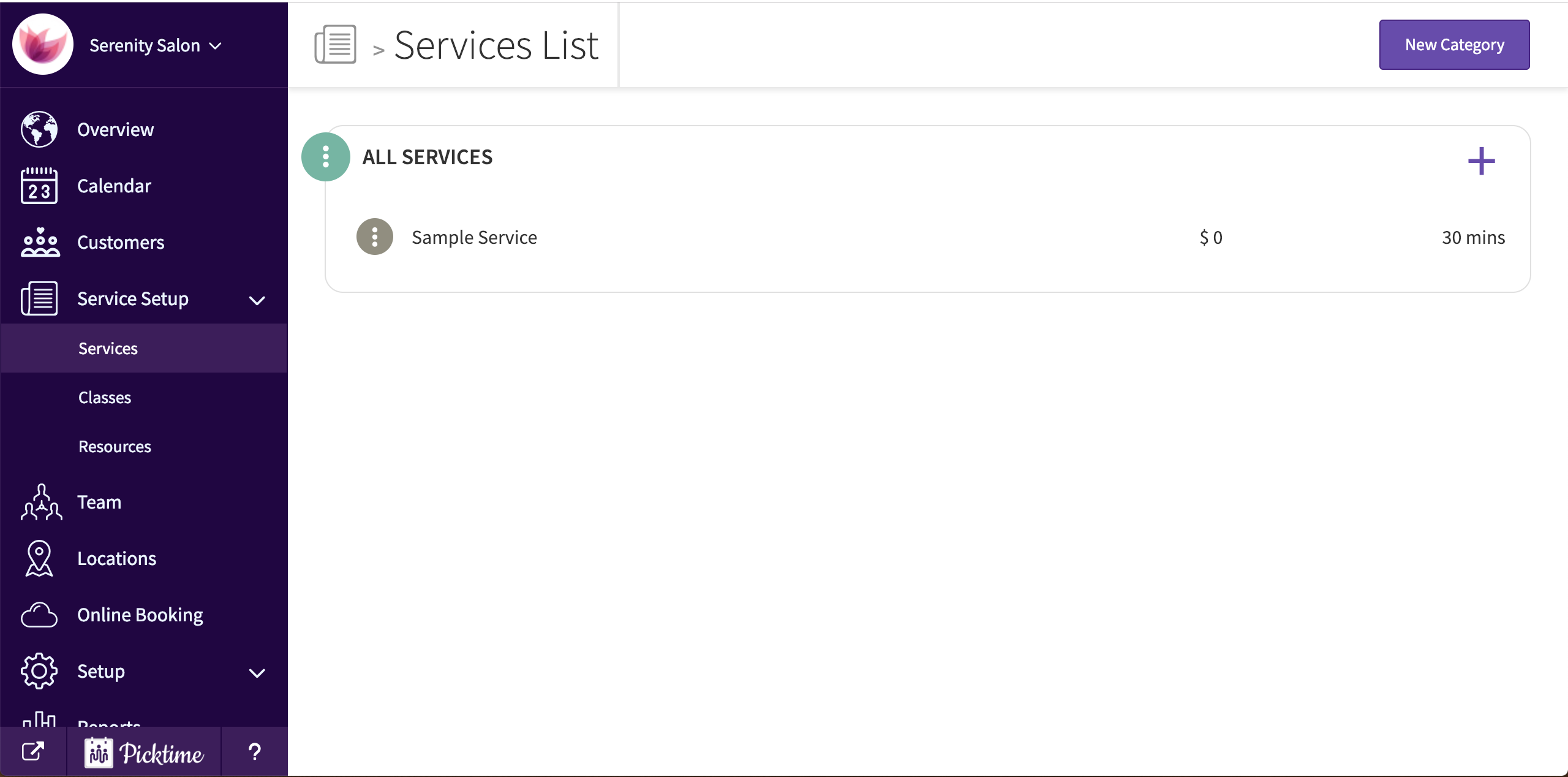
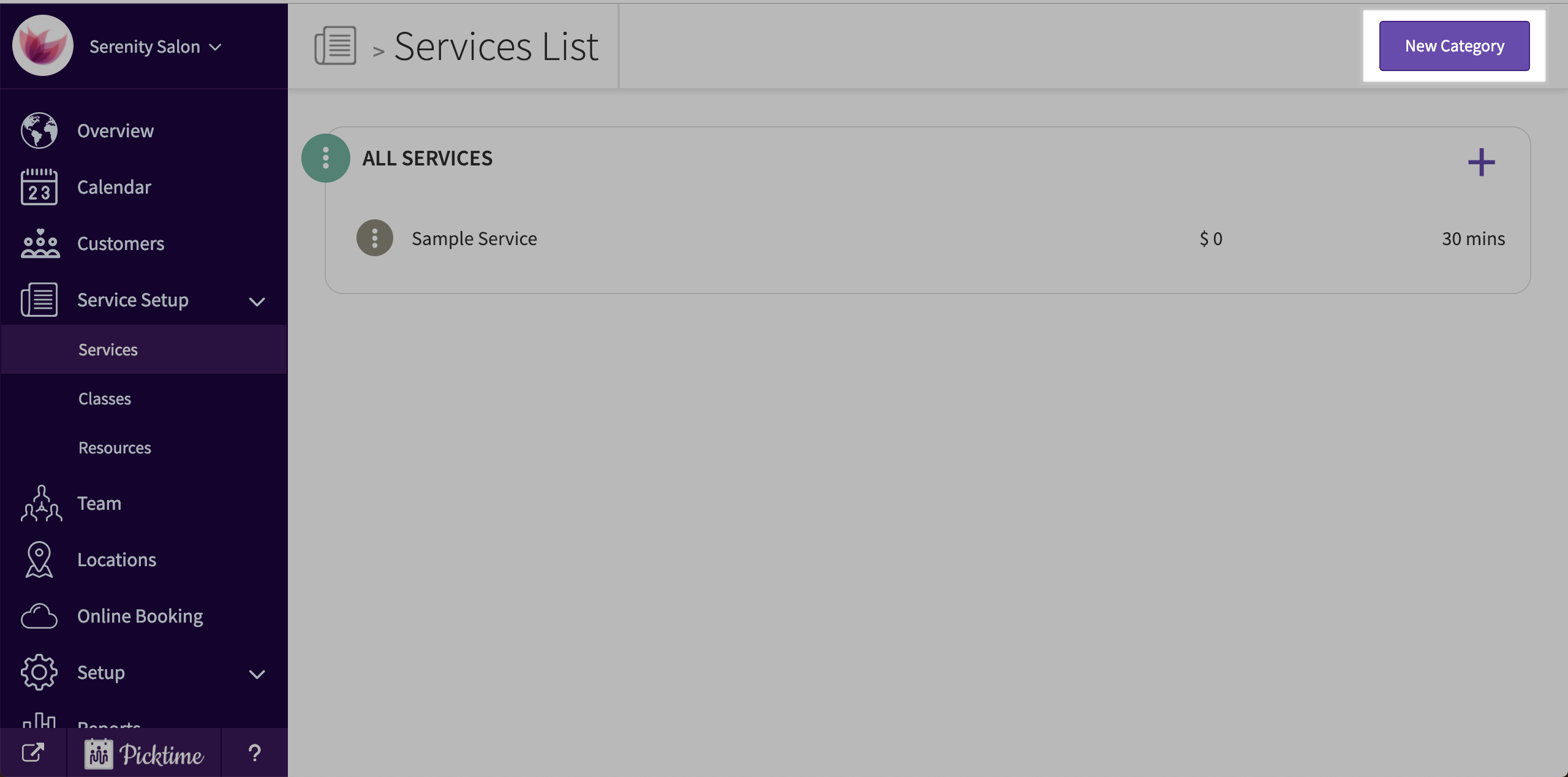
- Go to service-setup > services
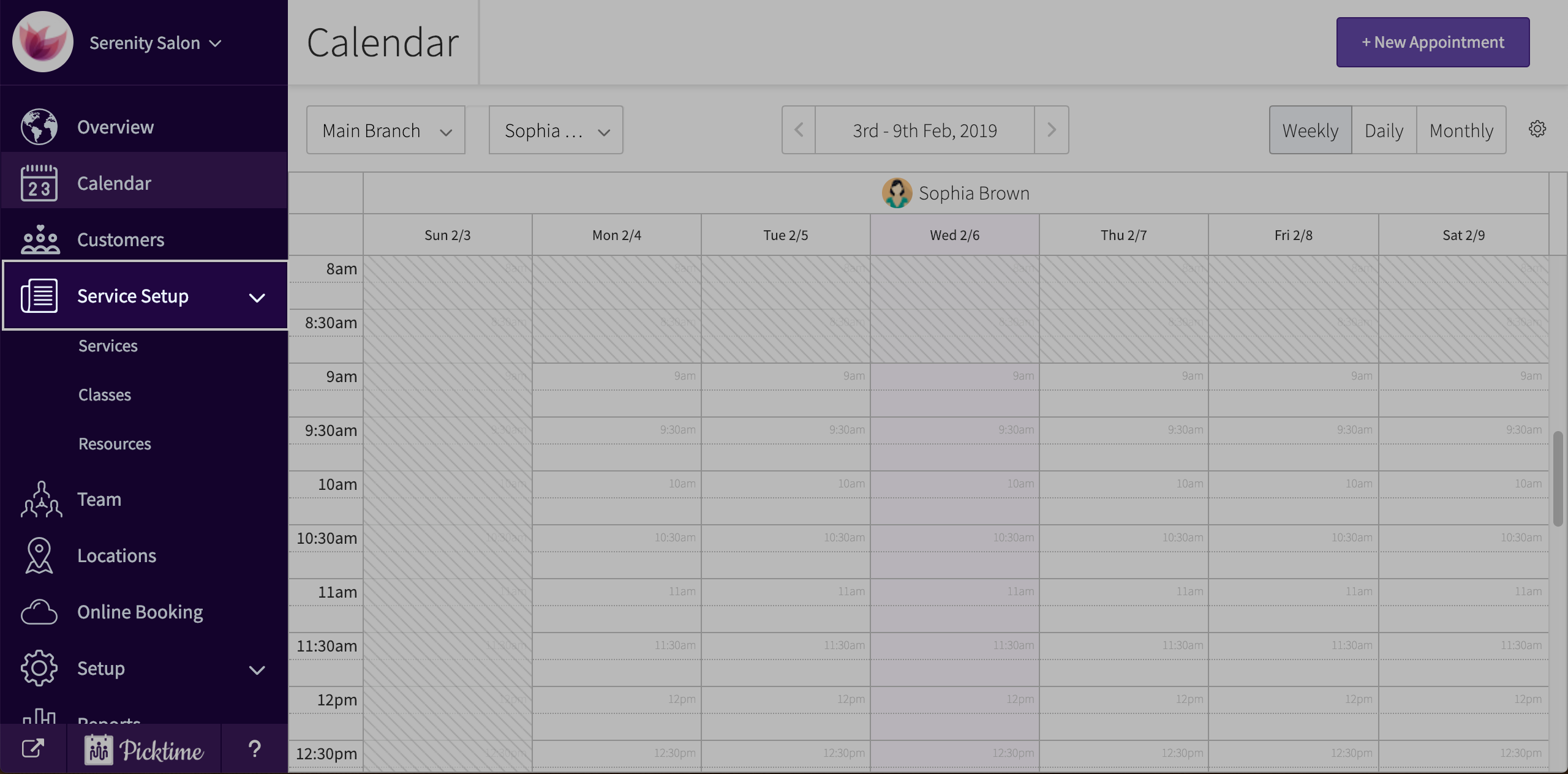
- You will see a sample service created by default. Edit it to your requirement, change the duration, etc and save.
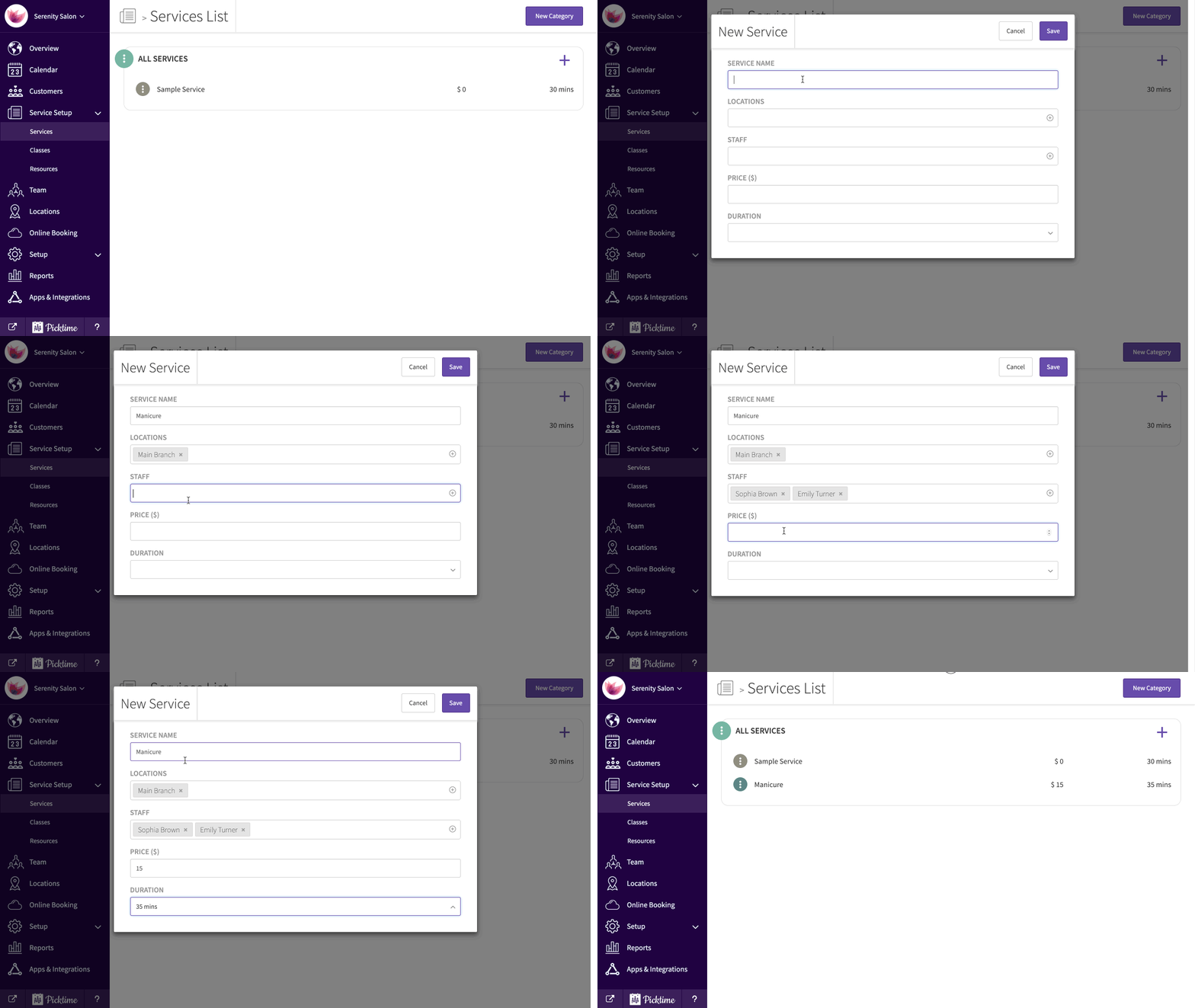
- To add a new service, click on '+' button on the top right corner. Assign to location, staff, set price and duration and save.
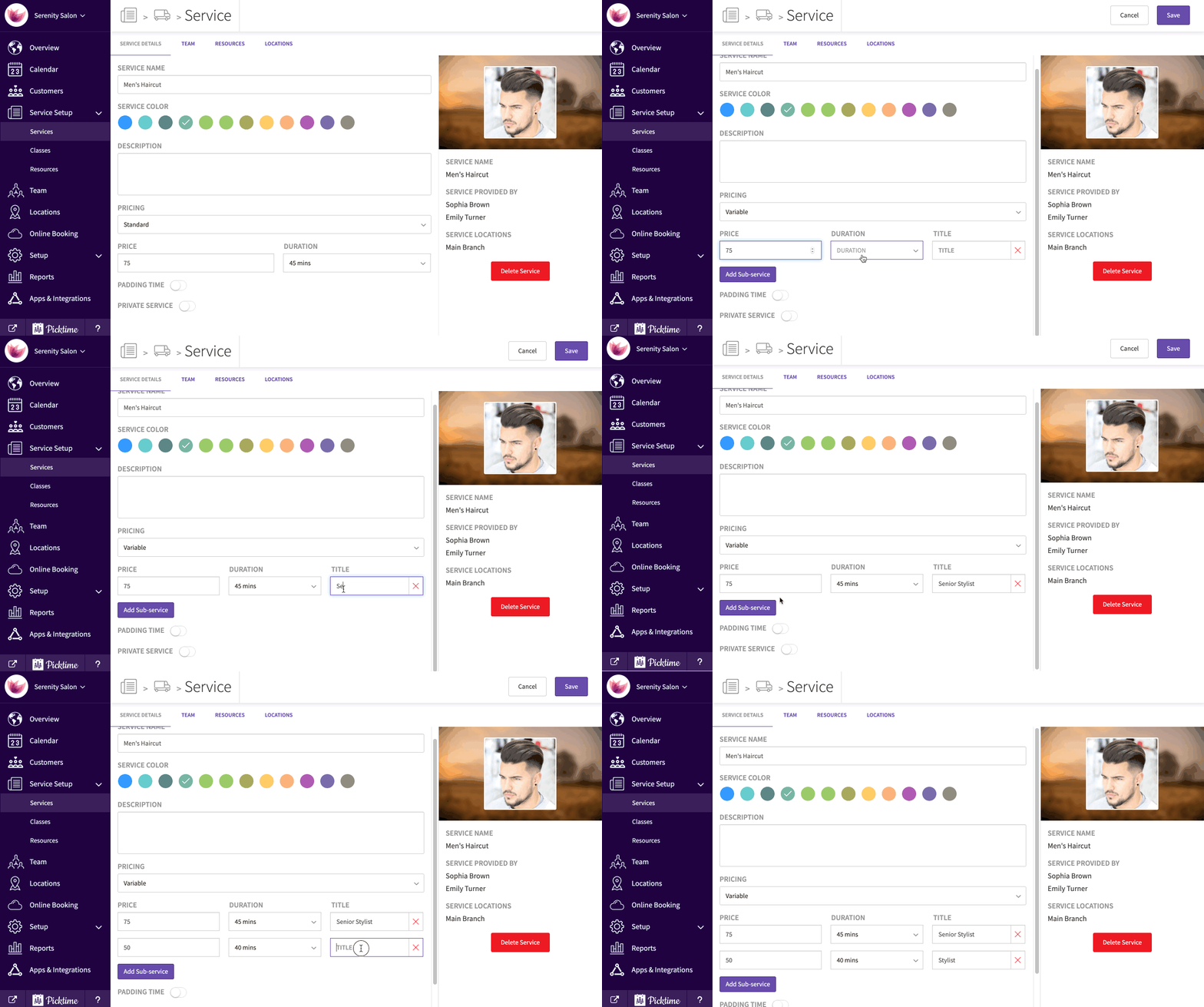
- If you have a service that you offer at different prices, Choose pricing type as variable
- If you want to create a new category, click on the 'new category' button on the top right corner
- You can also choose to provide the service at client location
Updated on: 06/03/2026
Thank you!