
How to setup your booking page?
Online Booking is a very important feature with which you can let your customers book appointments with you from anywhere at anytime. It is also a new way for you generate more leads due to flexible booking options. But you will be wrong if you think you will not have any control over the booking page. Your clients will be able to book appointments with you only in the slots you keep open for them.
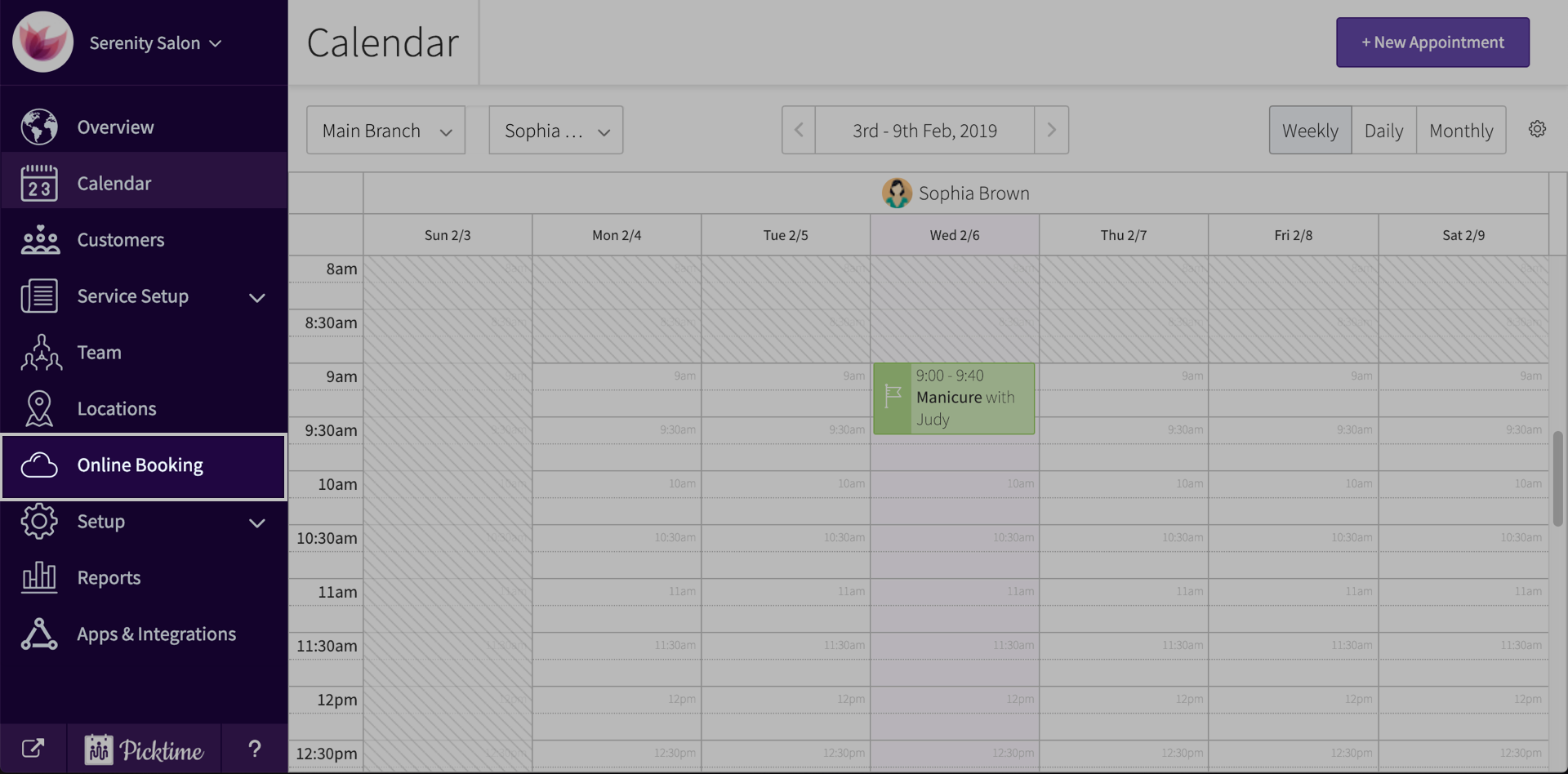
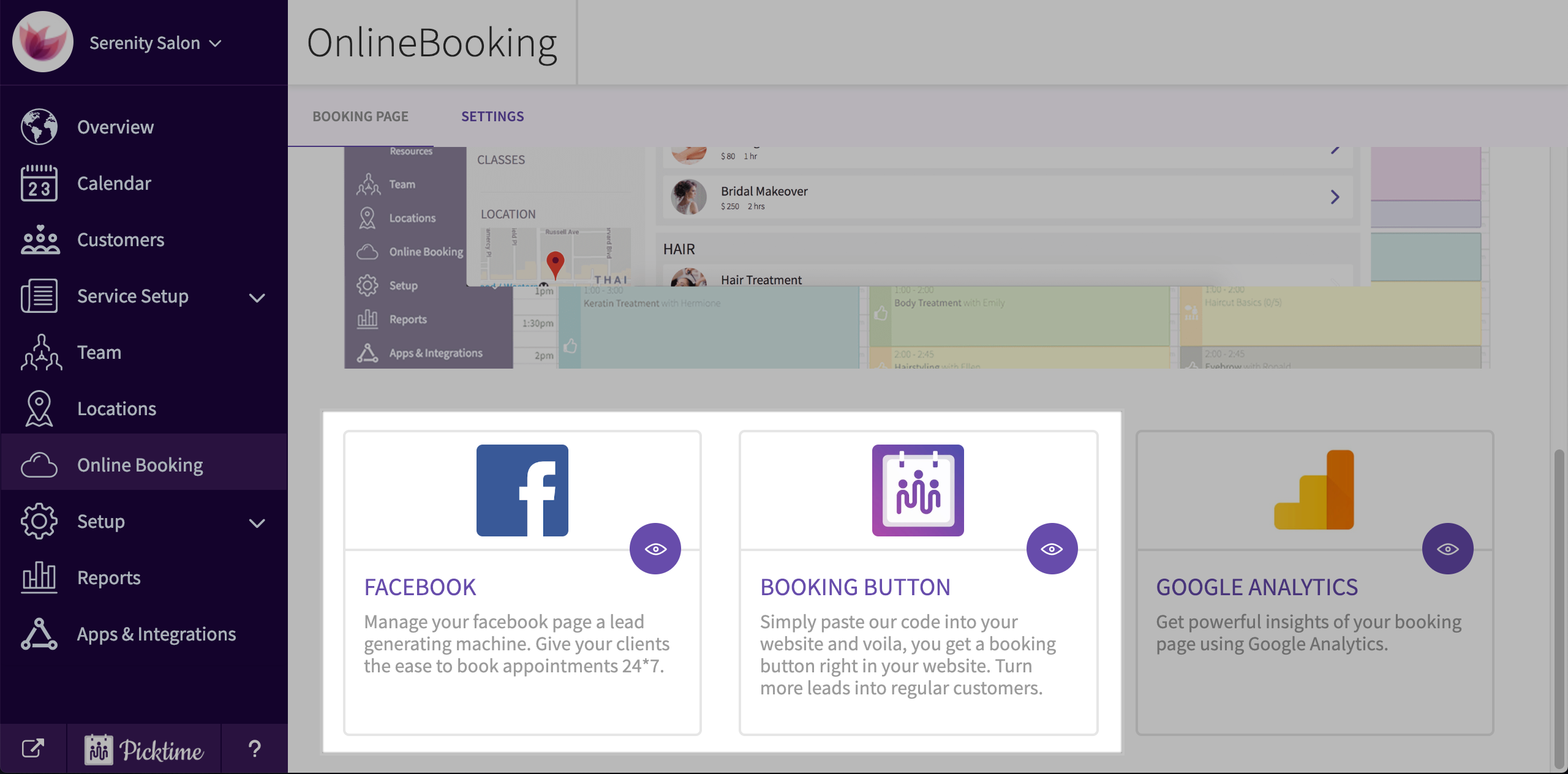
- To configure your booking page, click on Online booking located in the side navigation.
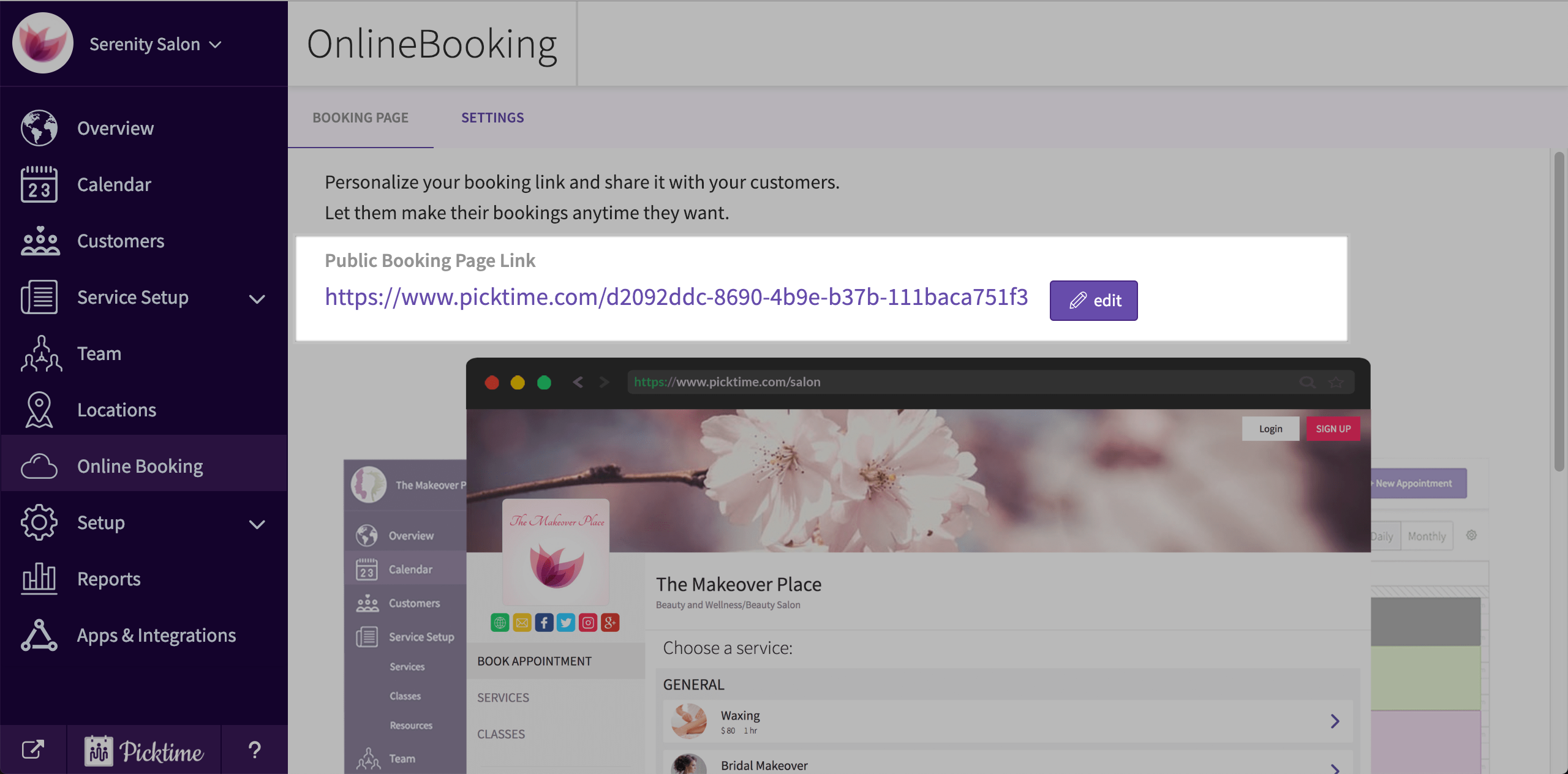
- In the page you will see a link which will direct you to your booking page.
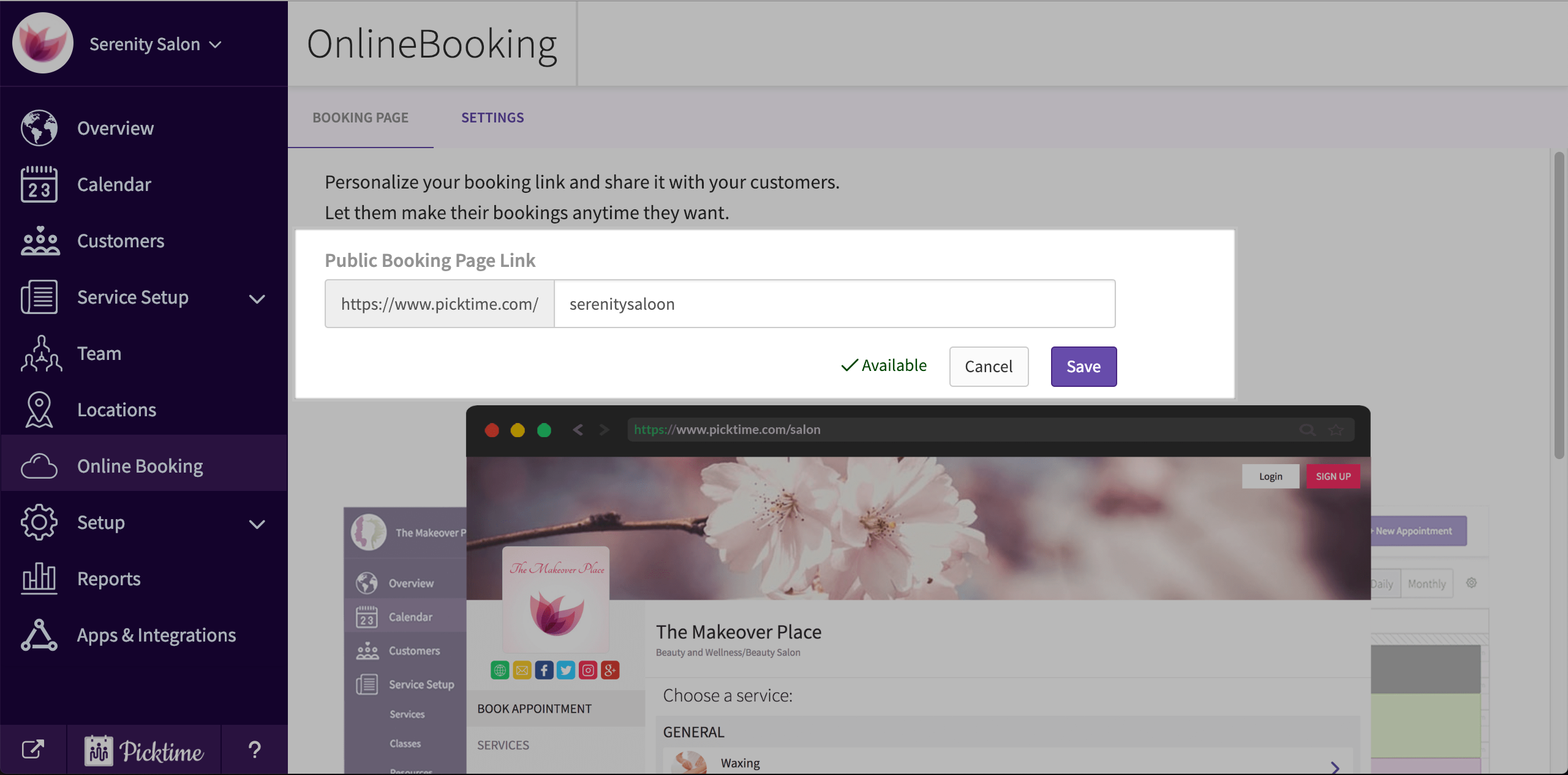
- If you want to configure your link, Click edit.
- Share your Url with clients and staff.
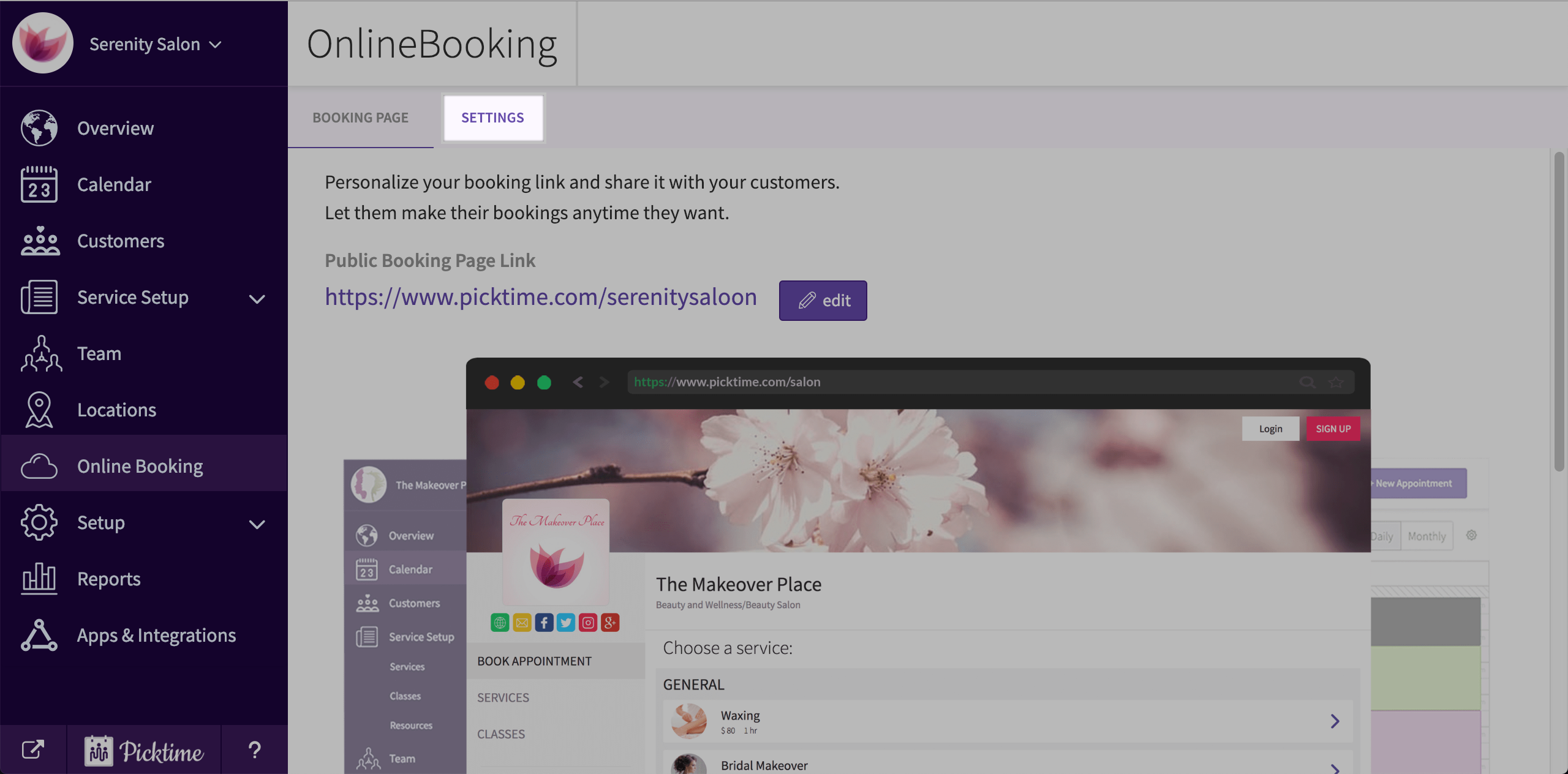
- To control what time slots you can make available online, go to settings tab.
- To generate more leads you can embed your booking page in your website, Facebook page and other social media
Updated on: 05/03/2026
Thank you!