
How to sync with MS Exchange calendar?
Syncing your Picktime Calendar with your MS Exchange calendar is easy. Just follow these steps:
- Go to the 'Team' section.
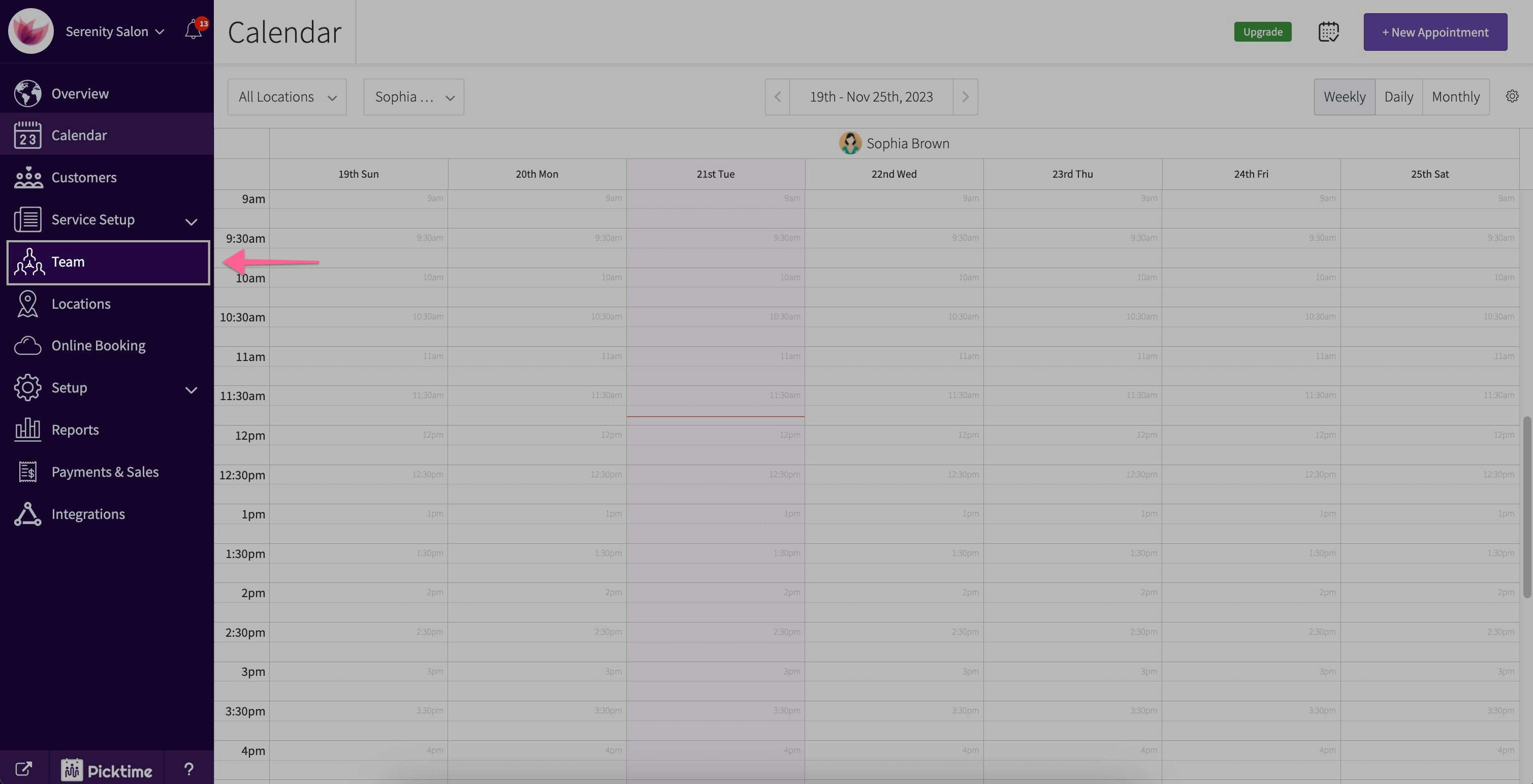
- Choose the team member whose calendar you want to sync.

- Turn on the toggle button next to the Exchange Calendar Sync.

- A pop-up will appear, asking for your Exchange account email.
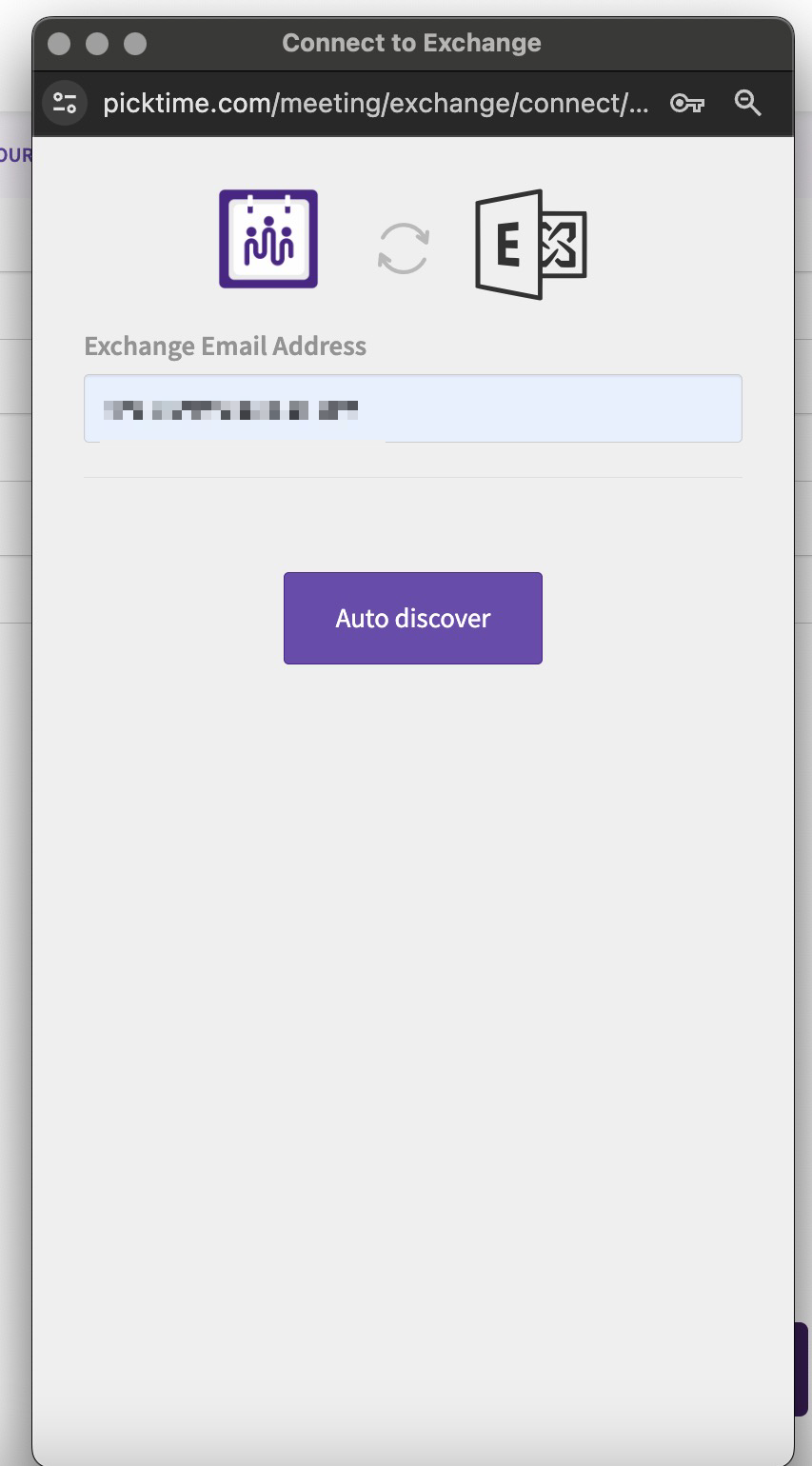
- Click the 'Auto Discover' button for automatic detection.
- If it's not automatically detected, enter your Exchange Server, Domain, and username details.
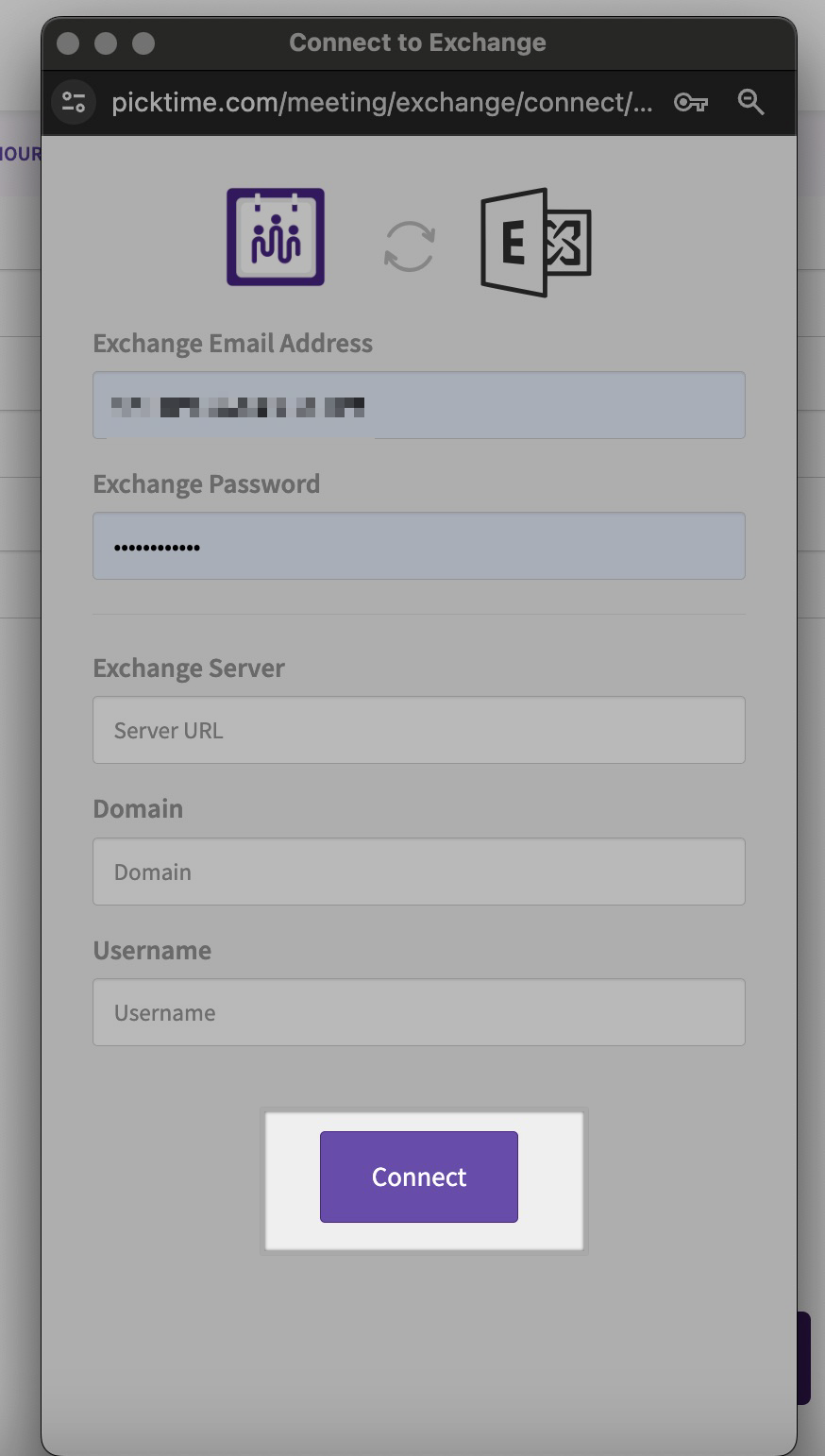
- Click 'Connect.'
- If you have multiple calendars, select the calendars you want to sync with Picktime and hit save.
Updated on: 06/03/2026
Thank you!