
How to use a Roster?
To use your roster, follow these steps.
- Go to team
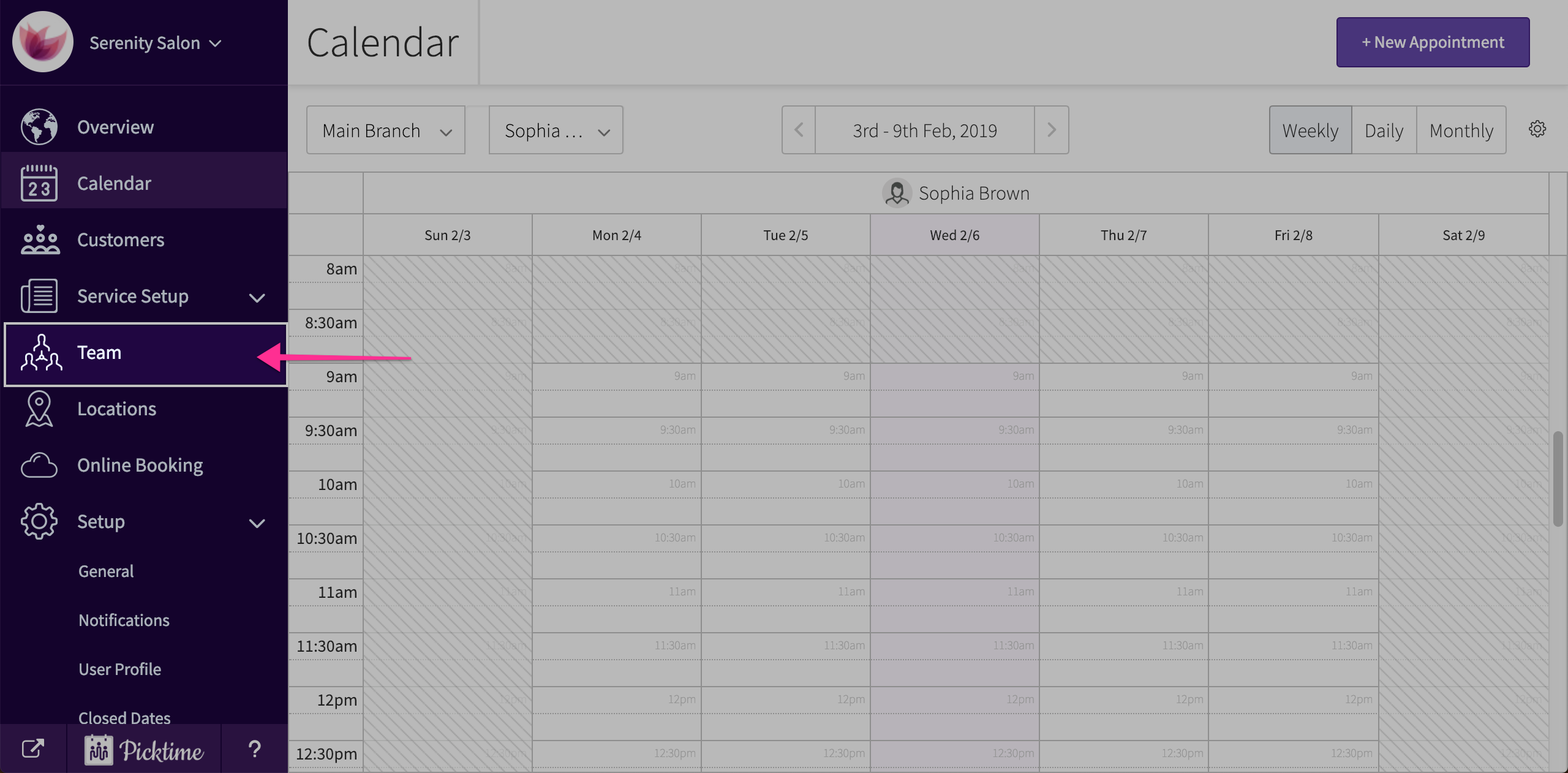
- Inside the team page, you will see a roster tab.
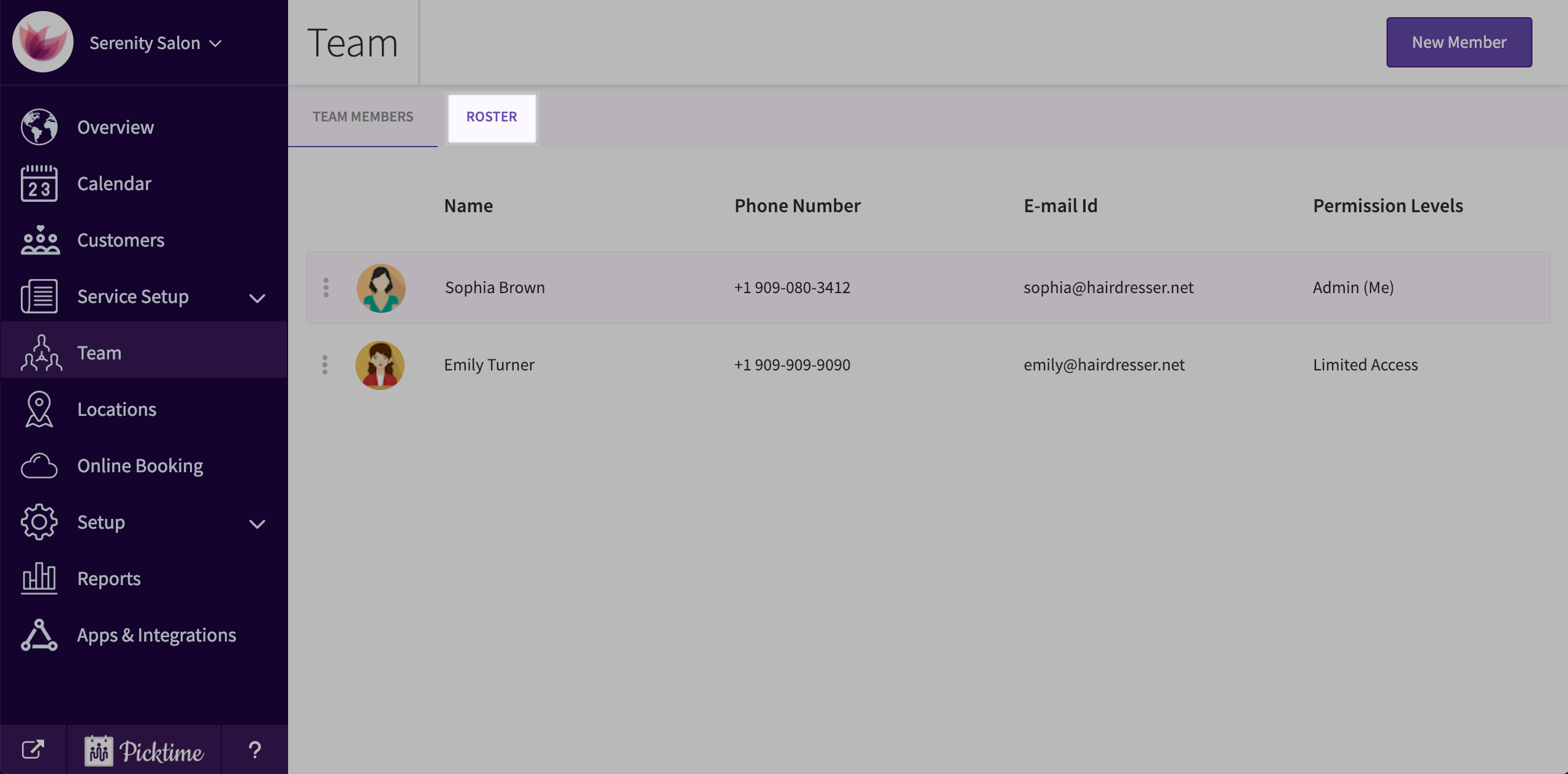
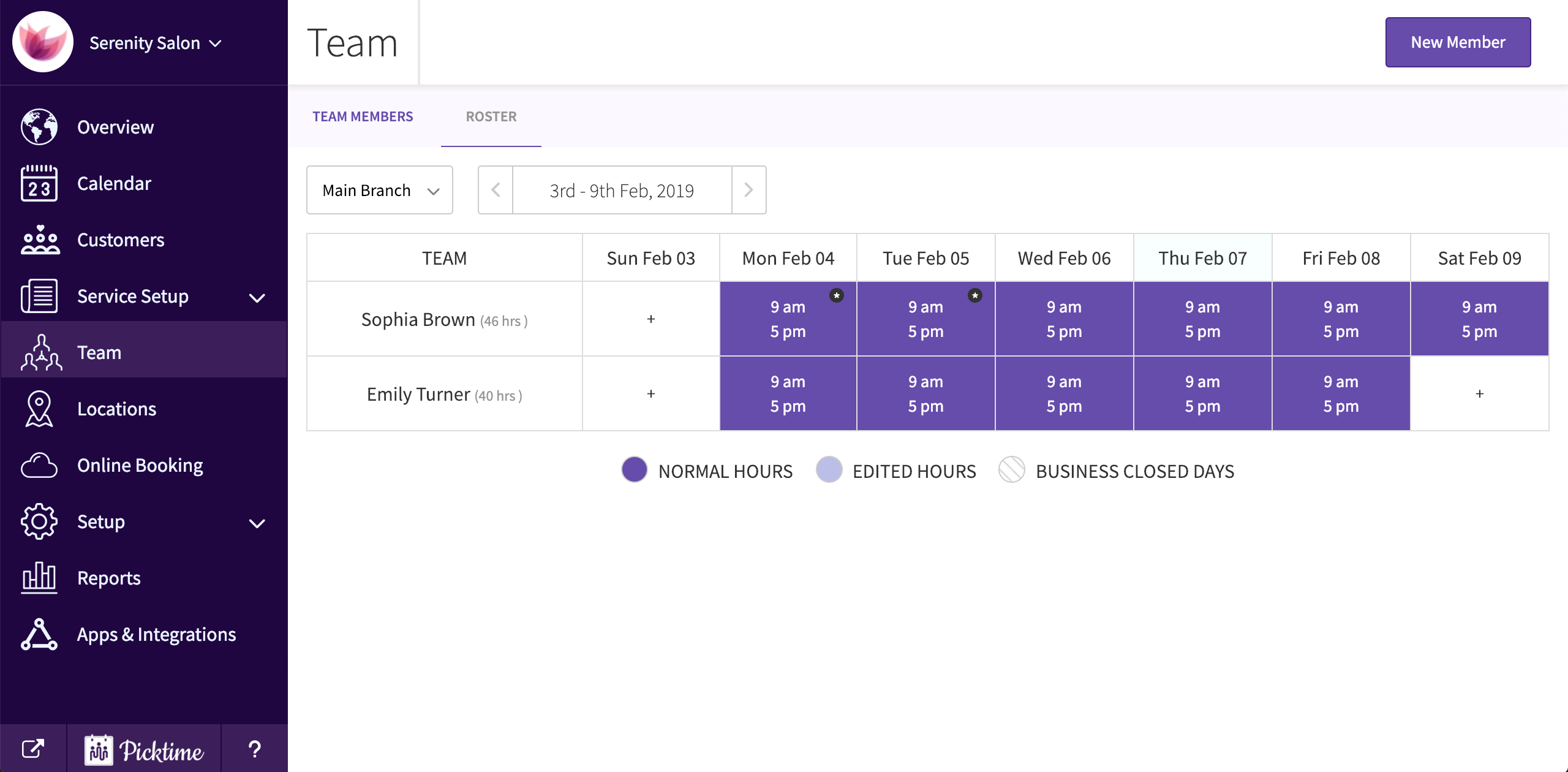
- Click on it and you will see your staff working hours for a week location wise.
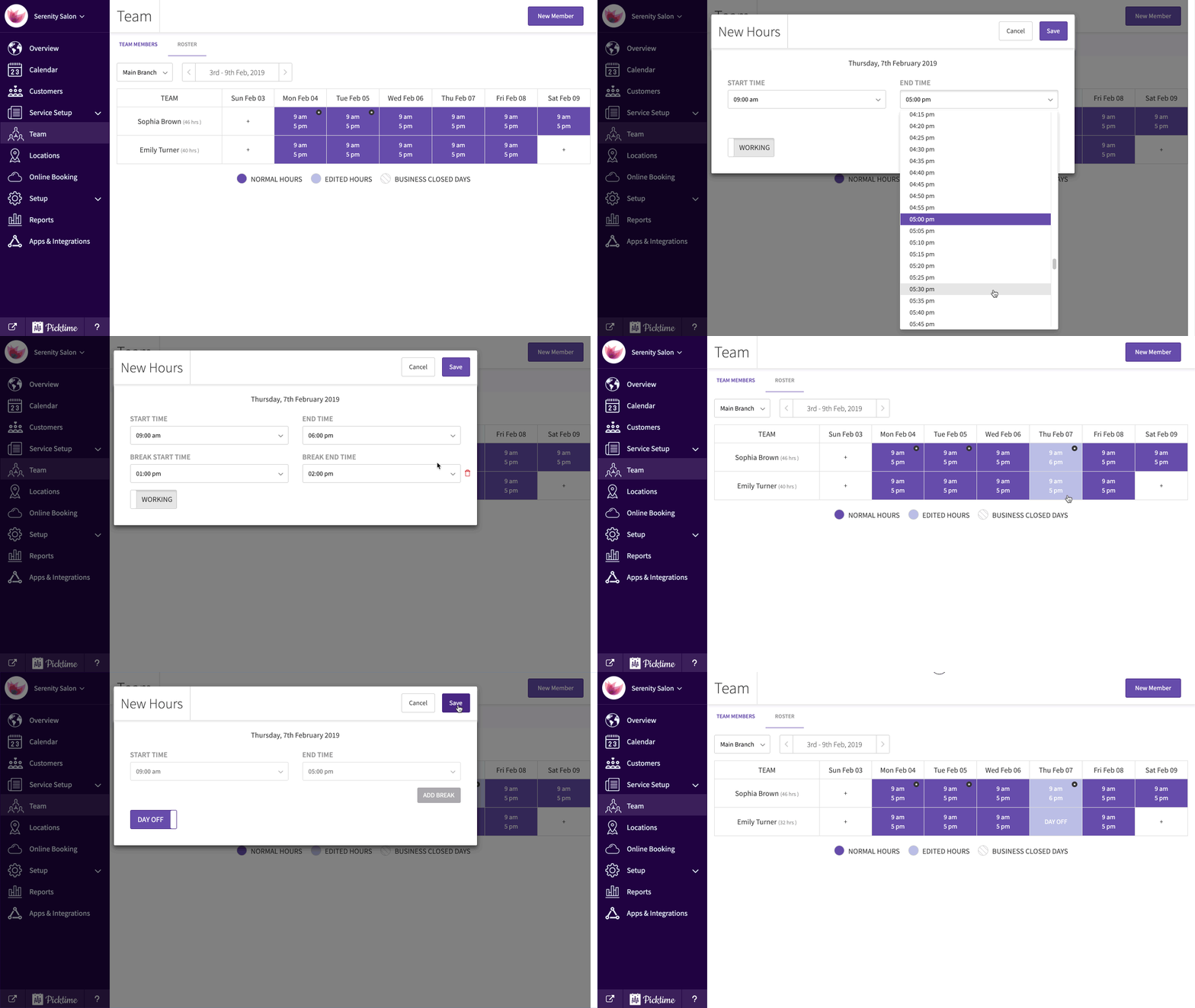
- Choose a day from the roster to modify working hours and save.
- You can also turn on the ‘working’ toggle to mark the day as a day off.
Updated on: 06/03/2026
Thank you!