
Resend the invite link to team member
- In the process of adding a team member, admins are obligated to input the team member's email address. Subsequently, the system will autonomously trigger a registration email to the specified email address.
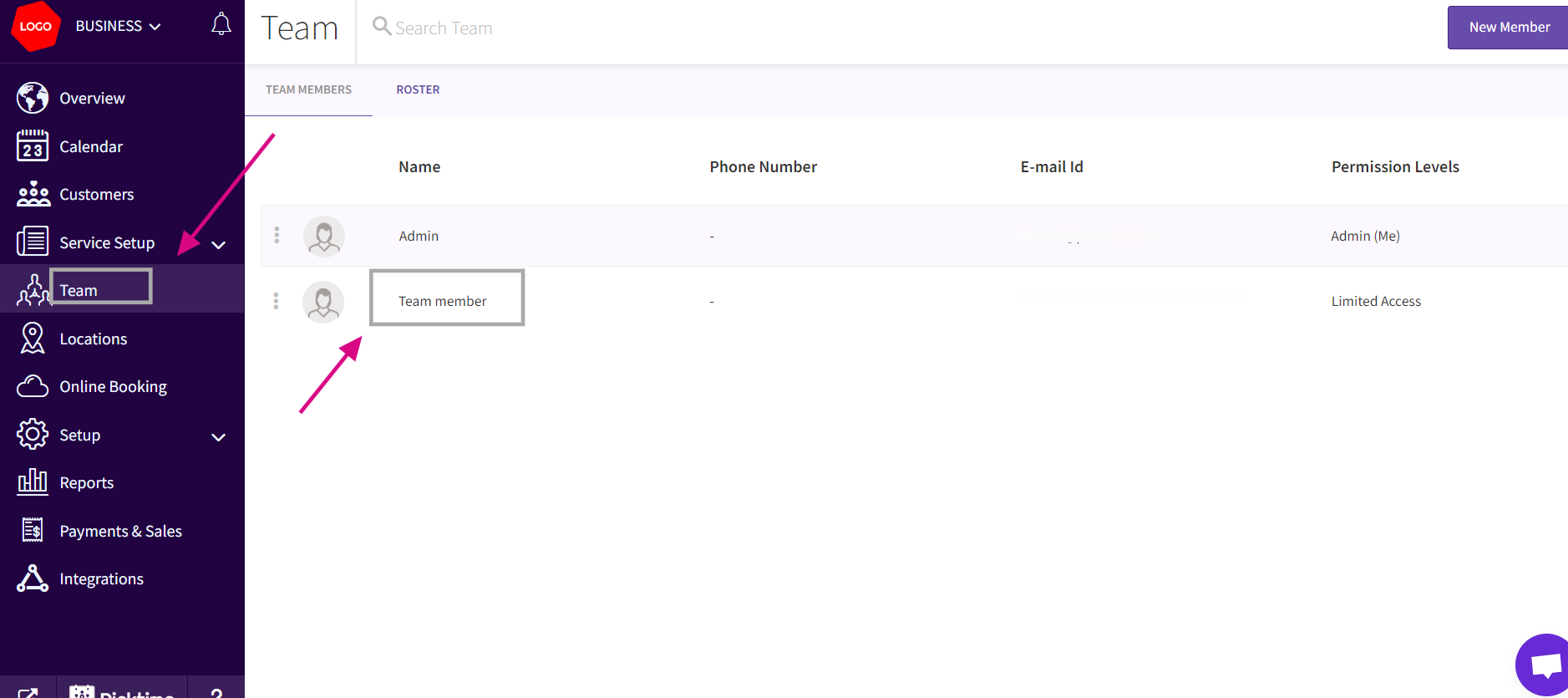
- If in case where a team member has not registered after the initial registration email, admins have the option to resend the registration link to the team member. To do this, Go to the Team and select the specific team member.
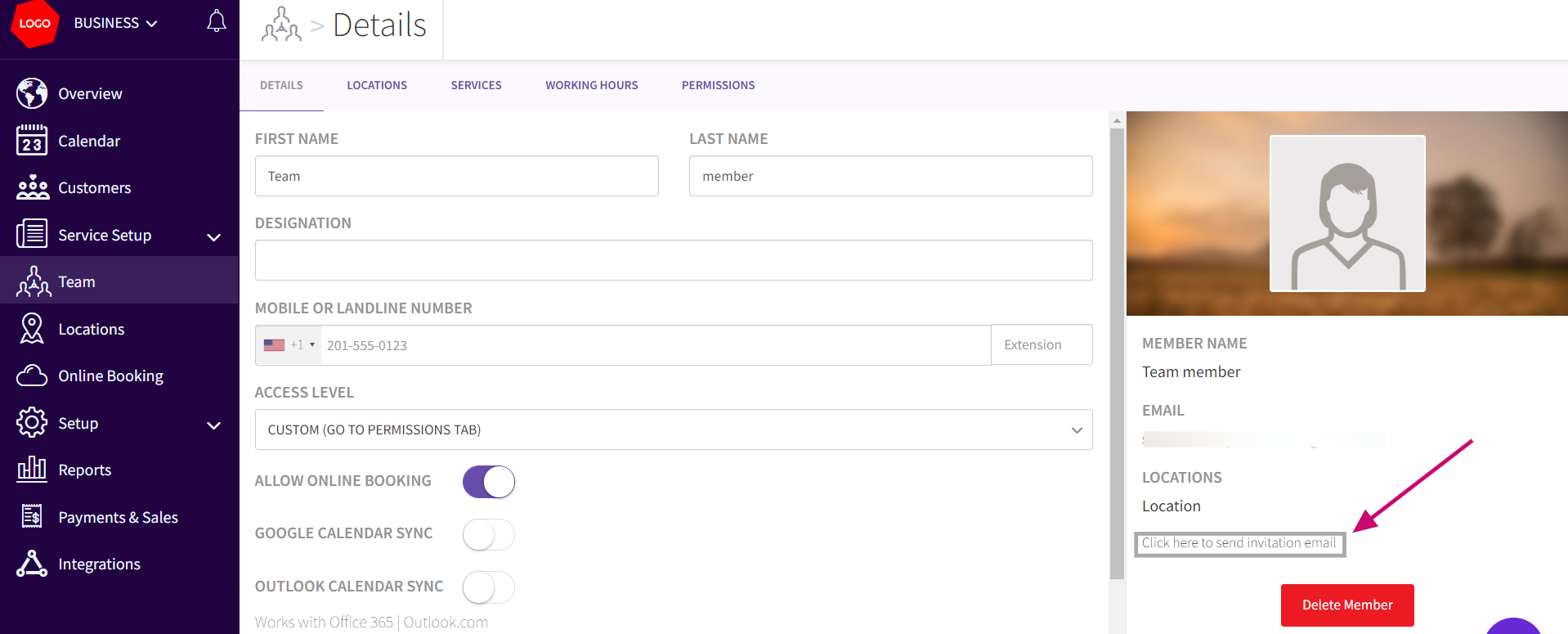
- Under the selected team member's details, admins can find the option "Click here to Send Invitation Email." Clicking on this link the system to resend the registration invitation to the team member's email address.
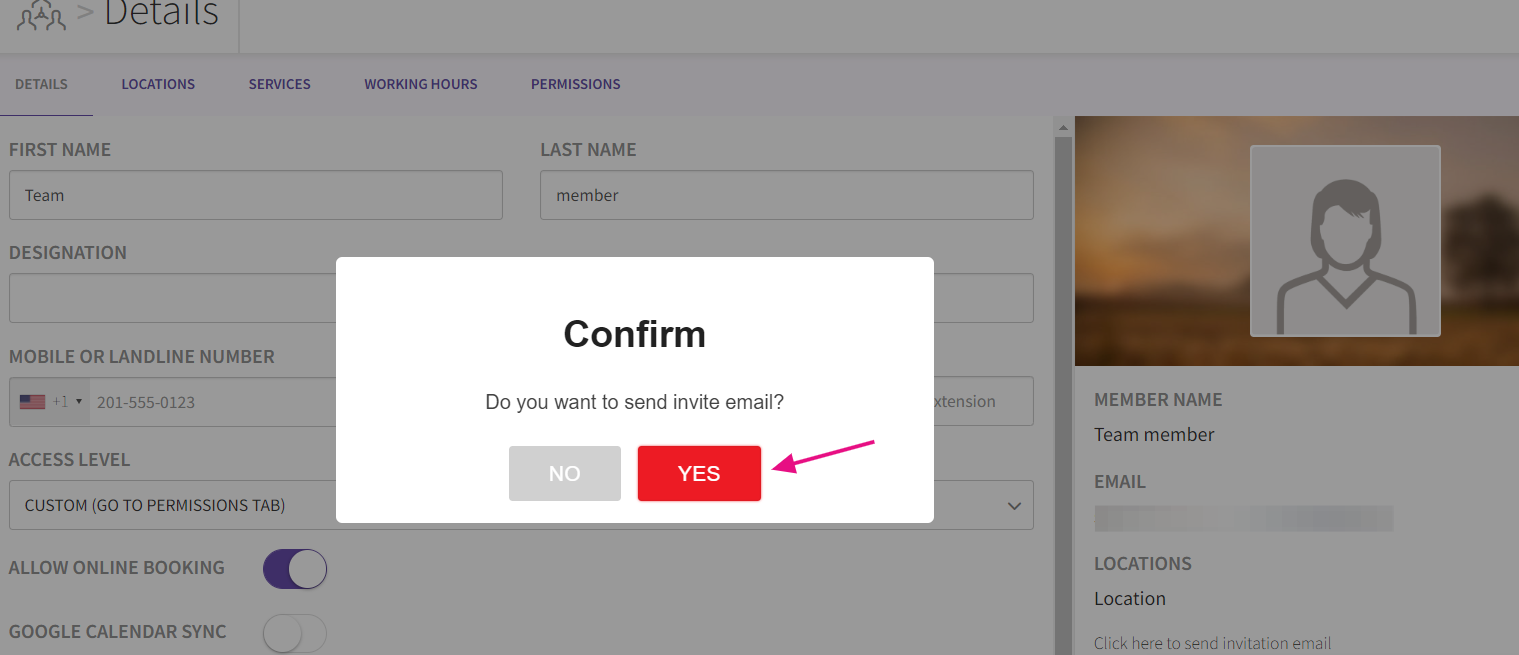
- After clicking the link, you will see a confirmation popup asking for sending the email. Click Yes
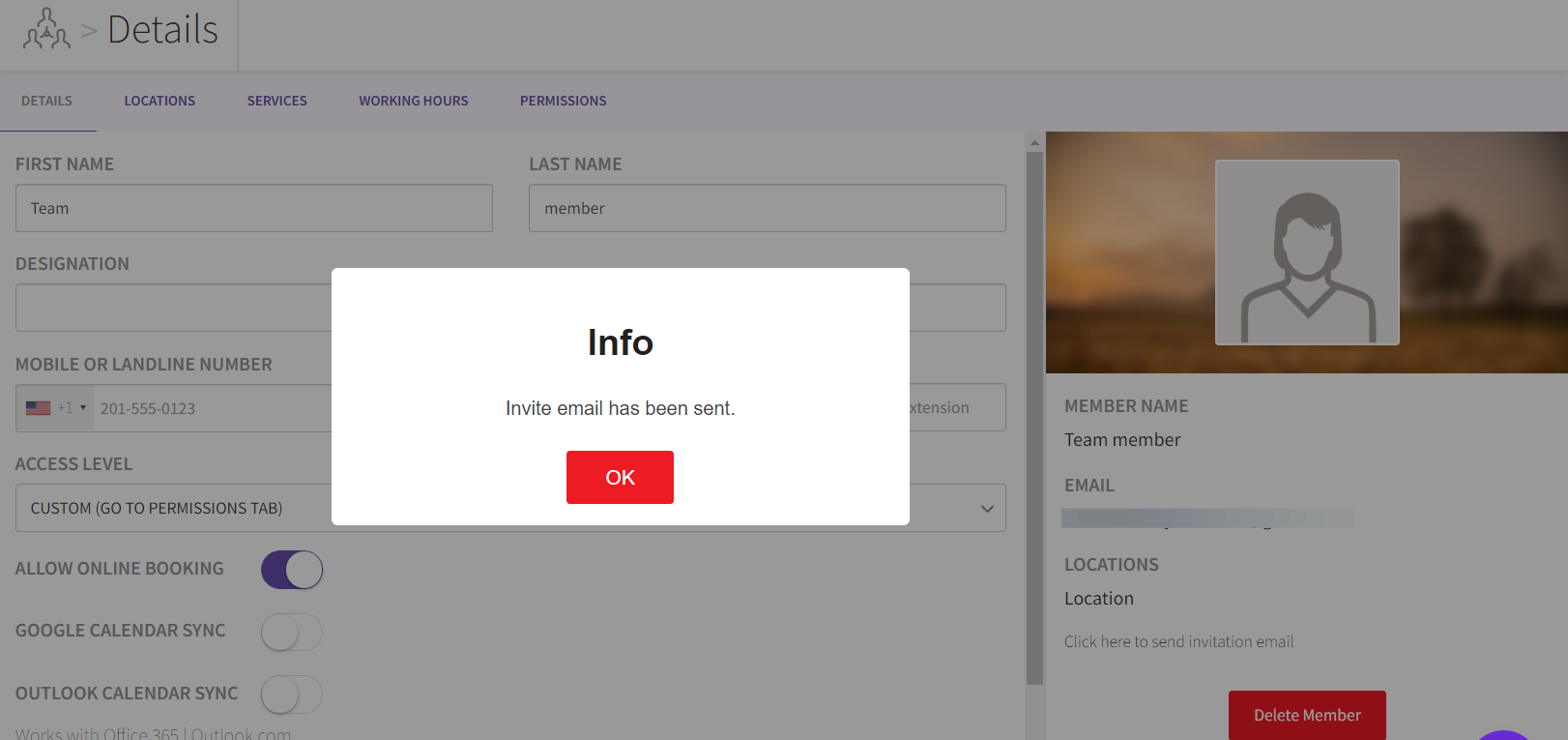
- Invitation Email will be sent to the team member. The team member will follow instructions given in that email and create a password.
Updated on: 06/03/2026
Thank you!