
What is a time blocker? How to add it to your calendar?
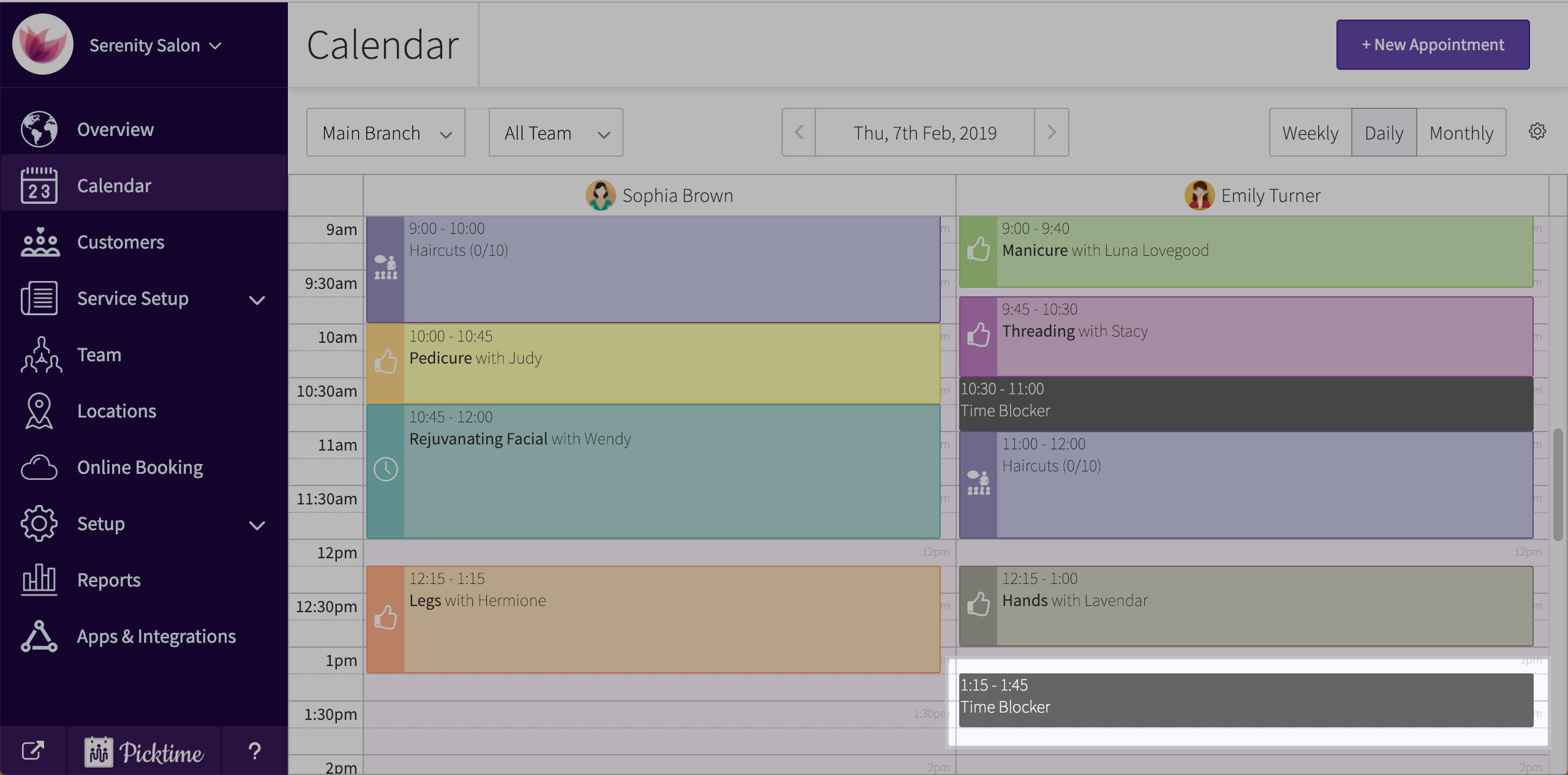
A time blocker is feature that can be used to block off any particular time slot in a day. Adding a time blocker will help you by not allowing of your clients to book that particular time slot.
To add a time blocker to the calendar, follow these steps:
- Click on the ‘new appointment’ button you see on the top right corner or any empty calendar slot.

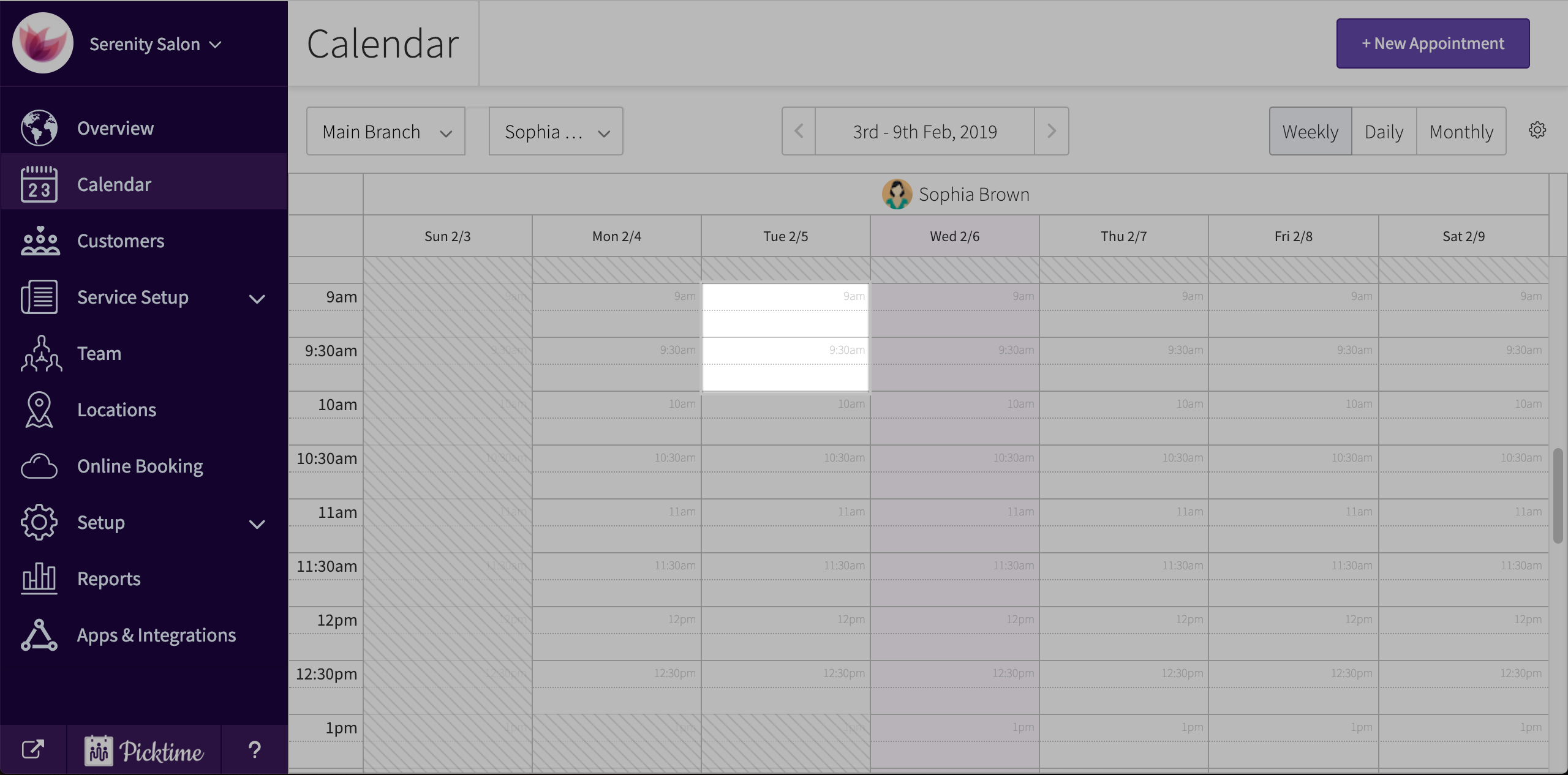
- Choose ‘time blocker’ option in the pop-up.

- Add in all details like date, duration etc.

- Hit save.
Updated on: 06/03/2026
Thank you!