
What is Custom booking window? How do I set it up?
Custom booking window feature allows you to restrict the available dates for booking for particular duration. To set up your custom booking window, follow these steps:
- Go to Online booking > settings.
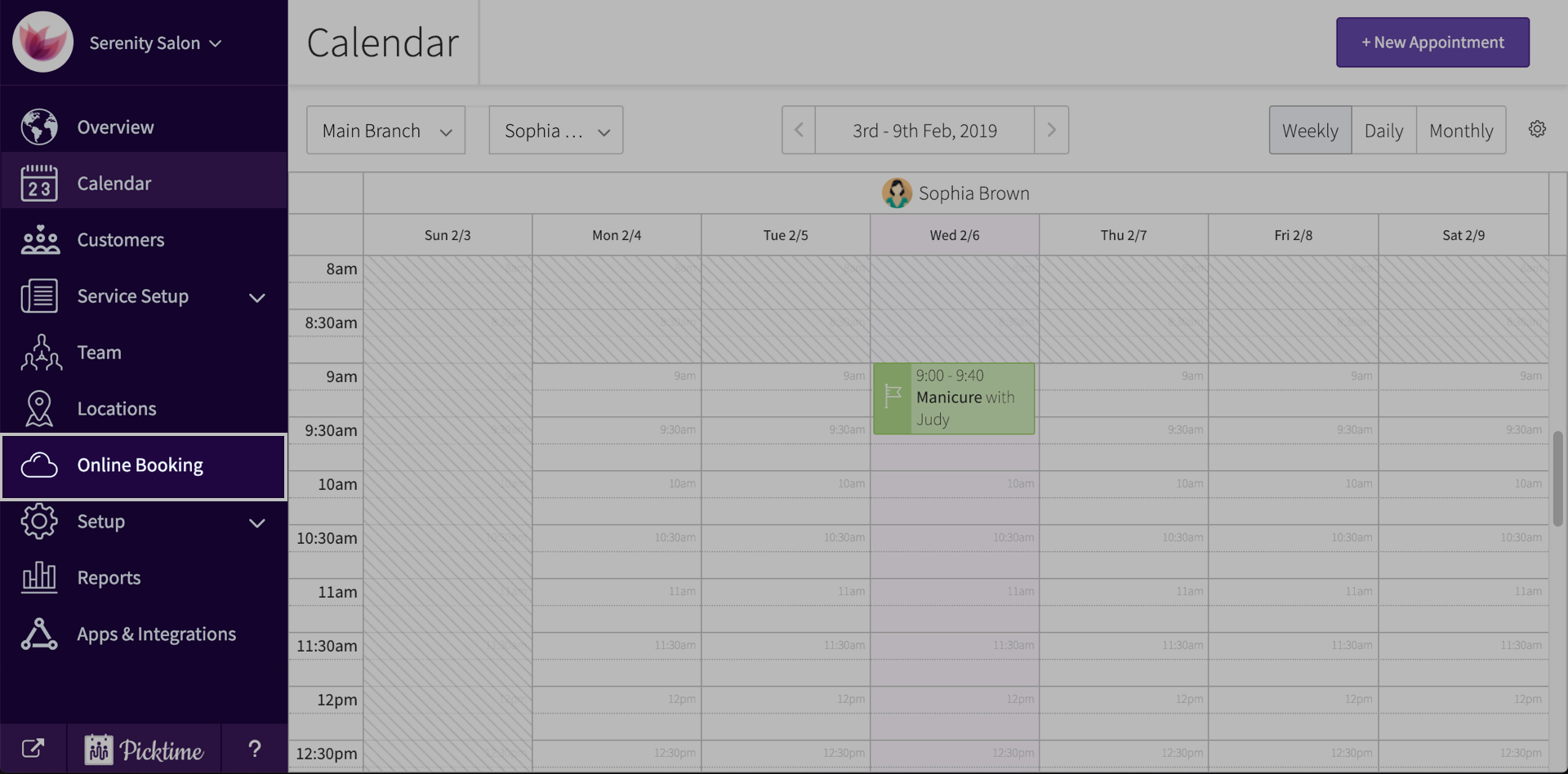
- Turn on the toggle you see beside custom booking window.
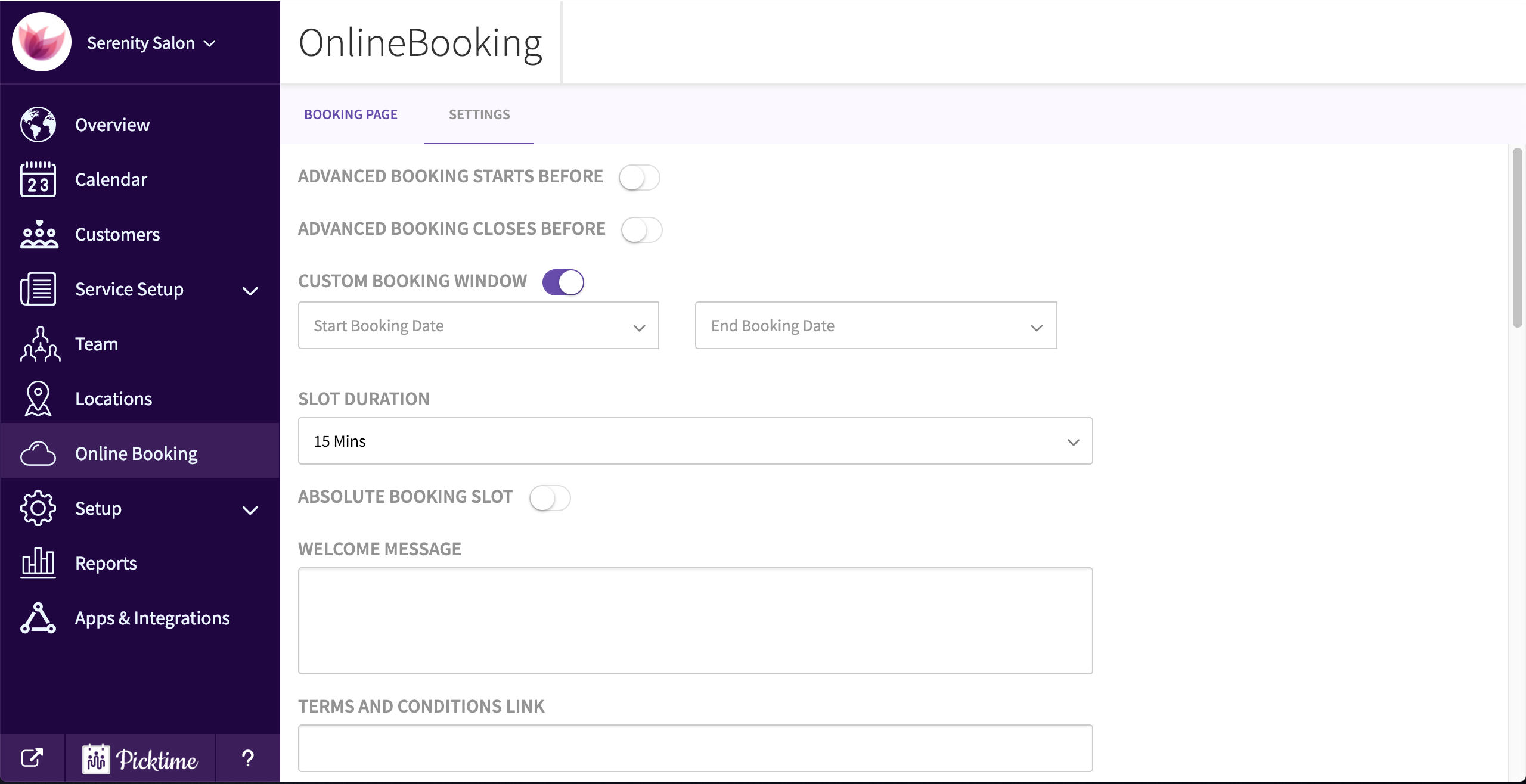
- Once you turn it on, you will see two drop downs that show start and end date.
- Choose the times you want and hit save.
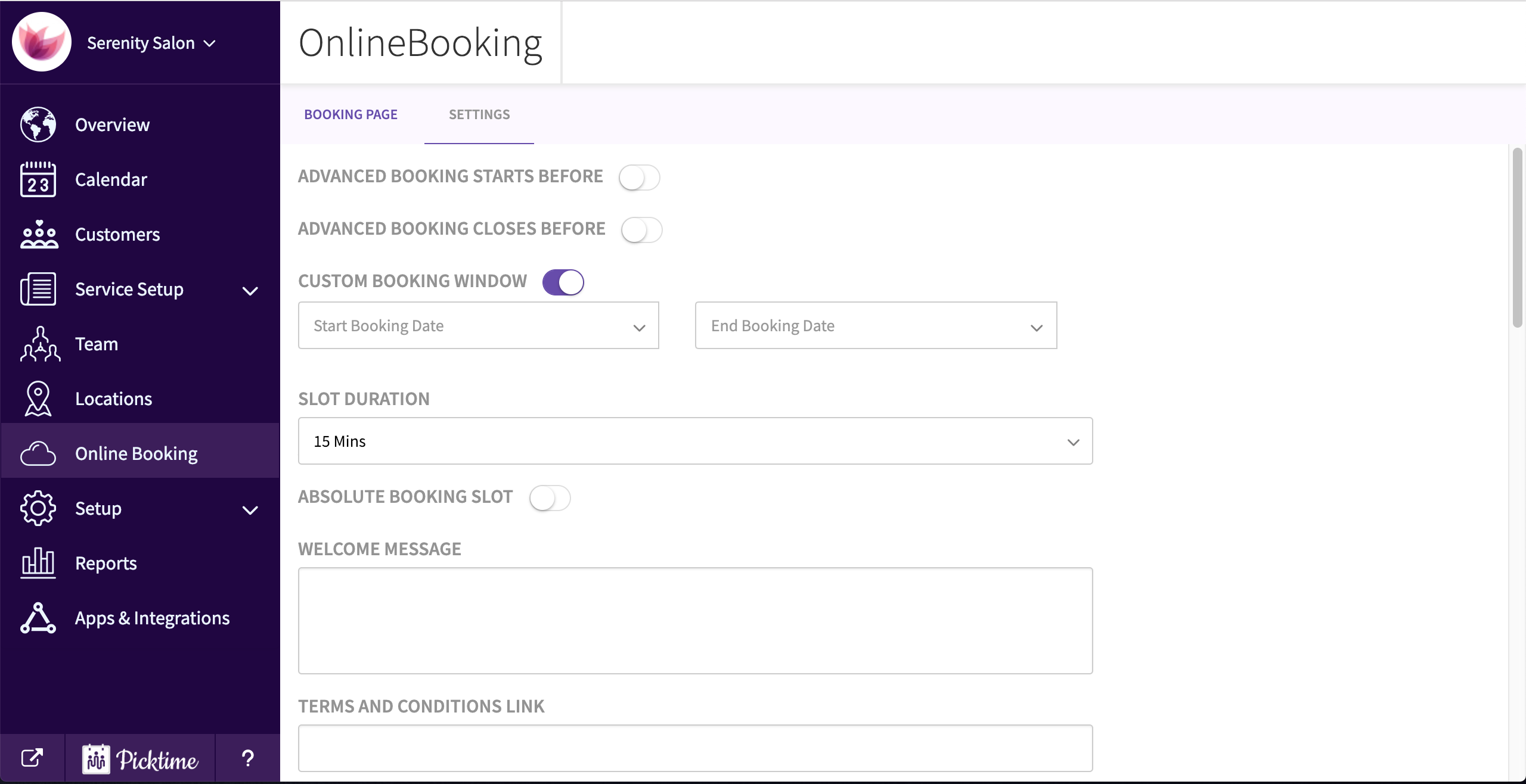
- This is how your booking page will look like.

Note: Available only for service/resource bookings.
Updated on: 06/03/2026
Thank you!