
Can I import contacts from other external sources into Picktime?
Bulk import contacts into Picktime is a great way to make sure that your scheduling management software stays up-to-date and you don't miss out on any potential customers/clients/attendees.
The process of importing bulk contact information into Picktime is very easy and can be done in a few quick steps.
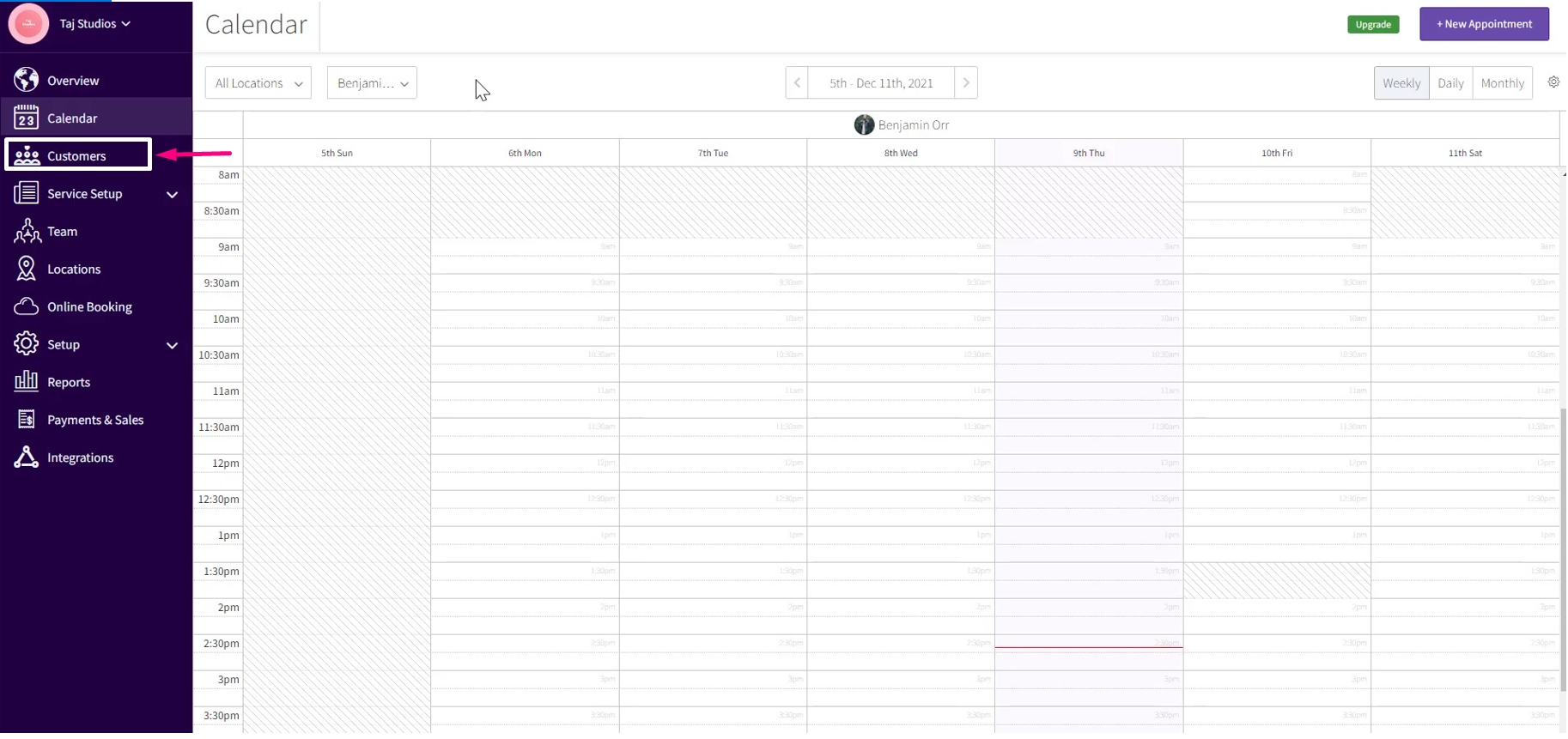
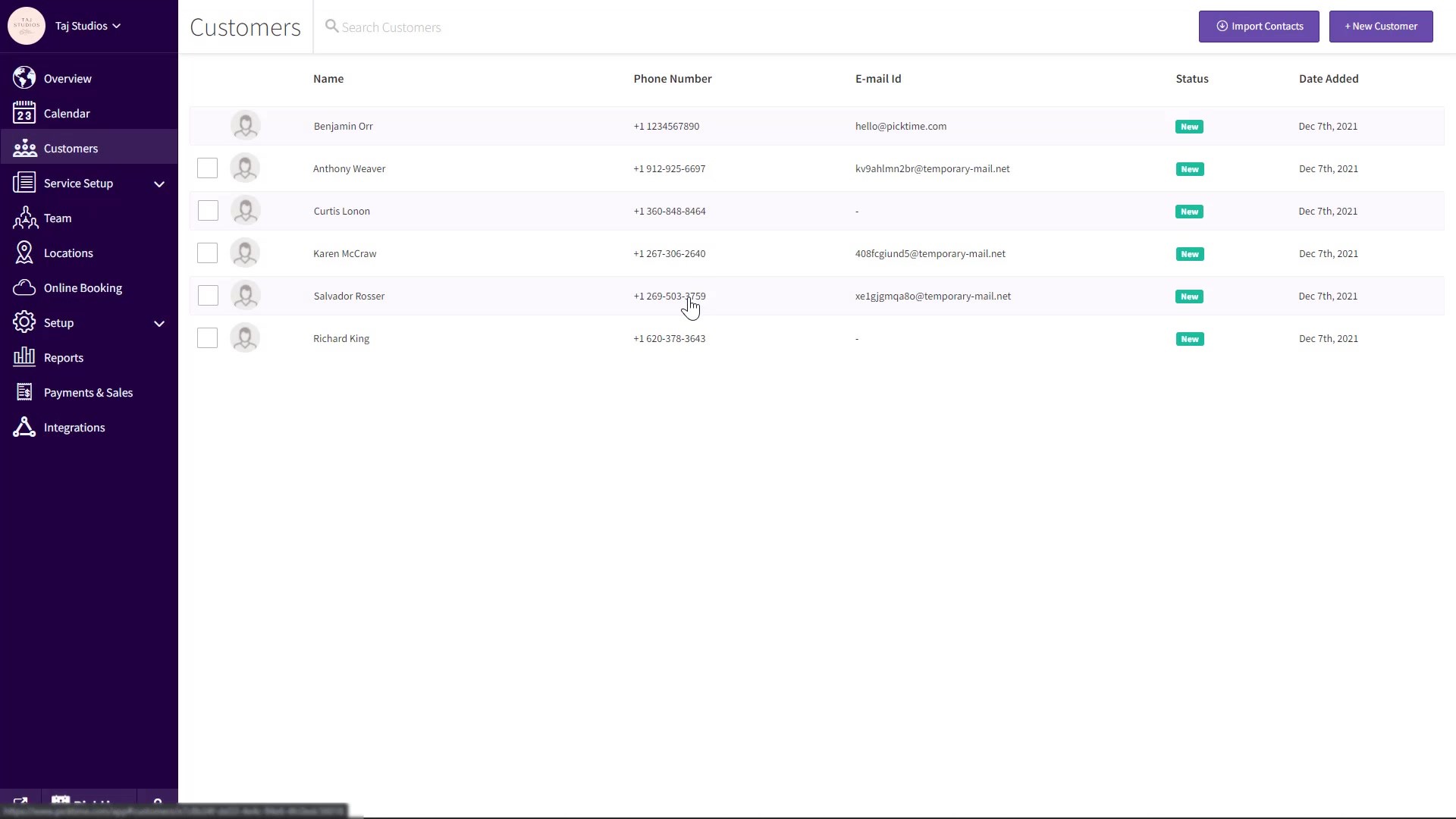
- Go to the Customers tab in the left side navigation
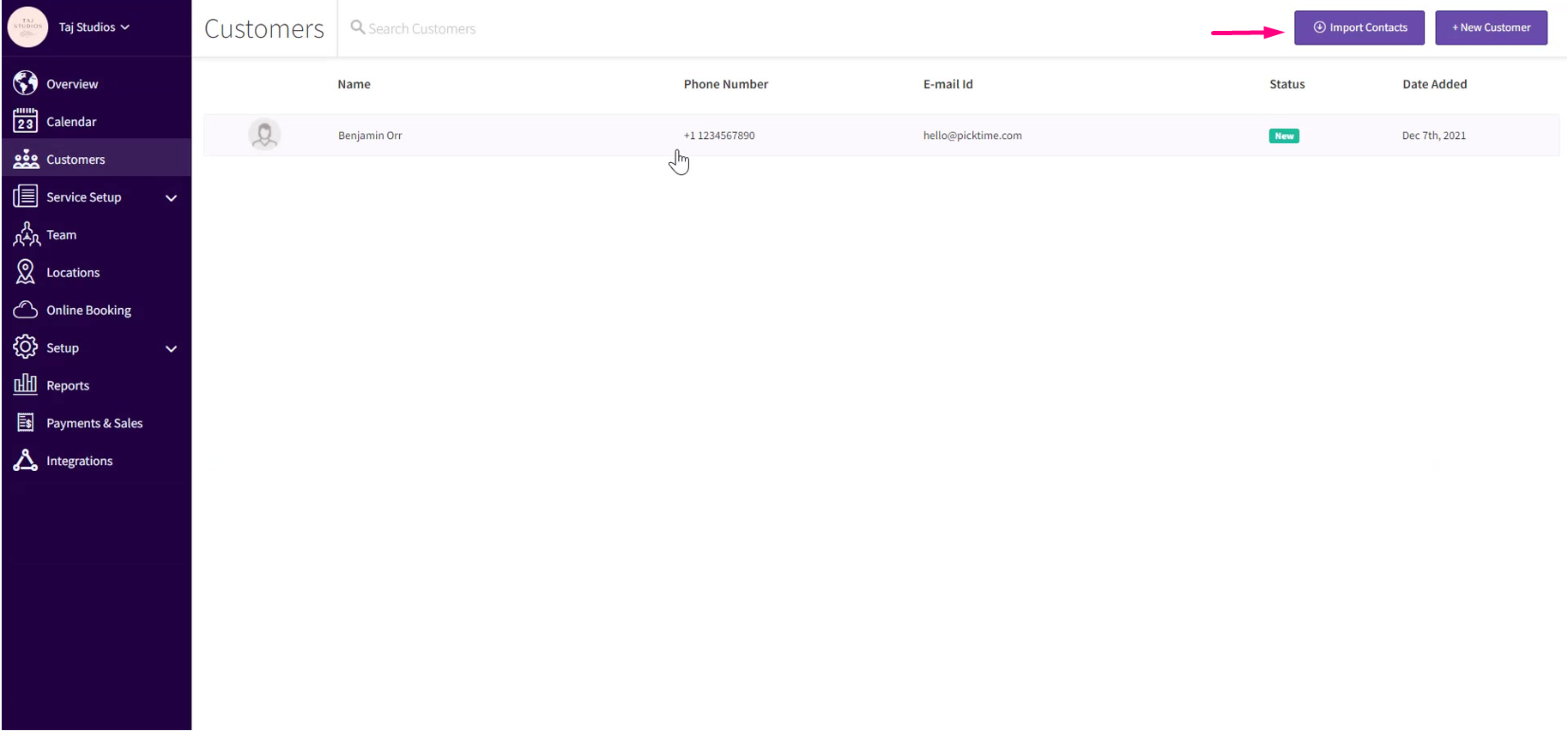
- Click on the Import Contacts button at the top right corner.
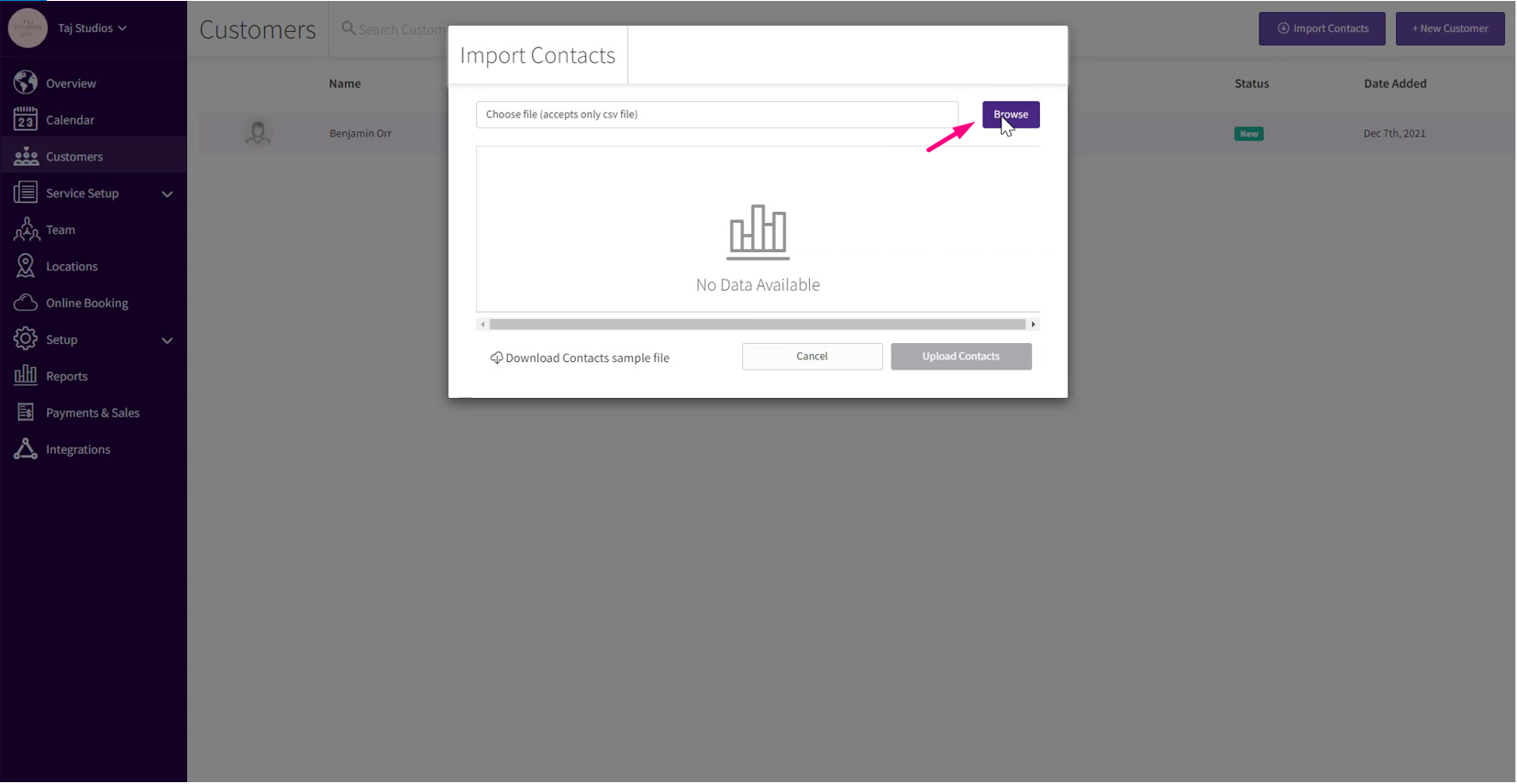
- Click the browse button to upload the file
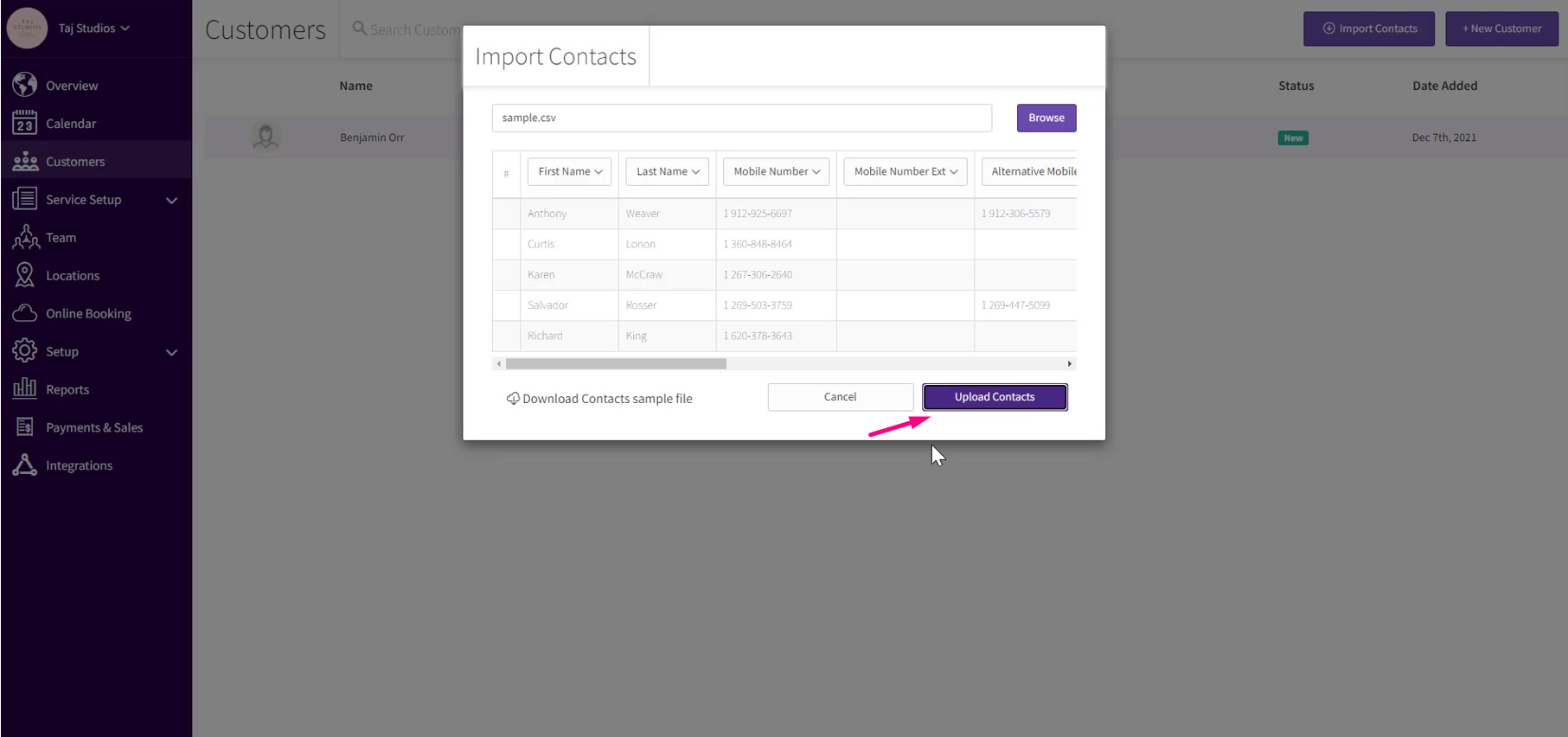
- Check the fields are uploaded properly

- Now Click the upload contacts button
- You can view all the uploaded contacts in the customer tab
Updated on: 04/03/2026
Thank you!