
How to add working hours and breaks to your Picktime account?
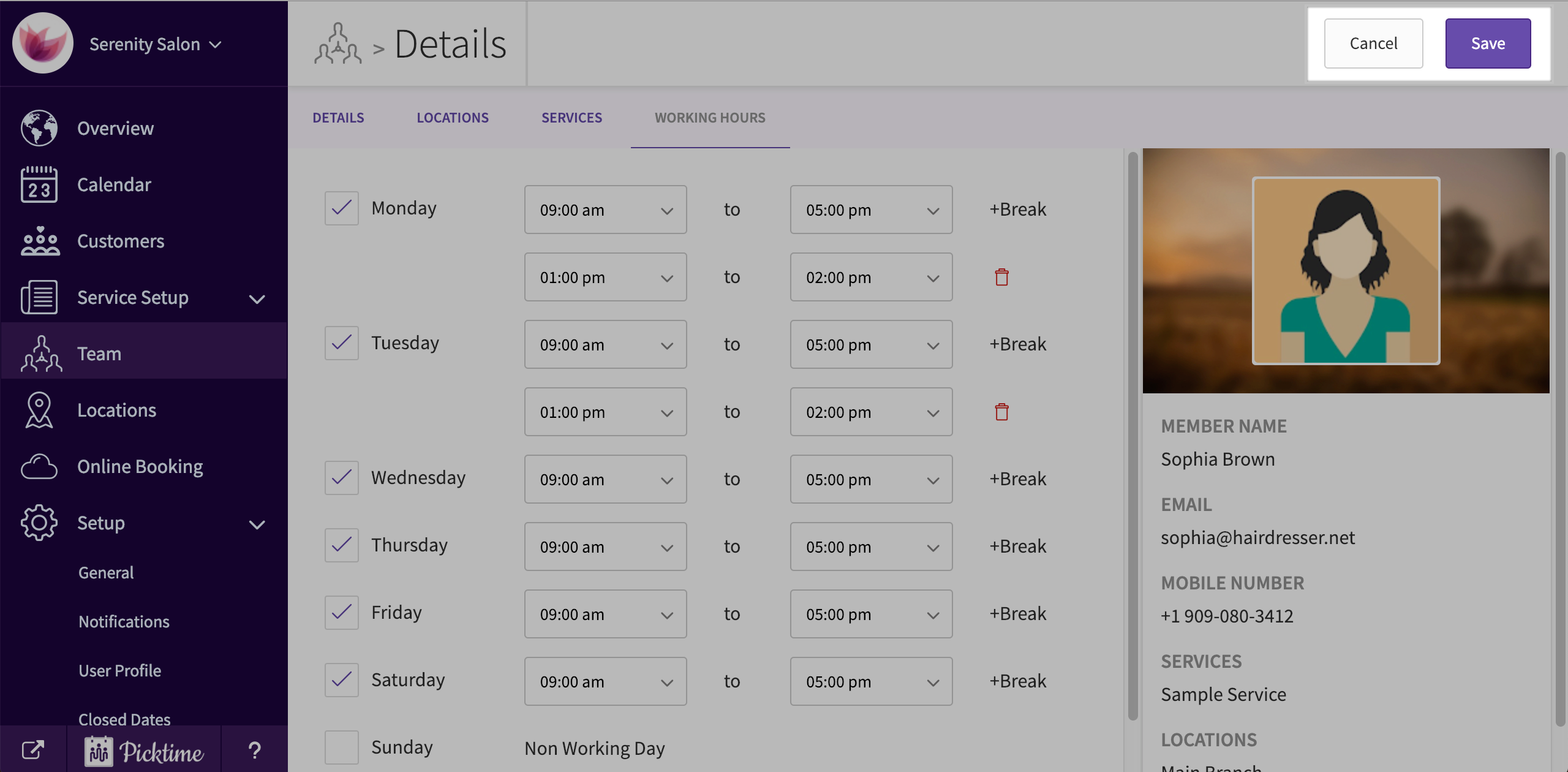
After adding a Team Member to your business account, you can assign working hours to your member. Picktime automatically assigns a standard 9:00 am to 5:00 pm working hours to your team member. Follow the steps below to modify them.
- Go to team.

- Select the added team member.
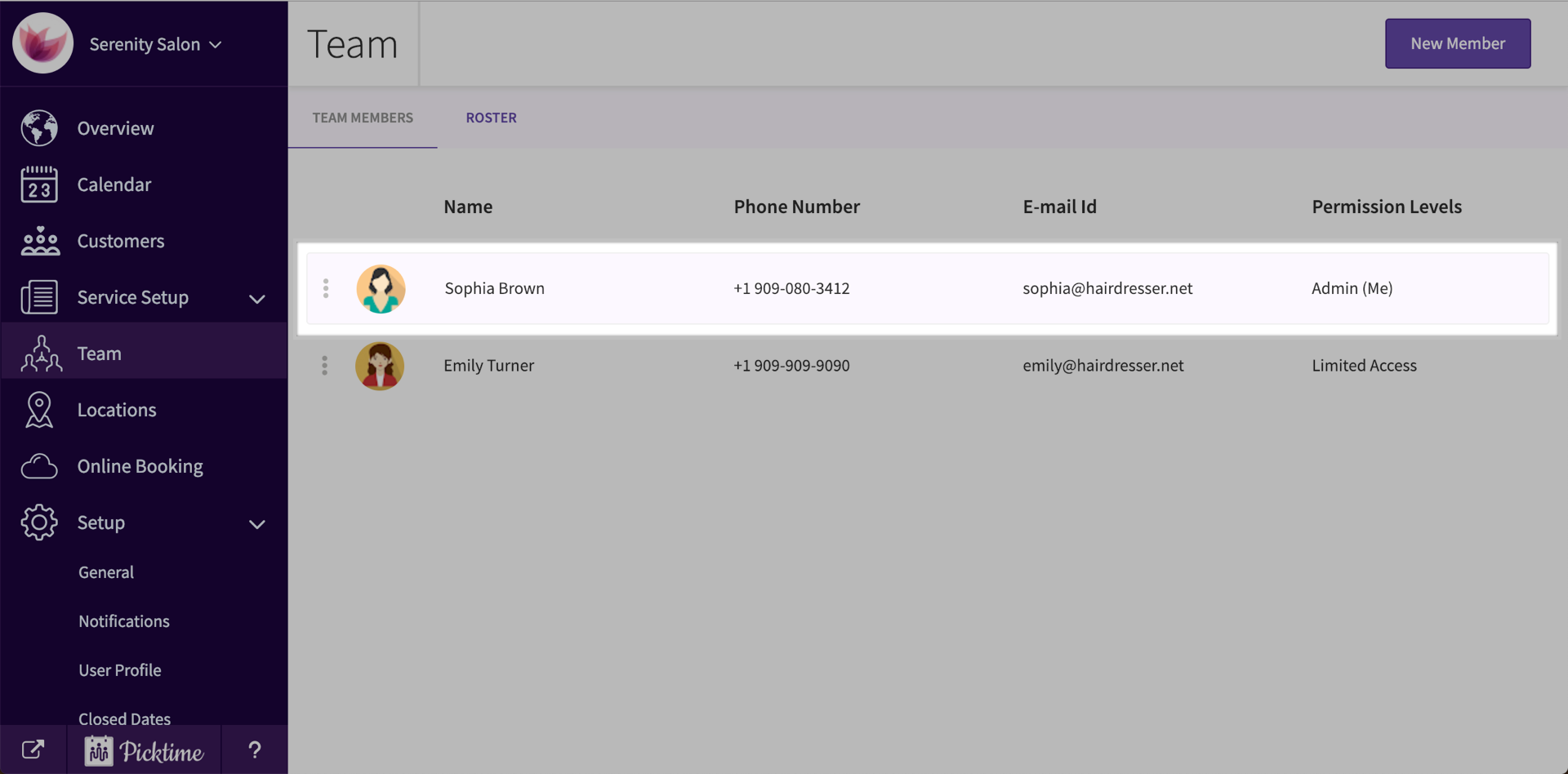
- Then navigate to ‘working hours’ tab.

- You will see the already set times.
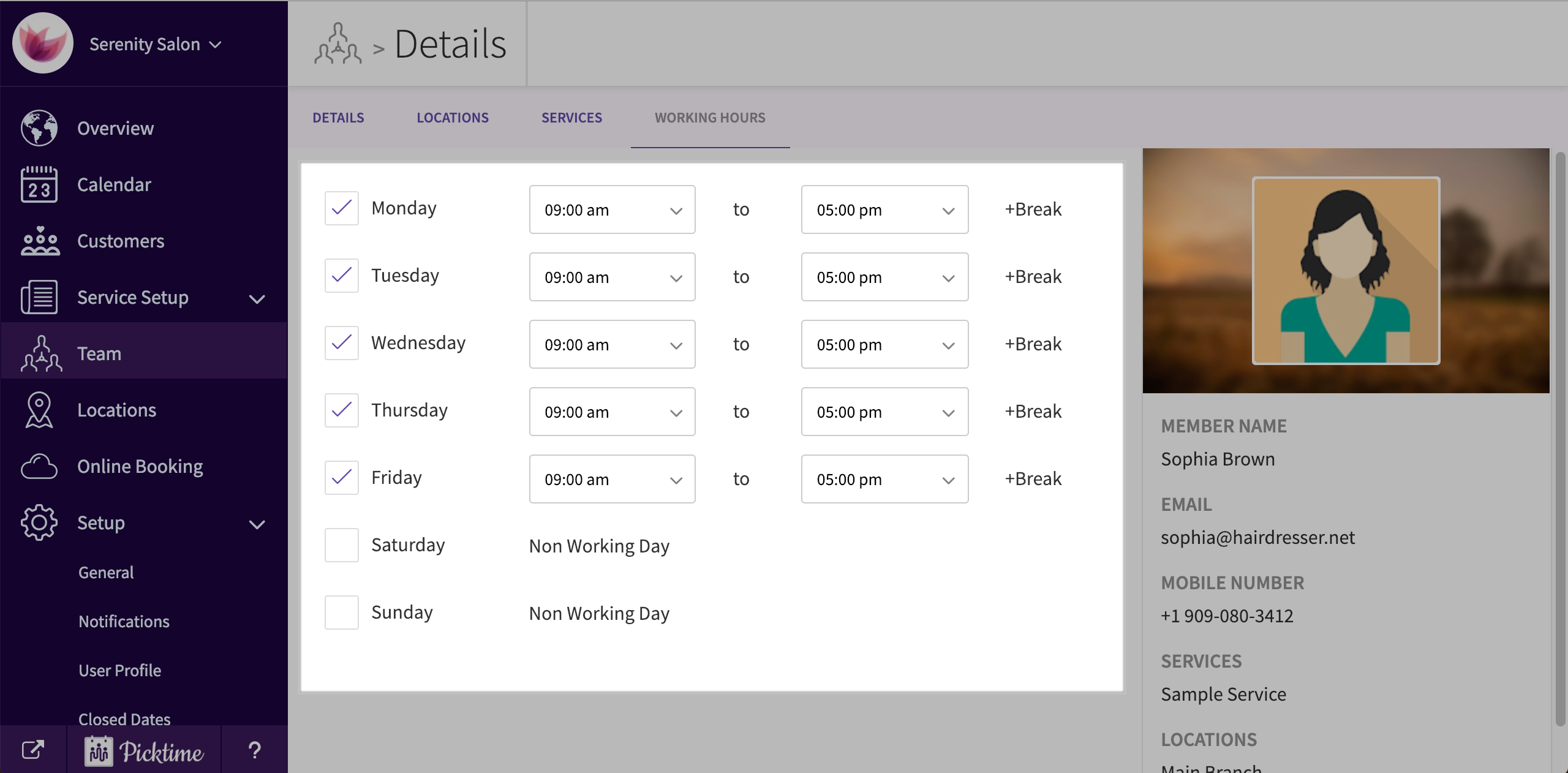
- Check or Uncheck the working days according to your convenience.
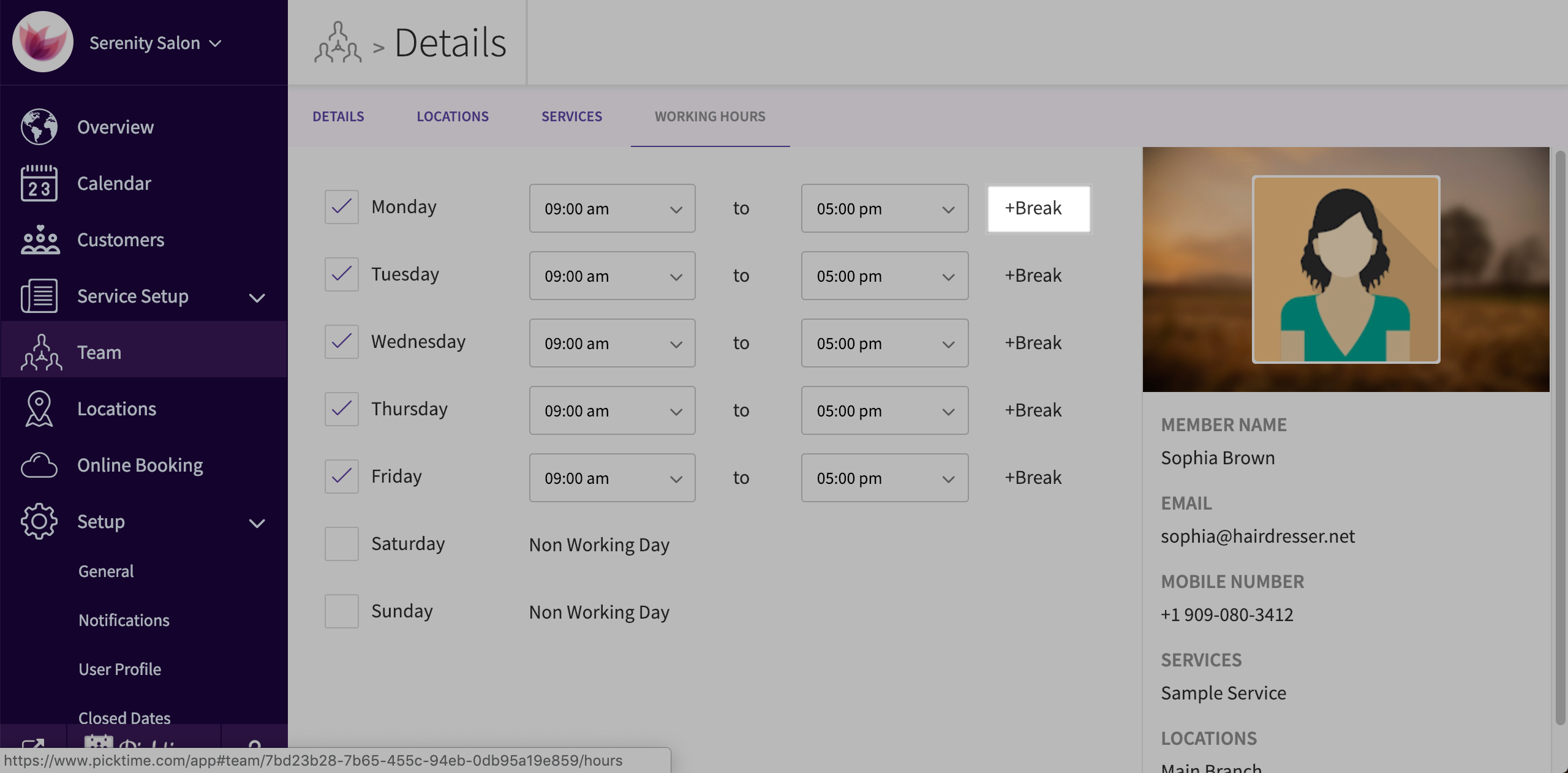
- To add a break, click on ‘+breaks’ you see beside each day’s working hours.
- Set the times you want. Repeat for all days if you want.
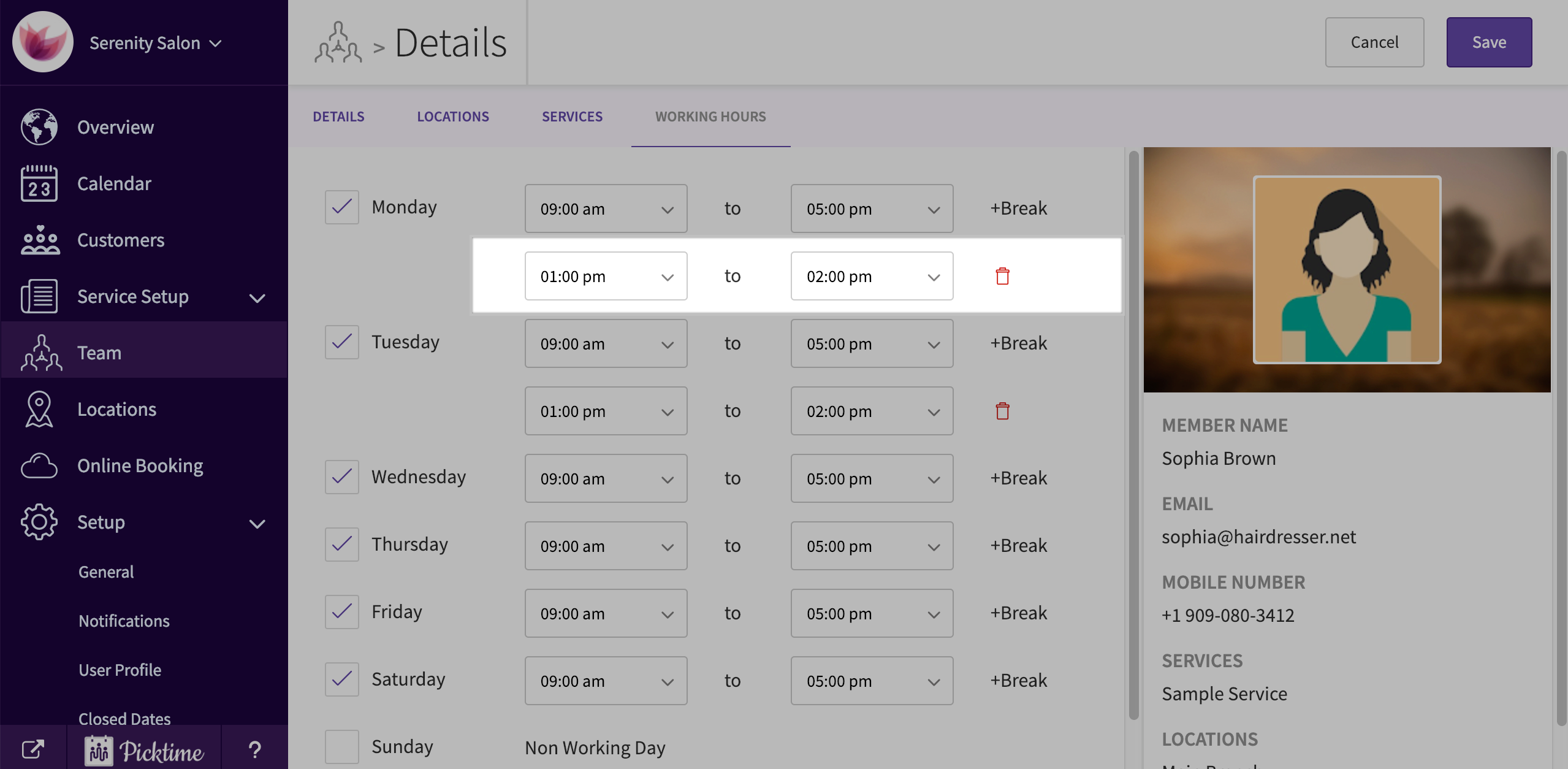
- Click the save button you see on the top right corner to save changes.
Updated on: 04/03/2026
Thank you!