
How to setup interview scheduling?
After signing up with Picktime, setup your account. Once you have setup your business account:
- Go to Booking Types > Services.


- You will already see a service category created with an example service. Rename it to suit your requirements.
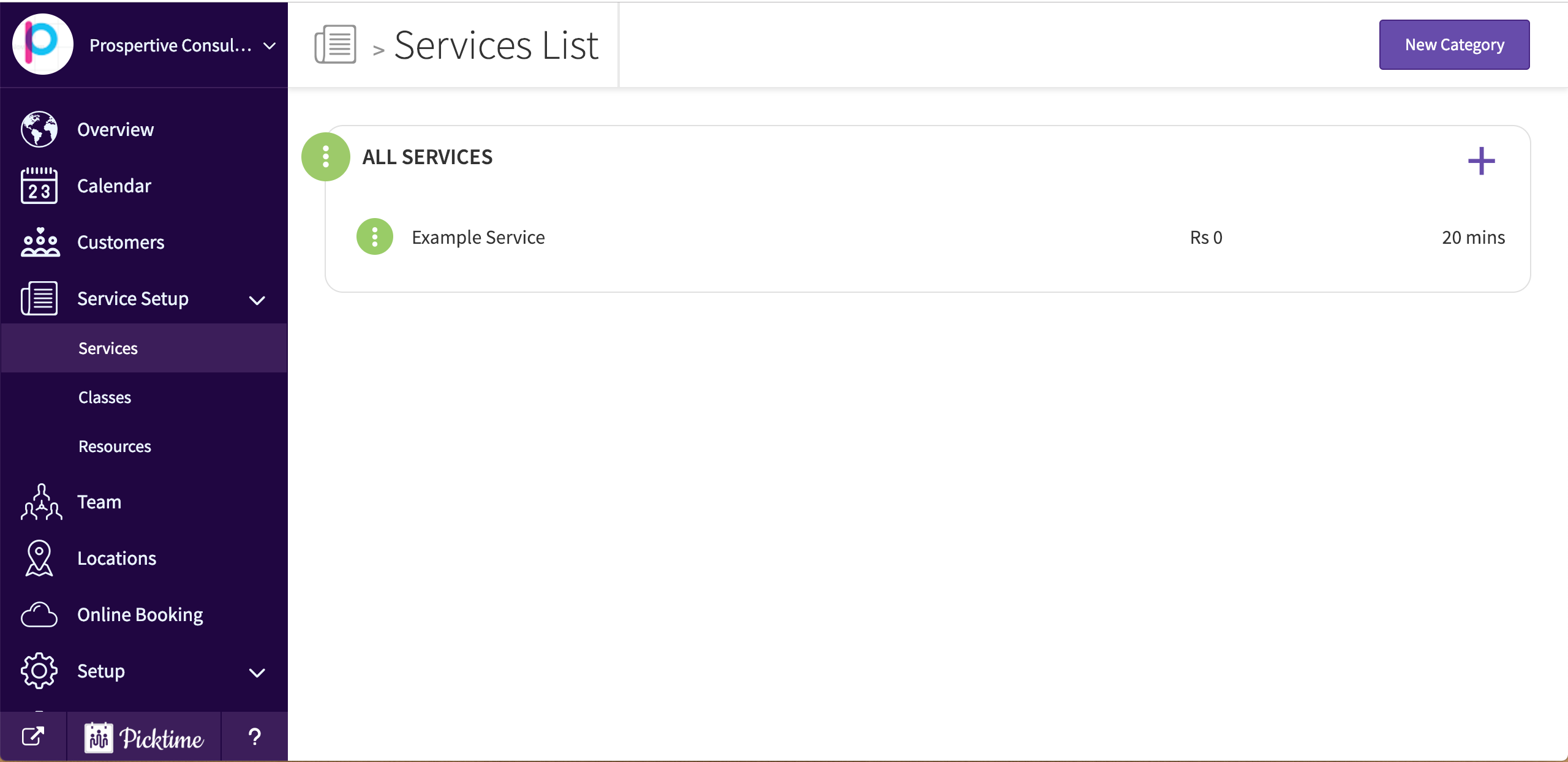
- For example, let’s say you want to interview your candidates at 30 minute intervals and the duration of the interview is 20 minutes.
- Setup your service duration as 20 minutes.
- Then go to Online Booking > Settings and choose slot duration as 30 minutes.
- Save these settings and share the booking link with candidates.
Updated on: 11/06/2026
Thank you!