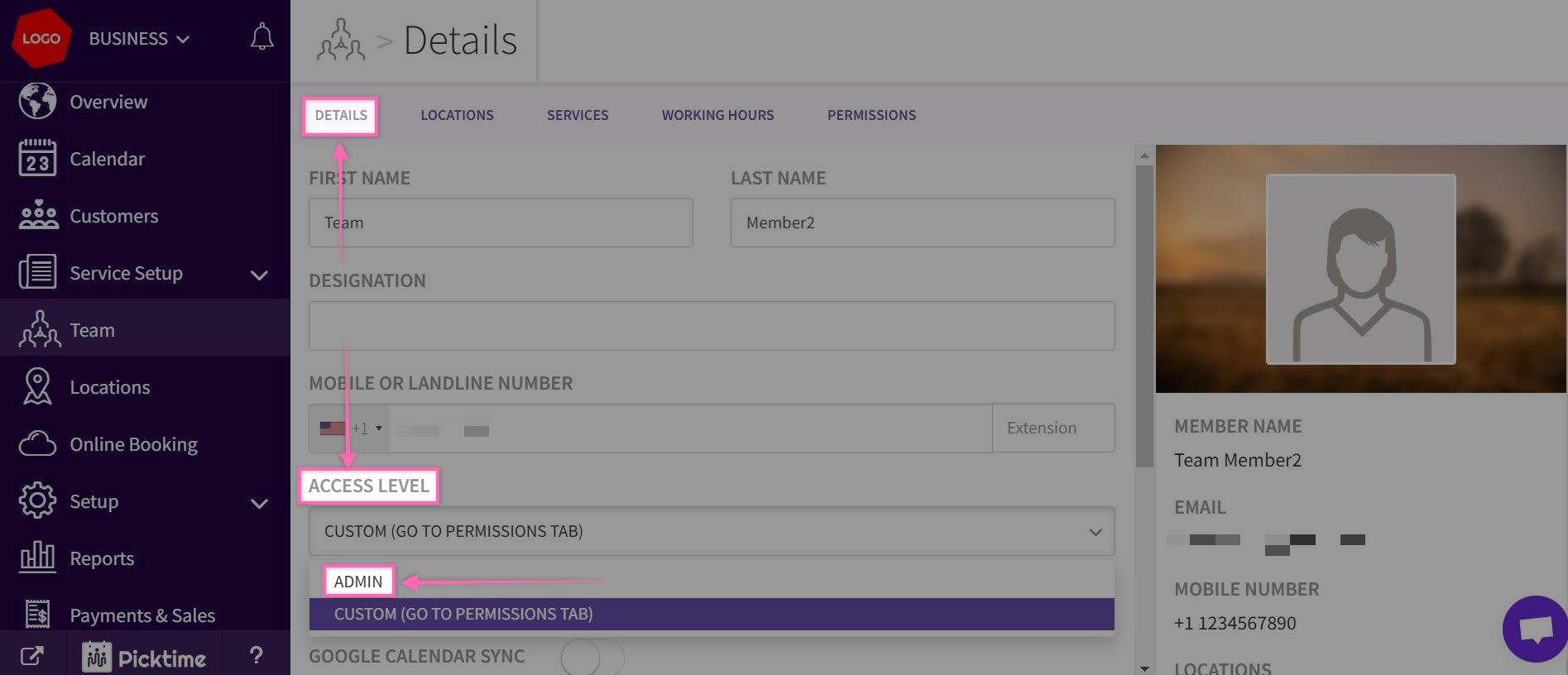
Articles on: FAQHow to Make A Team member An Admin?To make a team member an admin, follow the steps below:Go to team> Select a team memberUnder Details tab> Access level. Select Admin from the dropdown and save it.Updated on: 11/06/2026